
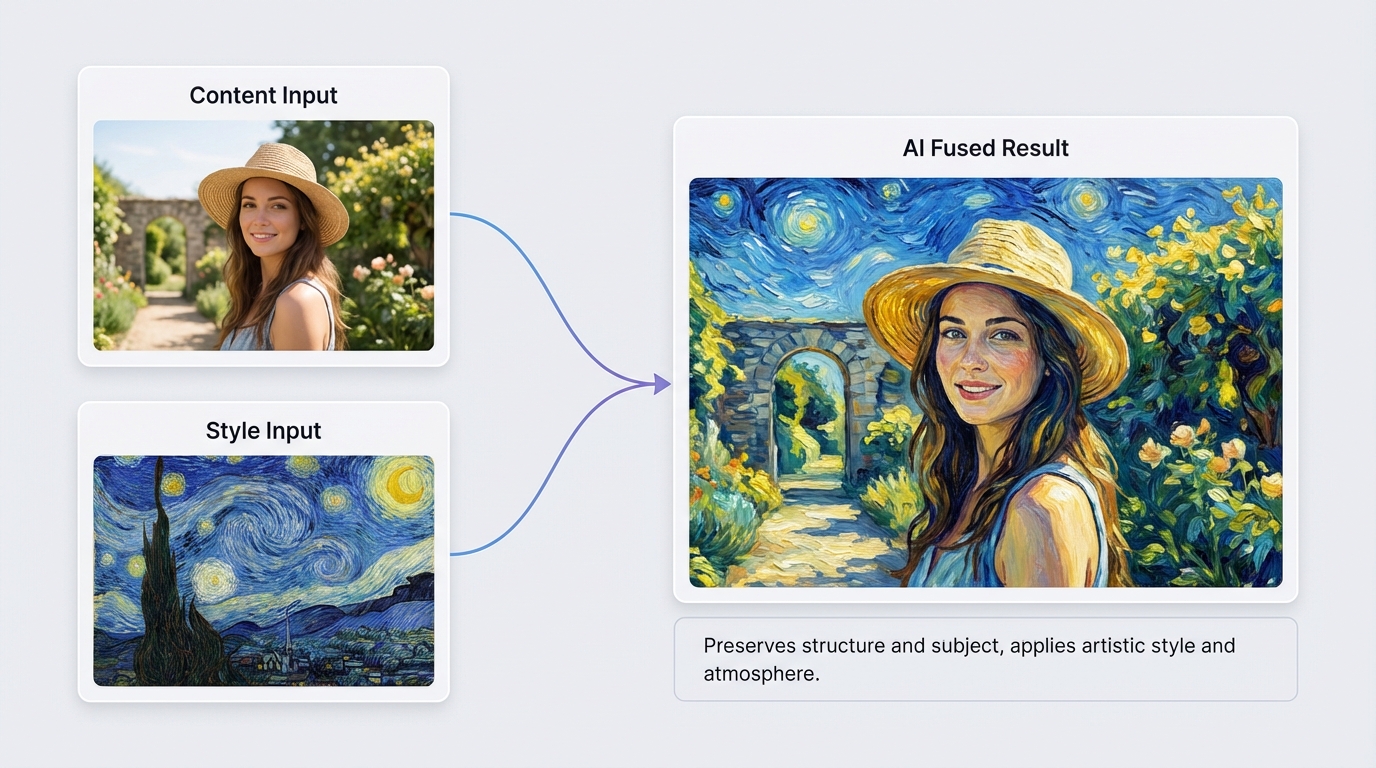
AI Image Merger
How to Use AI Image Merger
Follow these 3 simple steps to upload two images and merge with ai while keeping style and composition consistent.
Upload Two Source Images
Add both images you want to combine. Portraits, products, scenes, and textures all work well.
Write a Clear Prompt
Tell the AI how you want the final image to look. Keep it simple: lighting, focus, and style.
Generate, Compare, Export
Generate a few versions, pick your favorite, and export the final result in high resolution.
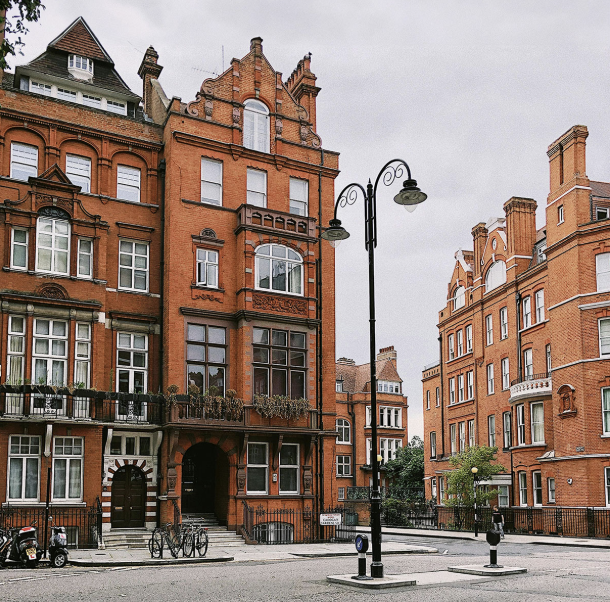
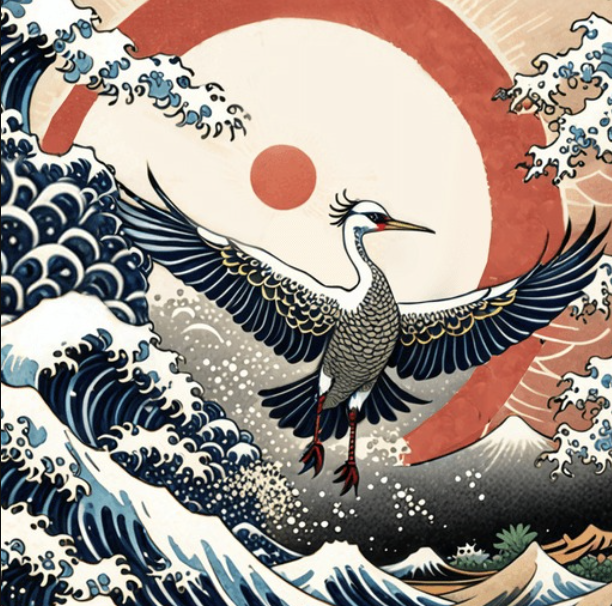
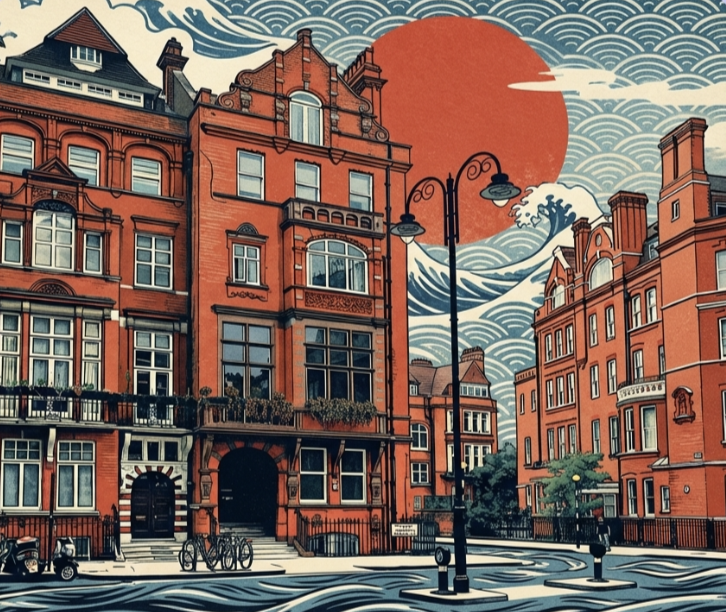
AI Image Merger Result Examples
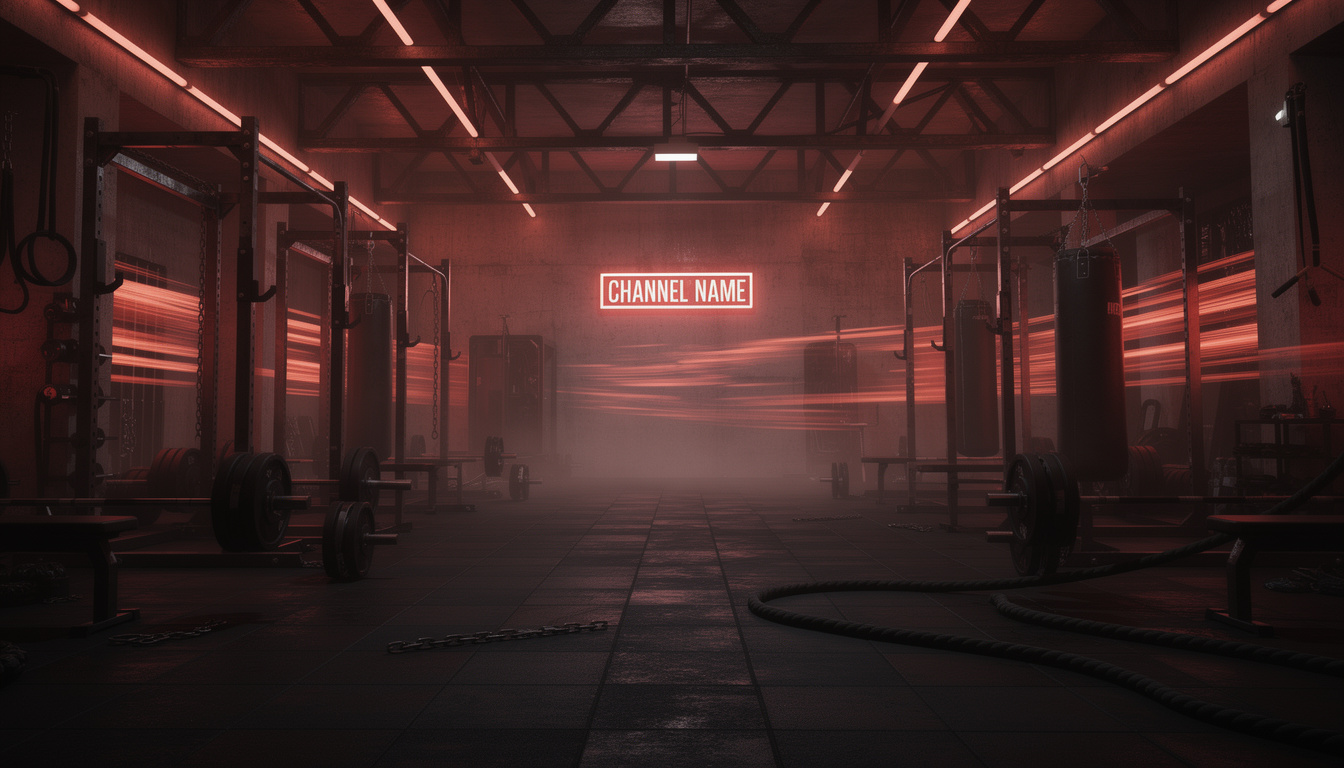
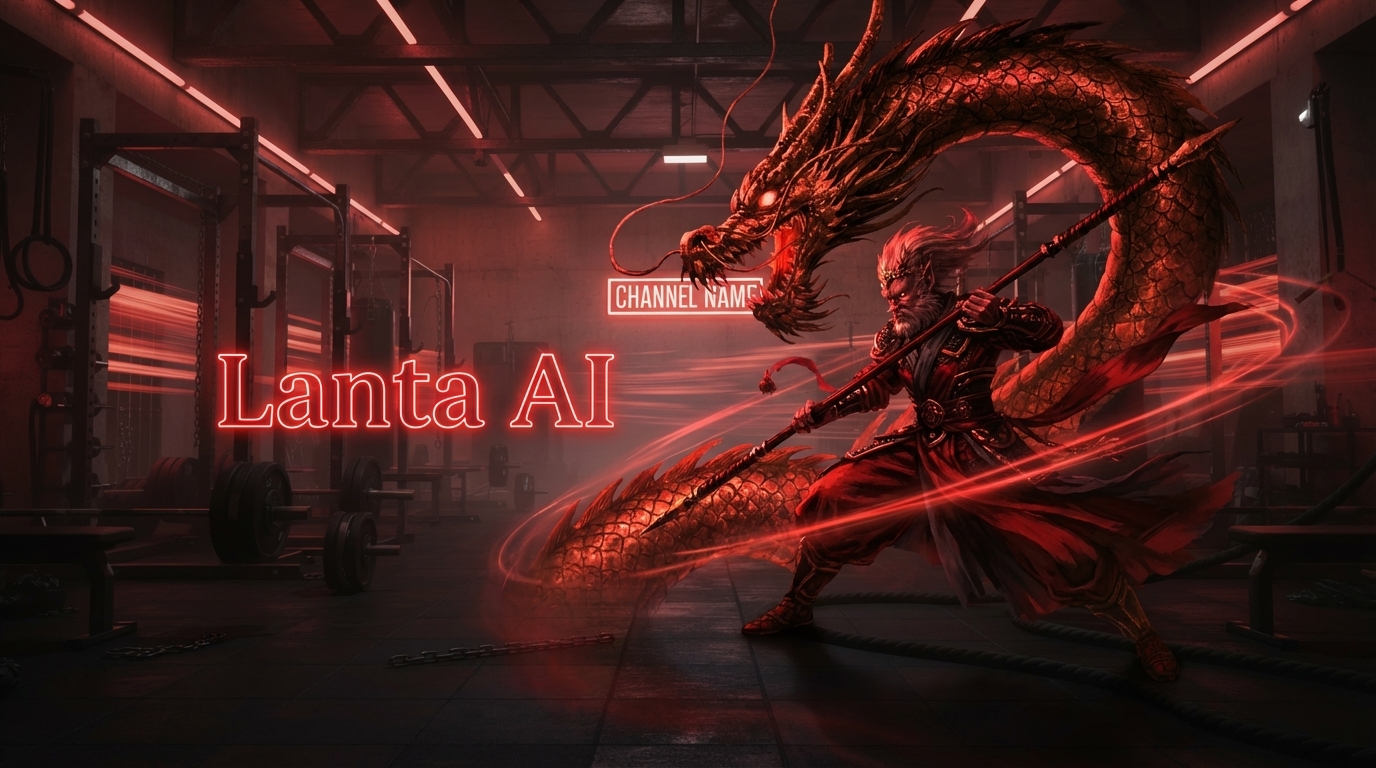
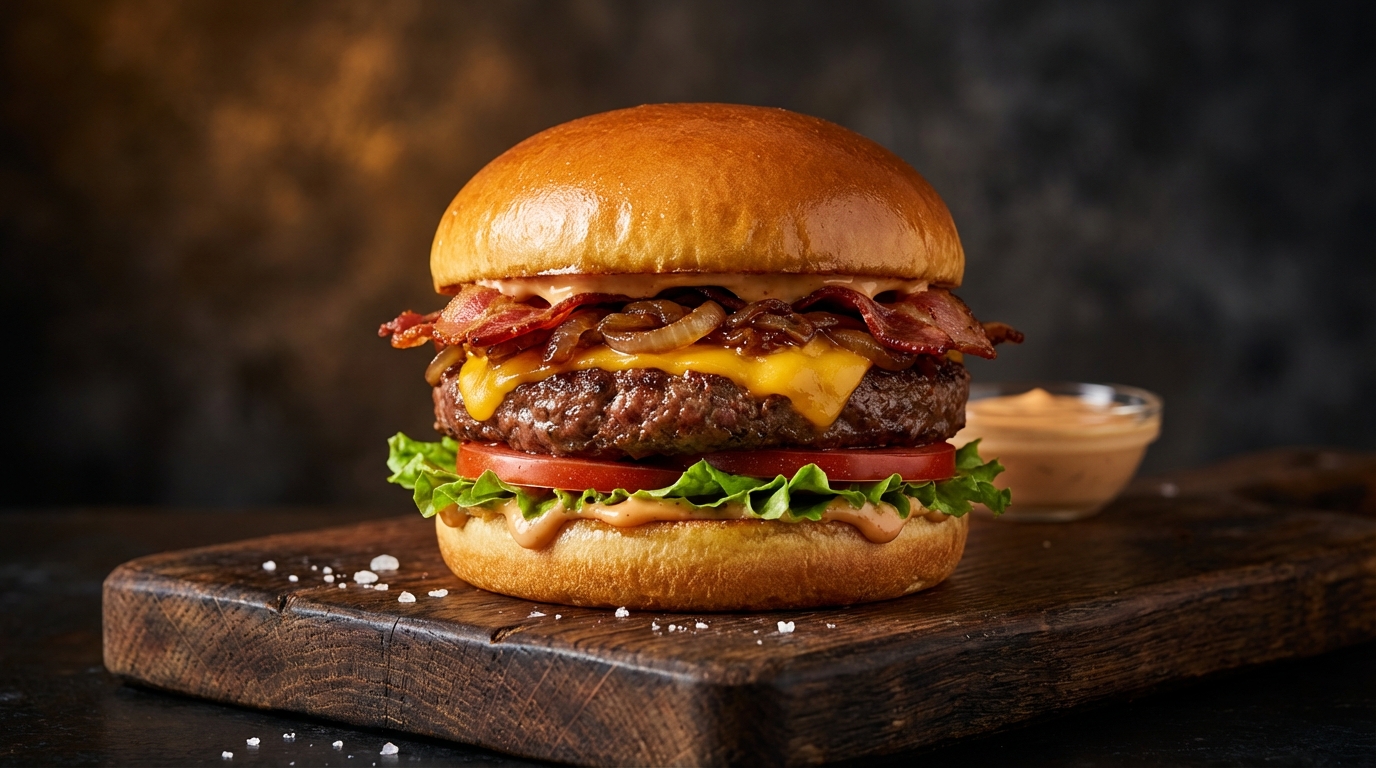
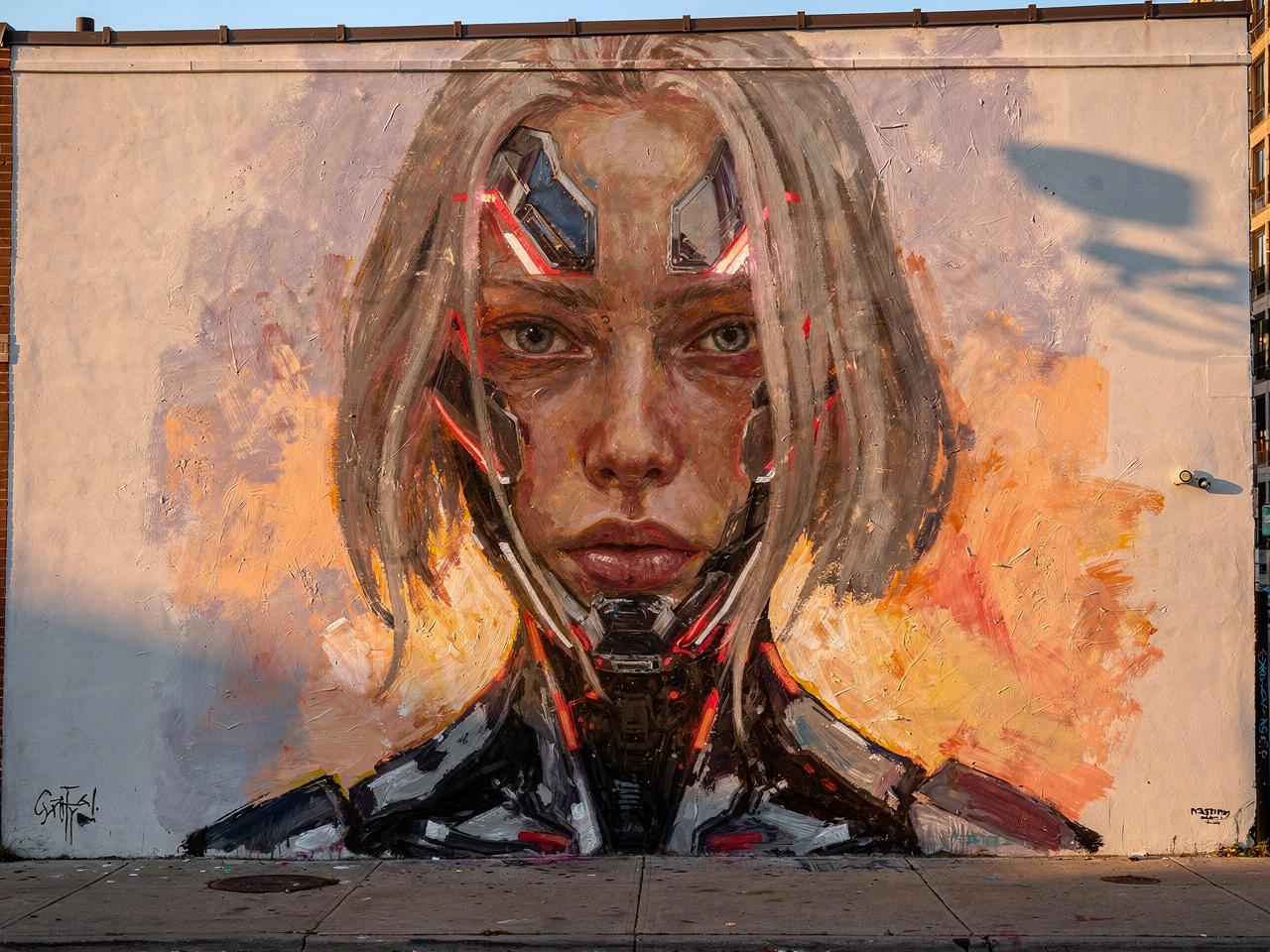
See how AI Image Merger combines two references into one clean visual result.
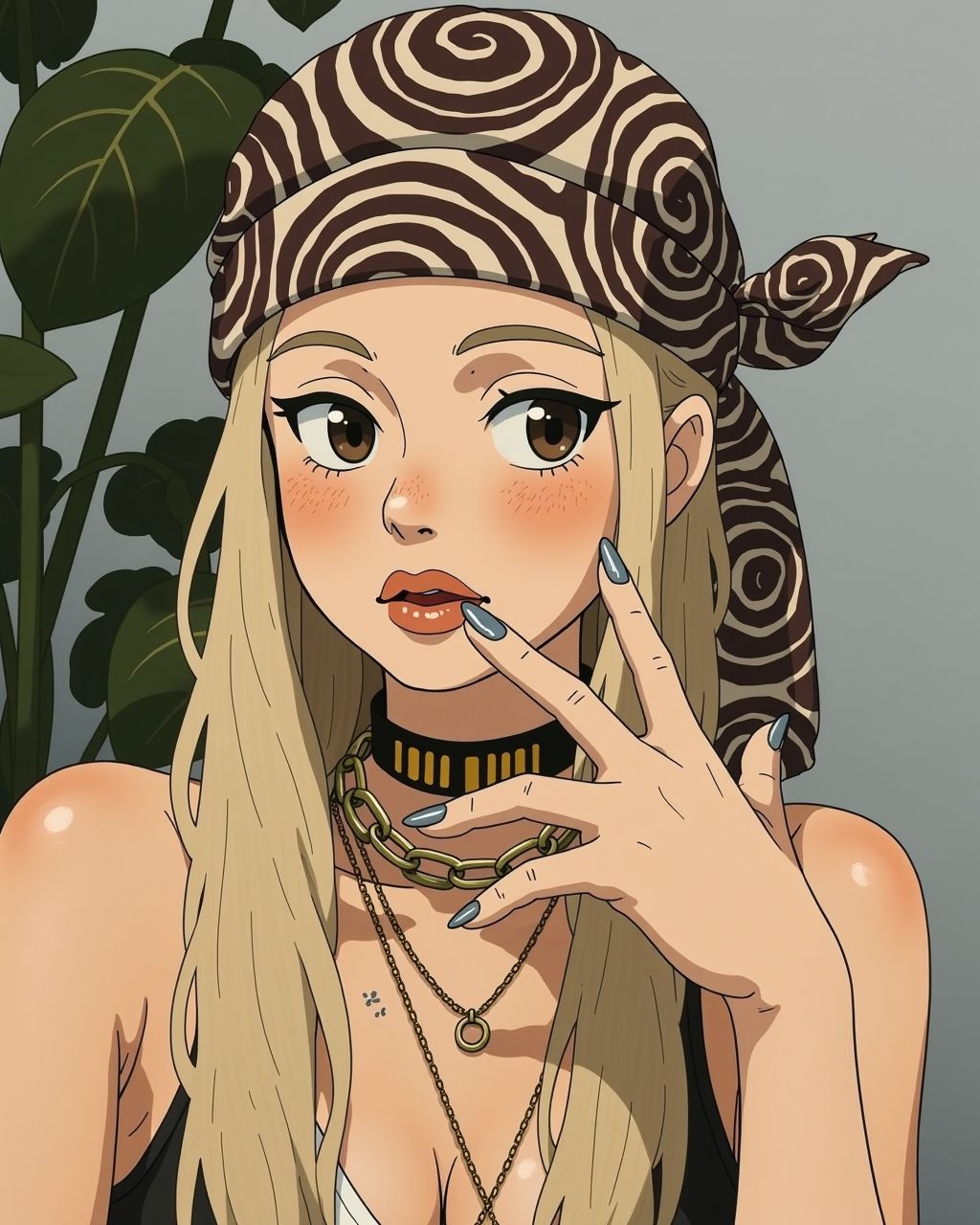
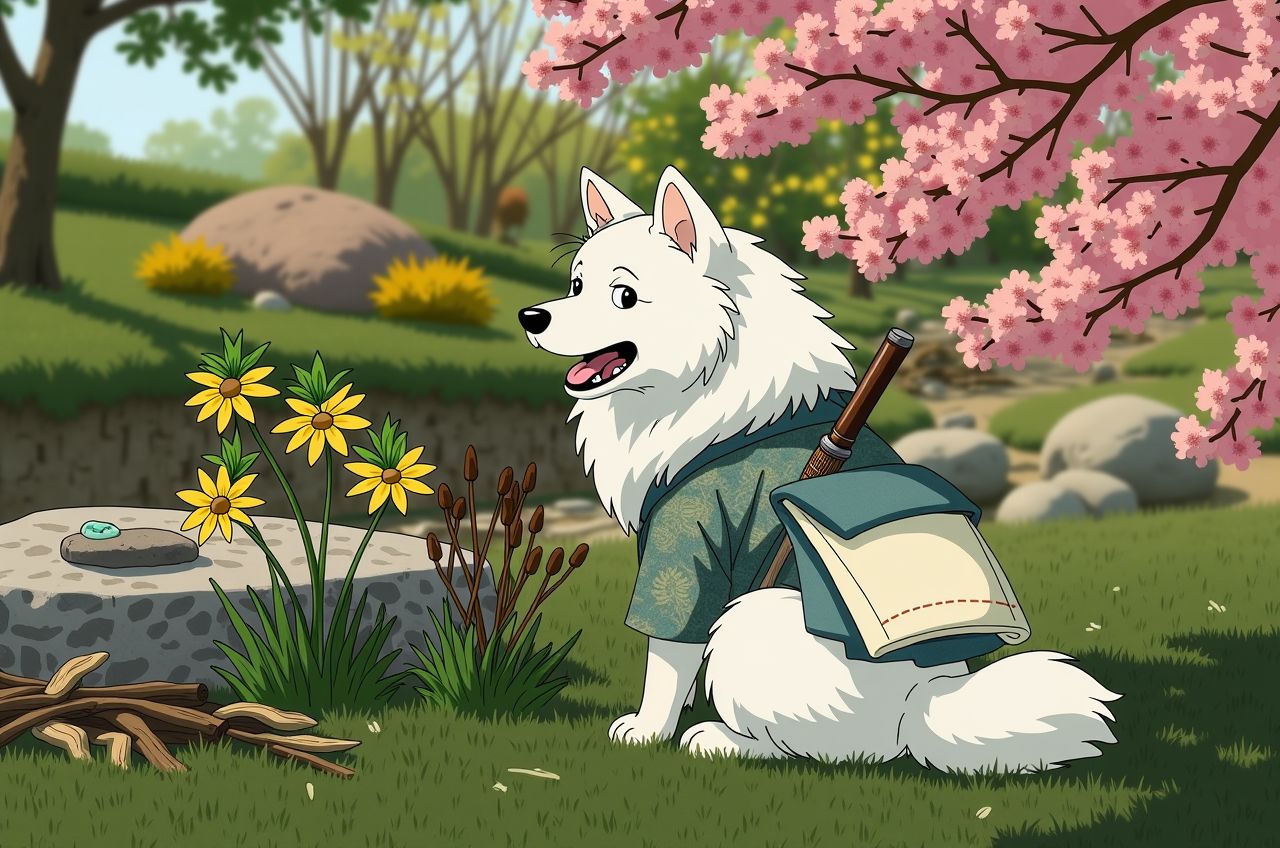
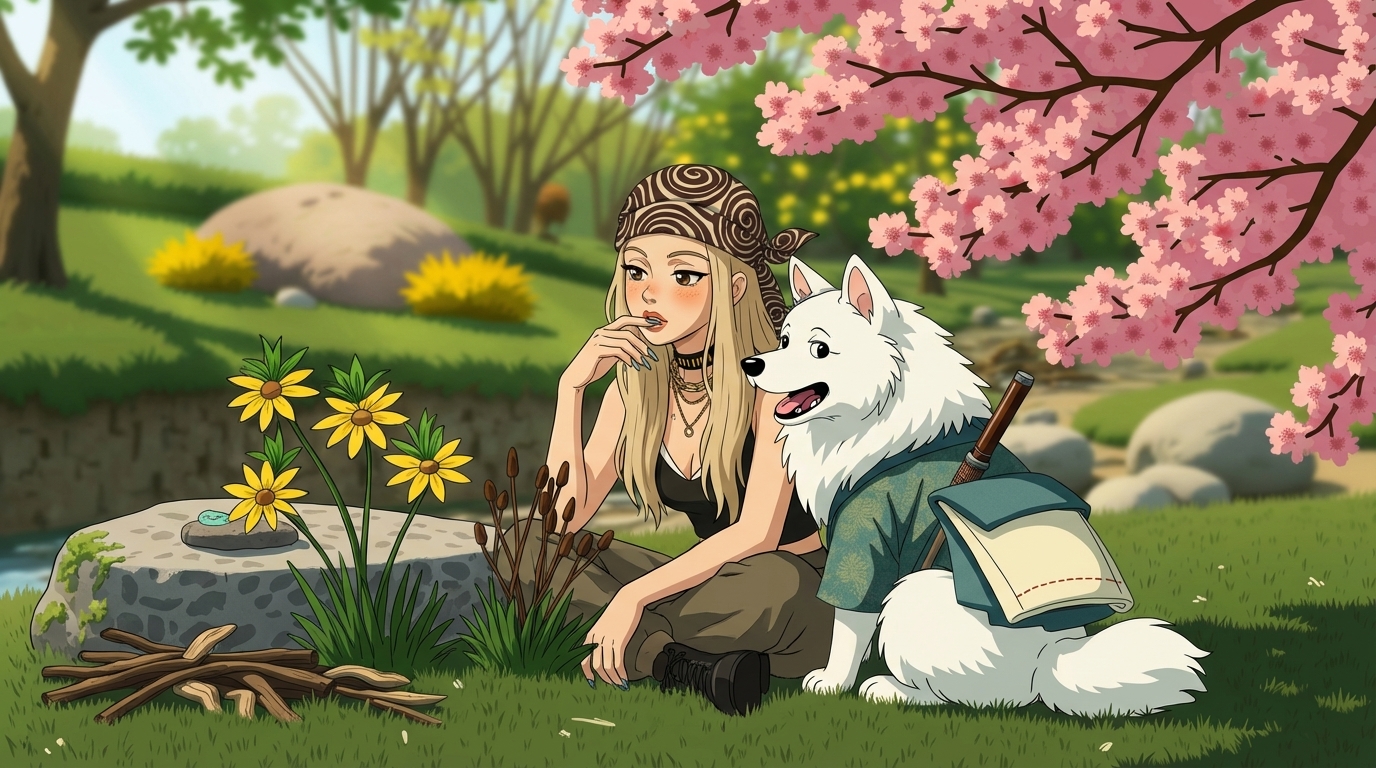
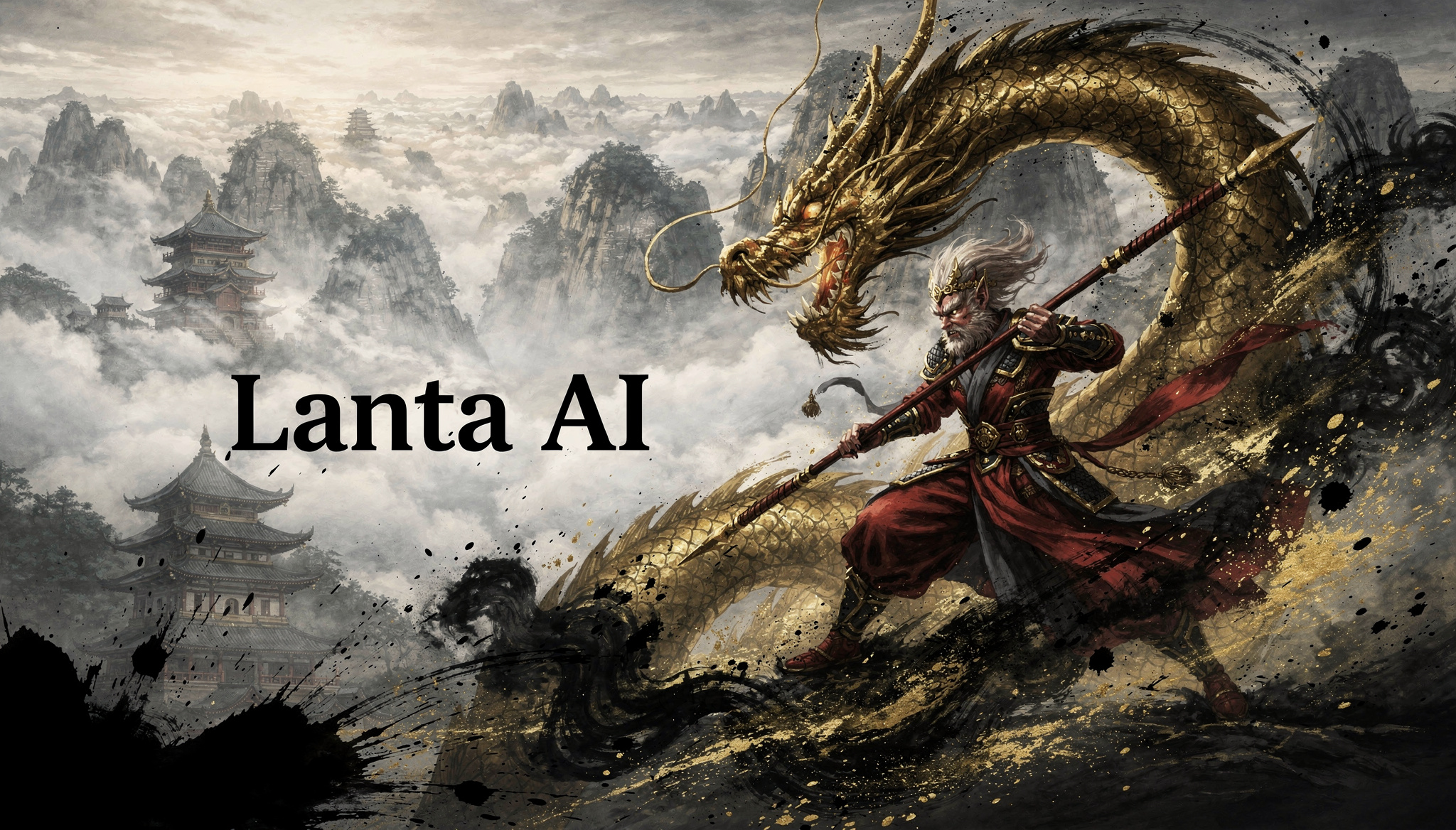
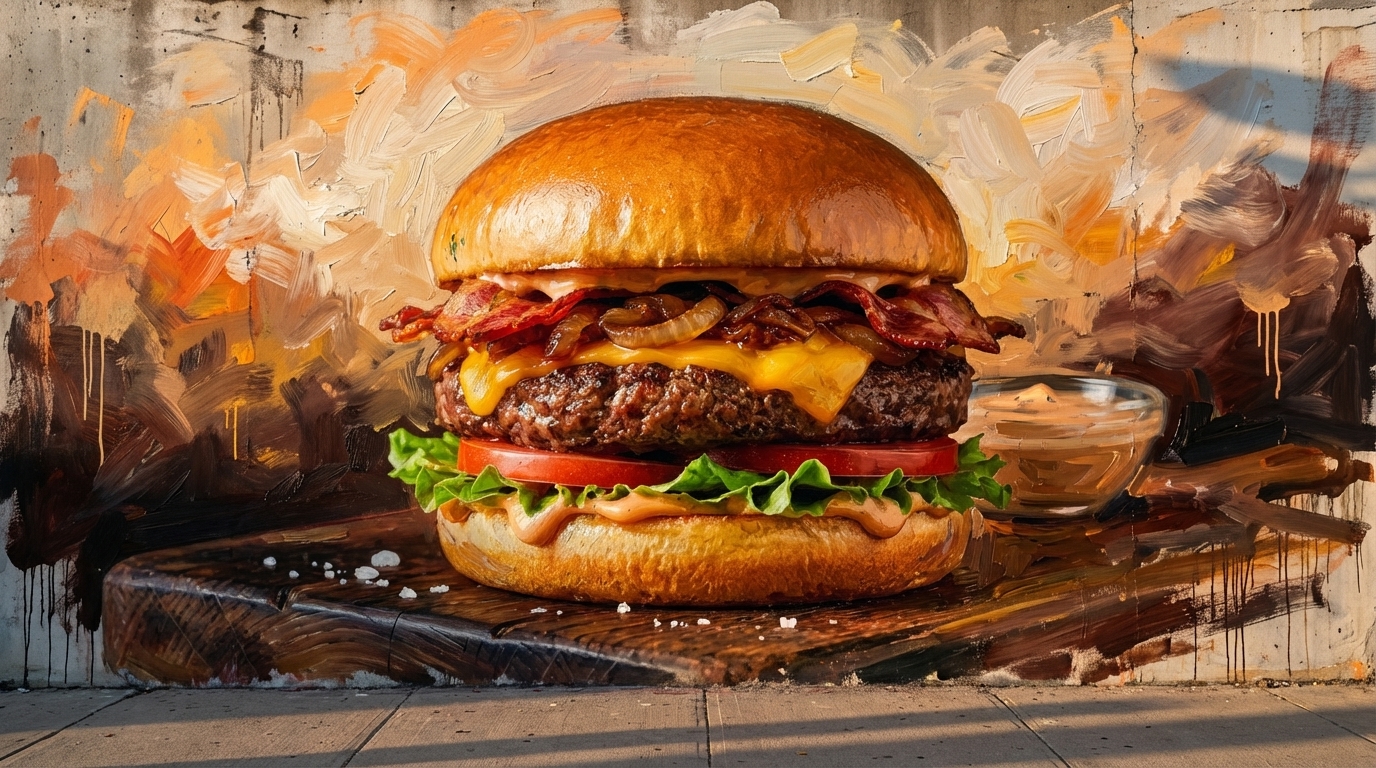
AI Image Merger Use Cases
Common ways creators and teams use AI Image Merger to merge two images with ai.
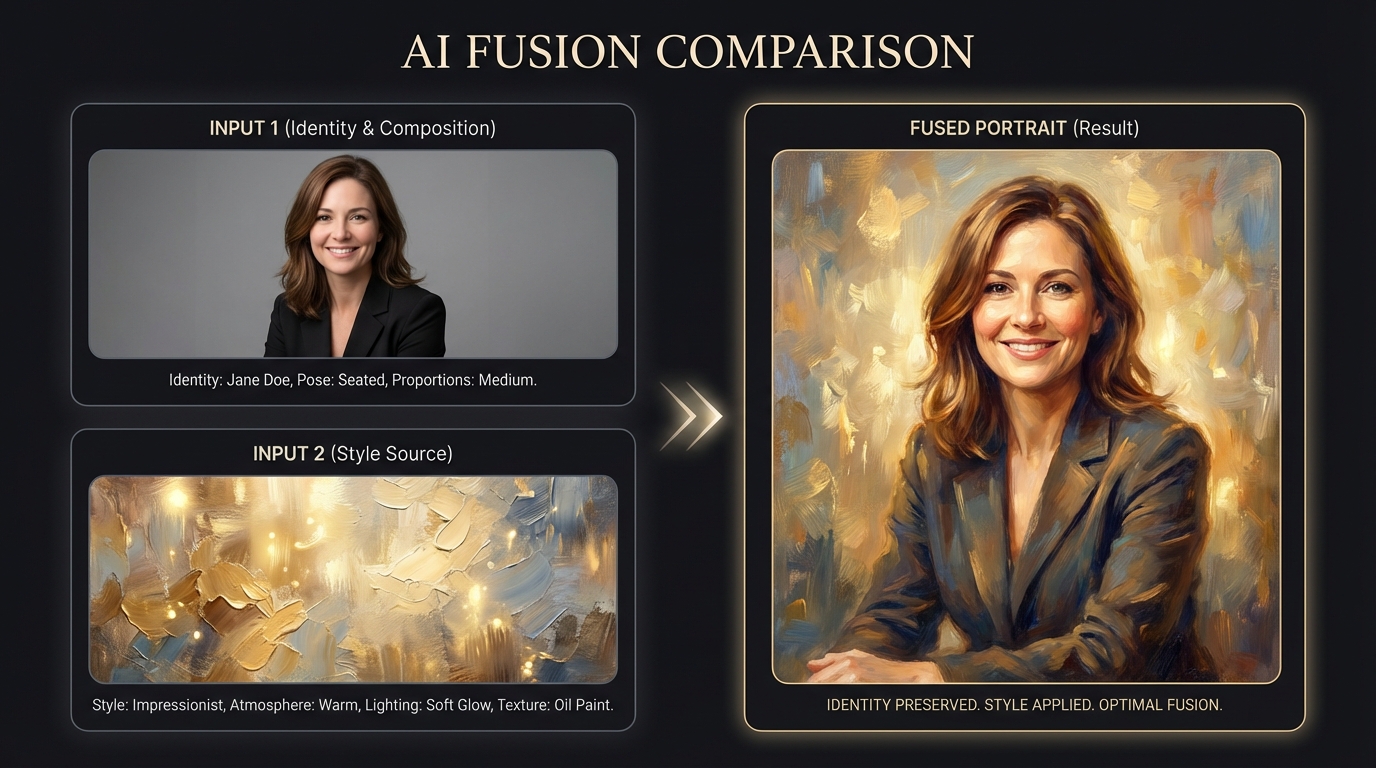
Social Media Creatives
Merge two photos with ai for social graphics, campaign variations, and profile visuals that match your brand style.
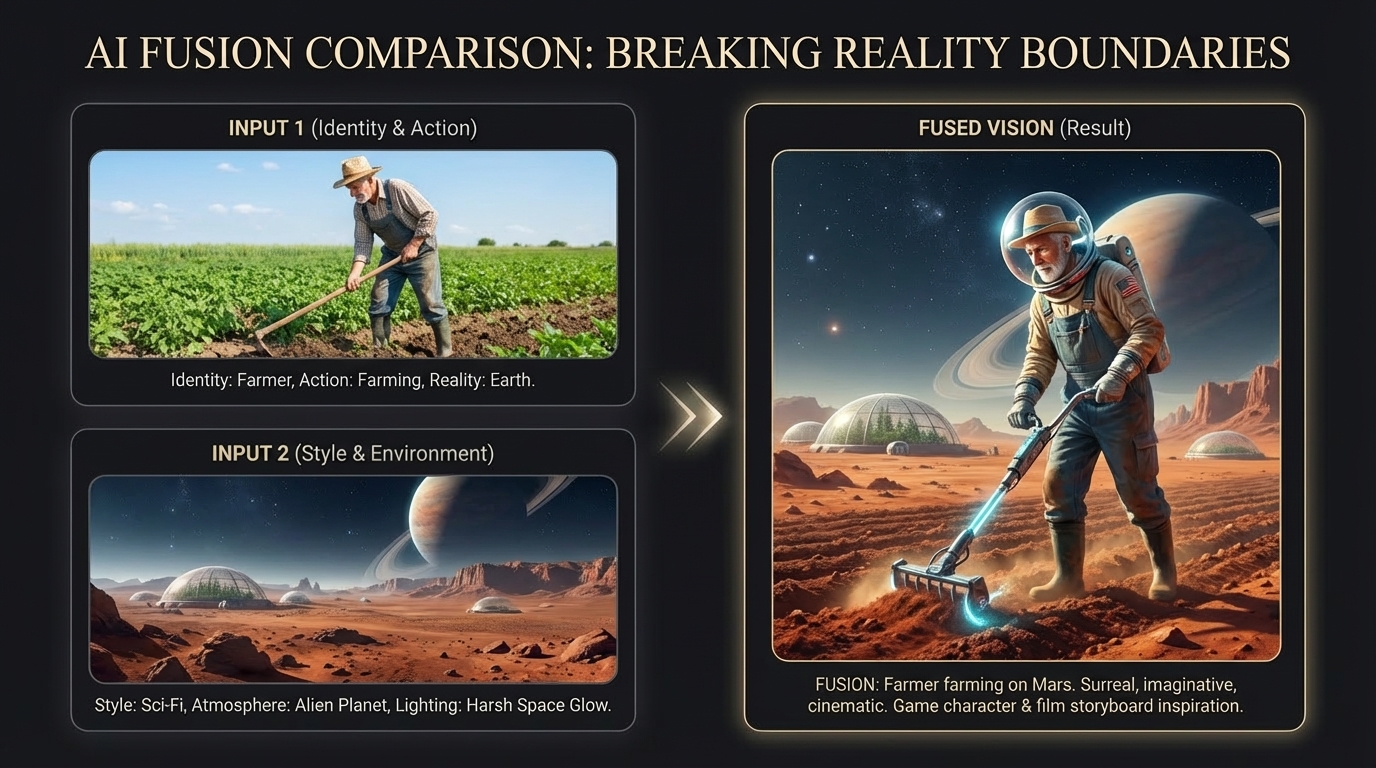
Product and E-commerce Assets
Use AI Image Merger to place products into styled scenes and build marketing-ready image sets with less manual editing.
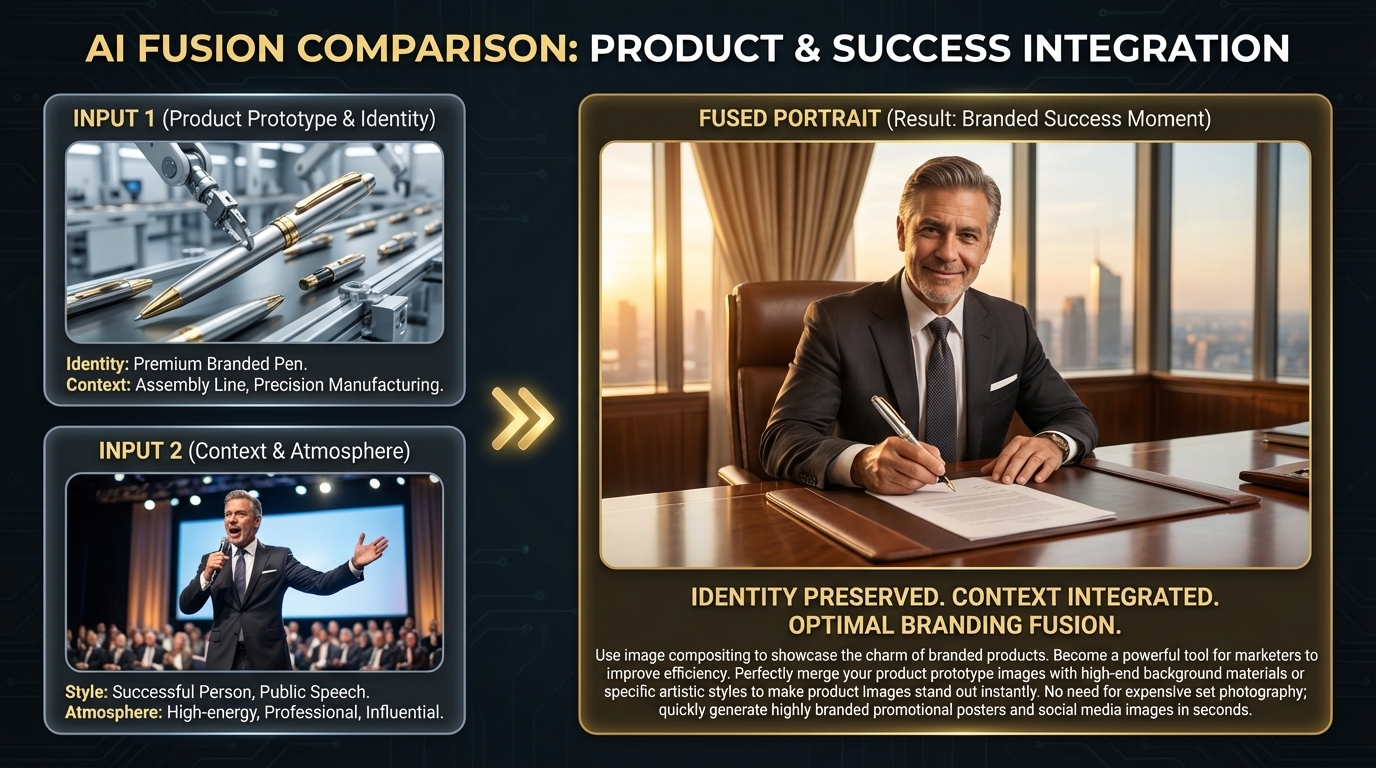
Channel and Banner Concepts
Use this ai image merge tool to create draft visuals for channel art, thumbnails, and branded headers.
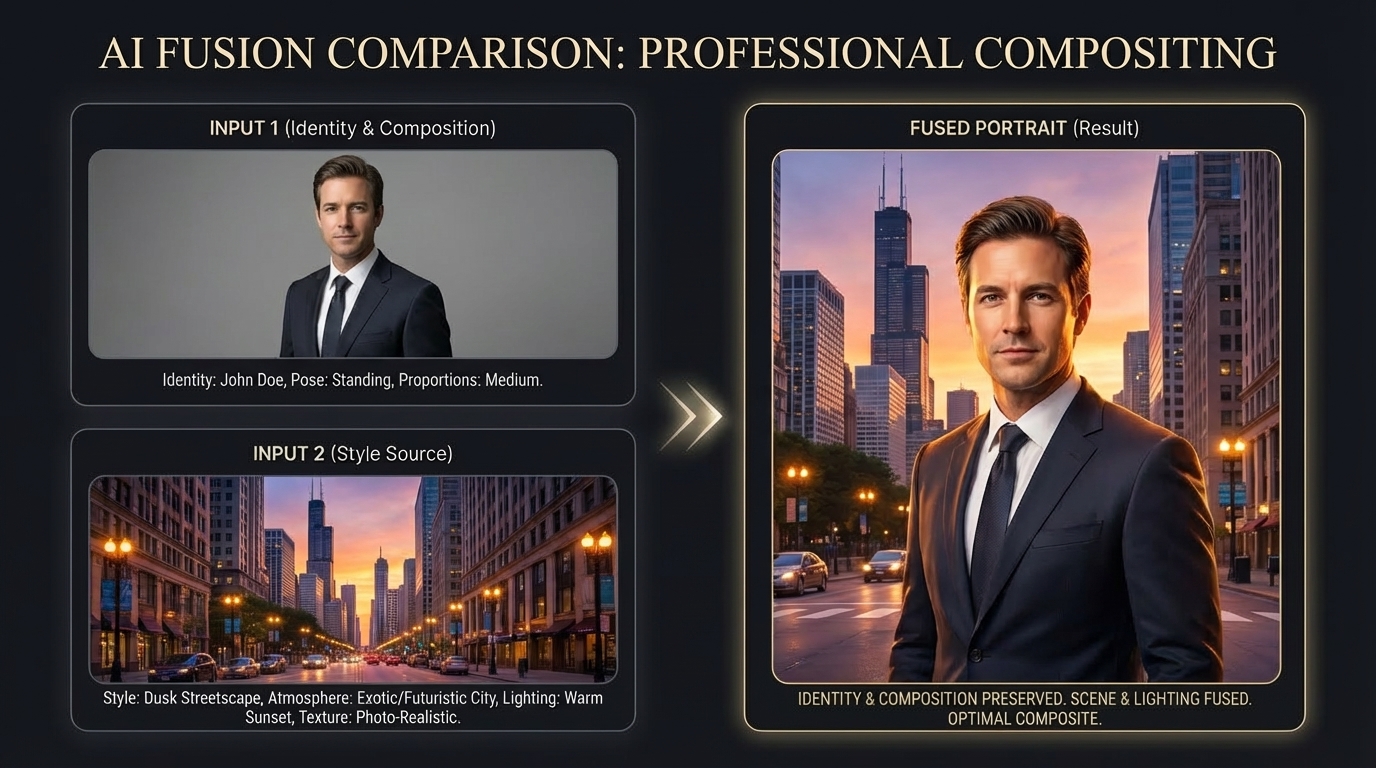
Creative Direction Testing
When you need to ai merge two images free for early ideation, generate multiple style directions and validate concepts quickly.
AI Image Merger Features
This ai image merger online workflow is built for speed, control, and ready-to-use visual quality.
Built for Two-Image Fusion
AI Image Merger is built for merge two images with ai tasks. You can manage both references clearly and keep the output direction focused.
- Side-by-side image handling
- Prompt + model controls in one flow
- Faster setup than generic generators
Natural Blend and Lighting
Use AI Image Merger when you need to ai blend two images with natural transitions. It helps align lighting, tone, and texture between both inputs.
- Cleaner seam transitions
- More coherent lighting response
- Better visual consistency
Flexible for Creative and Commercial Work
From social posts to product creatives, this ai photo merger helps you test ideas quickly. You can ai mix two images for mood tests, banner drafts, and concept work.
- Useful for branding and ad drafts
- Supports creative style exploration
- Easy iteration with history
Browser-Based Workflow
AI Image Merger runs in your browser, so you can work from desktop or mobile without installing extra software.
- No desktop software required
- Mobile-friendly upload process
- Direct export for immediate use
AI Image Merger FAQ
Quick, clear answers to common questions about merging two images with AI.
Related AI Tools
Explore related tools for image generation, editing, and style transfer.