
AI Image to Video with Lanta AI
From Still Images to Dynamic Visual Stories
AI image to video generation allows creators to transform static pictures into smooth, realistic motion sequences in seconds. Instead of manually animating frames or editing complex timelines, AI models analyze visual depth, objects, and context to generate natural-looking movement from a single image or a small set of frames.
In this guide, you'll learn how AI image-to-video technology works, how to achieve high-quality motion results, and how creators use Lanta AI to build engaging visual content efficiently.
What Is AI Image to Video Generation?
AI image to video generation is the process of converting still images into animated video clips using artificial intelligence.
Modern AI models:
- Detect objects and character layers
- Estimate depth and motion flow
- Generate realistic camera movement
- Simulate environmental effects such as light, shadow, and perspective
This allows a flat image to become a living scene — whether it's a cinematic zoom, subtle character movement, or dynamic background animation.
Core Types of AI Image to Video Effects
Cinematic Camera Motion
AI can simulate professional camera moves such as:
- Slow zoom-ins and zoom-outs
- Parallax depth movement
- Pan and tilt effects
- Smooth cinematic transitions
Character and Object Animation
Static subjects can be animated naturally:
- Subtle facial movement
- Hair and clothing motion
- Walking or turning gestures
- Environmental interaction (wind, light changes)
Background & Environment Motion
AI models can animate scenes:
- Flowing water and clouds
- Light changes during sunset
- City movement and atmosphere
- Nature effects such as rain and fog
How AI Models Understand Motion from Images
AI image-to-video systems are trained on large video datasets to recognize:
- Object boundaries and shapes
- Depth relationships
- Movement patterns
- Lighting consistency
- Camera behavior
By combining visual understanding with motion prediction, AI generates natural transitions that mimic real-world filming techniques.
This is why detailed source images and proper motion styles significantly improve video realism.
A Professional AI Image to Video Workflow
High-quality results come from structured input and refinement rather than one-click generation.
Step 1 — Choose the Right Source Image
Best results come from:
- Clear subject separation
- Good lighting contrast
- High-resolution images
- Minimal background clutter
Photos with visible depth layers work especially well for cinematic effects.
Step 2 — Select Motion Style
Common styles include:
- Cinematic camera movement
- Subtle realism animation
- Dramatic zoom transitions
- Ambient environmental motion
Choosing the correct motion style defines the final video mood.
Step 3 — Refine and Preview
After generation:
- Adjust motion intensity
- Smooth transitions
- Improve lighting flow
- Fix visual artifacts
Light refinement often improves realism significantly.
Step 4 — Export for Real Use
Generated videos are commonly used for:
- Social media reels
- Marketing ads
- Product presentations
- Storytelling clips
- Website hero visuals
Real AI Image to Video Examples from Lanta AI
Below are real examples generated using Lanta AI's image-to-video tools across different creative scenarios.
Landscape to Cinematic Video
A coastal landscape converted into a cinematic video with parallax depth, cloud streaming, and wave motion.
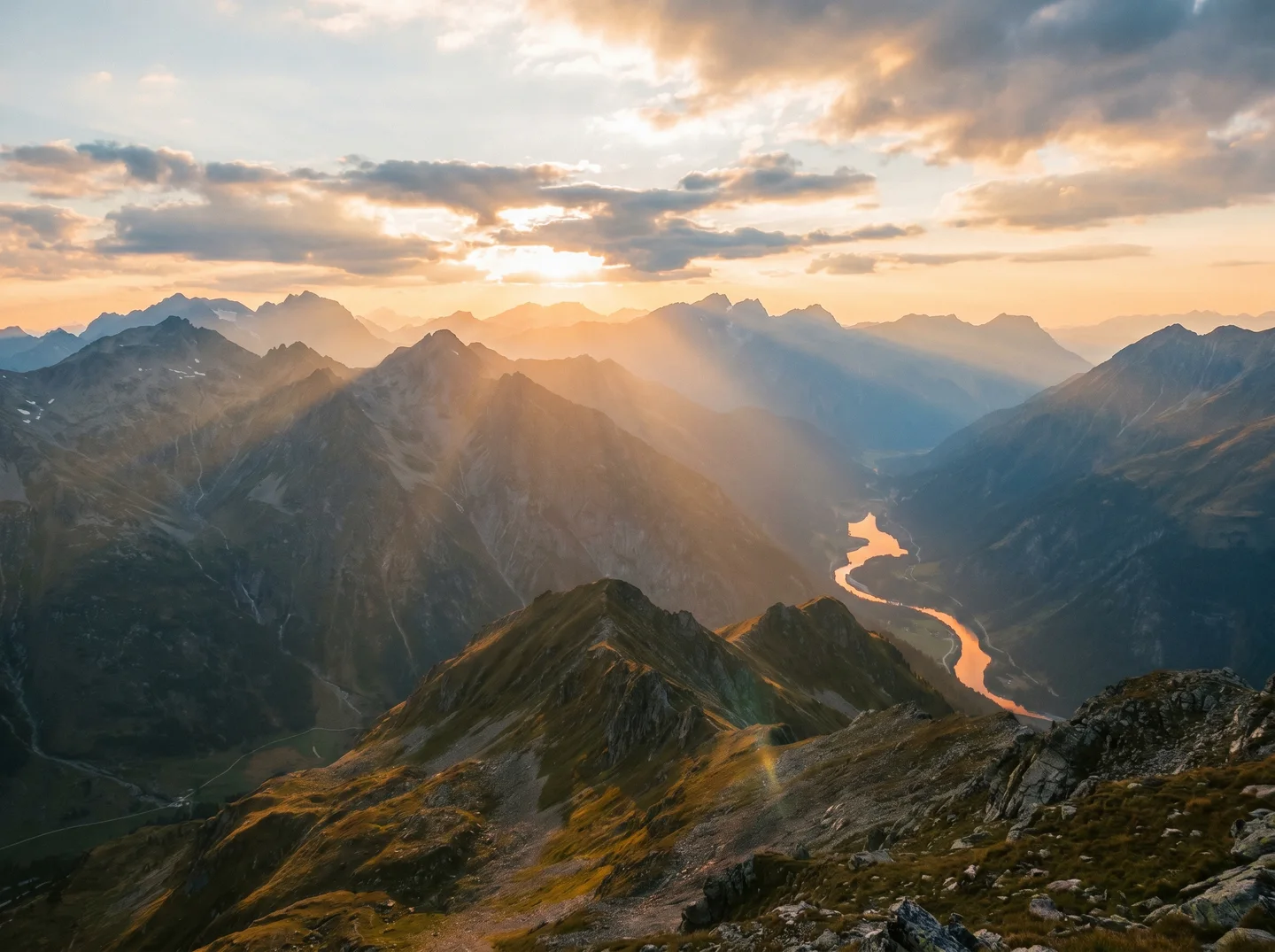
Coastal landscape transformed from still image to dynamic cinematic video with parallax depth and atmospheric effects using Lanta AI.
Portrait Animation
A static portrait animated with natural facial motion, hair movement, and subtle lighting changes.
Product Promotional Clip
A product photograph transformed into a smooth promotional video with rotating camera movement and dramatic lighting.
Each example demonstrates how motion depth, lighting flow, and subject clarity affect the final video output.
Popular Use Cases for AI Image to Video
Content Creators
Short-form videos, TikTok reels, cinematic social posts.
Marketers & Brands
Product motion ads, storytelling visuals, promotional clips.
Designers
Animated mockups, visual storytelling, mood visuals.
Businesses
Website animations, landing page videos, presentations.
Personal Projects
Creative storytelling, digital art motion, visual experiments.
Explore AI Image to Video Tools on Lanta AI
Once you understand the fundamentals, you can begin creating your own motion visuals using Lanta AI's image-to-video generation tools.
Data Privacy and Content Control
When using Lanta AI image-to-video tools:
- Uploaded images are processed securely
- Generated videos remain private
- Users retain ownership of their content
- Files can be deleted anytime
This ensures creators maintain full control over their visual assets while benefiting from AI-powered video generation.
Common Questions About AI Image to Video
Is AI image to video generation free?
Many platforms provide limited free generations, with premium plans unlocking higher resolution, longer clips, and faster processing.
How long are AI-generated videos?
Most tools generate short clips (3-10 seconds), ideal for social media and visual storytelling.
Can I control camera movement?
Yes. Many image-to-video tools allow selecting zoom, pan, depth, and motion intensity.
What resolution works best?
HD works for social platforms, while 2K or higher is better for professional marketing and presentations.
About the Author
Lanta AI Research Team
The Lanta AI Research Team focuses on AI-powered image and video generation, practical creative workflows, and real-world content production on the Lanta AI platform.
This guide is based on hands-on testing of image-to-video models, real usage scenarios, and continuous optimization of motion quality, camera behavior, and visual consistency.