
AI Image Creation with Lanta AI
From Ideas to Professional Visual Workflows
AI image creation has transformed the way creators, designers, marketers, and everyday users produce visual content. Instead of relying on traditional graphic design tools or stock photos, modern AI image generators can instantly turn ideas, descriptions, and existing photos into high-quality visuals across countless styles and formats.
In this guide, you'll learn how AI image creation works, what makes high-quality results possible, and how to build effective creative workflows using Lanta AI's image technology.
What Is AI Image Creation?
AI image creation refers to the process of generating, editing, and enhancing images using artificial intelligence models trained on large-scale visual data.
These models understand:
- Text descriptions and visual concepts
- Artistic styles, realism levels, and compositions
- Image structures such as lighting, textures, and depth
With modern AI systems, users can:
- Generate images from text prompts
- Edit existing photos with AI-powered tools
- Apply creative styles and visual transformations
- Improve resolution and visual quality
This combination of creativity and automation makes AI image generation faster, more flexible, and accessible to anyone — even without design experience.
Core Types of AI Image Creation
AI image creation typically falls into several major categories, each serving different creative goals.
Text to Image Generation
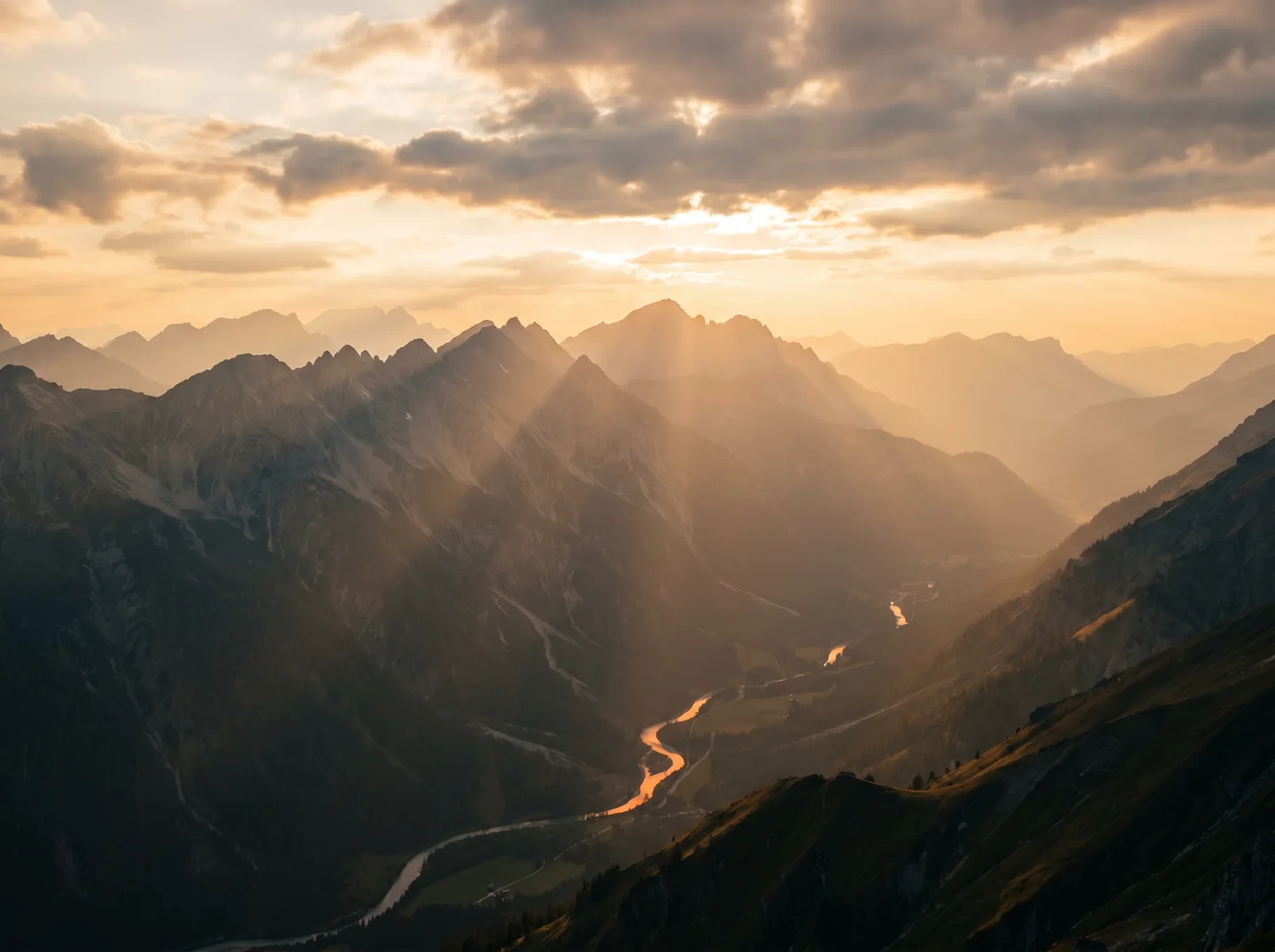
Text to image AI allows users to create visuals simply by describing what they want.
For example:
"a cinematic sunset over mountains with soft lighting"
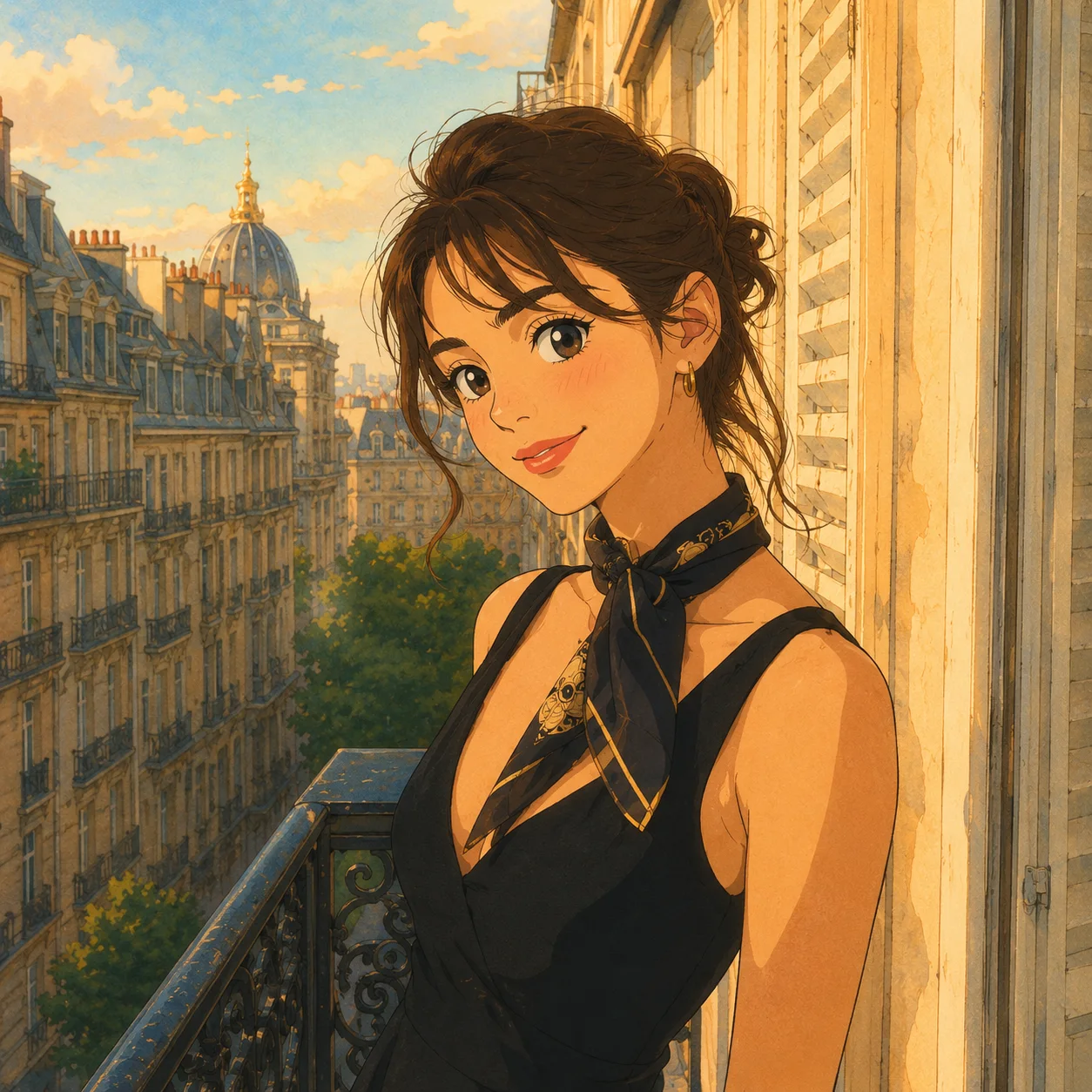
"anime-style character portrait with detailed eyes"
"modern product mockup on a clean background"
The AI interprets these descriptions and produces original images that match the scene, style, and mood.
This approach is ideal for:
- Concept art
- Social media visuals
- Marketing creatives
- Storyboards and presentations
AI Image Editing
Rather than generating from scratch, AI editing tools modify existing images with precision.
Common capabilities include:
- Background removal or replacement
- Object editing and repositioning
- Face enhancement and retouching
- Old photo restoration
- Color grading and lighting adjustment
AI image editing workflows dramatically reduce the time required for professional-level retouching.
Creative Styles and Artistic Rendering
AI models can also apply stylistic transformations, converting realistic images into:
- Cartoon or anime styles
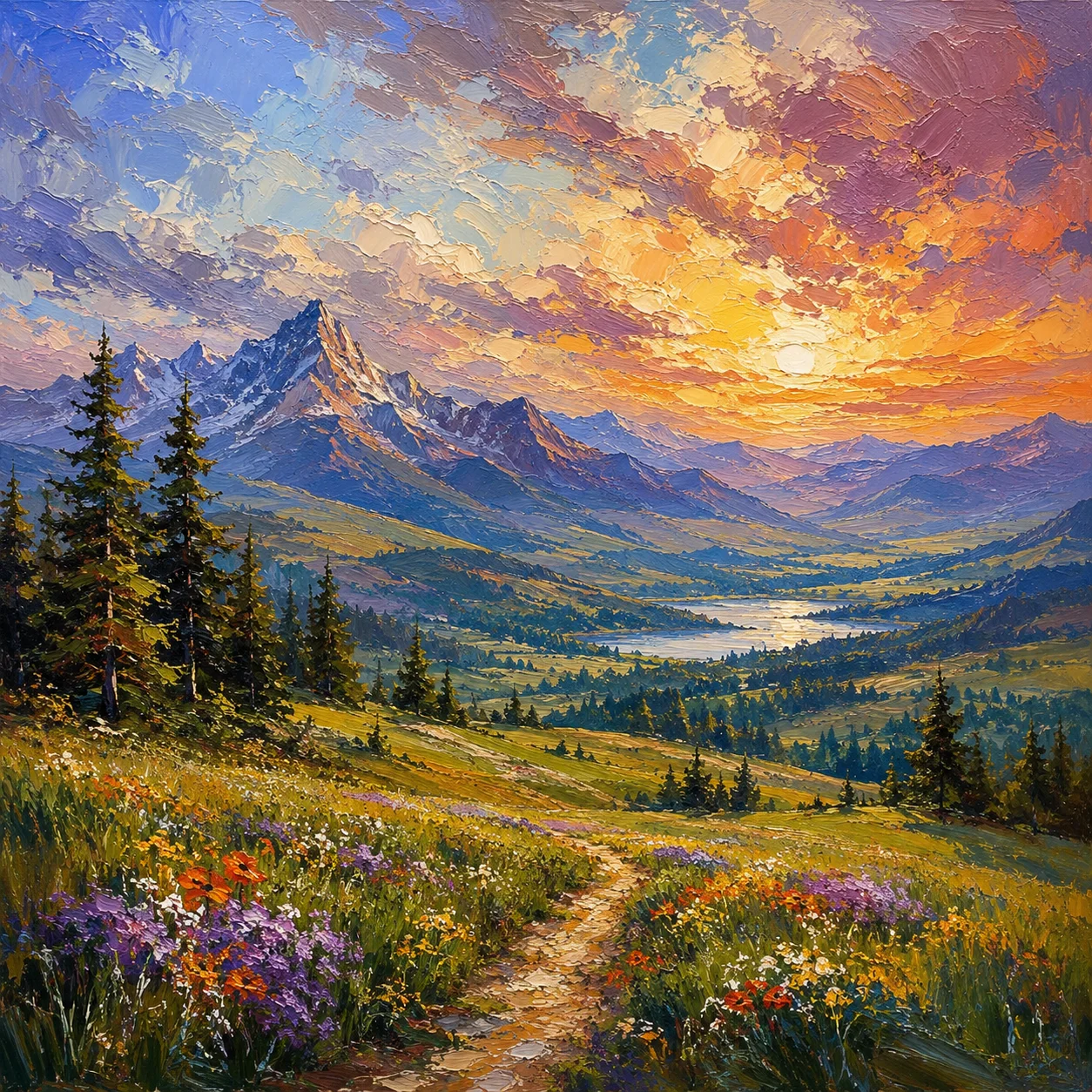
- Oil painting and watercolor effects
- Pixel art and retro aesthetics
- Sketch and line art
This allows creators to instantly experiment with aesthetics that previously required advanced design skills.
Some users even combine multiple style passes to build completely new visual identities.
How AI Image Creation Models Understand Visual Concepts
Modern AI image generators are trained on large-scale visual datasets that allow them to recognize:
- Object shapes and proportions
- Lighting and shadow relationships
- Artistic styles and textures
- Depth and spatial composition
By combining visual pattern recognition with language understanding, AI can translate text prompts into structured visual outputs.
This is why detailed prompts often produce more accurate and visually consistent results.
A Practical AI Image Creation Workflow
To consistently produce professional-quality AI images, most creators follow a similar workflow:
Step 1: Define Your Creative Goal
Start by clarifying what type of visual you need, the style, mood, and purpose.
Step 2: Craft a Detailed Prompt
Write a specific text description including subject, style, lighting, and composition.
"portrait of a woman in soft studio lighting, shallow depth of field, high detail"
Step 3: Generate and Review Variations
Run multiple generations to explore visual options and identify the strongest starting point.
Step 4: Edit and Refine
Use AI editing tools to adjust specific areas like backgrounds, faces, or lighting levels.
Step 5: Export and Apply
Download the final image in high resolution and apply it to your project.
High-resolution output ensures flexibility across different formats.
Real AI Image Creation Examples from Lanta AI
Below are real examples generated using Lanta AI's image creation tools across different creative scenarios.
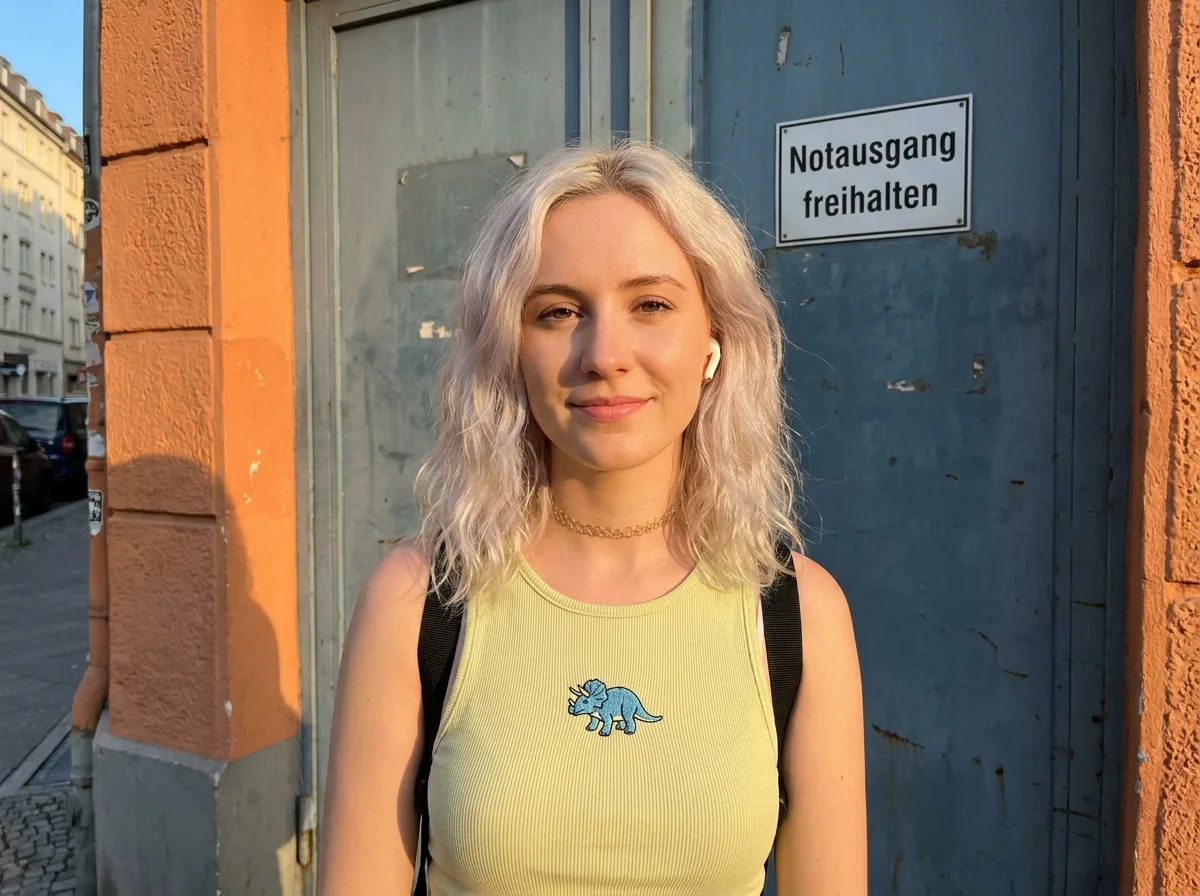
Portrait Generation Example
A realistic facial portrait created using text-to-image prompts with natural lighting and high-resolution detail.
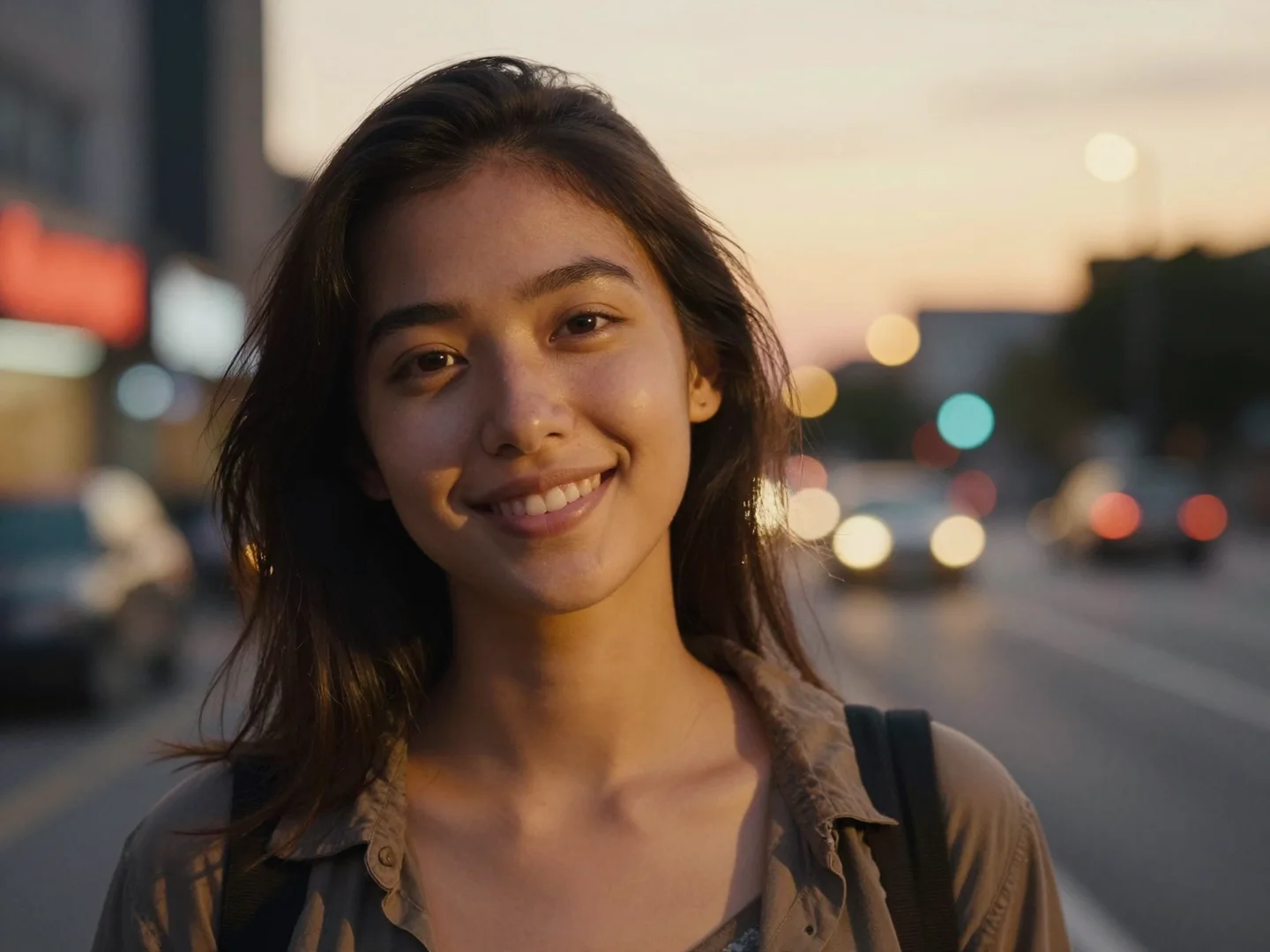
Photo Enhancement Example
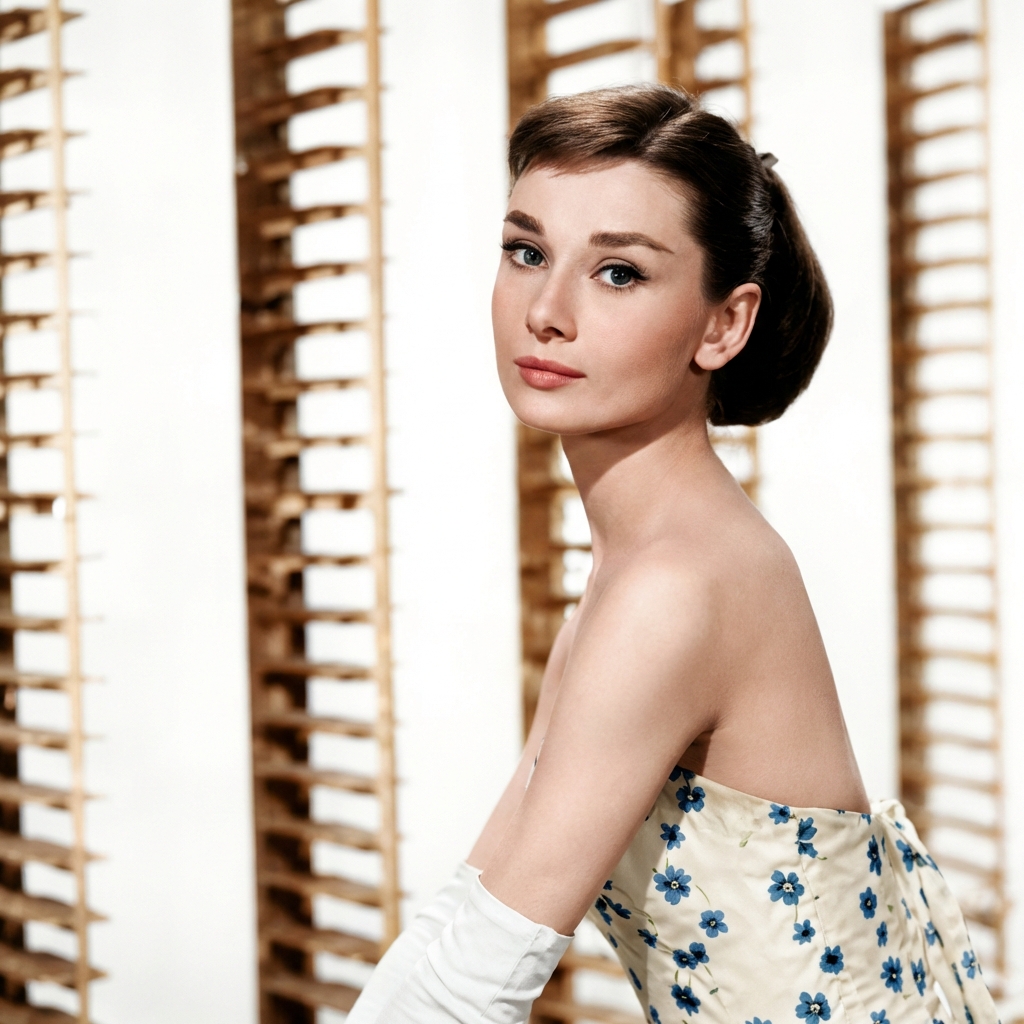
An old photo restored by removing scratches, improving contrast, and sharpening facial features using AI image editing.
Artistic Style Transformation
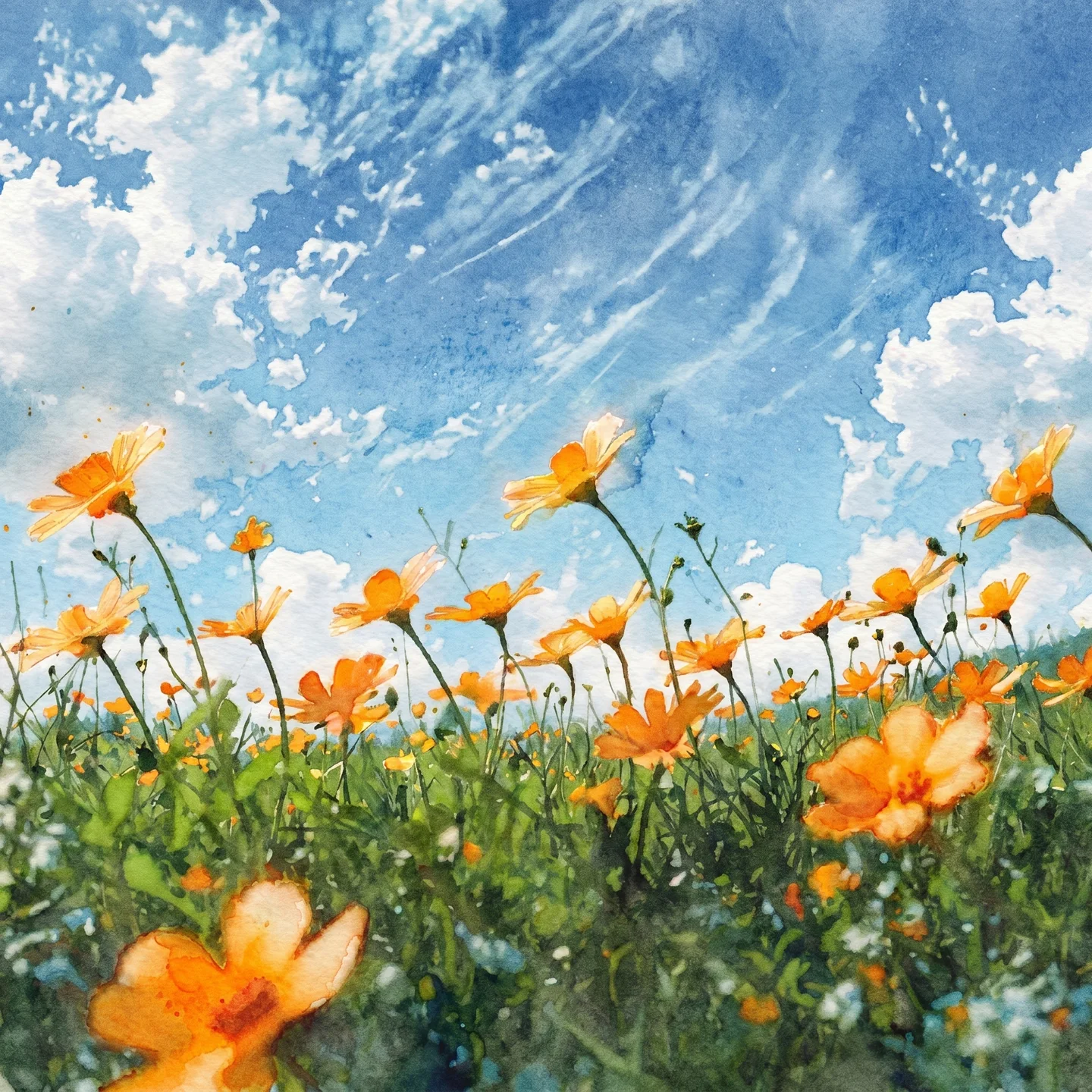
A landscape transformed into an illustrated style while preserving composition and depth.
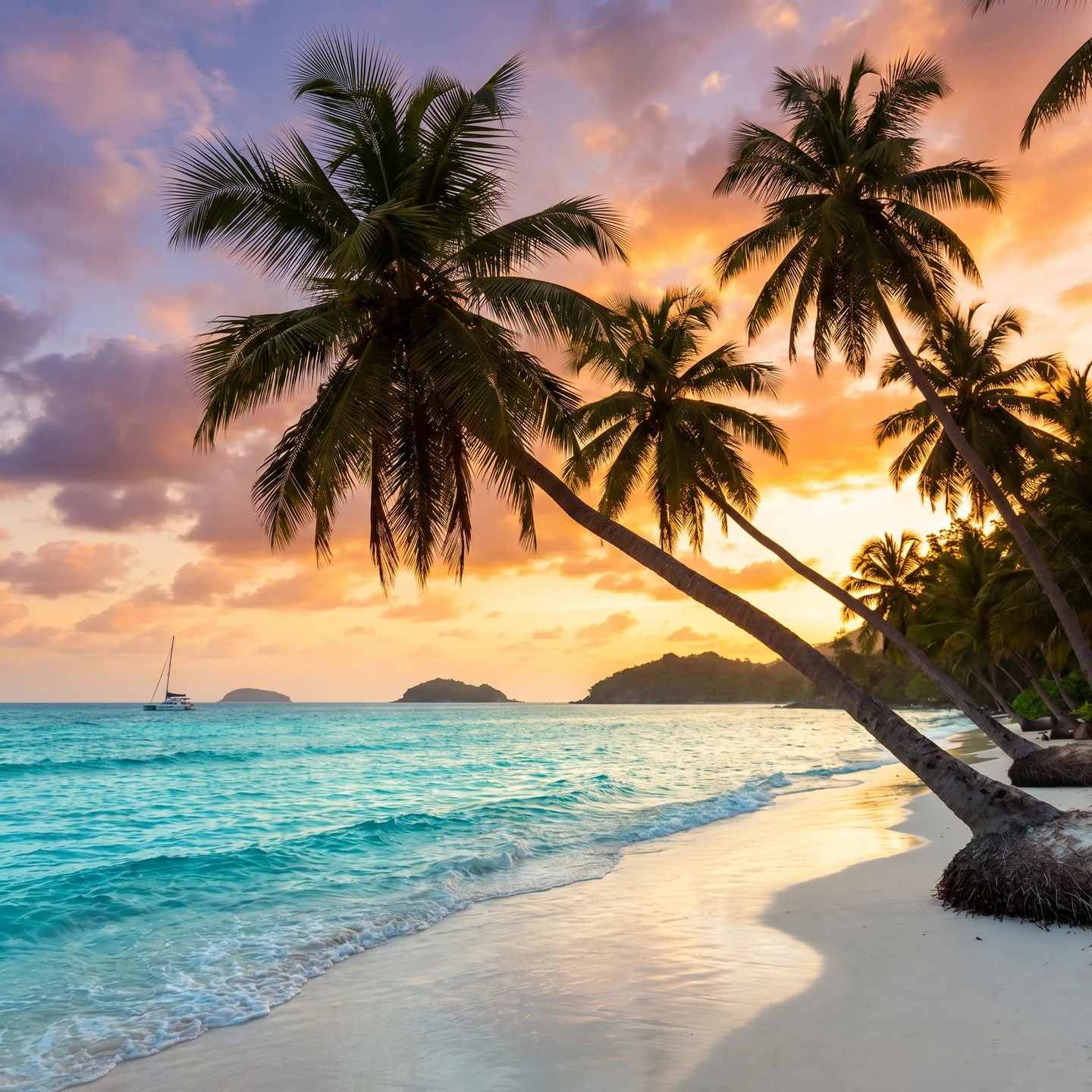
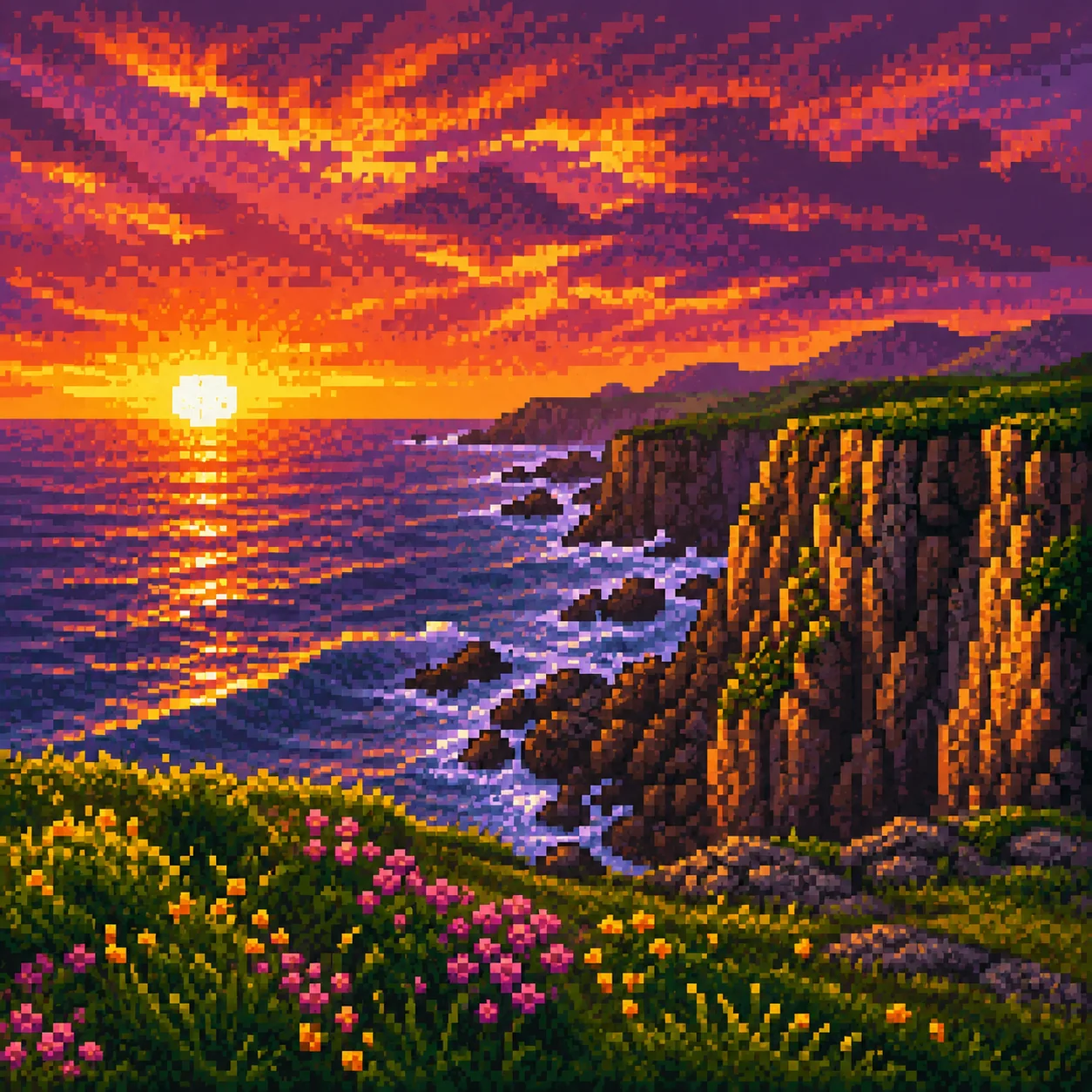
Each example demonstrates how different prompts and refinement steps affect the final result.
Popular Use Cases for AI Image Creation
AI-generated images are now widely used across industries:
- E-commerce: Product mockups, lifestyle imagery, and promotional banners
- Marketing: Social media posts, ads, and brand visuals
- Entertainment: Concept art, character design, and story illustration
- Education: Visual learning aids and presentation graphics
- Personal Projects: Custom art, profile images, and creative experiments
The ability to produce unique, royalty-free visuals on demand has made AI image creation a key tool for both professional and personal use.
Advanced AI Image Generation Models
Not all AI image models are the same. Quality, style flexibility, and realism depend on the underlying model.
Key factors that distinguish advanced models include:
- Training data diversity and quality
- Resolution and detail rendering
- Prompt understanding accuracy
- Creative flexibility and style control
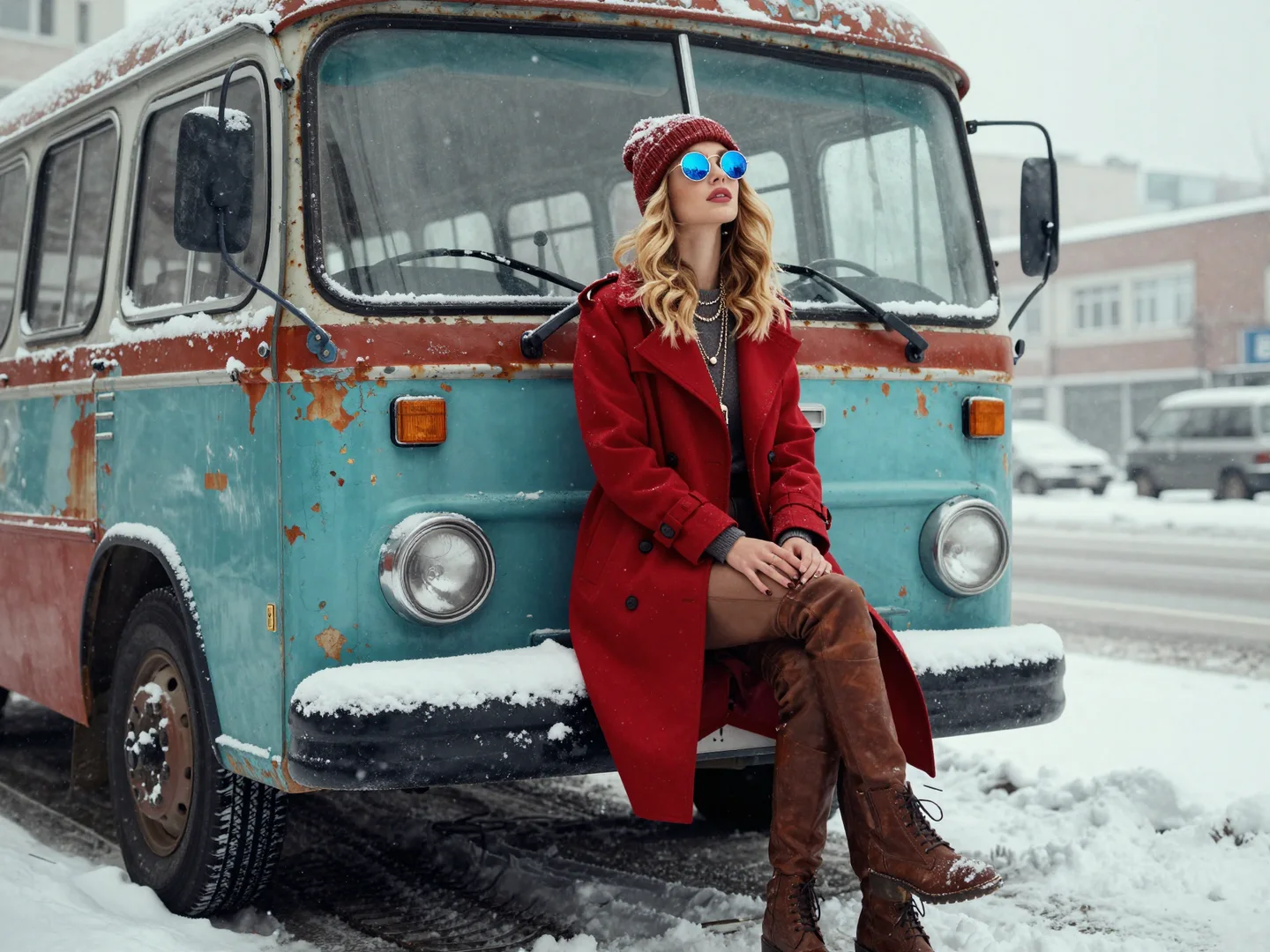
High-performance models such as Nano Banana Pro are optimized for professional-level image quality and creative control.
Why Creators Use Lanta AI for Image Creation
Lanta AI integrates multiple advanced image generation models optimized for:
- High-resolution output
- Realistic textures and lighting
- Style flexibility
- Fast processing speeds
These tools are used by content creators, designers, marketers, and businesses to produce professional visual content efficiently.
Data Privacy and Content Ownership
When using Lanta AI image creation tools:
- Uploaded images are processed securely
- Generated content remains private
- Users retain full rights to their creations
- Files can be deleted at any time
This ensures creators maintain control over their visual assets while benefiting from AI-powered generation.
Common Questions About AI Image Creation
Is AI image generation free to use?
Many platforms offer free credits or limited usage, with premium plans available for higher resolution and faster generation.
Can AI edit my existing photos?
Yes. AI image editing tools can restore, enhance, recolor, and transform uploaded photos with impressive accuracy.
How realistic are AI-generated images?
Modern AI models can produce near-photorealistic results, especially when using high-quality prompts and advanced generation models.
What resolution should I use?
For social media, standard HD is often enough. For professional design and printing, higher resolutions such as 2K or 4K deliver better results.
Explore AI Image Creation Tools
Ready to start creating? Explore Lanta AI's full suite of image creation tools:
About the Author
Lanta AI Research Team
The Lanta AI Research Team specializes in AI-powered image and video generation technologies, creative workflows, and real-world content production.
This guide is built on hands-on testing of text-to-image models, real-world image editing scenarios, and continuous optimization of prompt design, visual realism, and output consistency.