
Video to Video AI
Transform your existing videos with lanta AI Video to Video. Upload a video, enter a prompt, and turn it into a new artistic style, with smooth motion, consistent details, and professional-quality results.
More Ways to Restyle Your Videos with Lanta AI
Bring a new look to your existing clips with AI video style transfer. Whether you want a bold anime scene, a cute 3D cartoon look, or a soft watercolor effect, you can easily transform your footage in minutes. Each effect helps your video feel more artistic, vivid, and unique.
Reimagine Your Videos with Video to Video AI
Restyle Any Video in One Click
Upload your existing video and turn it into anime, cartoon, 3D, pixel art, sketch, or other visual styles. No complex editing or reshooting required. Lanta AI helps you create a fresh visual version while preserving the original motion, structure, and flow.
Turn Real Motion into Animated Characters
Upload a source video and a character reference image. Lanta AI transfers the body movement, facial expressions, gestures, and lip motion from the real performance to an anime or cartoon character, making it feel natural, vivid, and expressive. Perfect for virtual hosts, brand mascots, animated shorts, and social content.
.png)
Edit Videos Like You Edit Images
Make targeted changes directly within your original video. Replace subjects, change backgrounds, adjust product colors, or remove distracting elements with AI. Create cleaner, more flexible video versions while reducing reshoots and post-production work.
Create More Versions from One Video
Turn one original clip into multiple creative versions for different platforms, campaigns, and audiences. With Lanta AI Video to Video, you can quickly test new styles, subjects, and scenes without starting from scratch. It helps creators get more value from every piece of footage.
How to Use Video to Video AI
Step 1: Upload Your Video
Upload your source video to Lanta AI. You can drag and drop your file or click to browse. MP4, MOV, and WebM formats are supported, with a maximum file size of 100MB.
Step 2: Choose Style & Add Prompt
Select a video style, such as Cartoon, Anime, 3D Cartoon, Pixel Art, Watercolor, or other creative looks. Then add a prompt to describe how you want the final video to look.
Step 3: Set Duration & Generate
Choose your video length, from 4 seconds to 8 seconds. Click Generate and wait for Lanta AI to transform your original video into a new AI-styled version. Once it is ready, preview and download your result.
Unlock the Full Potential of Other AI Video Generators
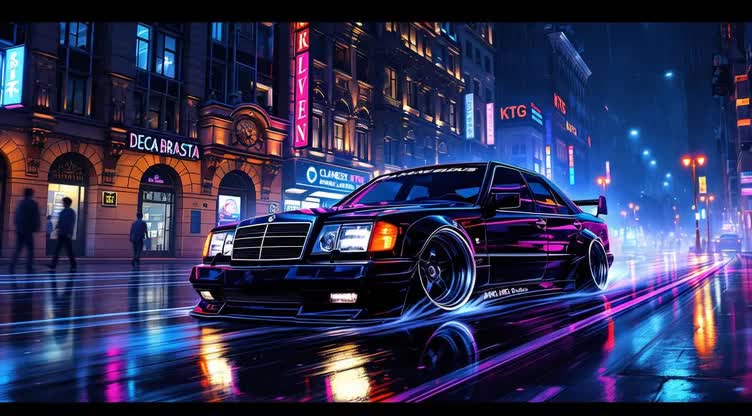
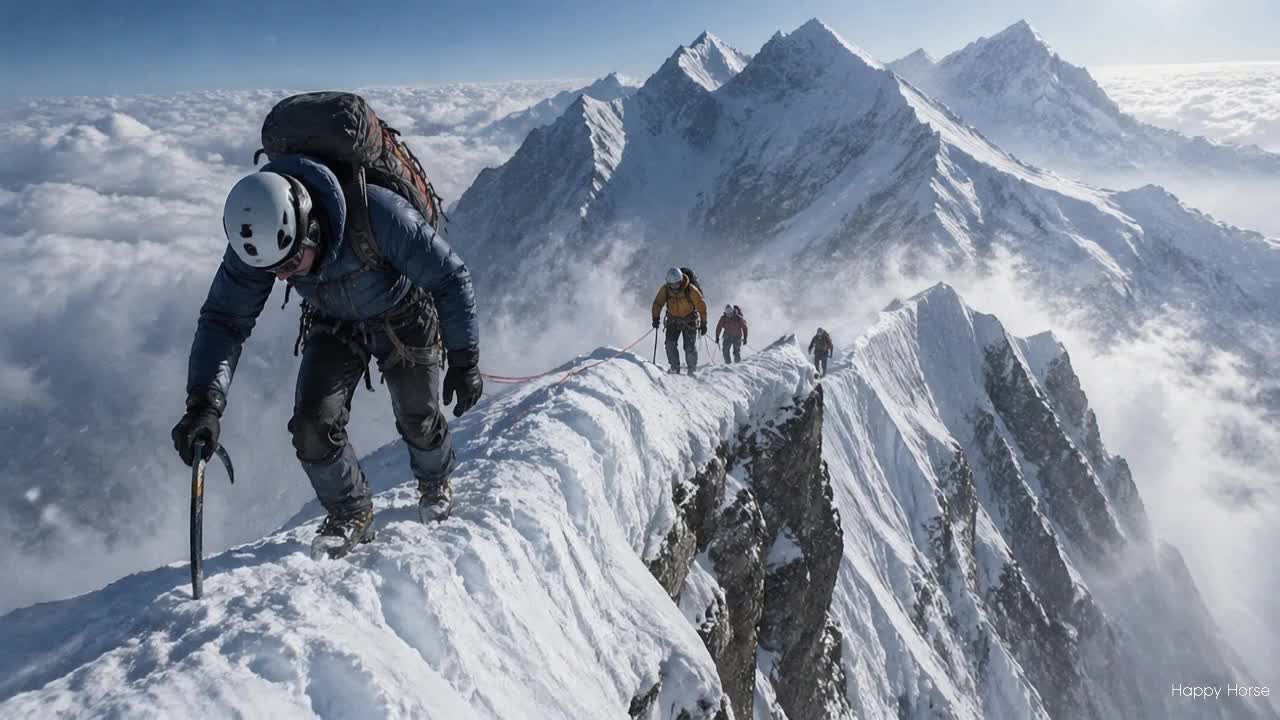
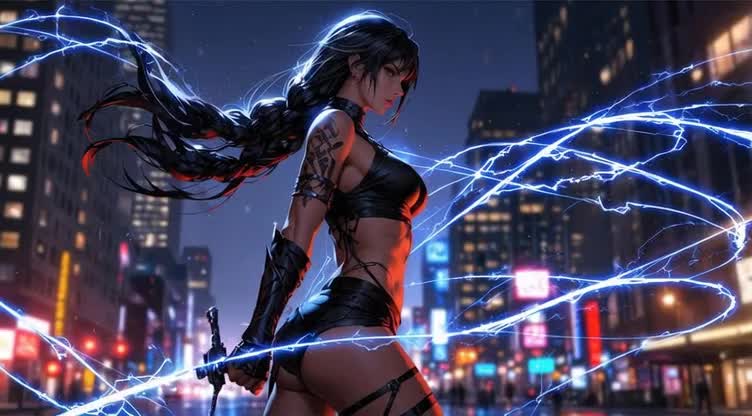
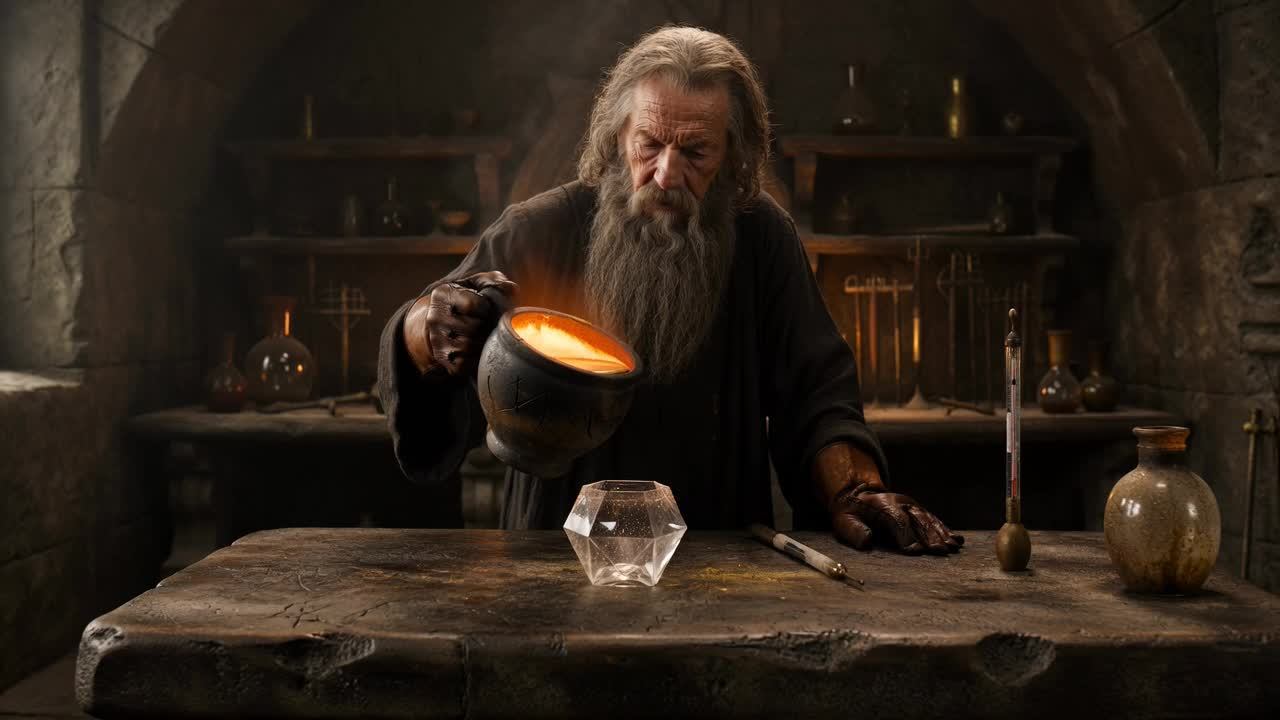
Video to Video AI Is Built for Every Creator
Transform your existing videos into fresh visual styles, social clips, or ad-ready creatives. Lanta AI makes video restyling simple for beginners, creators, marketers, and filmmakers.
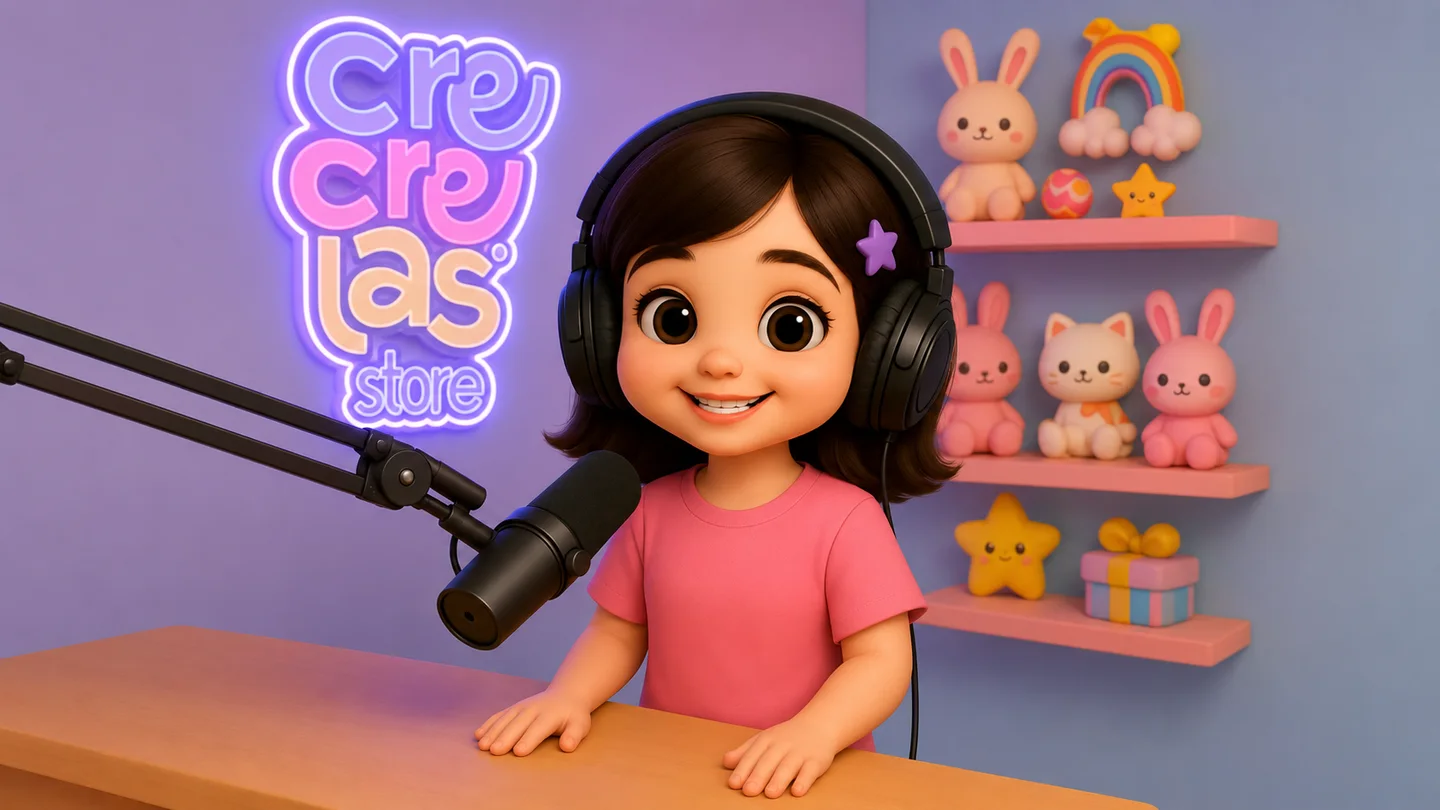
Start with One Video. Get a New Style in Minutes.
Upload your video, choose a style like Anime, Cartoon, or 3D Cartoon, and let AI handle the transformation. No editing skills are needed. Just add a simple prompt and create a fresh version of your original clip.
FAQs
What is Video to Video AI?
Video to Video AI is a tool that transforms an existing video into a new visual style or version. Instead of creating a video from scratch, you upload a source video, and the AI helps restyle the footage while keeping the original motion, scene structure, and visual flow.
Is Lanta AI Video to Video free to use?
Lanta AI gives new users 40 free credits to start creating. You can use these credits to test Video to Video AI and explore different styles. More advanced models, longer videos, or higher-resolution outputs may require additional credits.
Will the AI keep the original motion when changing the style?
Video to Video AI is designed to use your uploaded video as the motion reference. It can help preserve the main actions, camera movement, body motion, and scene flow while changing the visual style. For the best result, use a clear source video with stable movement and a visible subject.
What kind of source video works best?
The best source videos are short, clear, well-lit, and easy to understand. Choose footage with a visible subject, simple background, stable camera movement, and limited motion blur. Avoid videos with heavy occlusion, fast cuts, dark lighting, or too many moving subjects.
Why does my AI video flicker or change style?
Flickering, color shifts, or style drift can happen when the source video is too dark, too blurry, too fast, or visually complex. A clearer source video and a more specific prompt can improve frame-to-frame consistency. Shorter clips usually produce more stable results.
How long can a Video to Video AI clip be?
Lanta AI Video to Video supports clips from 4 seconds to 8 seconds. For better quality and motion consistency, we recommend starting with a short, clear video. If you want to create a longer video, you can generate multiple short clips and edit them together.
What video formats are supported?
Lanta AI Video to Video supports MP4, MOV, and WebM files. For smooth uploading and generation, keep your video file under 100MB.
Can I use Video to Video AI outputs commercially?
In many cases, AI-generated videos can be used for social media, ads, and product videos, as long as you have the rights to the source video and follow the platform’s usage rules. Avoid uploading copyrighted footage, celebrity videos, private videos, or branded content you do not have permission to use.
Your Old Clip. A Whole New Look.
Give your existing videos a fresh visual style without complex editing. Turn any clip into anime, 3D cartoon, watercolor, pencil sketch, and more in minutes.
Try Video to Video AI