Image to Video AI
Bring any still image to life with Image to Video AI, turning photos into smooth, cinematic videos on Lanta AI. Free to start. No video-making experience needed. Upload an image and turn it into a vivid video in minutes.
Why Choose Lanta AI Image to Video?
Turn any image into a vivid AI video with tools made for creators, marketers, designers, and everyday users. Start with one image, describe the motion, and create a ready-to-share video in minutes.
Animate Any Image
Start with photos, illustrations, AI-generated images, product shots, anime characters, 3D avatars, food images, landscapes, or concept art.
Motion Prompt Control
Use text prompts to describe how your image should move. You can guide subject movement, camera motion, and facial expressions.
Fast AI Video Generation
Generate short image-to-video clips in minutes. Turn one image into a moving clip for TikTok, Instagram Reels, YouTube, ads, stories, and other video platforms.
Flexible Ratios and Durations
Create videos in multiple aspect ratios and lengths. Choose from popular video sizes such as 16:9, 9:16, 3:4, and 4:3, with video durations from 4 to 15 seconds.
Multiple AI Video Models
Try different AI video models in one place. Lanta AI brings together leading AI video models from the U.S. and China, with new models added regularly.
Start Free in Your Browser
Create your first image-to-video clip with free credits. Use Lanta AI Image to Video directly in your browser. No app download, no software installation.
HD Video Quality
Export up to 1080p video results with sharp details, clean movement, and ready-to-share for social media, ads, and websites.
Safe and Private
Your uploaded images and generated videos are handled securely, helping you protect your files while creating with AI.
Works with More AI Tools
Use Image to Video with other Lanta AI tools to restyle, reframe, edit, or extend your video, so you can create more versions from the same source image.
See Images Become Stunning Videos with the Magic of AI
Fast Video Creation from Existing Images
Create videos without filming from scratch. Lanta AI helps you turn images you already have into ready-to-use videos in minutes. It is a simple way to create visual content for storytelling, marketing, concept testing, and short-form platforms without a full production workflow.
Create from an image/w1440.webp)
Camera Movement and Cinematic Motion
Add motion that feels more dynamic and film-like. Turn a flat image into a more immersive shot with AI-generated camera movement. Create slow zoom-ins, push-ins, pans, tracking shots, orbit motion, or gentle cinematic movement that makes the scene feel alive.
Add camera motion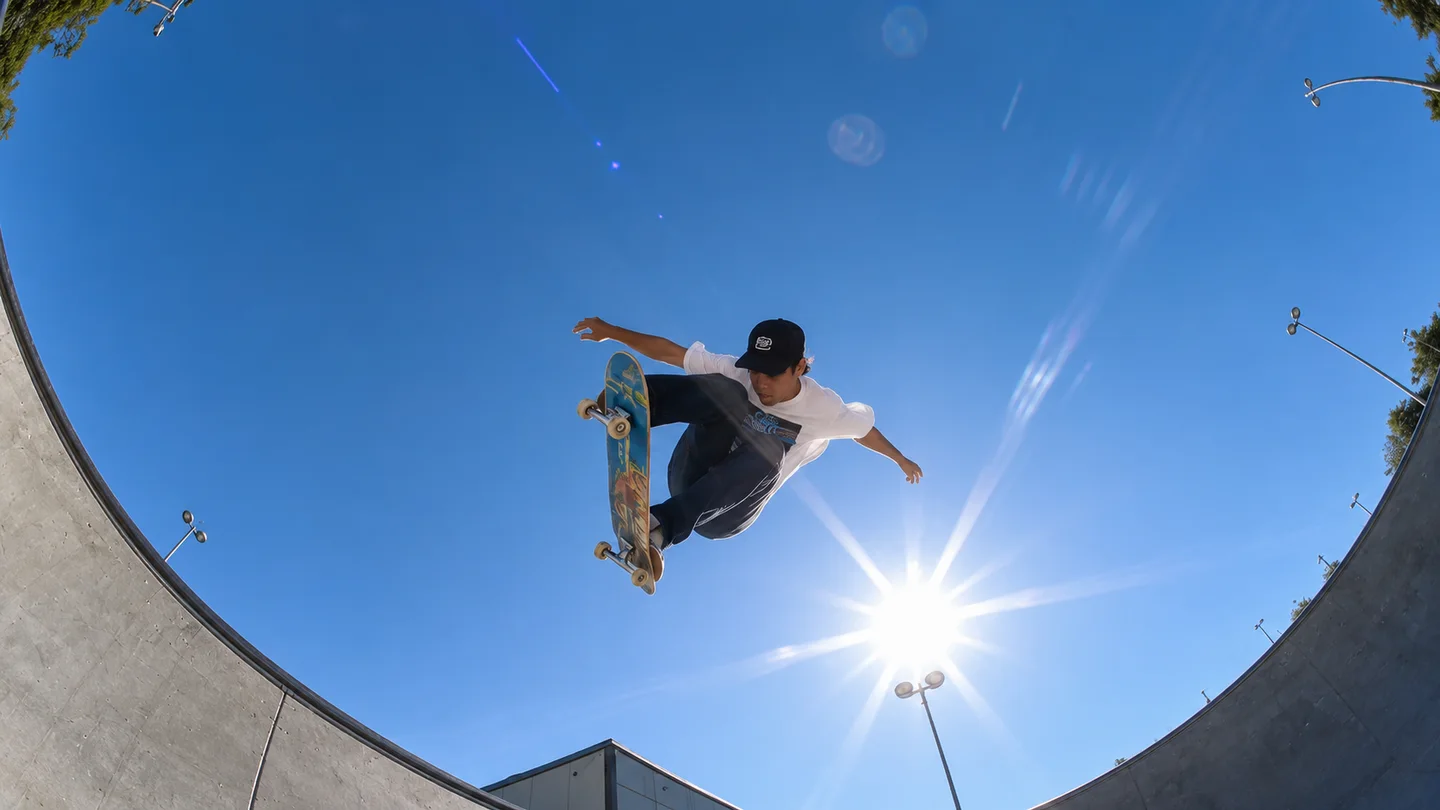
Multiple AI Video Models in One Place
Try multiple AI video models in one place, including Lanta 2.1, Grok Imagine, Seedance 2.0, Wan 2.6, Kling 3.0, HappyHorse 1.0, and Veo 3. Compare different motion styles, test creative directions, and choose the best model for your image-to-video idea.
Generate from an image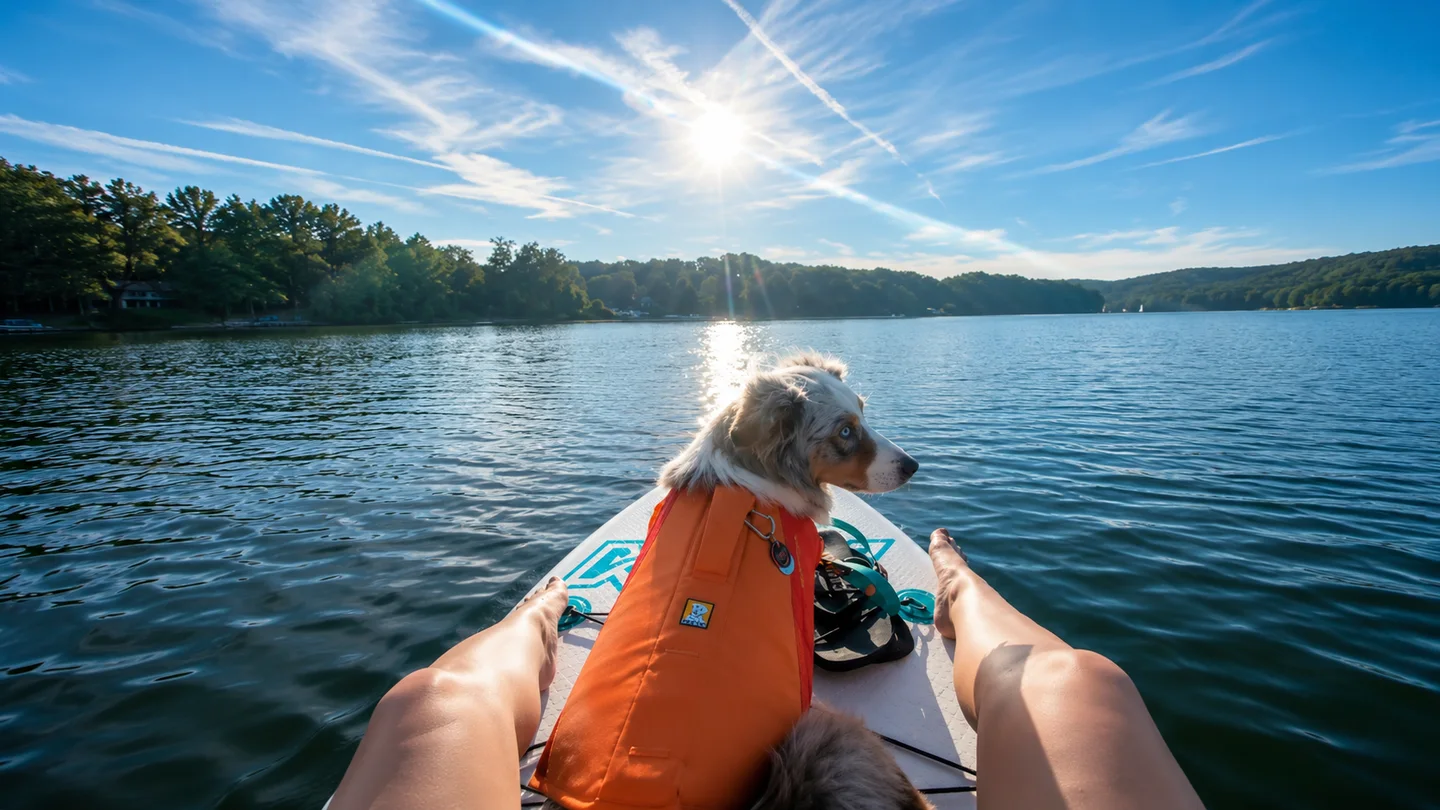
Bring Characters and Portraits to Life
Make people, avatars, and characters feel more real. Animate portraits, anime characters, 3D avatars, or illustrated figures with subtle motion. Add blinking, head turns, hair movement, expression changes, or body motion while keeping the original look and identity of the subject.
Animate a character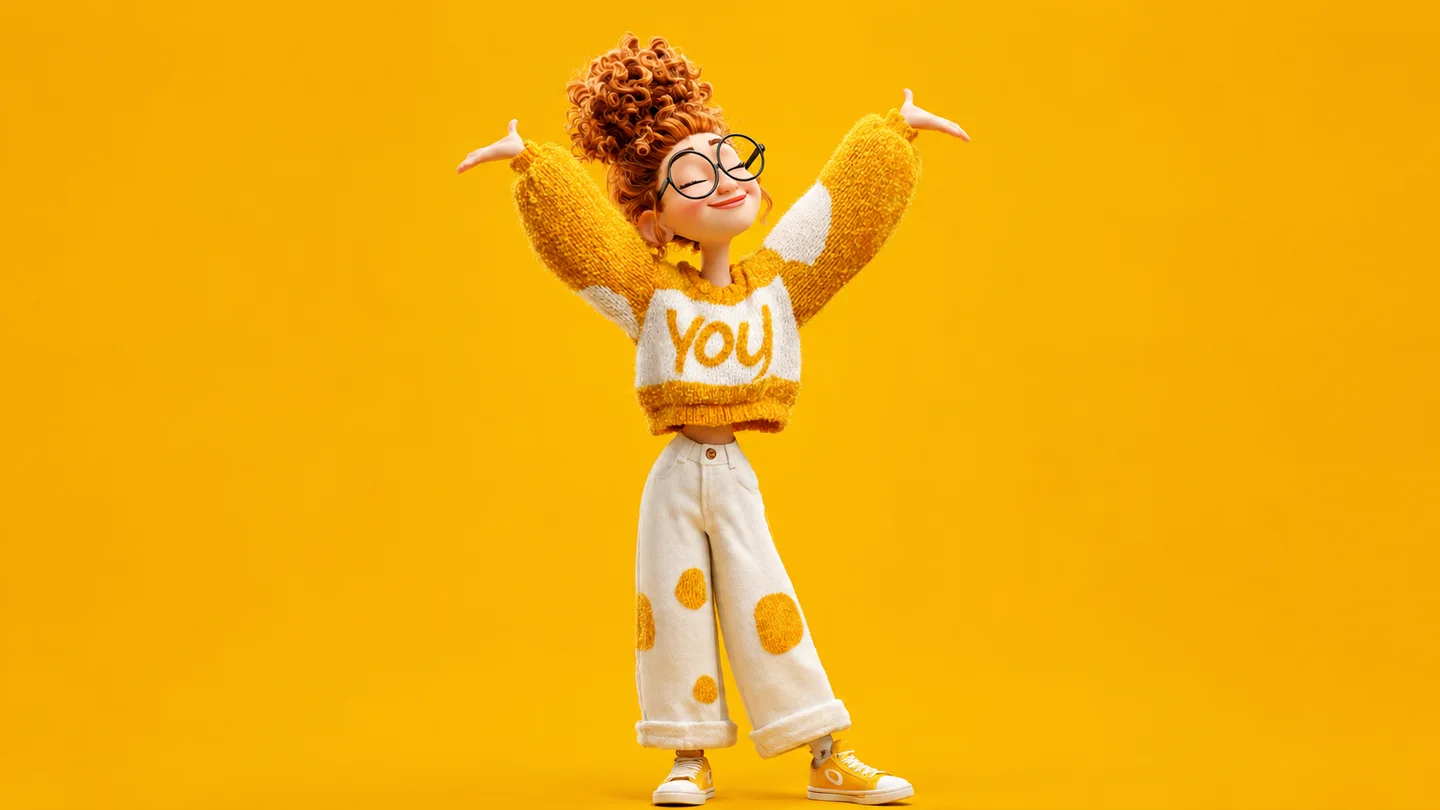
How to Use Lanta AI Image to Video
Create an AI video from one image in three simple steps.
Step 1: Upload Your Image
Start with a photo, illustration, product image, anime character, or AI-generated image. Lanta AI supports common image formats like JPG, PNG, and WebP.
Step 2: Describe the Motion
Write what should happen in the video. You can describe subject movement, camera motion, lighting changes, background, or style.
Step 3: Generate and Download
Choose your model, duration, and resolution. Generate your AI video, preview the result, and download it when you're satisfied.
Generate AI videos for every scenario
Social media
Generate scroll-stopping clips for TikTok, Reels, and Shorts in seconds with an AI Video Generator, no editing app needed.
Create social videos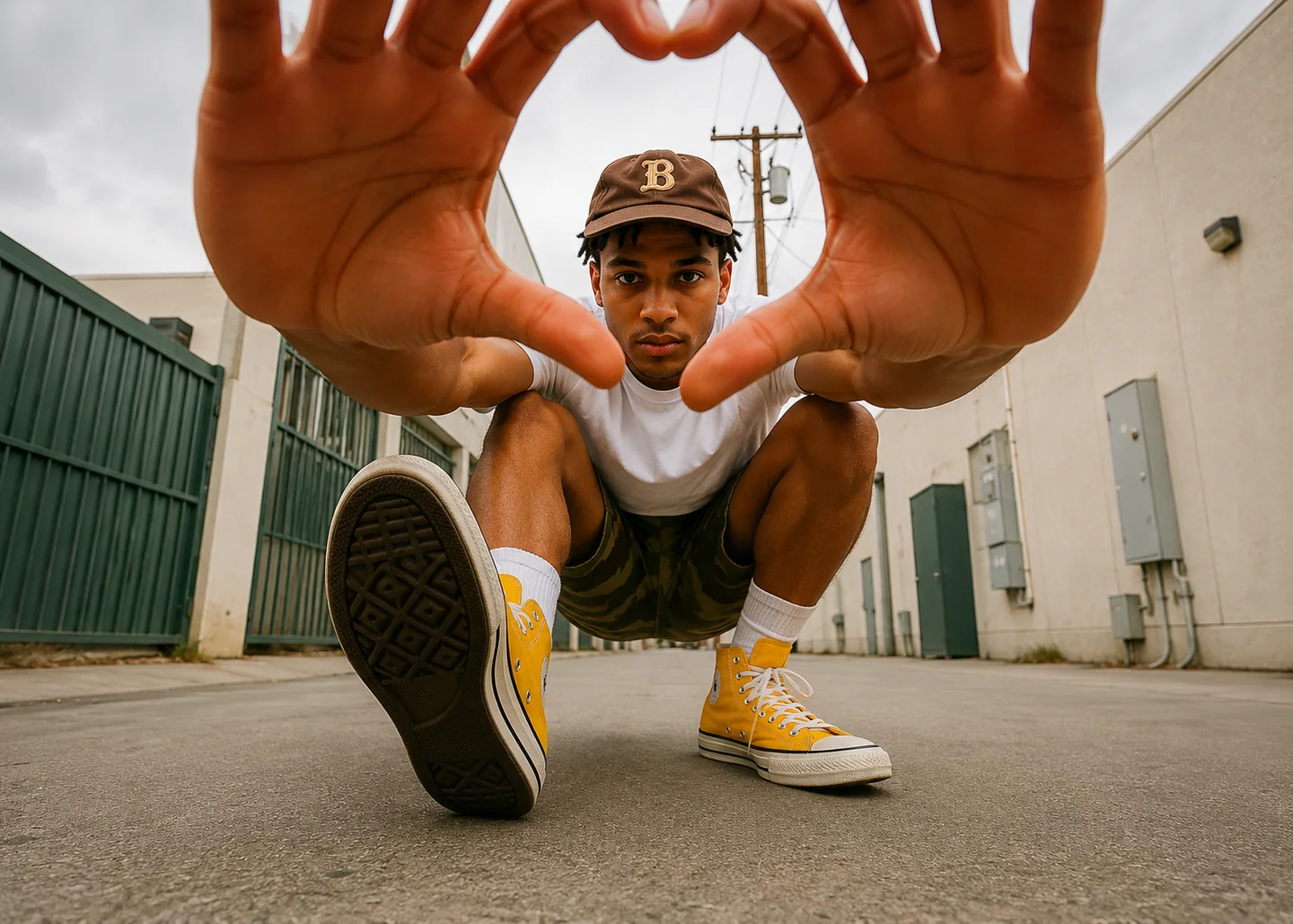
Image to Video FAQs
What is an image to video AI generator?
Is Lanta AI Image to Video free to try?
What image formats can I upload?
How do I get better image-to-video results?
How long does it take to generate a video?
Will the video keep my image exactly the same?
Can I use AI-generated videos for commercial projects?
Can I generate videos for TikTok, Reels, and Shorts?
Transform Your Image into Video
Upload a still image, describe the motion, and generate a polished AI video clip with Lanta AI.