
Text to Video AI Generator
Turn simple text prompts into AI videos in minutes. Type your idea, choose an AI video model, and bring your creativity to life with Lanta AI. Try 40 Free Credits. No video editing experience needed. Start with text and generate your first AI video online.
Why Create Text to Video with Lanta AI?
Create videos from your ideas with simple prompts, multiple models, social-ready formats, and an easy workflow from start to finish.
Fast Video Creation
Turn your text prompts into short videos in minutes, without filming or editing from scratch.
Try It Free Online
Start creating in your browser with free credits. No app download or setup needed.
Smart Camera Motion
Add smooth camera moves like close-ups, push-ins, tracking shots, and cinematic pans.
Multilingual Voiceovers
Add voiceovers in different languages to make your videos easier to share worldwide.
Multiple Video Models
Try different video models in one place and choose the result that fits your idea best.
Batch Video Generation
Create multiple videos at once to test ideas, compare styles, and save production time.
Social Media Formats
Choose ready-made formats for TikTok, Reels, Shorts, YouTube, ads, and social posts.
Easy to Use
Describe your idea in simple words and create videos without editing experience.
Safe and Private
Create with confidence. Your prompts, uploads, and generated videos are handled securely.
AI Text to Video Examples
Fast Video Creation from Written Ideas
Start with a sentence, not a studio. AI reads your prompt and turns the scene you describe into motion, camera movement, and visual style. In minutes, your written idea becomes a ready-to-use video clip.
Create from textCamera Movement and Cinematic Direction
Describe motion that feels dynamic and film-like. Create slow zoom-ins, push-ins, pans, tracking shots, orbit motion, dramatic lighting, and cinematic scenes directly from your prompt.
Add cinematic motionMultiple AI Video Models in One Place
Try multiple AI video models in one place, including Lanta 2.1, Grok Imagine, Seedance 2.0, Wan 2.6, Kling 3.0, HappyHorse 1.0, and Veo 3. Compare outputs and choose the best model for your text-to-video idea.
Generate from a promptBring Characters and Worlds to Life
Describe a character, a product scene, a fantasy world, or a story moment, and turn it into a moving video clip. Beyond real people, scenes, and actions, Text to Video AI can also create things that do not exist in the real world.
Animate an ideaHow to Use Text to Video AI
Create an AI video from text in 3 simple steps. Start with your idea, guide the video with a clear prompt, choose a model, and generate your result.
Enter Your Text Prompt
Describe the video you want to create. Make your prompt clear by explaining what the subject is, where it is, and what it is doing.
Choose an AI Video Model
Select the model you like. Set the video duration, resolution, and aspect ratio. Credit usage may vary depending on the options you choose.
Generate and Download
Create your AI video and review the result. If you are not satisfied, click the “Redo” button to try another prompt or model. If you are happy with the result, click “Download” to save the video to your device.
Generate AI videos for every scenario
Social media
Generate scroll-stopping clips for TikTok, Reels, and Shorts from text prompts in seconds, no editing app needed.
Create social videos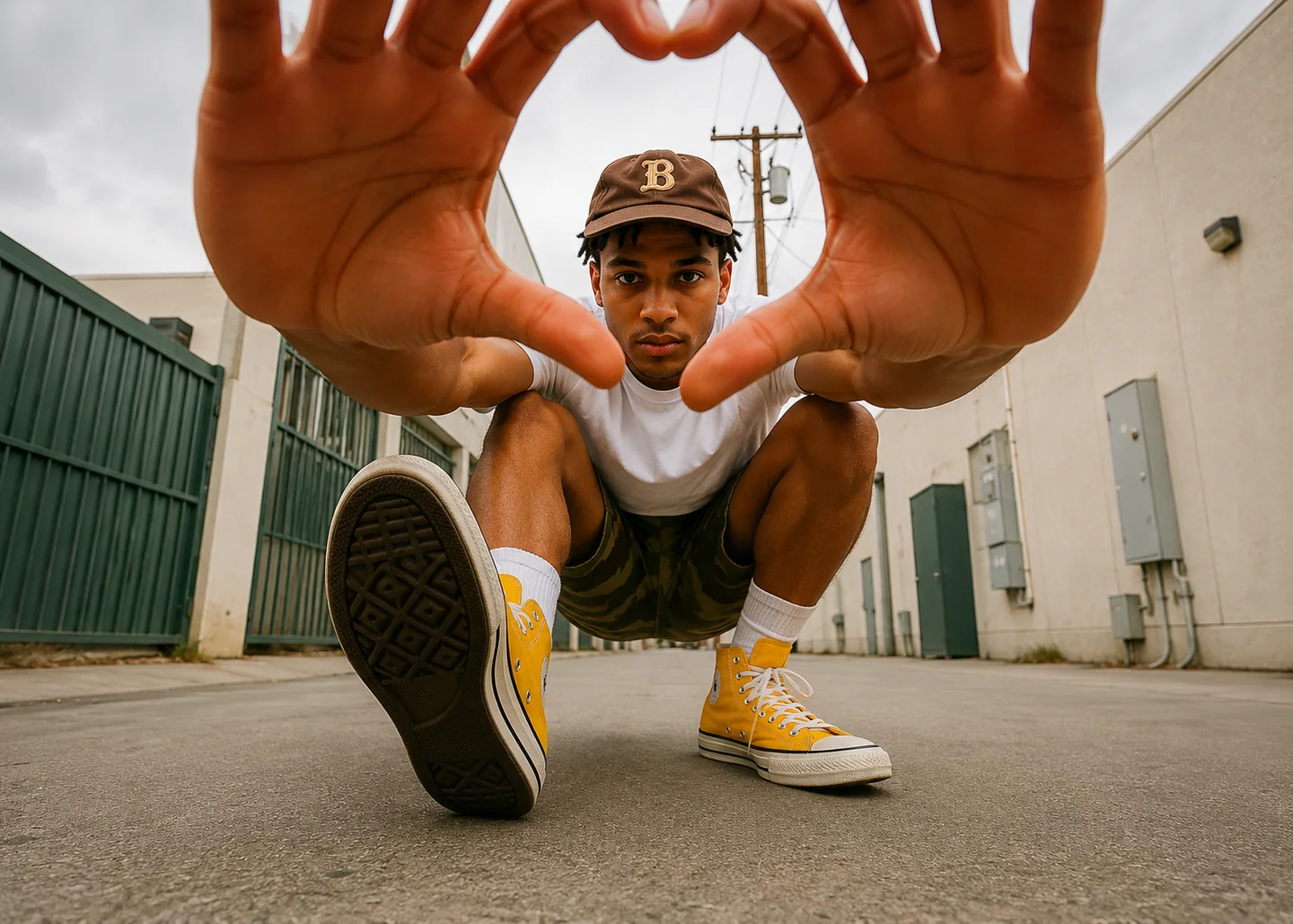
Text to Video AI FAQ
What is Text to Video AI?
How does Lanta AI Text to Video work?
What should I include in a good AI text to video prompt?
How long can my AI video be?
Is Lanta AI Text to Video free?
Why does my AI video not follow the prompt exactly?
Which AI video model should I choose?
Can I edit the video after generation?
Turn Your Text Prompt into an AI Video
Your next video can start with one sentence. Describe your idea, choose an AI video model, and create your first text-to-video generation with Lanta AI.