
Grok Imagine AI Video Generator
Create anything you imagine with Grok Imagine on Lanta AI. Turn your wild ideas into vivid AI videos with text & images. Generate short AI videos with native audio in minutes, then edit and restyle your video.
Get Inspired by Grok Imagine on Lanta AI
Strawberry Cake Layer Breakdown
Mountain Clouds Timelapse
Fisheye Fashion Model
Dogs Beach Frisbee Chase
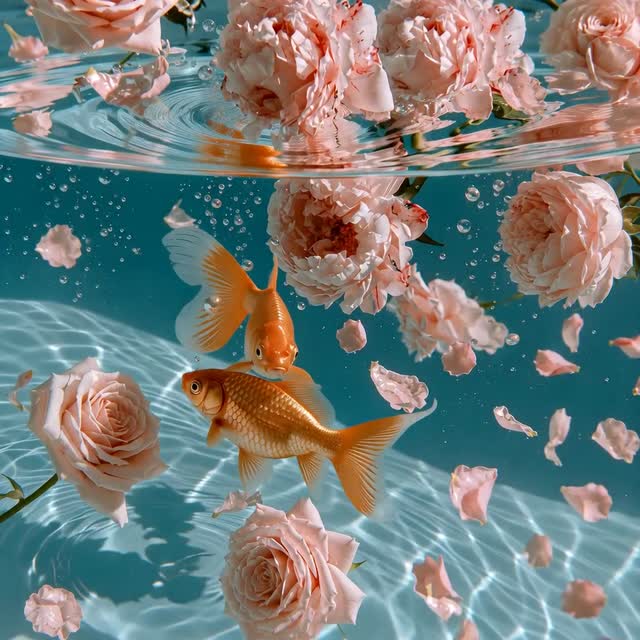
Goldfish Underwater Swim
Luxury Perfume Pink Smoke Ad
Documentary Bonfire Flames
Grok Imagine Video Pricing and API Cost
Grok Imagine currently supports video output up to 720p, but it offers a clear pricing advantage compared with many mainstream AI video generation models.
| Model | 480p | 720p | 1080p |
|---|---|---|---|
| Grok Imagine Video | $0.05/s | $0.07/s | — |
| Sora 2 | — | $0.10/s | — |
| Veo 3 Standard | — | $0.40/s | $0.40/s |
| Kling 3.0 | — | ≈ $0.13/s | ≈ $0.18/s |
| Seedance 2.0 | ≈ $0.06/s | ≈ $0.14/s | — |
Pricing for Grok Imagine Video, Sora 2, and Veo 3 Standard is based on official API pricing from xAI, OpenAI, and Google Gemini API. For Kling 3.0 and Seedance 2.0, official pricing is based on credits or tokens rather than direct per-second rates, so the prices below are estimated per-second video generation costs.
Create High-Quality Videos from Prompts
Text-to-Video — Turn text prompts into ultra-realistic videos with sharp details, natural lighting, smooth motion, and lifelike textures. Grok AI Video Generator makes each scene look clearer, more polished, and more realistic.
Generate Grok AI Video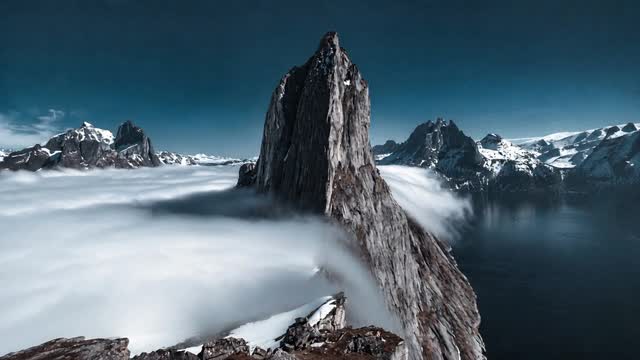
Animate Any Still Image
Image-to-Video — Go beyond simply making an image move. Grok AI Video delivers faster rendering, lower latency, and smoother motion, helping your videos feel more fluid and expressive. From subject movement and action to dynamic camera motion and natural scene transitions, your still images can become vivid videos.
Animate with Grok Imagine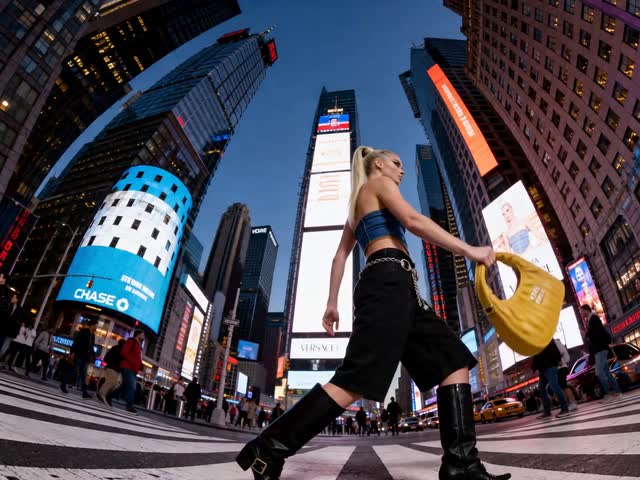
Modify Existing Videos with AI
Use simple text prompts to quickly add, remove, or replace backgrounds, characters, or specific details in an existing video. Instead of editing frame by frame manually, Grok AI Video Generator automatically updates the visuals across the full clip to create a more complete and polished final video.
Edit Grok AI Video
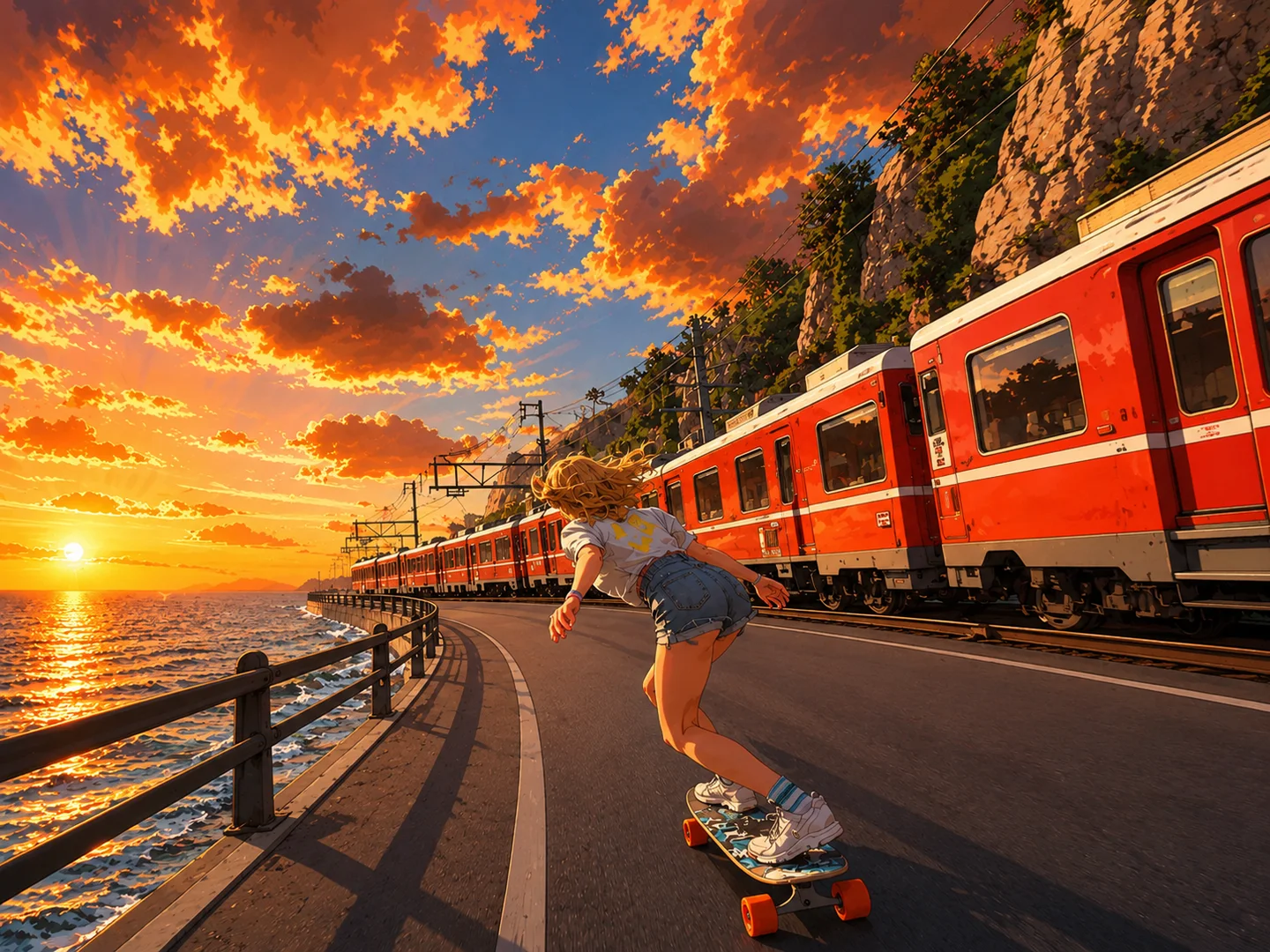
Guide Video Results with References
Use reference images to guide the look of characters, time settings, and scenes. You can upload different types of subjects, including people, animals, products, or virtual characters. You can also use scene references such as natural landscapes, city streets, commercial studios, Sci-Fi & Fantasy worlds, to create a wider range of video content.
Guide Grok Imagine Video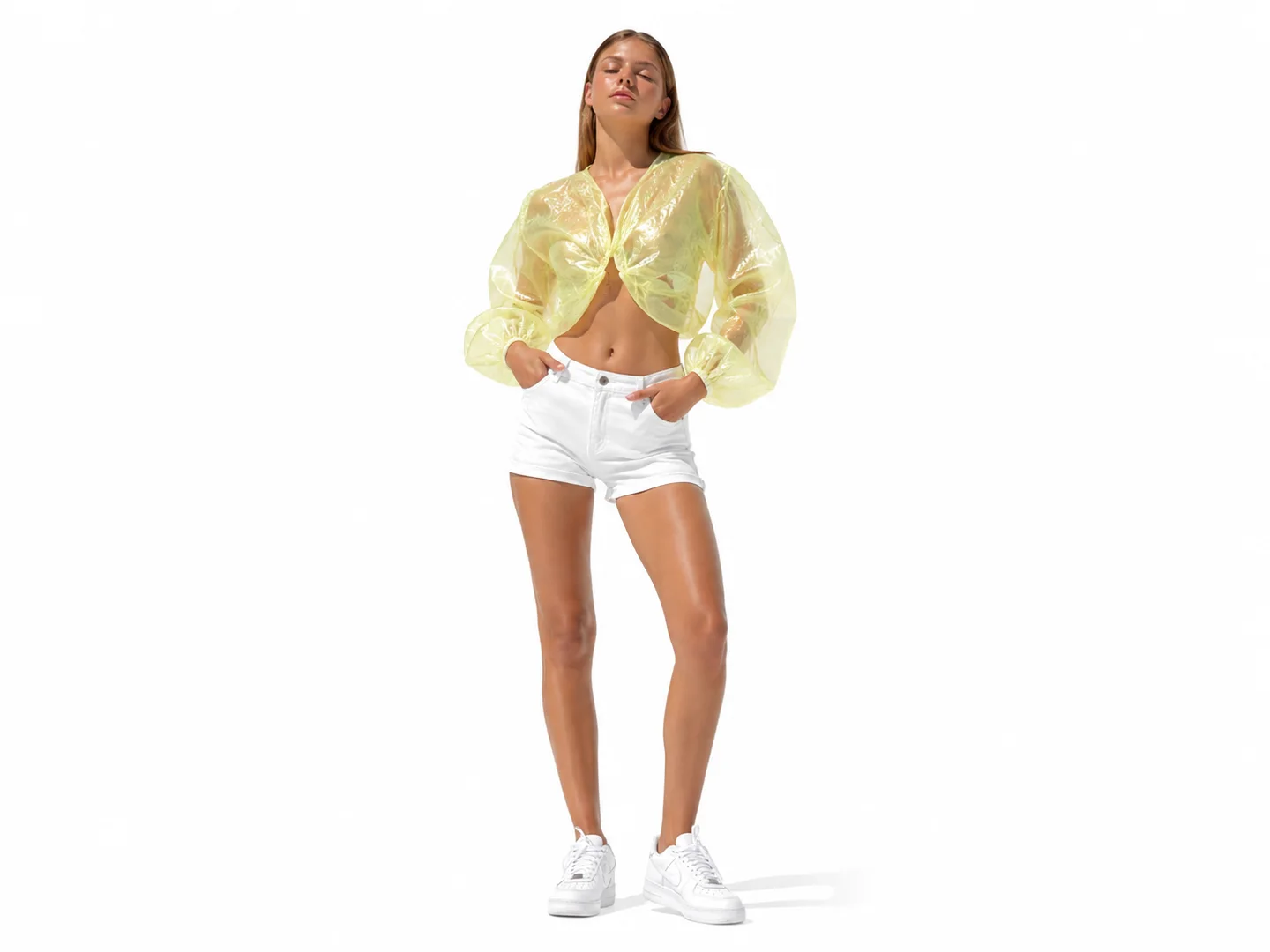
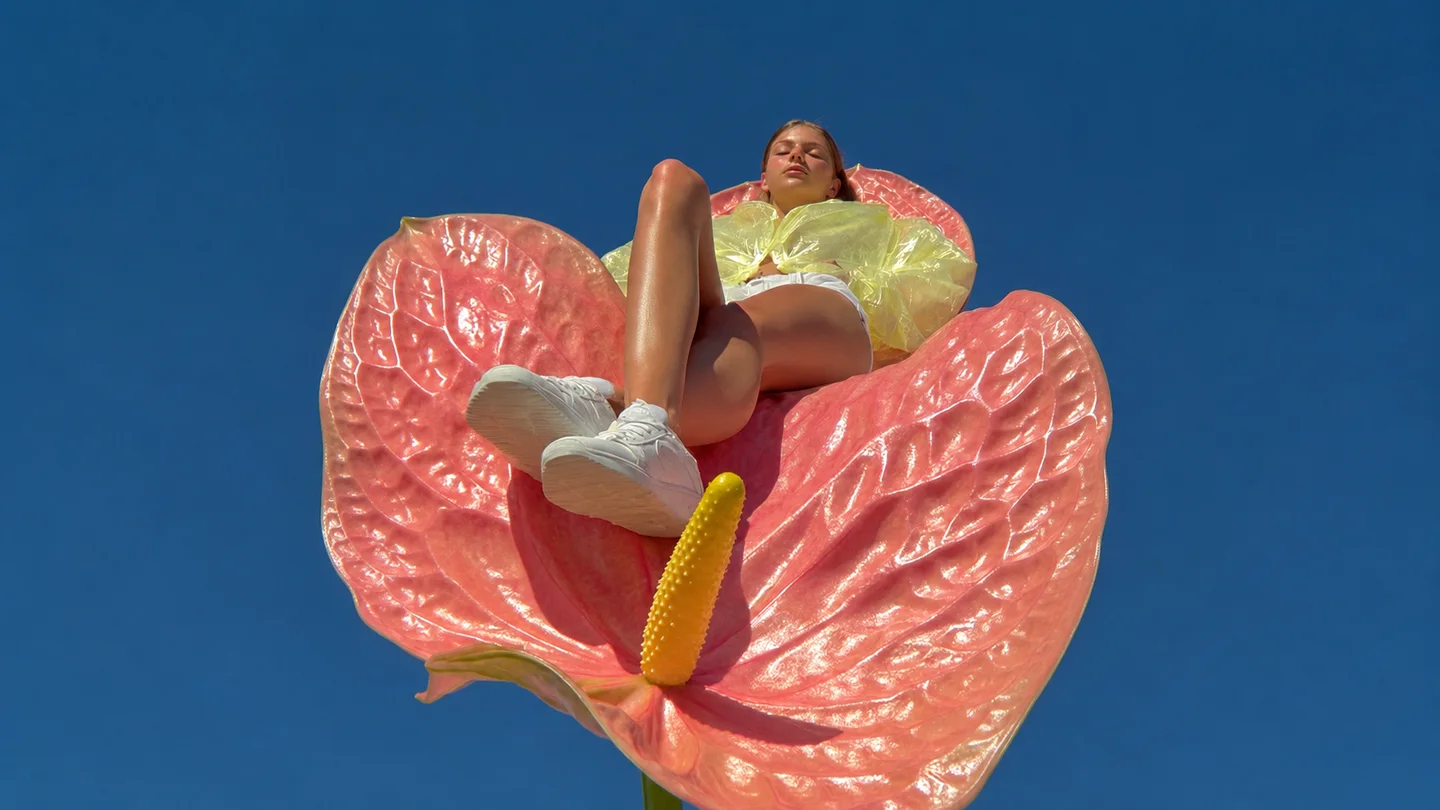
Pros of Grok Imagine Video
Grok Imagine Video helps you turn text prompts, images, and creative ideas into short AI videos with motion, sound, and flexible video styles.
Text & Image to Video
Generate videos from text prompts or bring a still image to life with realistic motion, camera movement, and scene animation.
Native Audio
Create AI videos with character dialogue, voiceovers, monologues, sound effects, and ambient audio built directly into the scene.
Fast Generation
Create short AI video clips in minutes without a studio or camera, making your video creation workflow faster and easier.
Multiple Aspect Ratios
Create videos in popular aspect ratios, 16:9, 9:16, 1:1, 4:3, and 3:4. Easily make vertical videos for social media, and horizontal videos for ads.
High-Quality & Realistic
Grok Imagine helps create vivid AI videos with sharp details, realistic textures, natural lighting, and smooth motion.
Video Style Transfer
Transform the visual style of a video, from photorealistic to cyberpunk, anime, retro, mosaic, or watercolor.
How to Use Grok Imagine Video on Lanta AI
Create a Grok Imagine AI video on Lanta AI in just a few simple steps. Upload an image or enter your text prompt, select the Grok Imagine Video model, then click Create to generate and download your video.
Step 1: Add Your Image or Prompt
Upload a reference image or enter a text prompt that describes the video you want to create.
Step 2: Select Grok Imagine Video
Choose the Grok Imagine Video model on Lanta AI, then set your video length and resolution.
Step 3: Create and Download
Click Generate and wait 2–3 minutes for your video to output. Finally, preview the result and download the video.
Grok Imagine FAQ
Is Grok Imagine on Lanta AI free?
How long can Grok Imagine videos be?
How do I make longer videos with Grok Imagine?
Does Grok Imagine support image-to-video?
Does Grok Imagine support reference images?
Why does Grok Imagine change my character?
Is Grok Imagine good for professional videos?
Is Grok Imagine safe for real people’s photos?
Start Creating with Grok Imagine
Create anything you imagine with Grok Imagine on Lanta AI. Turn bold ideas, images, and prompts into dynamic AI videos with native audio.