
GPT Image 2 AI Image Generator
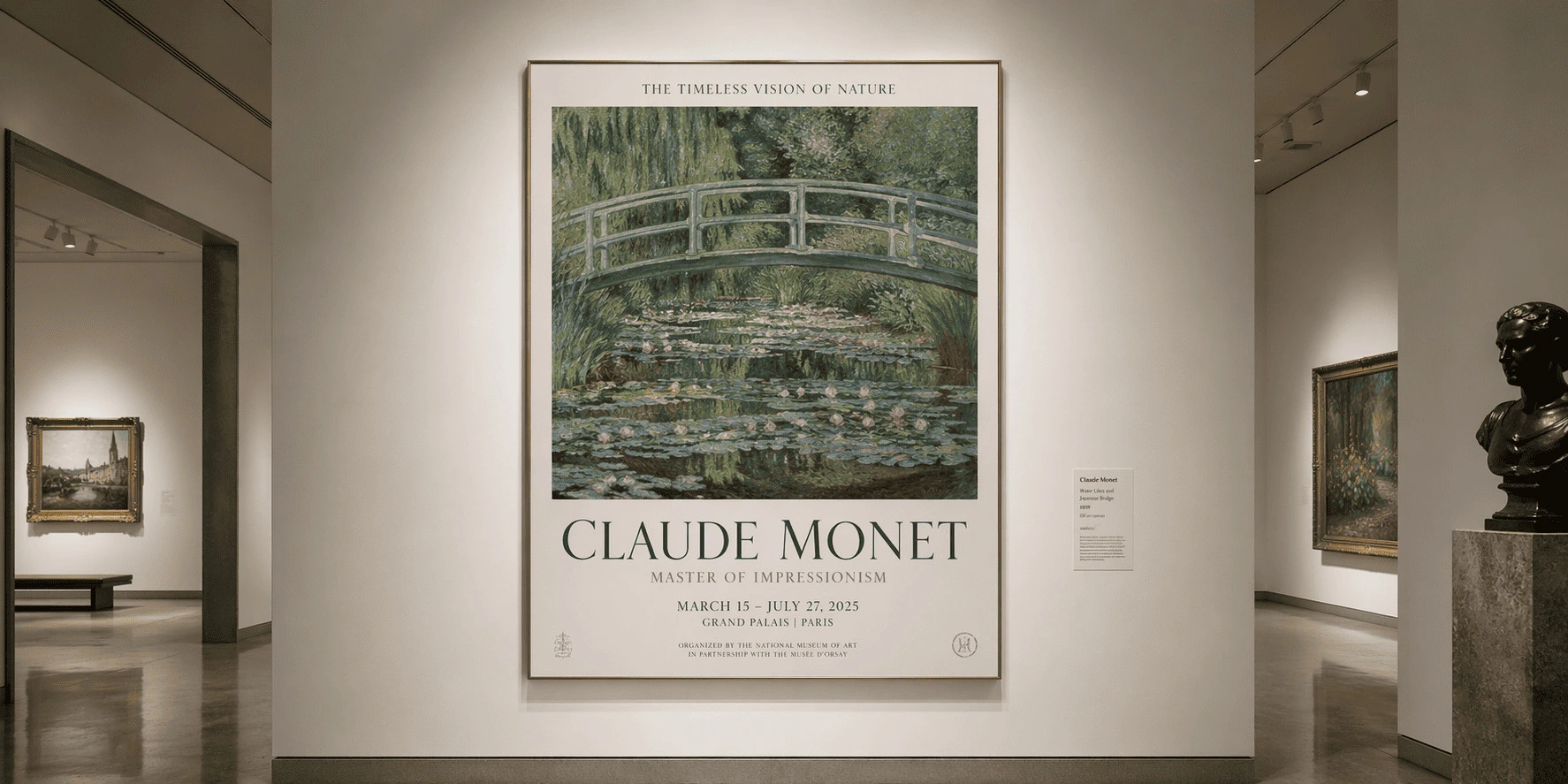
GPT Image 2 can handle more deliberate creative work. It goes beyond single images, helping you build posters, UI concepts, comics, campaigns, and full visual series with clearer text, stronger layouts, and better prompt fidelity across multiple styles.
GPT Image 2 AI Image Generator
Create Images for Real Projects
GPT Image 2 helps you turn ideas into usable visuals for work, content, and creative production. Make product photos, ads, posters, social posts, UI mockups, infographics, characters, and story scenes with clearer typography and more dependable layouts.
Photography and Photorealism
Create images that feel closer to real photography, with natural light, believable texture, and cleaner visual detail. It works well for product shots, portraits, lifestyle imagery, and cinematic scenes that need a polished finish.
Try GPT Image 2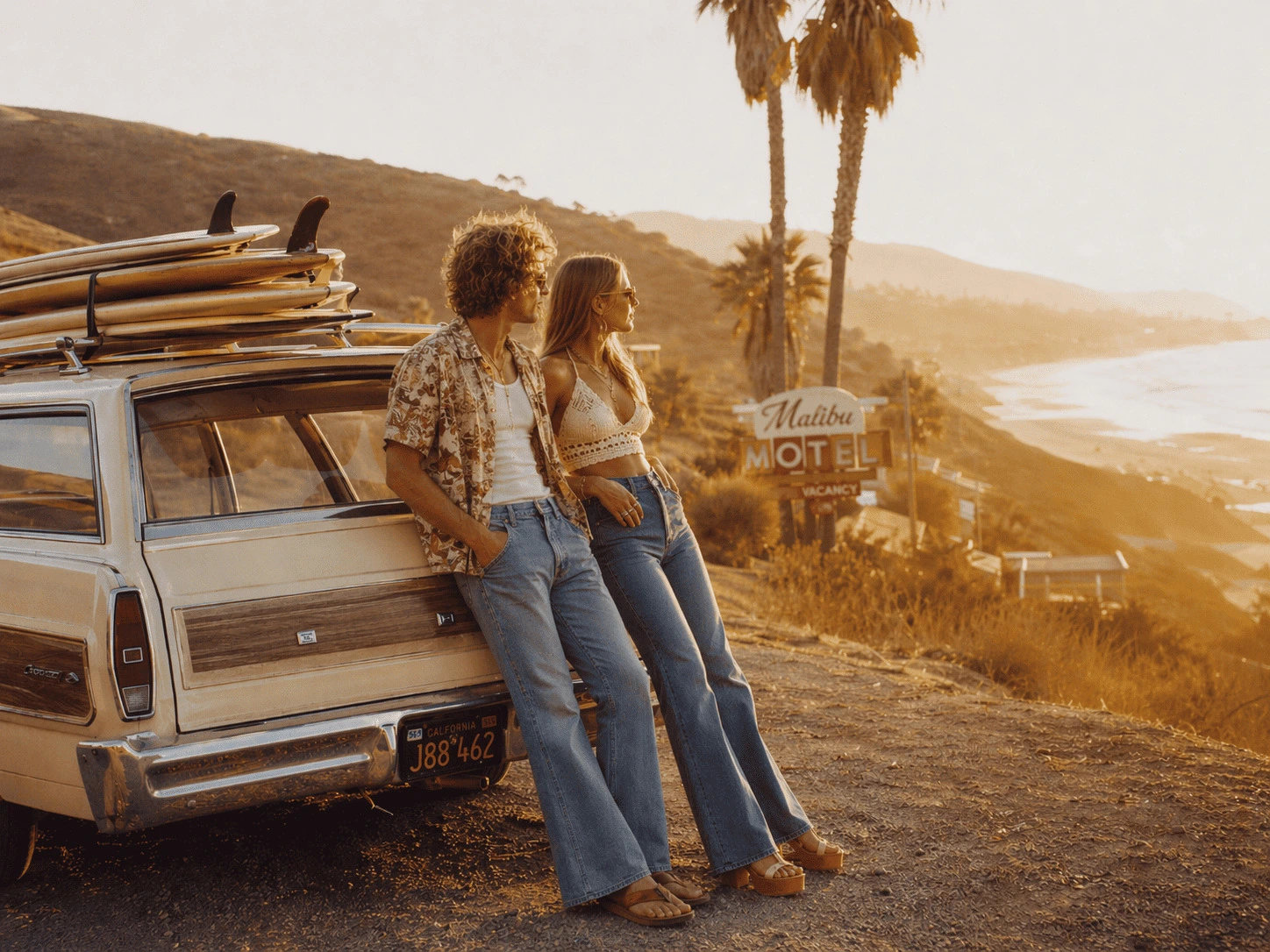
UI and Product Mockups
Turn app or website ideas into visual mockups faster. Use GPT Image 2 to create dashboards, mobile screens, landing page concepts, and interface explorations with readable labels and better composition.
Try GPT Image 2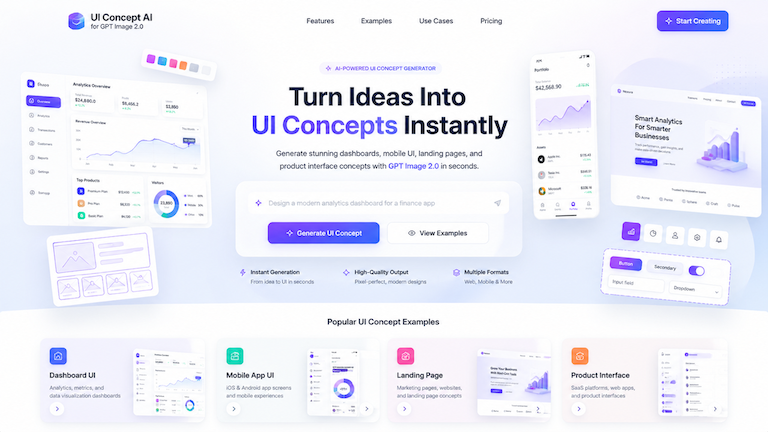
Anime, Manga, and Stylized Art
Create stylized visuals with a stronger sense of direction. Generate anime scenes, manga pages, collage art, mixed-media concepts, and character images that stay more coherent from panel to panel or version to version.
Try GPT Image 2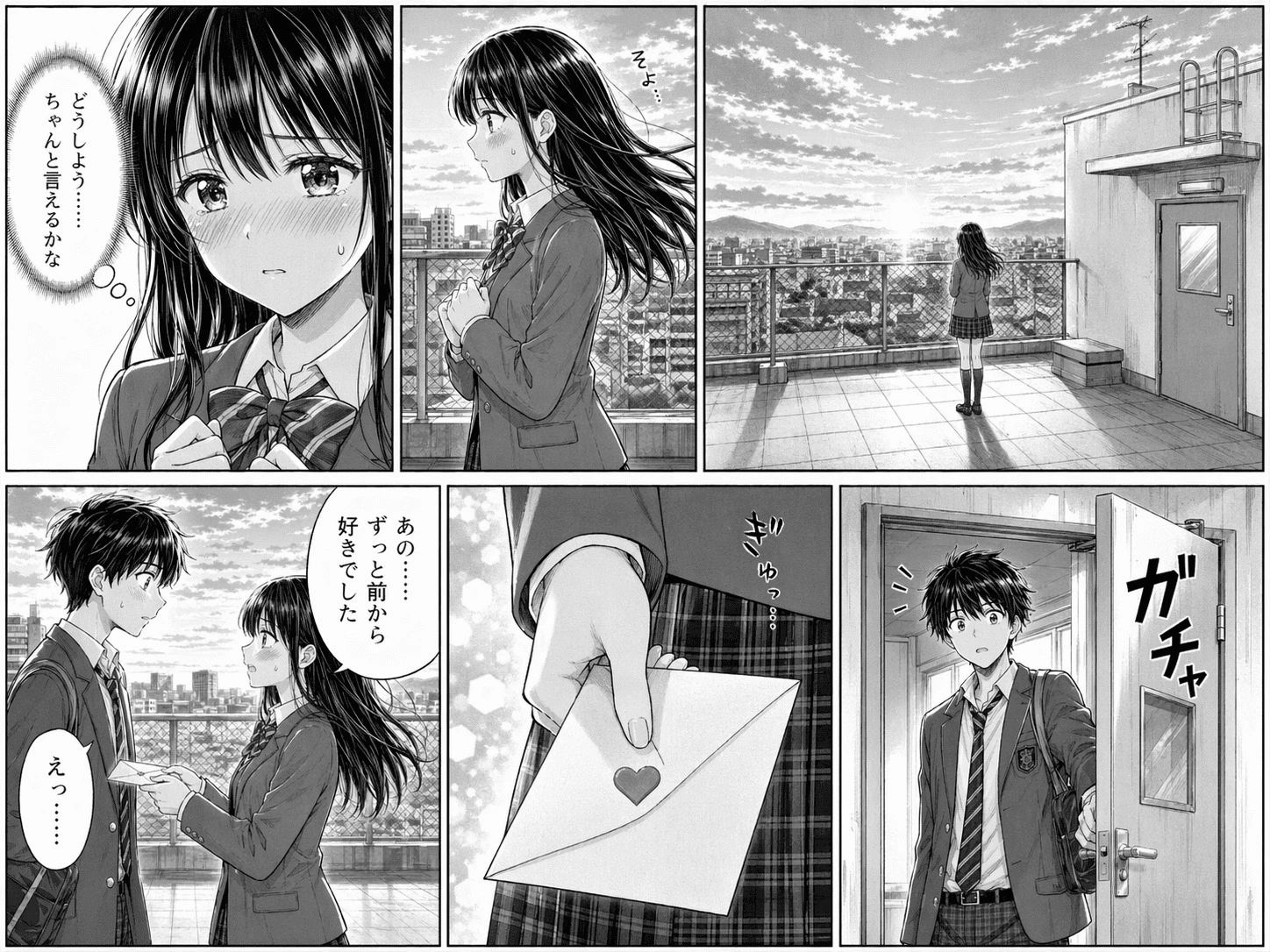
Typography and Poster Design
Create visuals where the copy actually matters. GPT Image 2 is especially useful for posters, ads, event graphics, menus, labels, and layouts that need short text to stay readable and visually integrated.
Try GPT Image 2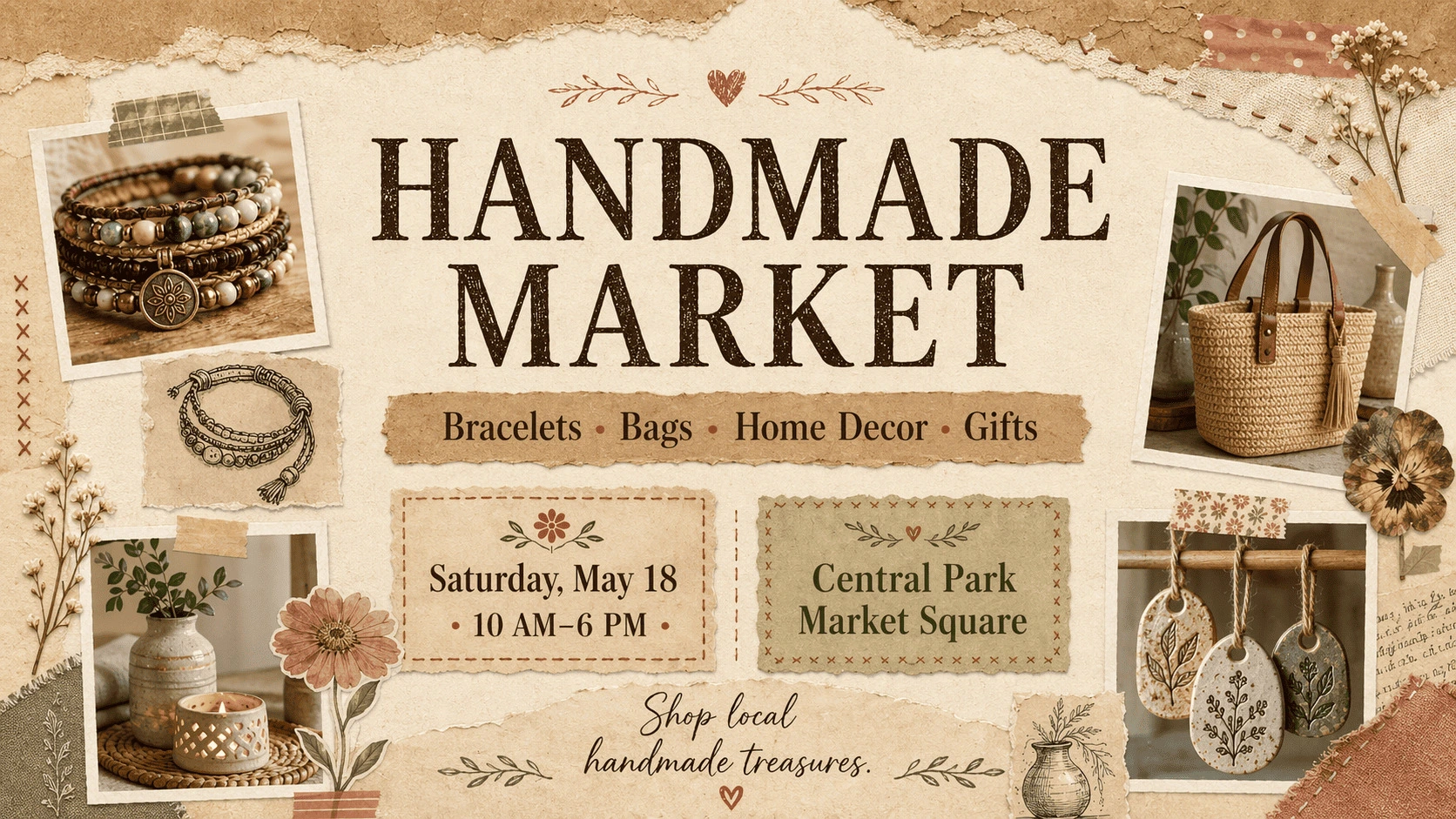
Advertising and Social Campaigns
Build campaign-ready visuals for ads, social posts, thumbnails, banners, and launches. GPT Image 2 helps translate marketing ideas into finished-looking assets with tighter text treatment and layouts that fit different channels.
Try GPT Image 2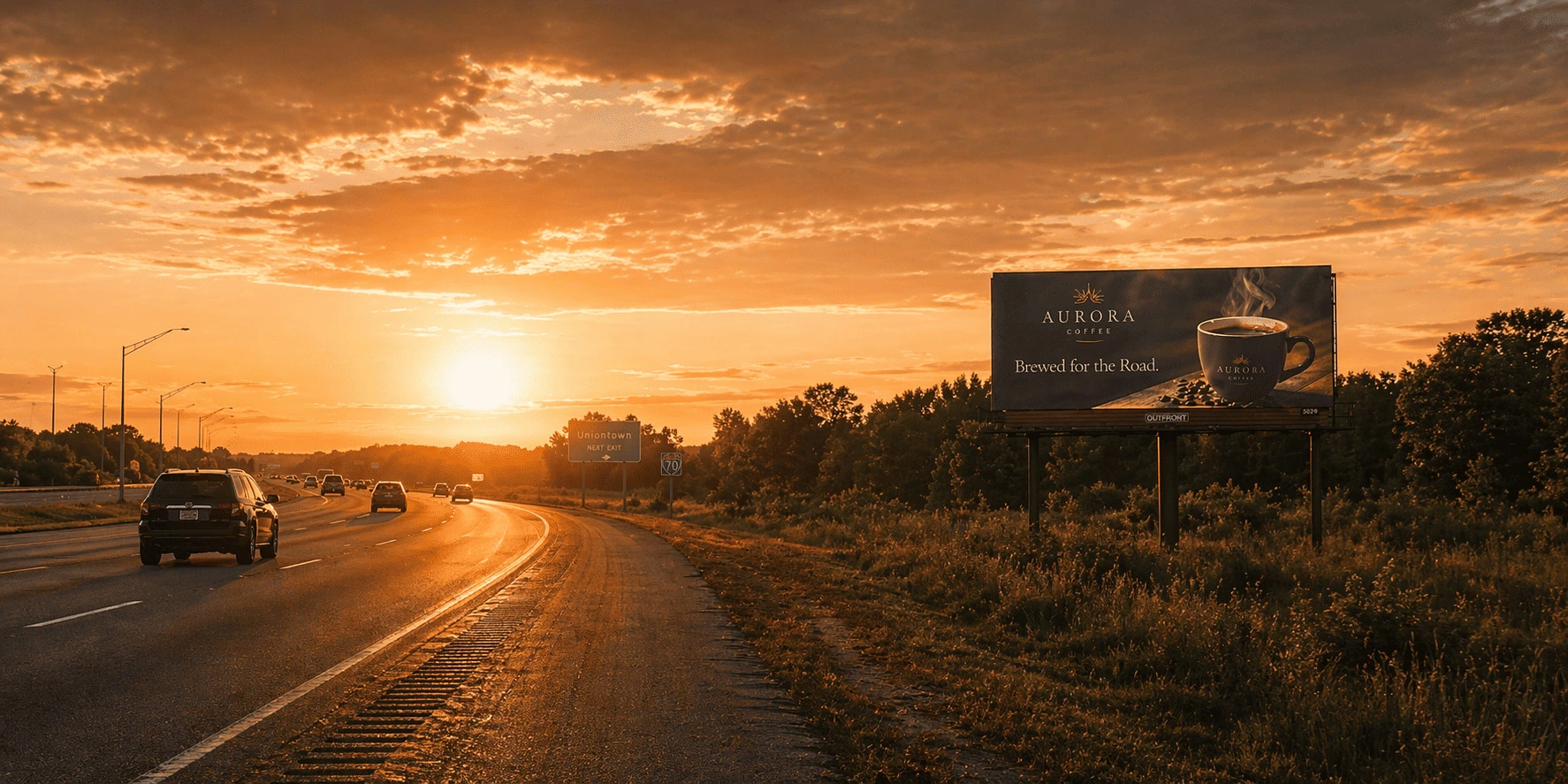
It does not just understand your prompt. It makes the idea usable.
Better text rendering for complex visual content
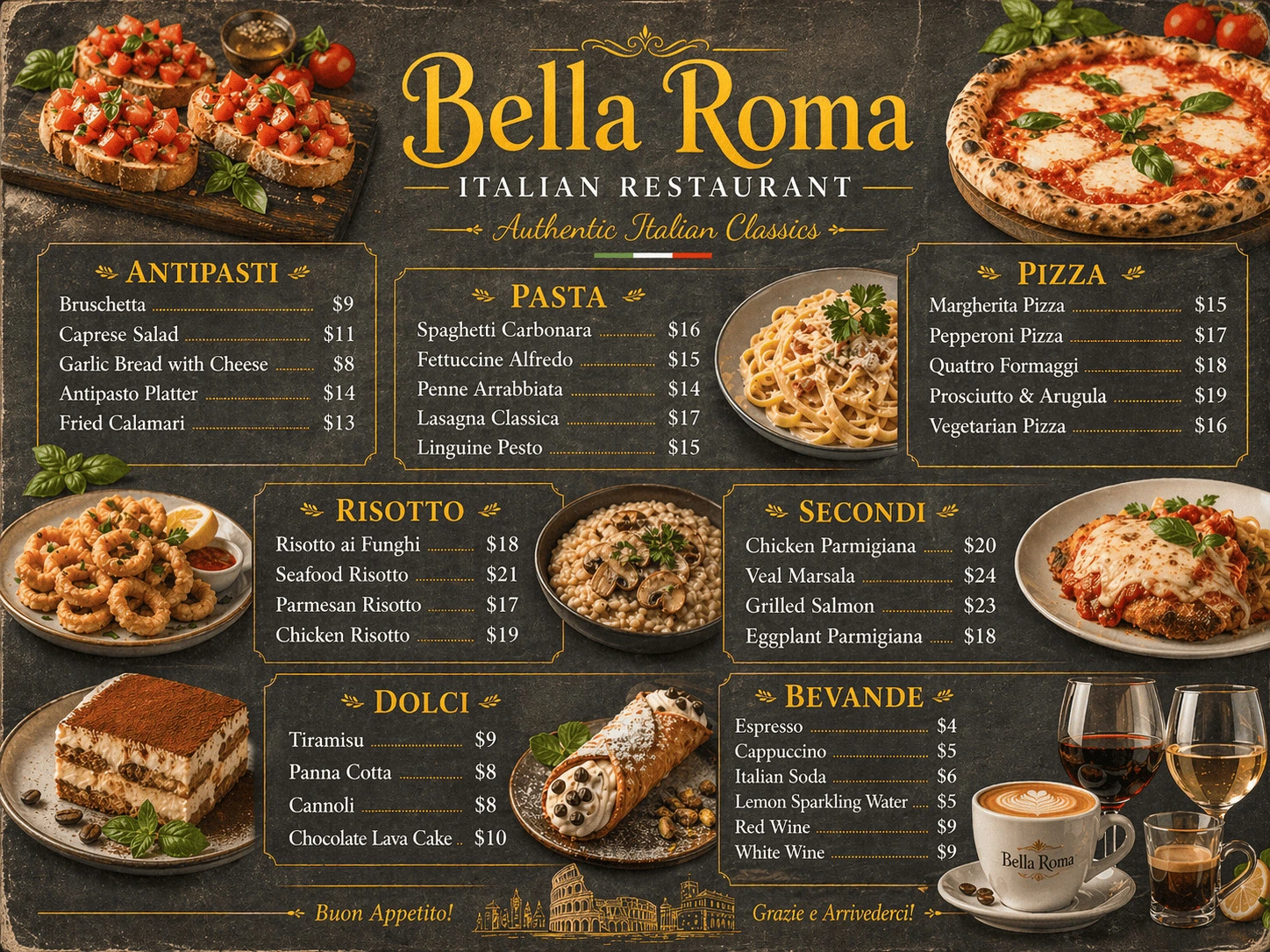
GPT Image 2 is much better at handling text-heavy designs and small layout details. Earlier image models could make attractive pictures, but they often broke on poster headlines, product labels, infographic annotations, or multilingual copy.
That changes the workflow. GPT Image 2 can render fine print, icons, UI controls, and dense composition details more reliably, which makes it more practical for posters, ads, comics, diagrams, menus, and educational visuals.
One idea, adapted to different formats
Start from one creative direction and adapt it to the format you actually need. GPT Image 2 supports aspect ratios from 3:1 to 1:3, so it is easier to create wide website banners, vertical posters, social graphics, presentation covers, and mobile-first layouts from the same concept.
Instead of rebuilding the image for every channel, you can keep the core idea and specify the format in the prompt. Ask for a wide banner, a tall poster, or a screen-ready composition, and the model can respond with a layout that fits the job.
The real upgrade is prompt understanding
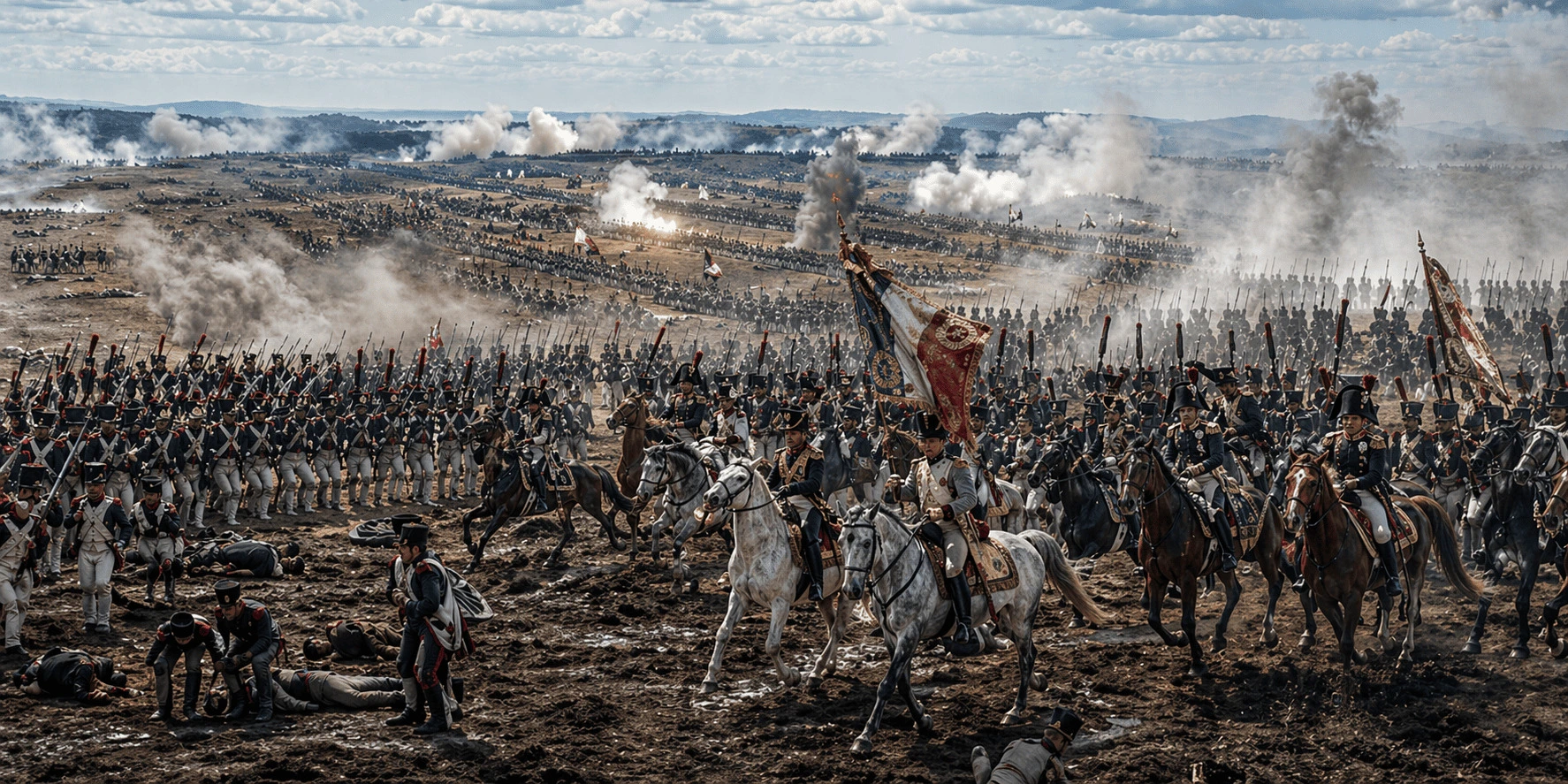
GPT Image 2 is not only about making images look more realistic. Its bigger upgrade is how closely it follows what you are actually asking for. It reads visual intent better, understands style instructions more deeply, and gets closer to the image you pictured before you generated it.
That matters across photography, illustration, comics, pixel art, cinematic scenes, and other stylized formats. It keeps texture, lighting, structure, and detail more consistent, so the result feels more faithful to the original concept rather than just more polished.
Follow detailed instructions and preserve what matters
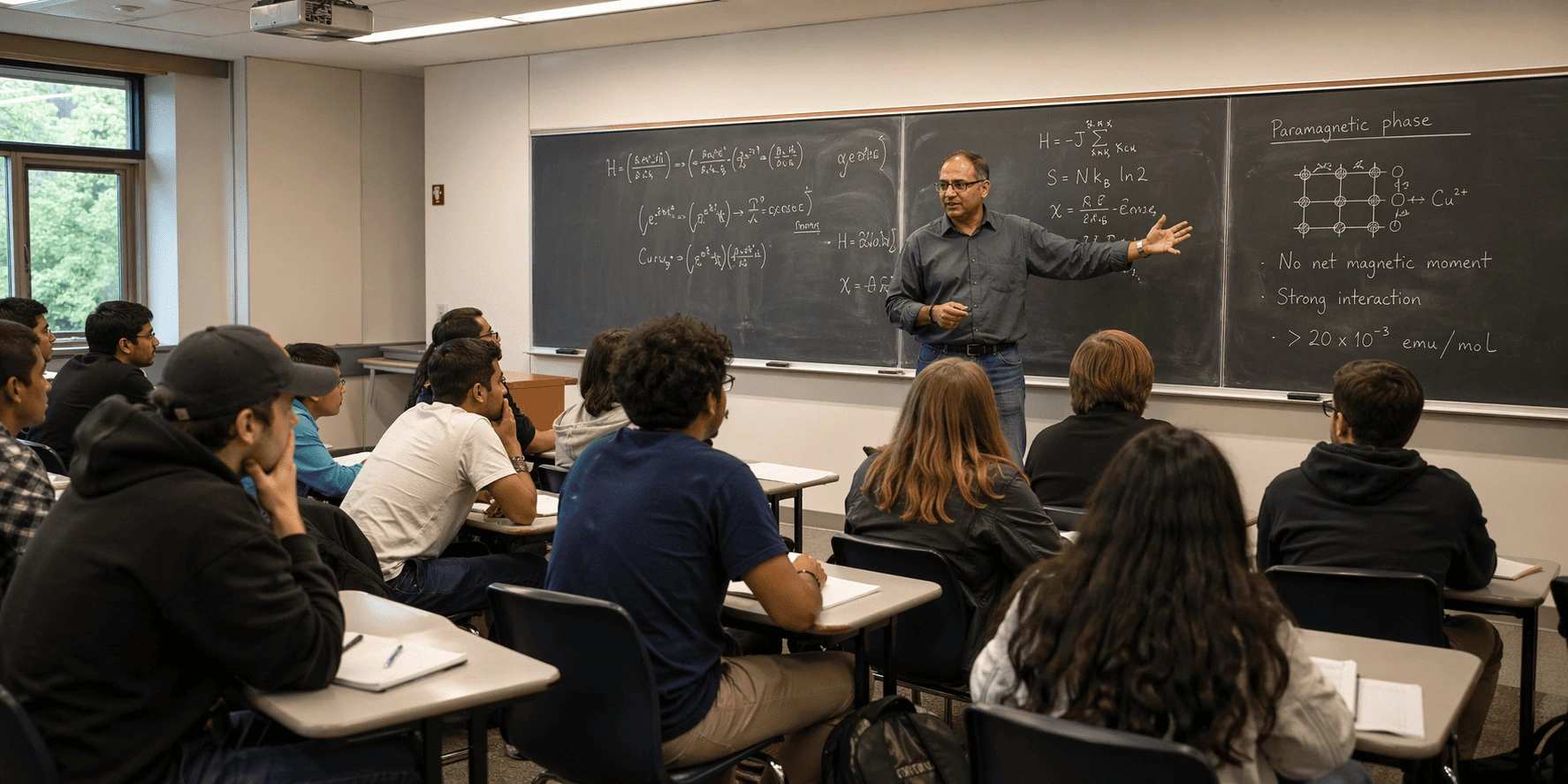
One of the clearest improvements in GPT Image 2 is how it handles dense prompts with many constraints. It does not stop at the broad concept. It can track more specific instructions about objects, placement, copy, composition, and visual relationships inside the frame.
When you explicitly say that a detail must stay the same, GPT Image 2 is more reliable about keeping it in place. It can help you:
- Keep a logo intact
- Maintain a specific color
- Preserve a character hairstyle or outfit
- Retain part of a product structure
That makes image edits and multi-version creative work feel more consistent from one generation to the next.
Understand GPT Image 1.5 and 2.0 in One Table
See how GPT Image 2 improves prompt following, text rendering, style control, and production-ready visual output.
| Comparison Point | GPT Image 1.5 | GPT Image 2.0 |
|---|---|---|
| Prompt following | Good at understanding the overall direction and staying close to the core idea. | Follows more detailed instructions for text placement, object relationships, format, and design style. |
| Image editing | Useful for editing existing images while trying to preserve faces, products, logos, or backgrounds. | Can edit images too, but stands out more when building complete visual assets. |
| Text in images | Can handle short text, but small, long, or dense copy still breaks easily. | Better suited to posters, labels, UI copy, infographics, menus, and comics. |
| Multilingual text | More stable with English and other Latin-script languages. | Stronger with non-Latin scripts such as Chinese, Japanese, Korean, Hindi, and Bengali. |
| Format flexibility | Reliable for common image formats. | Adapts better to posters, mobile screens, social crops, and presentation layouts. |
| Style control | Produces stable realistic images compared with earlier models. | Handles a broader range of looks, including photography, cinematic stills, pixel art, and manga. |
| Character consistency | Works for simple character images, but identities may drift across variations. | Does a better job keeping characters recognizable across angles and iterations. |
| Realism | Creates realistic images with dependable output. | Adds more natural lighting, material texture, minor imperfections, and small real-world details. |
| Complex scenes | Works best with simpler compositions. | Handles denser scenes with more objects, layout logic, and embedded text. |
| Local edits | Strong for broad edits while preserving the key structure of an image. | Useful for edits too, but tiny local changes may still need retries. |
Prompt Ideas for GPT Image 2
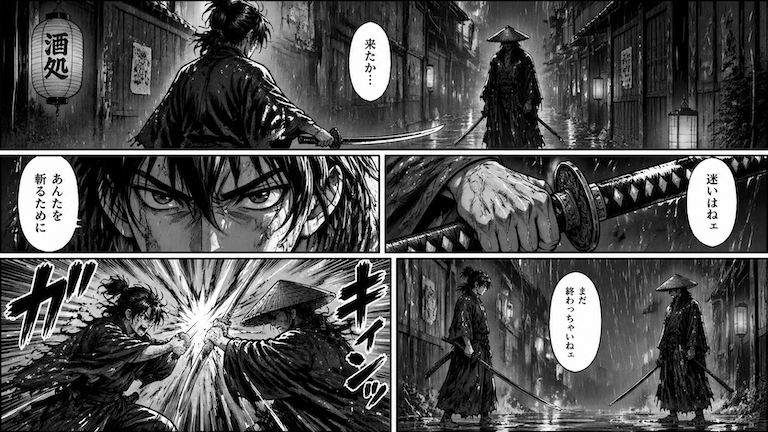
Black-and-White Manga Page
Create a professional black-and-white serialized manga page. Use 5 panels to tell a tense scene in a rainy city alley: Panel 1: A wide establishing shot of a young swordsman facing a mysterious enemy. Panel 2: A close-up of the swordsman's serious eyes. Panel 3: A close-up of his hand gripping the sword. Panel 4: A sudden clash with dramatic speed lines and strong impact. Panel 5: A suspenseful final panel showing both fighters standing still after the strike. Style: Bold ink linework, screentone shading, high-contrast black and white, dynamic panel composition, dramatic close-ups, expressive faces, authentic weekly manga aesthetics. Constraints: Keep the character design consistent across all panels. No color, no watermark, no extra text outside speech bubbles or sound effects.
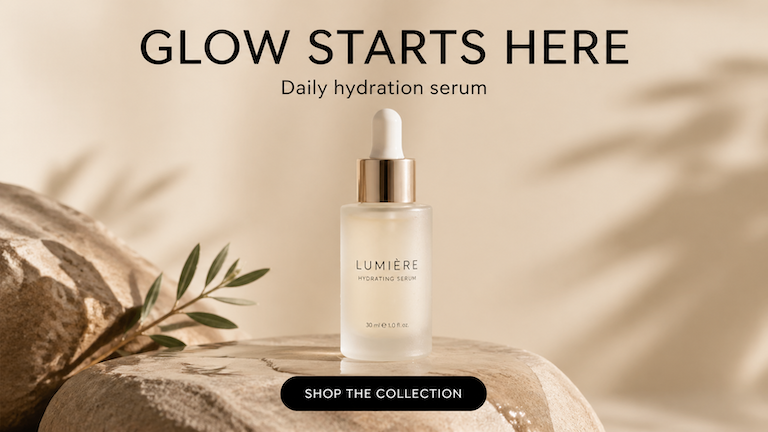
Product Ad Poster
Create a premium vertical product advertisement poster for a minimalist skincare serum. Main product: A frosted glass serum bottle standing on a smooth stone surface, with soft reflections and subtle water droplets. Visual style: Clean luxury skincare photography, warm beige background, soft studio lighting, elegant shadows, high-end editorial composition, generous negative space. Text: Headline at the top: "GLOW STARTS HERE" Small subheading below: "Daily hydration serum" Bottom CTA: "SHOP THE COLLECTION" Typography: Modern sans-serif, clean kerning, black text, centered, highly readable. Constraints: Render the text exactly as written. No extra words. No duplicate text. No watermark. Keep the bottle label clean and realistic.
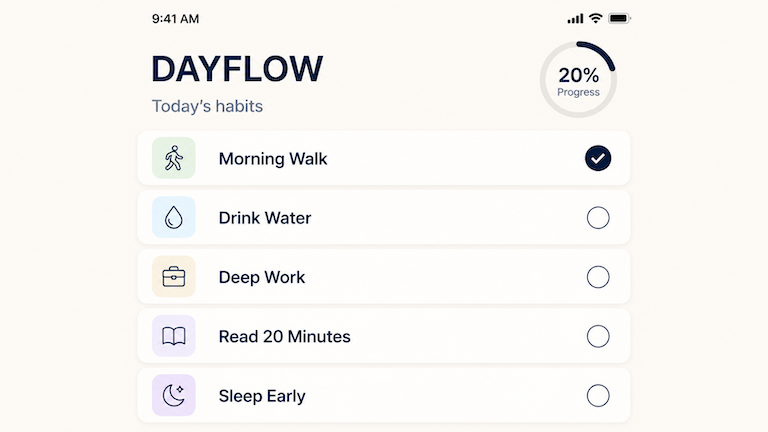
Mobile App UI Screenshot
Create a high-fidelity mobile app screenshot for a minimalist habit tracker app called "DAYFLOW". Screen: Portrait mobile app home screen. Layout: Top status bar shows 9:41 AM. Header title: "DAYFLOW" Subtitle: "Today's habits" Main area shows 5 habit cards: - Morning Walk - Drink Water - Deep Work - Read 20 Minutes - Sleep Early One habit is checked off. Include a small progress ring showing 20%. Visual style: Clean iOS-style interface, soft cream background, rounded cards, deep navy accent color, simple icons, generous spacing, realistic mobile UI hierarchy. Constraints: All text must be readable. No watermark. No real app branding. No messy icons.
What Users Are Saying About GPT Image 2

GPT-Image-2 now reviews its own output before finishing
This user noted that the image took around eleven minutes because the model kept reviewing and iterating on its own result multiple times.

The range of styles feels unusually broad
The takeaway here was simple: after experimenting with the model, the user felt it could handle a surprisingly wide variety of looks and outputs.


This feels like a real upgrade, not a minor refresh
The post frames GPT Image 2 as a more noticeable jump, with improvements strong enough to stand out immediately during testing.


Preview examples showed stronger text and layout quality
Users highlighted the preview as an early sign that the model was becoming more useful for finished visuals instead of just rough concept art.


The official launch widened access to a state-of-the-art model
This reaction focused less on surprise and more on availability: more people could now test a stronger image model directly.

Image-to-image still needs retries in some cases
Not every reaction was fully positive. This post points out that reference-based edits can still be inconsistent, especially when exact character preservation matters.

GPT Image 2 FAQs
Create with GPT Image 2
Generate posters, product visuals, UI mockups, infographics, and stylized images with GPT Image 2 on Lanta AI.