
AI Age Progression
Powered by the advanced Nano Banana model and fine-tuned for lifelike results, our AI age progression tool offers a free trial to generate realistic portraits at every age. From soft childlike features to older faces with natural lines and detail, every result stays true to your original photo while showing natural, believable age changes.
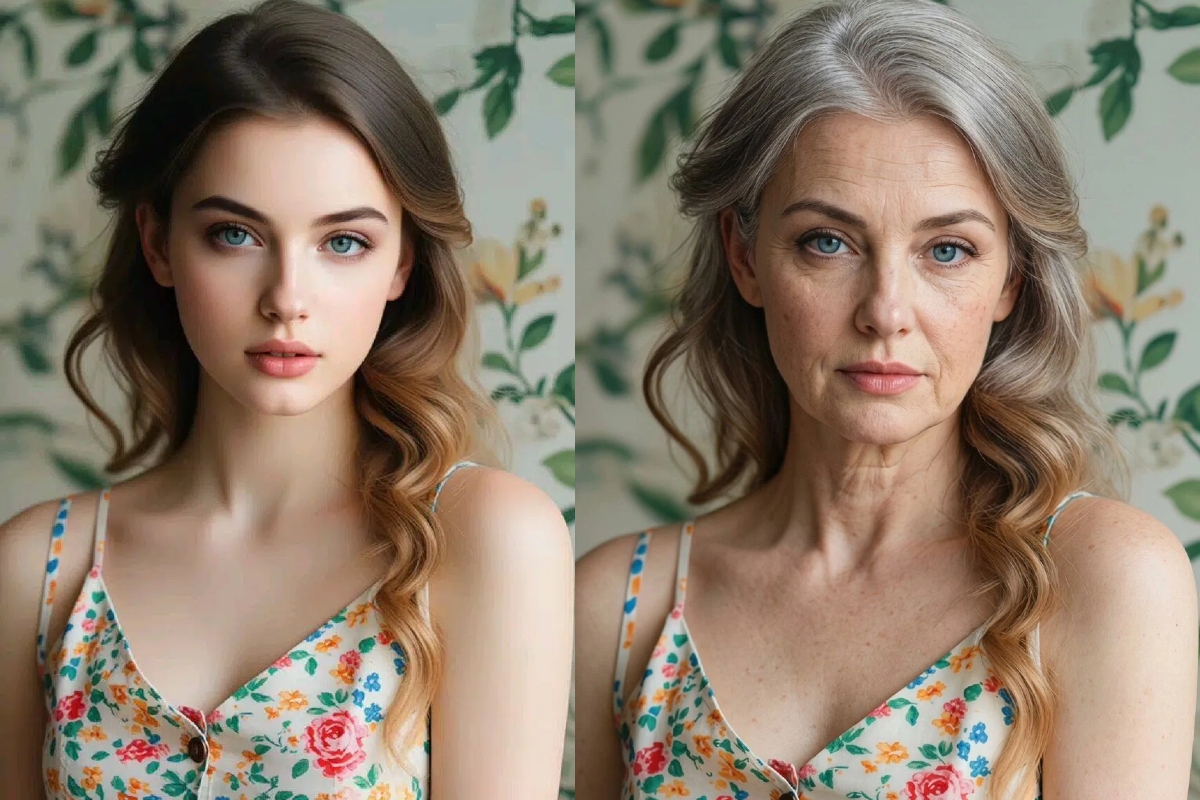
AI Age Progression
How to Use Our AI Age Progression?
Upload Your Photo
Upload a clear, front-facing portrait to get started. For the best results, use a well-lit photo with your face fully visible.
Drag the Age Slider
Drag the age slider to choose the age you want to preview. You can explore younger or older versions of yourself freely.
Generate & Download
Click "Create" to generate your age progression image in about 40 seconds. Once your result is ready, download it instantly or share it with friends in chats or on social media.
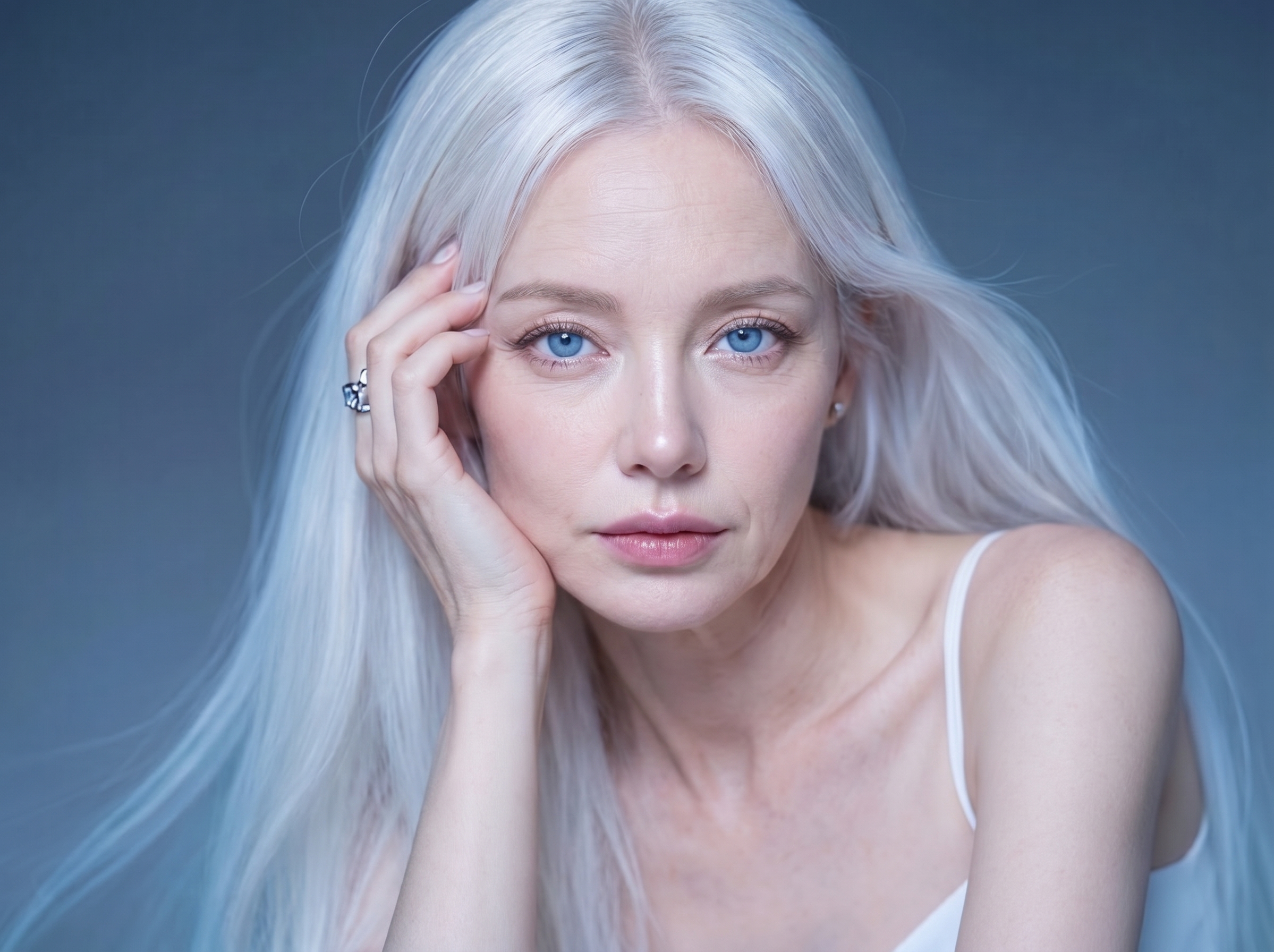
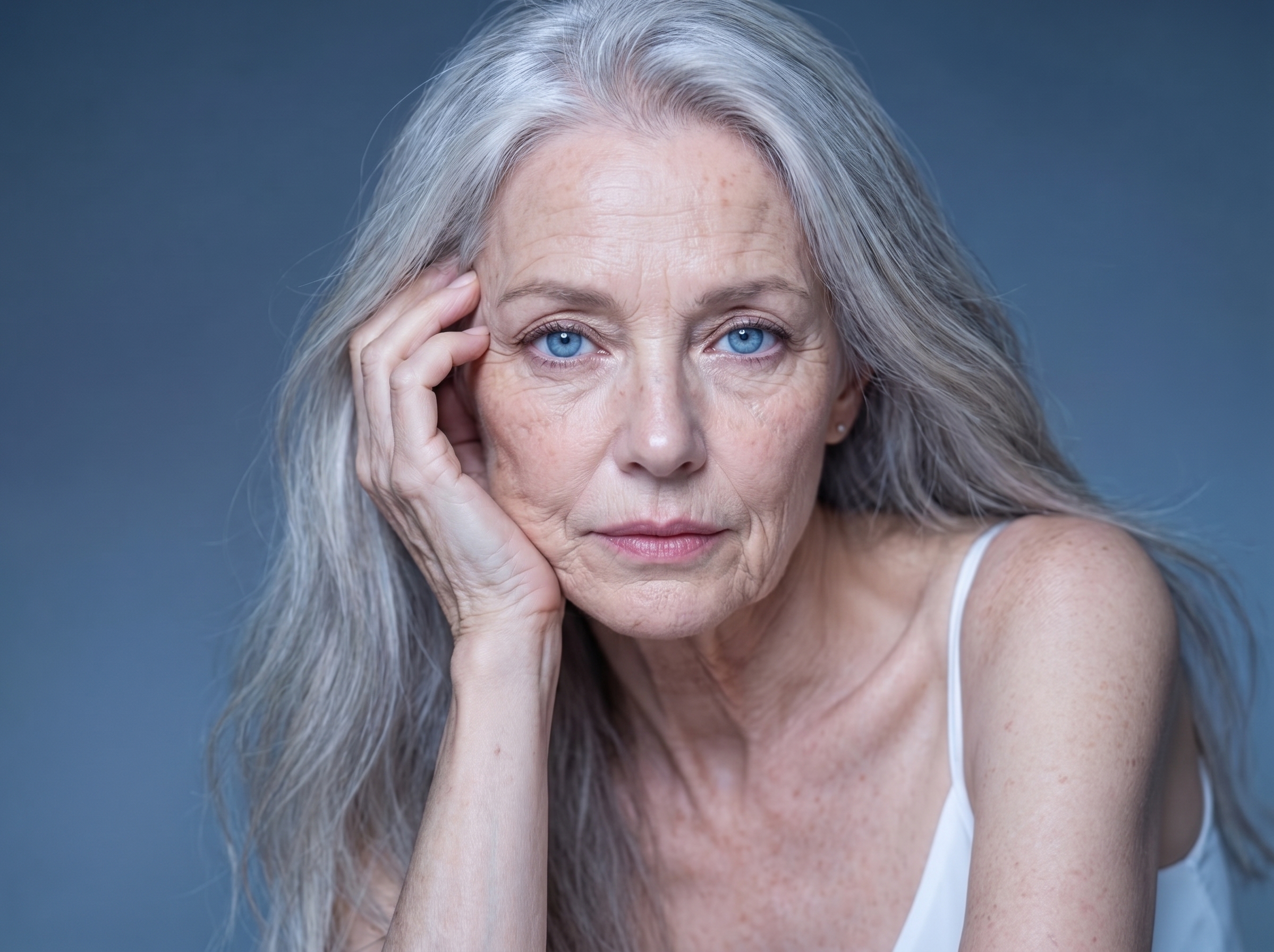
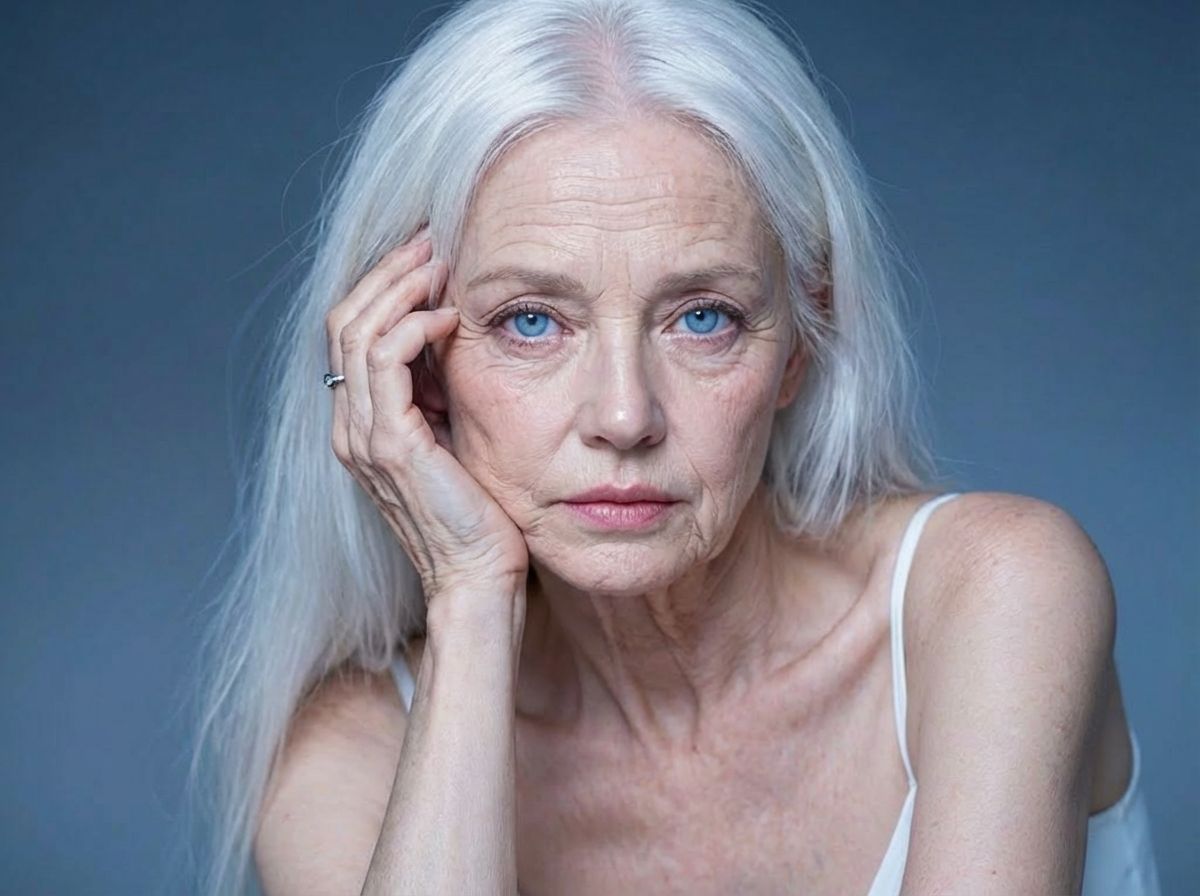
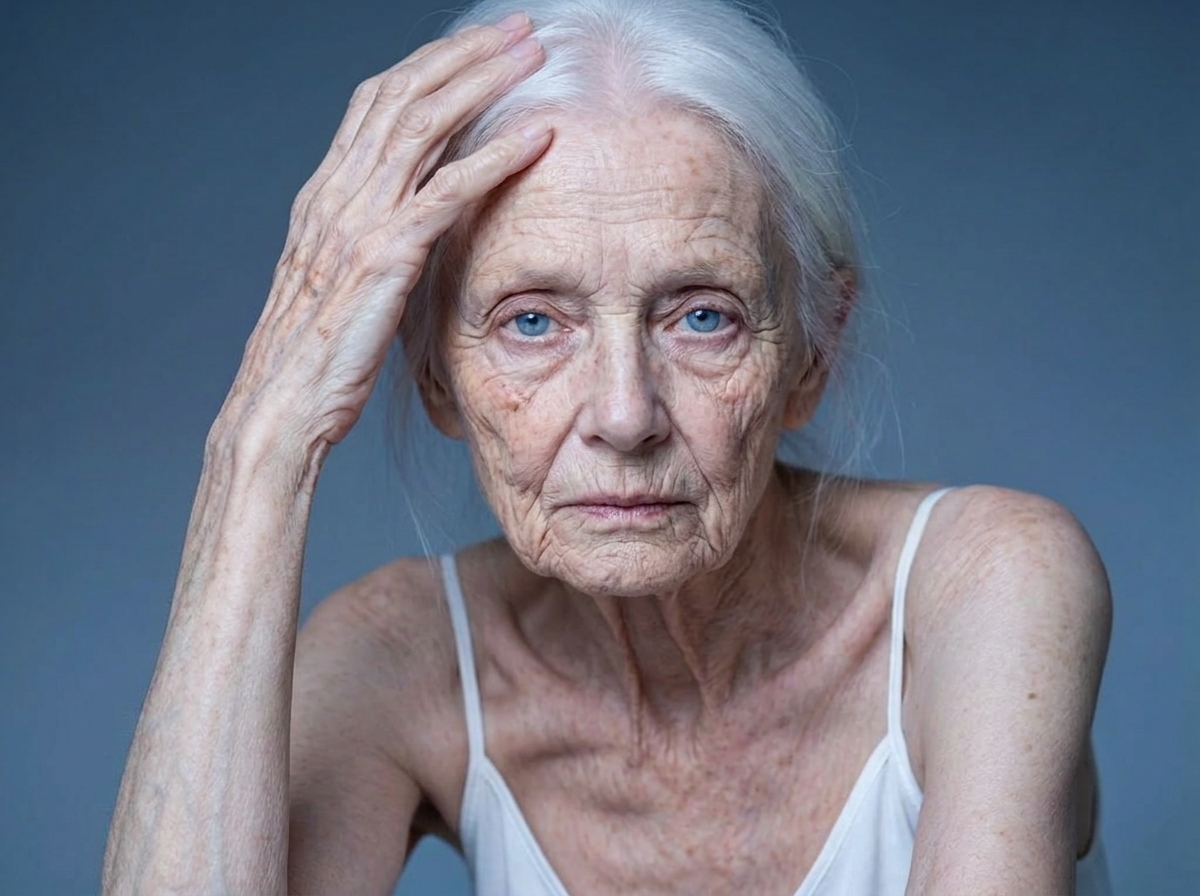
AI Age Progression Showcase

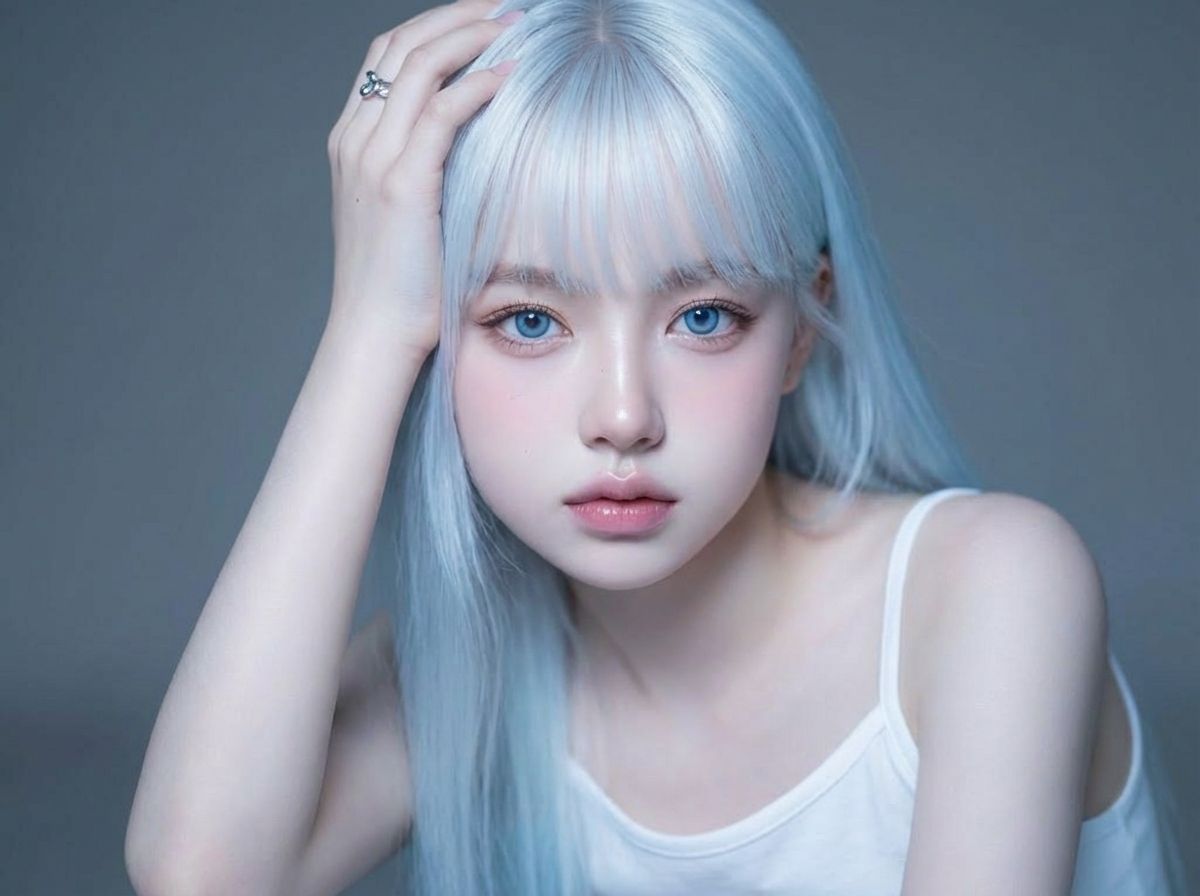
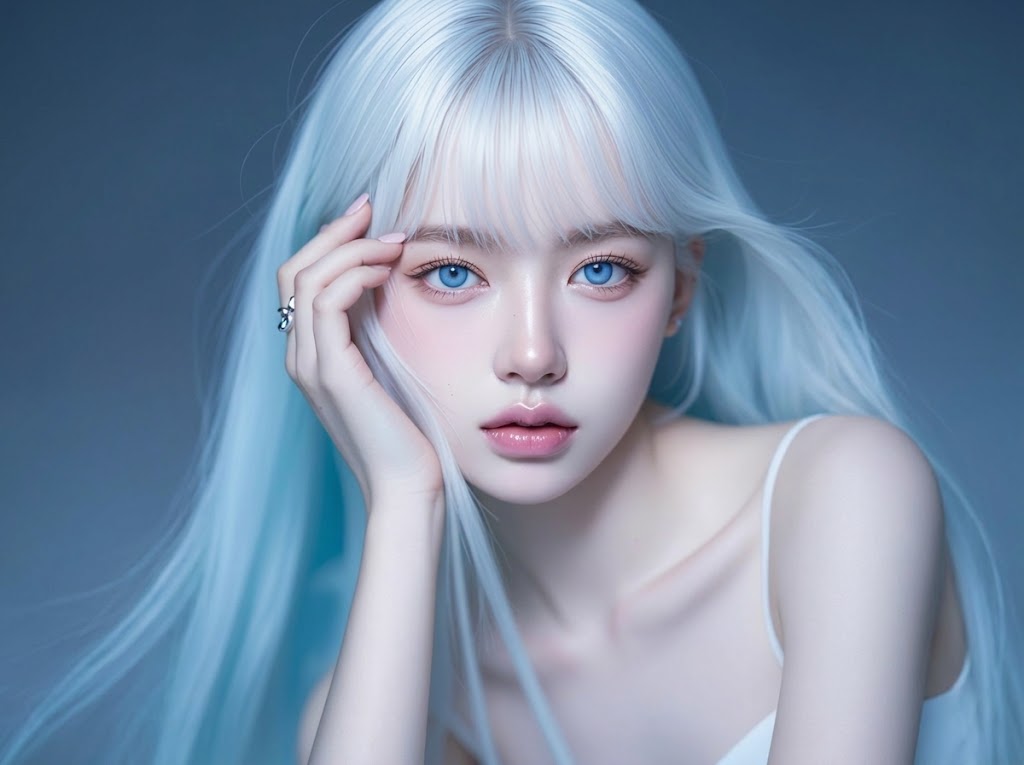
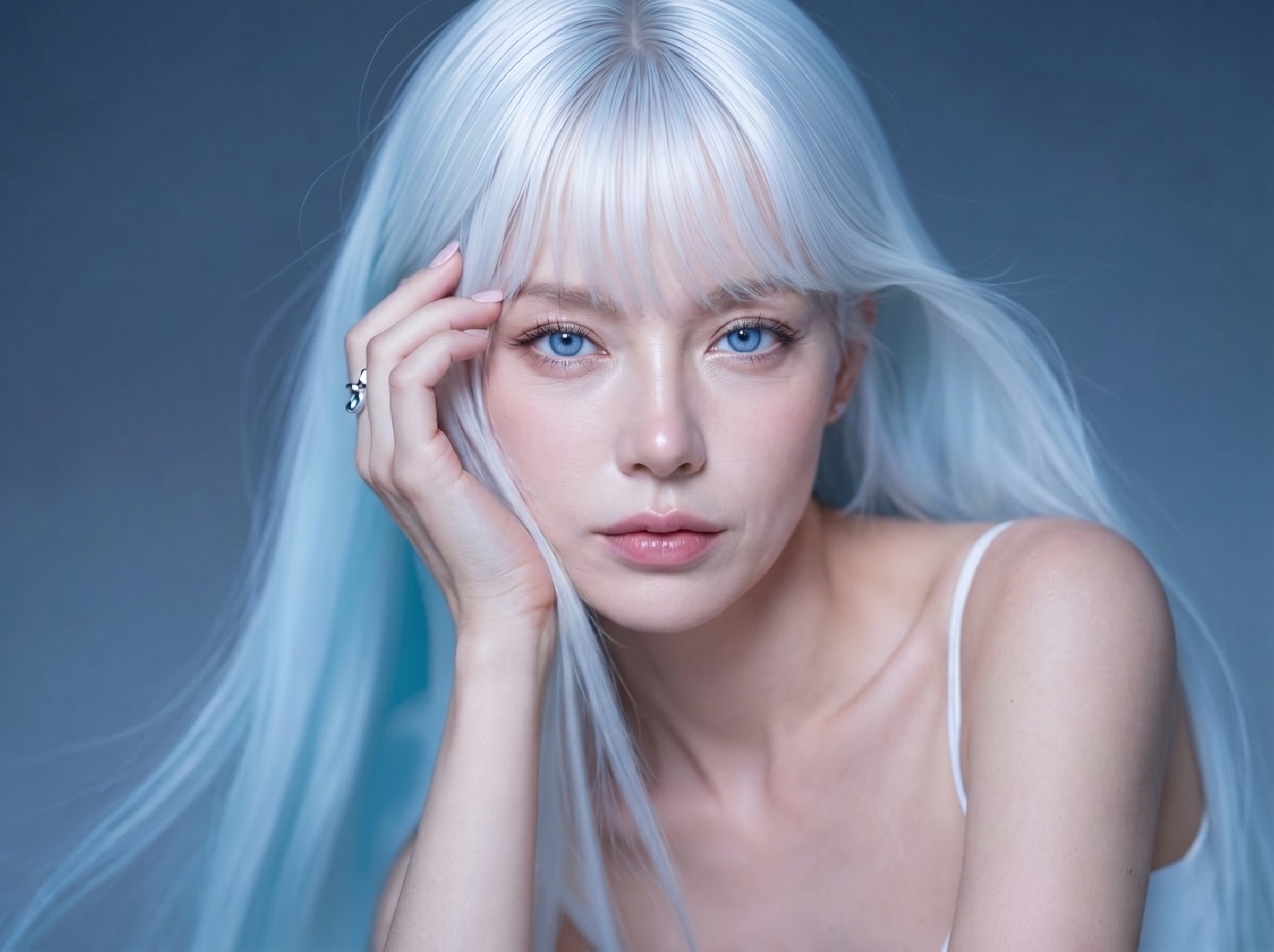
Why Choose Lanta AI for AI Age Progression?
Realistic Age Progression
Our AI age progression tool creates natural face changes across different ages instead of simply adding wrinkles or smoothing skin. The result looks more believable from youth to old age while staying close to your original photo.
Face Identity Preserved
Your main facial features stay highly recognizable throughout the age progression process. So the final image still looks like you, just at a different age.
Preview Every Life Stage
Drag the age slider to see how your face could look at different stages of life. It is an easy way to preview younger and older versions from one photo.
Results in 40 Seconds
Generate your age progression image in about 40 seconds. Fast results make it easy to try different ages and compare looks without waiting long.
Easy Age Slider Control
Upload a clear front-facing photo and drag the slider to choose the age you want to see. No editing skills or complicated settings are needed.
Secure Cloud Processing
Your photo is processed securely in the cloud and automatically deleted after generation. That means you can use the tool with more confidence, without worrying about permanent storage.
See Yourself Across Time
Time changes your face so gradually that you rarely notice it happening. Lanta AI Age Progression lets you look both backward and forward, so you can revisit a younger version of yourself or preview how you may look years from now. From childhood to old age, you can explore different stages of life and see how one face changes over time. It is a simple, visual way to make time feel a little more real.
Generate AI Age Progression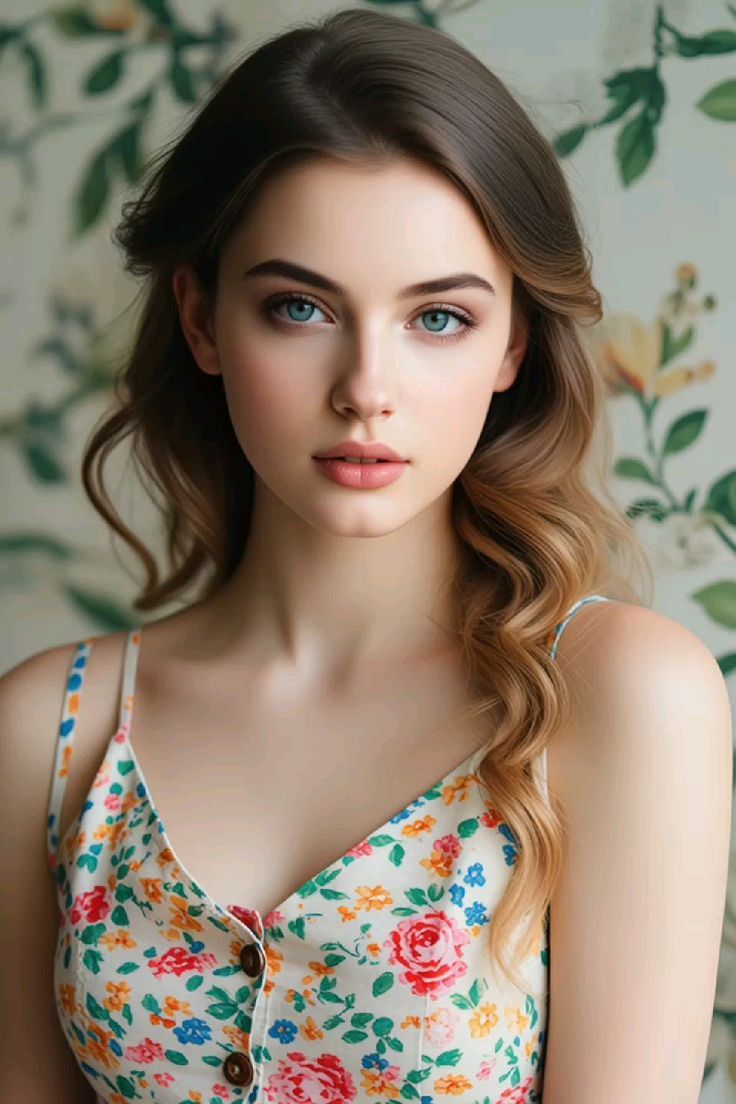
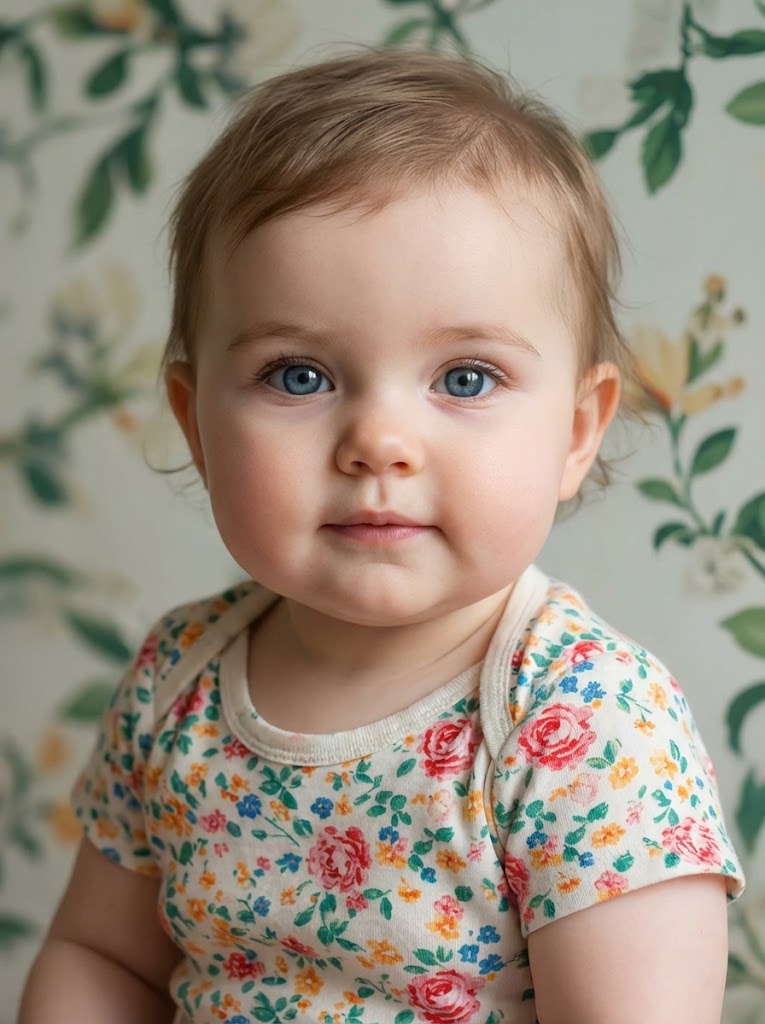
Turn Family Photos Into Time-Travel Stories
Some of the most meaningful results are not just about you. They are about the people you love, the faces that run through your family, and the details that carry across generations. Use Lanta AI Age Progression to imagine how a child may look years from now or to see family resemblance in a more visual way. A single portrait can hold the past, the future, and a little more of your family story.
Generate AI Age Progression
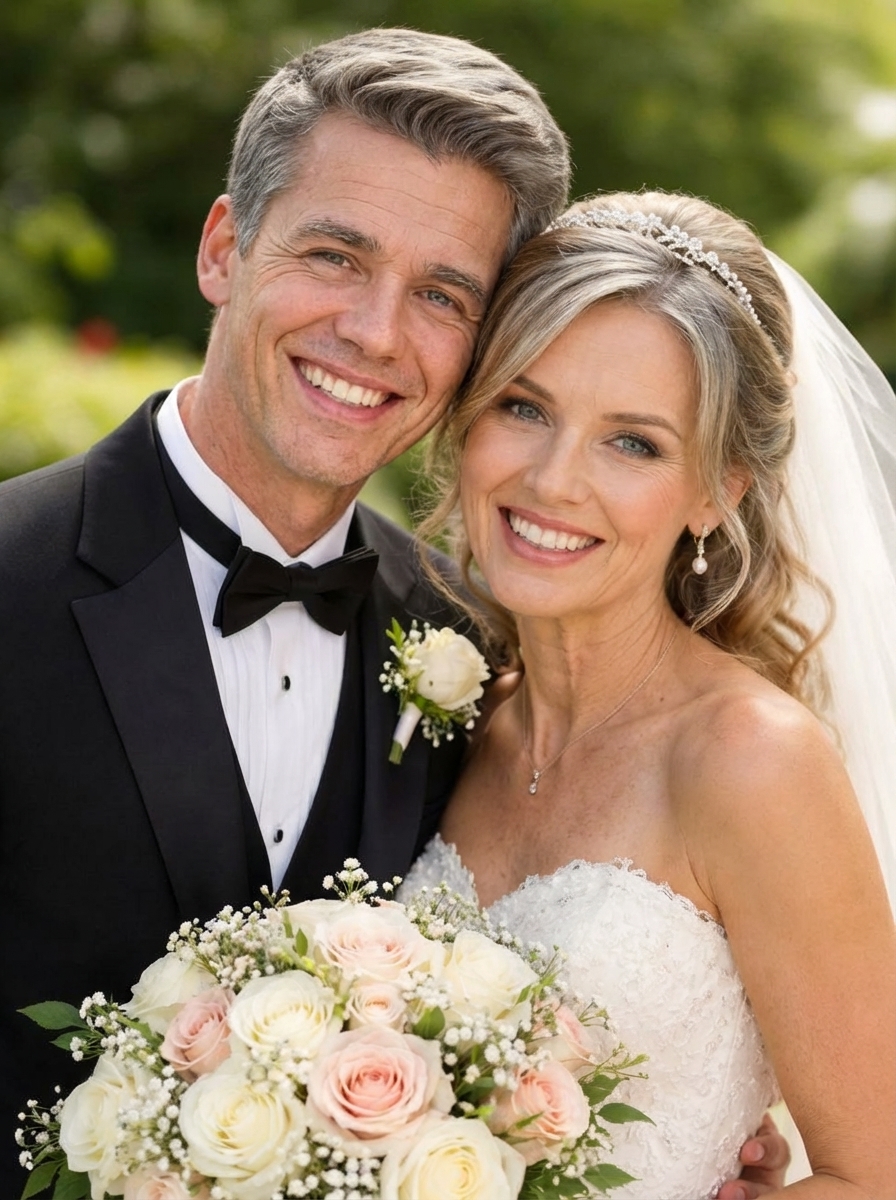
Create Age Progression Photos Worth Sharing
AI Age progression photos naturally make people stop, look twice, and ask questions. They are perfect for before-and-after posts, future-self reveals, and side-by-side transformations that feel personal, surprising, and easy to share. Whether you want to join a social trend or post something more memorable than the usual selfie, Lanta AI helps you create realistic aging results that invite reactions, comments, and conversation. This is the kind of content people actually pause for.
Generate AI Age Progression
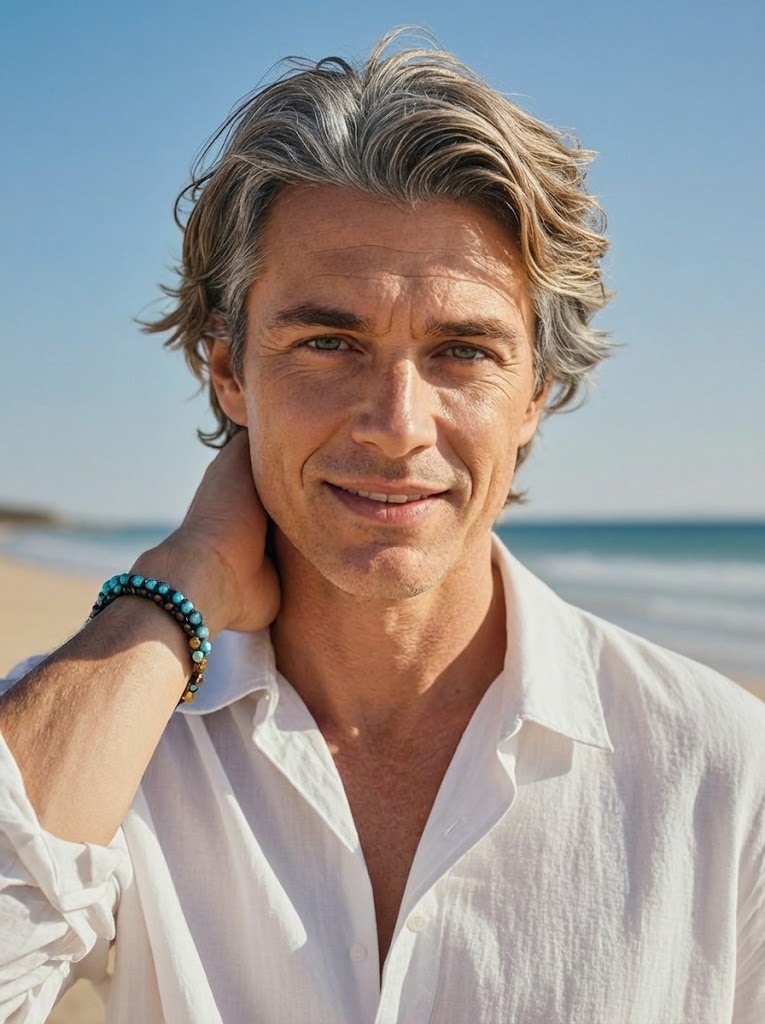
One Photo. One Slider. Results in Seconds.
You do not need editing skills, extra apps, or a long setup to try it. Just upload one clear photo, drag the age slider, and generate your result in about 40 seconds. The process feels simple from the very first click, which makes it easy to test different ages, compare looks, and keep exploring. If you want to try age progression without learning a complicated tool, this makes it easy to start.
Generate AI Age ProgressionExplore More AI Tools Beyond AI Age Progression
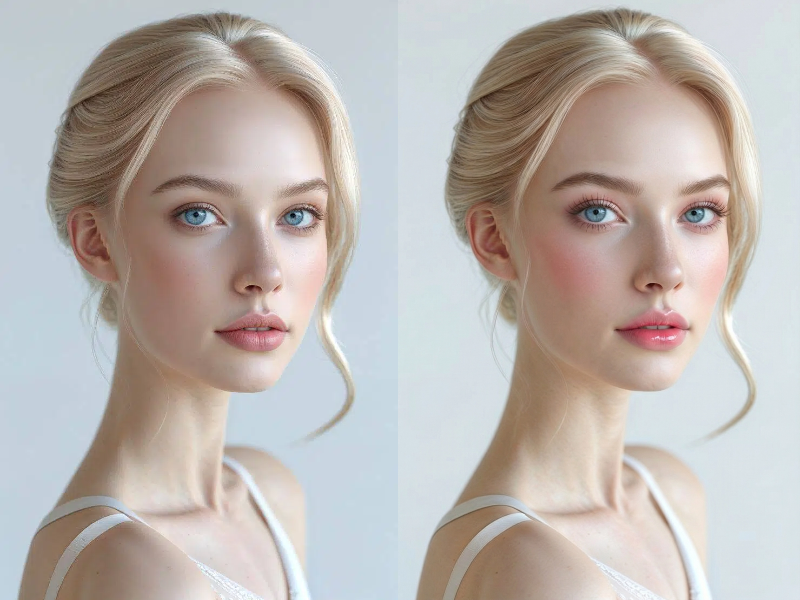
AI Makeup
Refine makeup, beauty style, and portrait presentation before or after face-age editing.
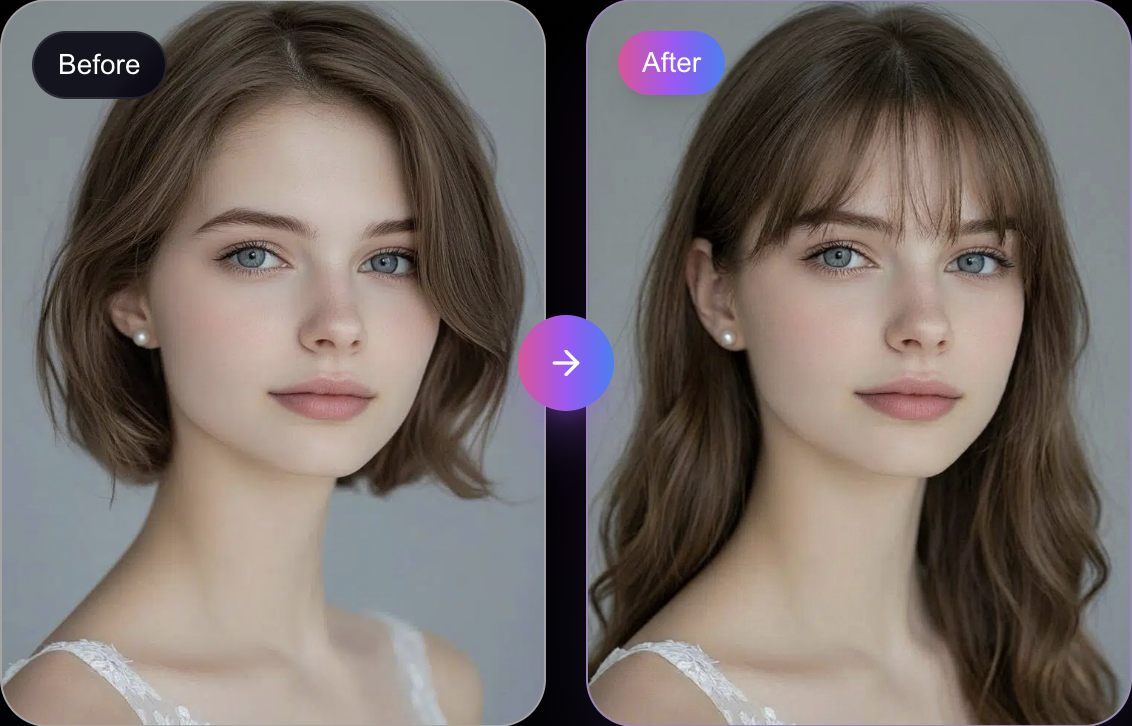
AI Hair Style Changer
Try hairstyles that match younger, older, or character-based portrait timelines.
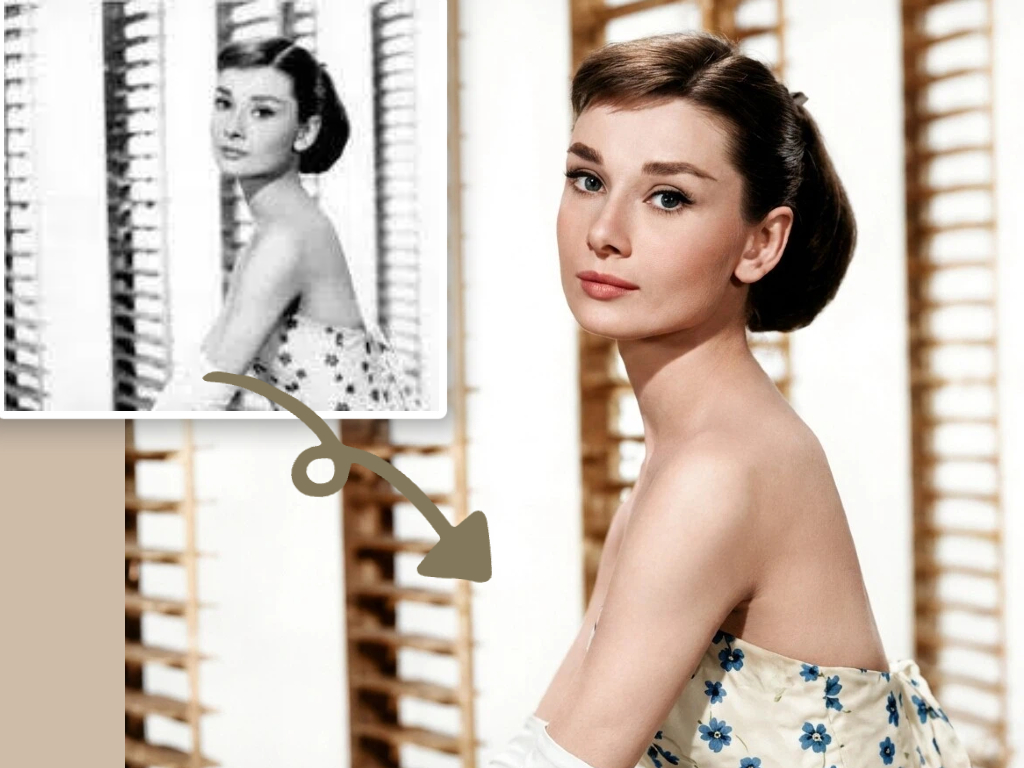
Old Photo Restoration
Restore old portraits first, then use AI age progression to build cleaner before-and-after timelines.
AI Age Progression FAQs
