
AI Video Editor
Describe what you want to change, and Lanta AI rebuilds the video you already have. Swap subjects, change scenes, add or remove objects, and update outfits.
Why Choose Lanta AI Video Editor?
Edit videos faster with AI tools built for creators, marketers, and everyday users. No complex software, no long setup, just upload, prompt, and create.
Fast AI Video Editing
Create a new 5-second edited video in about 3 minutes, so you can test ideas and produce content faster.
Process Multiple Videos
Edit more than one video at the same time and speed up your creative workflow without waiting on each clip one by one.
No App Download Needed
Use Lanta AI directly in your browser. No software installation, no mobile app, and no complicated setup required.
Start for Free
Try Lanta AI with free credits and start editing your first video before choosing a paid plan.
Edit with Simple Prompts
Type what you want to change, and AI helps update the scene, subject, background, outfit, objects, or visual details.
Keep Your Original Video
Your original upload stays unchanged. Lanta AI creates a new edited version, so you can compare, retry, or download safely.
HD Video Quality
Generate clear, polished video results with sharp details, clean motion, and a ready-to-share look.
Safe and Private
Your uploads and edits are handled securely, so you can create with more confidence and protect your video content.
Works with More AI Tools
Use AI Video Editor with Lanta AI Restyle, Reframe, and other tools to create more versions from one source video.
AI Video Editing Features
Change more than the cut. Use Lanta AI to edit what appears inside your video, from scenes and subjects to outfits, objects, and small visual details.
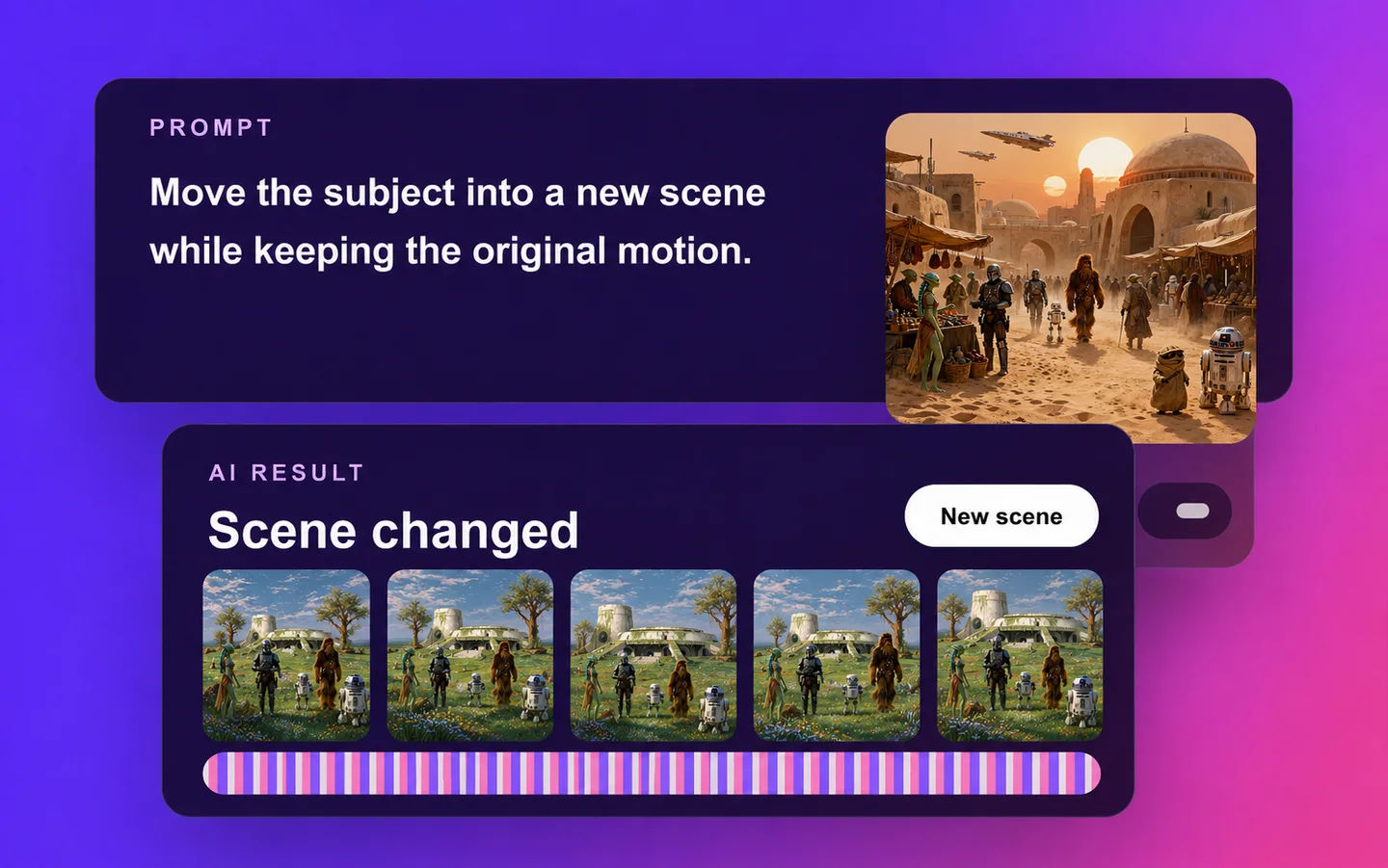
Start with the Video You Already Have
Existing Video to New Version — You do not need to record everything again just because one detail is not right. Upload a product clip, UGC video, talking-head shot, or AI-generated clip, then use a prompt to create a new version from the same source footage.

Edit by Saying What You Want
Prompt-Based Editing — Skip complicated editing terms, masks, and frame-by-frame adjustments. Tell Lanta AI what you want to change in plain language, such as “change the background,” “add a product on the table,” or “remove the object behind the speaker.”
Edit with a Prompt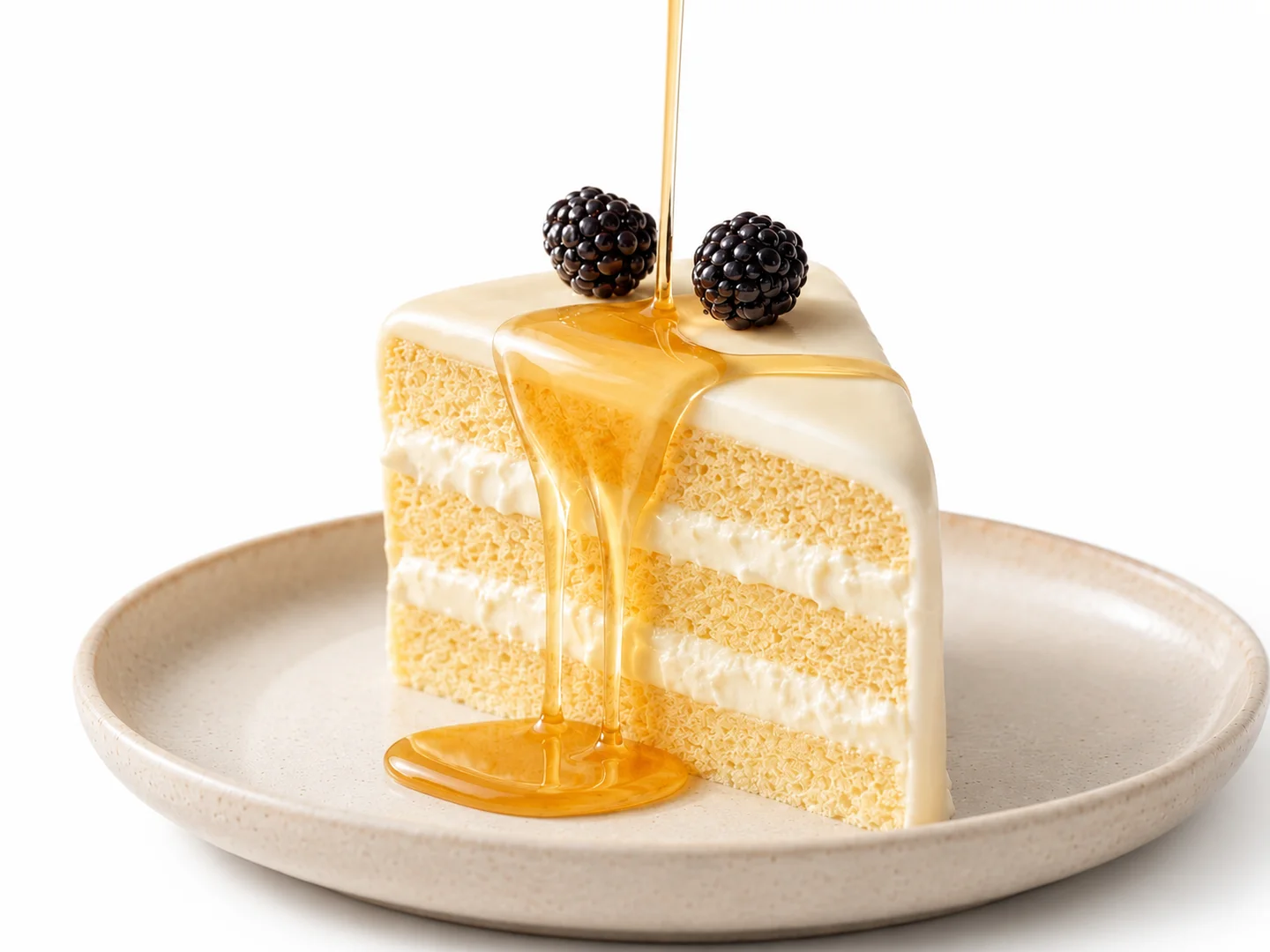
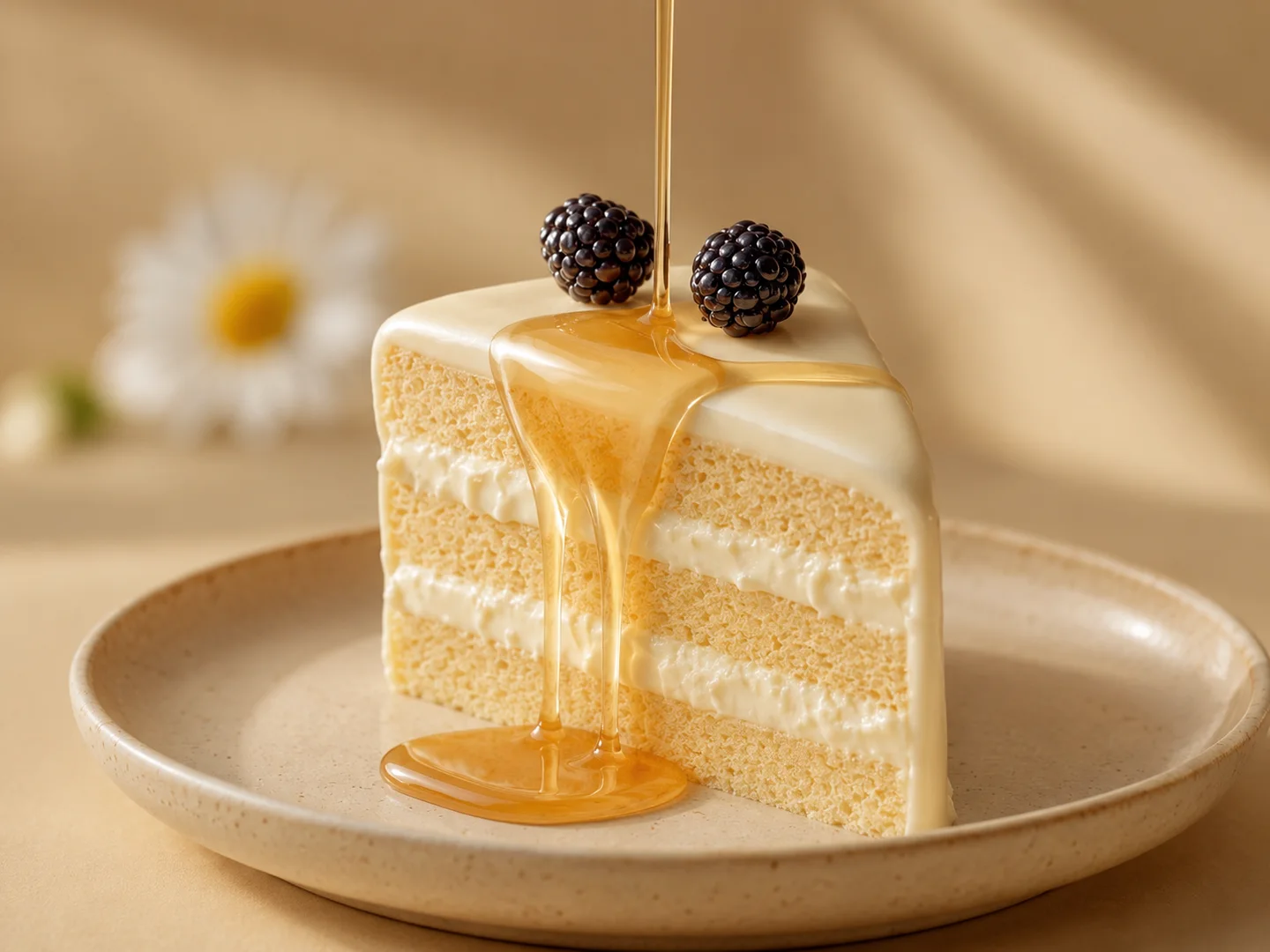
Keep the Original, Save the New
Non-Destructive Editing — Your uploaded video stays unchanged. Lanta AI creates a separate edited version, so you can compare the result with the original, try another prompt, or keep multiple versions for different uses.
Create a New Version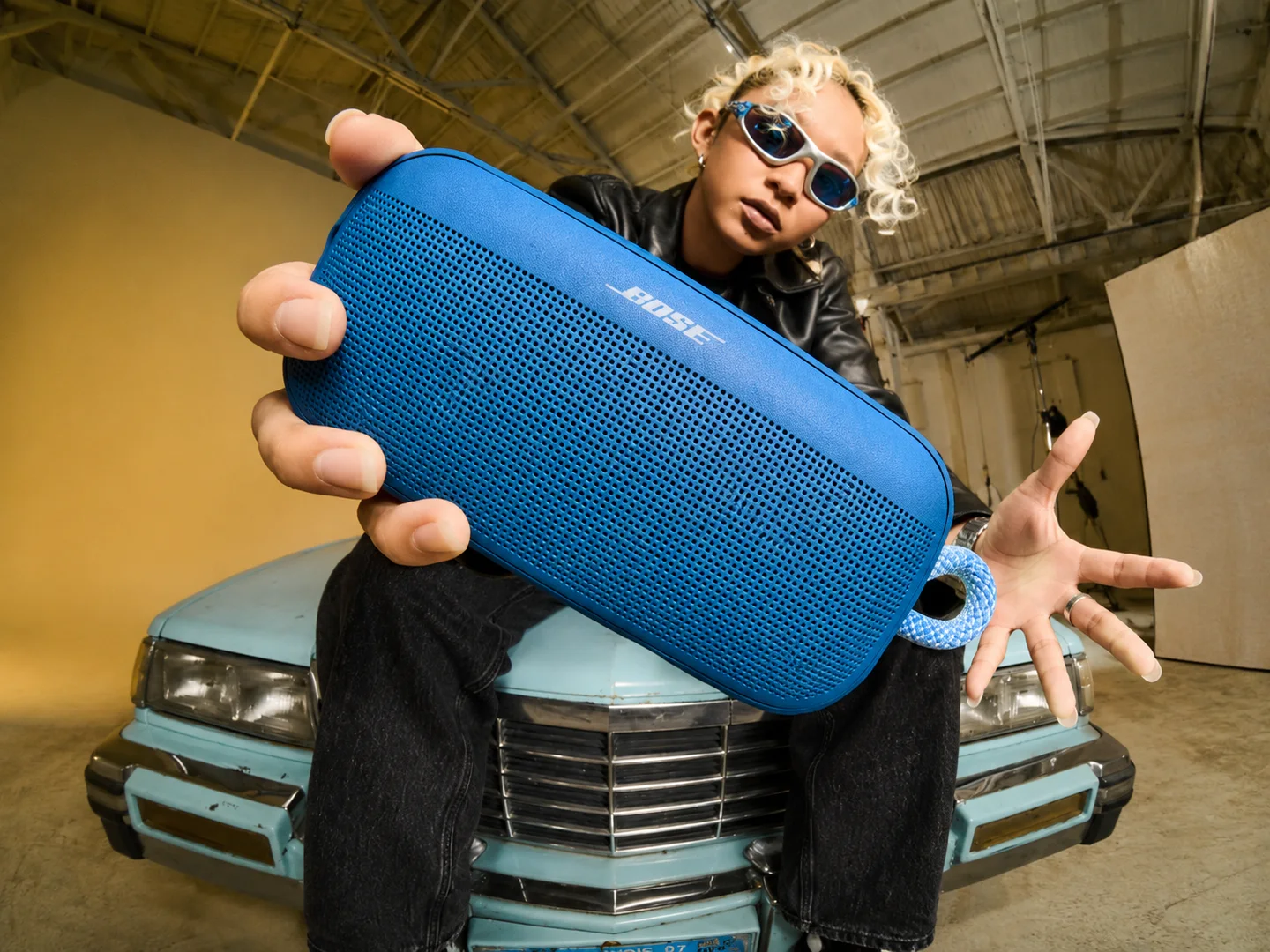
Keep Creating with Lanta AI Tools
Need a more specific edit? Use Lanta AI Video Editor together with tools like Video Restyle, AI Reframe, and Video Extender to keep shaping your video after the first edit. Start with one video, then use the right tool for the next creative step.
Explore AI Video Tools

How to Edit a Video with AI
Edit your video in three simple steps. Upload a clip, write your prompt, and generate a new version with AI.
Step 1: Upload Your Source Video
Add the video you want to edit. You can start with product clips, social videos, UGC footage, talking-head videos, character videos, or AI-generated clips.
Step 2: Write a Clear Prompt
Tell AI what should stay the same and what should change. You can edit the scene, subject, background, outfit, objects, product setting, or visual mood.
Step 3: Generate and Download
Click Generate and let AI create a new version of your video. Preview the result, refine your prompt if needed, and download your final clip.
AI Video Editor FAQ
Is Lanta AI the same as a traditional video editor?
Can I edit AI-generated videos?
Can I add objects to a video?
Can I remove unwanted objects from a video?
Can I restyle a video with Lanta AI?
Can I extend a video with Lanta AI?
Can I reframe a video for TikTok, Reels, or Shorts?
What kind of videos work best?
How long does AI video editing take?
Edit Existing Videos with AI
Upload a video, describe the change, and create a new version in minutes. Change the scene, subject, background, or small details without starting over.