
Kostenloser Online-KI-Umarmungsvideo-Generator
Verwandle Fotos mit Lanta AI in flüssige, natürlich wirkende KI-Umarmungsvideos. Lade ein oder zwei Bilder hoch, wähle ein Videomodell und erwecke herzliche Momente mit deinem Partner, Freunden, deiner Familie oder Lieblingsfiguren zum Leben. Starte mit kostenlosen Credits und erstelle noch heute dein erstes Umarmungsvideo.
So nutzt du den KI-Umarmungsvideo-Generator
Ein oder zwei Fotos hochladen
Nutze ein klares Einzelporträt, ein Paarfoto oder zwei getrennte Porträts. Lanta AI funktioniert mit echten Personen, Anime-Figuren und Bildern im Cartoon-Stil, sodass du die gewünschte Umarmungsszene frei gestalten kannst.
Videomodell auswählen
Wähle das Modell, das am besten zum gewünschten Look passt. Lanta AI unterstützt moderne Videomodelle wie Wan 2.6, Seedance 2.0, Kling 3.0 und Veo 3.
Umarmungsvideo generieren
Klicke auf „Erstellen“ und lass das Modell dein Standbild in eine bewegte Umarmungsszene verwandeln. Die KI kümmert sich automatisch um Gesichtspositionen, Körperbewegungen und einen stimmigen Ablauf, damit die Umarmung flüssig und glaubwürdig wirkt.
Vorschau ansehen und herunterladen
Nach ungefähr einer Minute steht dein KI-Umarmungsvideo zur Vorschau bereit. Wenn dir das Ergebnis gefällt, kannst du es herunterladen und überall teilen.
Warum Lanta AI für KI-Umarmungsvideos?
Natürliche, realistische Umarmungen
Ein gutes KI-Umarmungsvideo sollte emotional glaubwürdig wirken – nicht steif oder unbeholfen. Lanta AI erzeugt flüssige Bewegungen, natürliche Körperhaltungen und weichere Übergänge zwischen den Frames, damit die Umarmung herzlich und echt aussieht.
Mehrere Videomodelle
Nicht jedes KI-Umarmungsvideo soll gleich aussehen. Neben führenden Videomodellen wie Wan 2.6, Seedance 2.0, Kling 3.0 und Veo 3 bietet Lanta AI auch das hauseigene Modell Lanta 2.1. So kannst du verschiedene Bildstile an einem Ort testen, ohne die Plattform zu wechseln.
Schnelle HD-Ausgabe
Lanta AI erstellt in kurzer Zeit flüssige, natürlich wirkende Umarmungsvideos, ohne bei der HD-Qualität Abstriche zu machen. Auch mit kostenlosen Credits kannst du deine KI-Umarmungsvideos in HD herunterladen.
Einfach für Einsteiger
Du brauchst keine Erfahrung in der Videobearbeitung, um ein berührendes KI-Umarmungsvideo zu erstellen. Lade einfach dein Bild hoch, wähle ein Modell und starte die Generierung. Der Ablauf ist für Einsteiger leicht verständlich und zugleich praktisch für erfahrene Creator.
Für echte Fotos und Anime-Figuren
Ob realistisches Wiedersehen, liebevolle Paarumarmung oder stilisierte Anime-Szene: Lanta AI unterstützt unterschiedliche Bildstile, sodass du nicht auf einen einzigen Look festgelegt bist.
Privat und sicher
Deine Fotos werden sicher in der Cloud verarbeitet. Hochgeladene Bilder und persönliche Daten werden nicht dauerhaft gespeichert; alle Dateien werden nach einer festgelegten Zeit automatisch gelöscht.
Für echte Fotos, Anime-Figuren und stilisierte Looks
Mit Lanta AI kannst du verschiedene Bildstile ausprobieren, statt auf einen einzigen Look beschränkt zu sein. Verwandle echte Fotos in realistische Umarmungsvideos, gestalte sanfte Anime-Szenen oder entdecke stilisierte Cartoon- und Fantasy-Looks. Ob lebensnah und emotional oder fantasievoll und figurenbetont – du hast viel Raum zum Experimentieren.
KI-Umarmungsvideo erstellen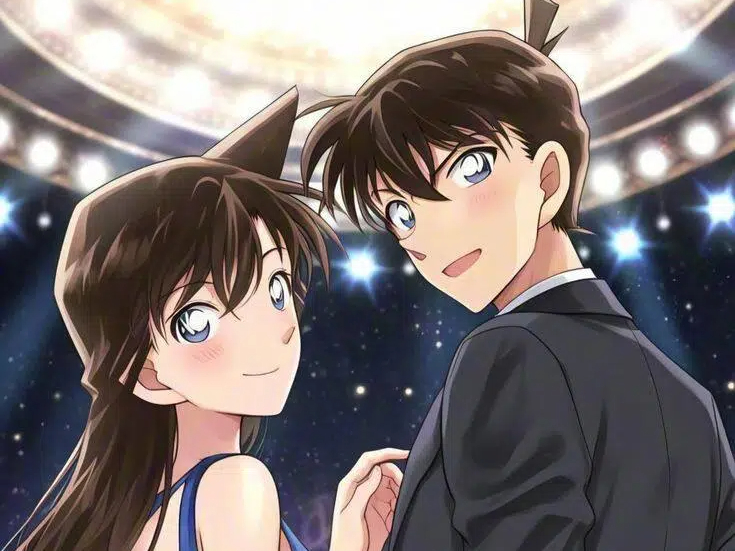
Für Social Posts, Fan-Edits und persönliche Erinnerungen
KI-Umarmungsvideos eignen sich für viele kreative und persönliche Anlässe: kurze Social-Media-Beiträge, Fan-Edits, Überraschungen zum Jahrestag, emotionale Geschenke oder einfach, um einem Lieblingsfoto mehr Ausdruck zu verleihen. Teile einen herzlichen Moment online, erwecke die Beziehung zwischen Figuren zum Leben oder gestalte eine Erinnerung, die du gerne aufbewahrst.
KI-Umarmungsvideo erstellen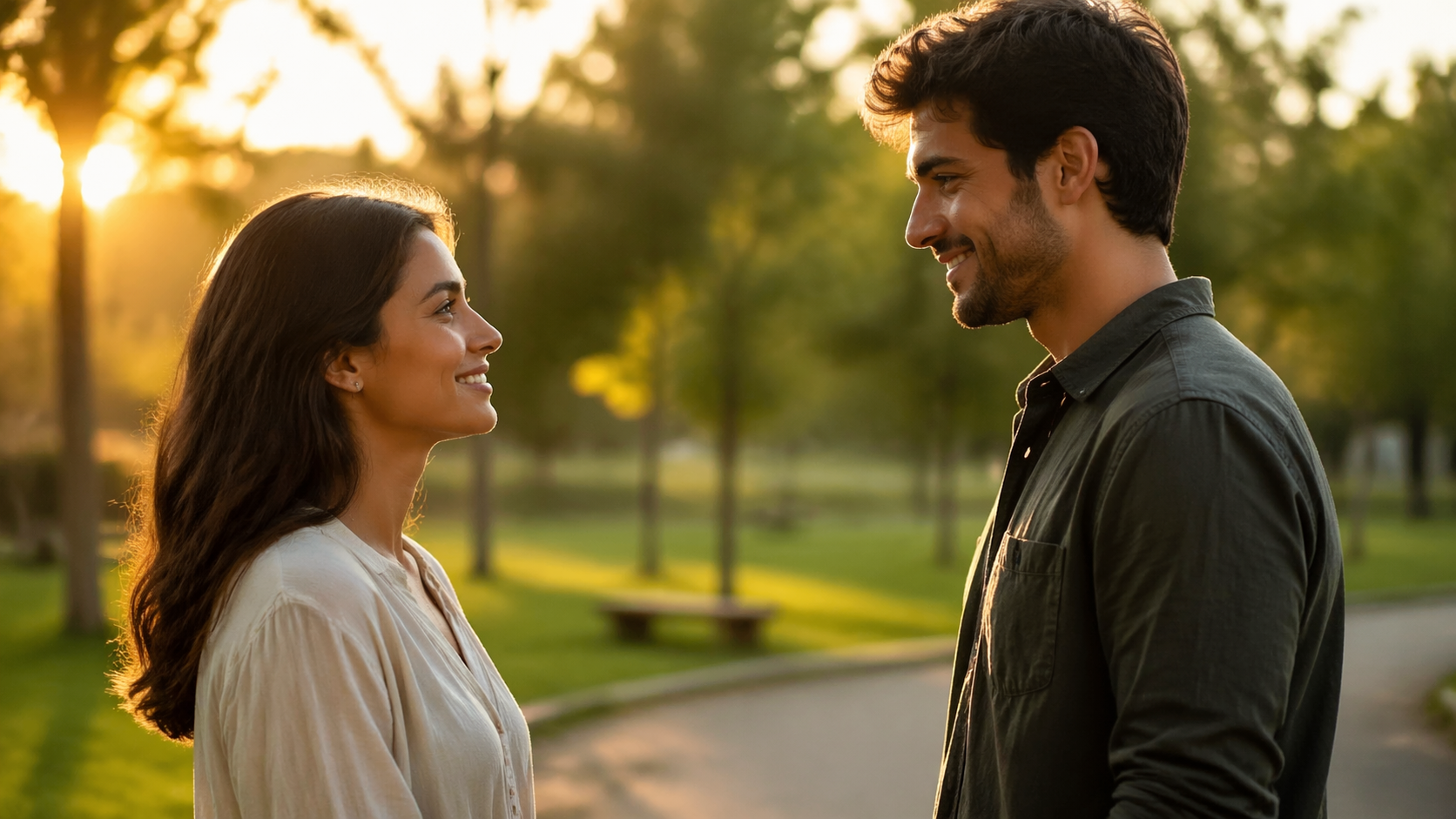
Einfach erstellt, schön zu teilen
Du brauchst weder Schnittkenntnisse noch Animationserfahrung, um ein berührendes KI-Umarmungsvideo zu erstellen. Lade dein Bild hoch, wähle das passende Modell oder den gewünschten Stil und generiere das Ergebnis in wenigen Schritten. Der Ablauf ist für Einsteiger leicht und bietet Creatorn genug Flexibilität, um verschiedene Looks schnell zu testen.
KI-Umarmungsvideo erstellen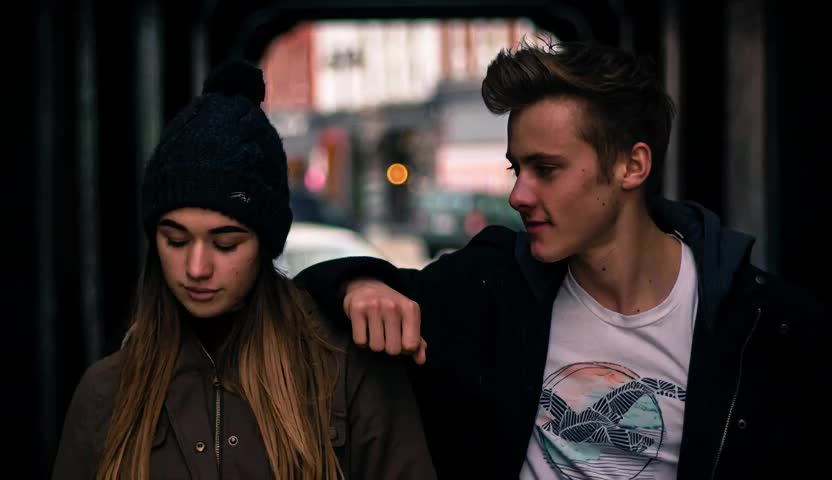
Standbilder in KI-Umarmungsvideos verwandeln
Ein gutes Umarmungsvideo fügt nicht nur Bewegung hinzu, sondern auch Gefühl. Lanta AI verwandelt Standbilder in wärmere, lebendigere Szenen und verleiht deinen Lieblingsfotos mehr Ausdruck. Natürlich wirkende Bewegungen, moderne Videogenerierung und eine klare Bildqualität sorgen für emotionale, professionell wirkende Videos, die sofort geteilt werden können.
KI-Umarmungsvideo erstellen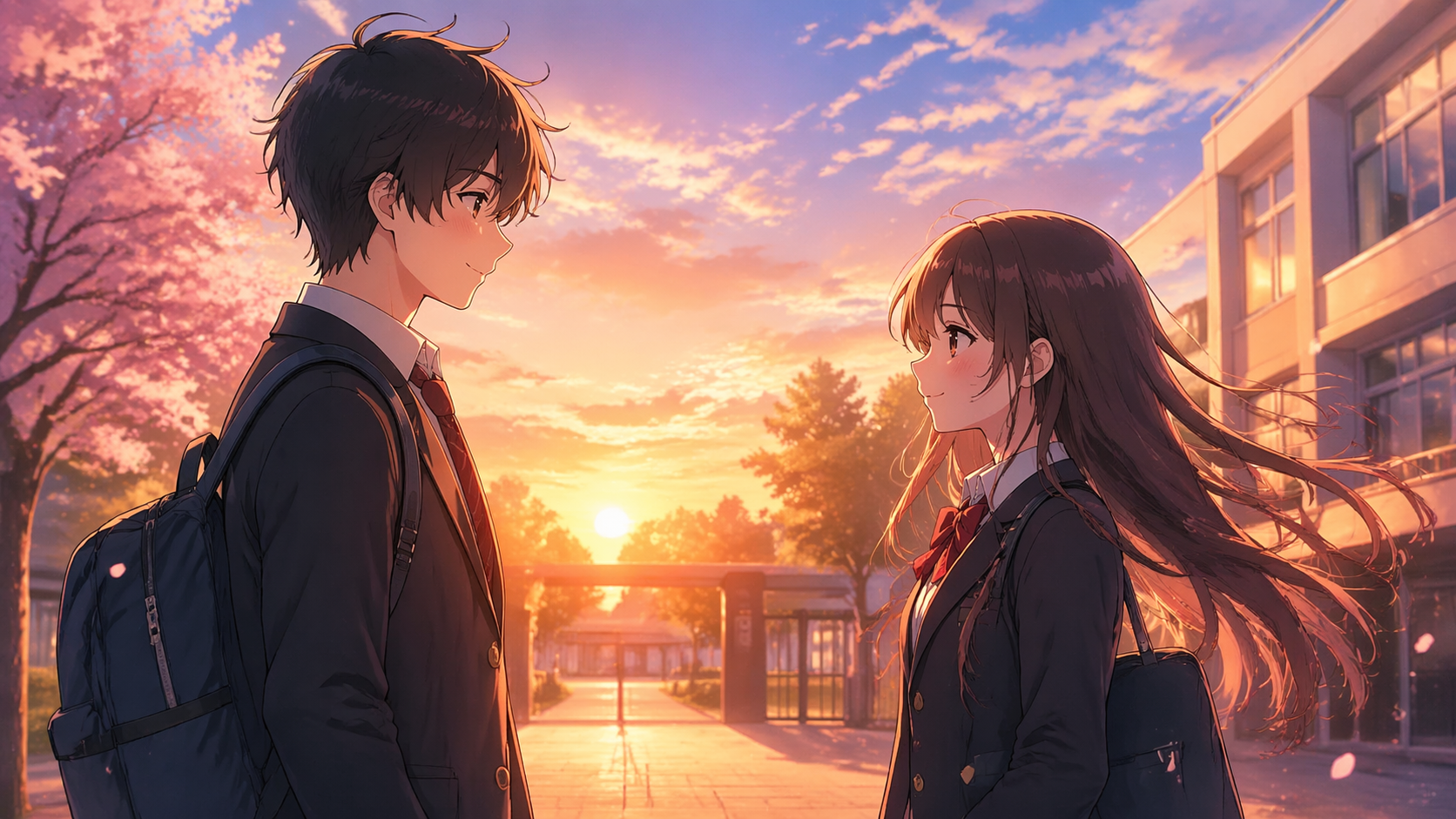
Warme, persönliche und glaubwürdige KI-Umarmungsvideos
Verwandle deine Fotos in wenigen Minuten in gefühlvolle KI-Umarmungsvideos. Ob herzliches Wiedersehen, tröstende Umarmung oder zärtlicher romantischer Moment: Lanta AI macht aus Standbildern bewegte Szenen, die auf dem Bildschirm lebendiger wirken.
KI-Umarmungsvideo erstellen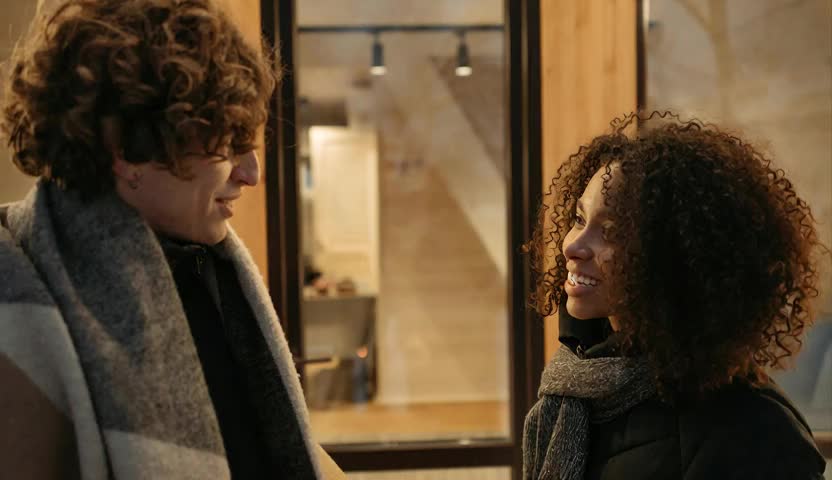
Bedeutungsvolle Umarmungen zum Leben erwecken
Manche Momente verdienen mehr als ein Standbild. Lanta AI verwandelt persönliche Fotos in warme, vertraute und gefühlvolle Umarmungsvideos, sodass aus einem einfachen Bild eine bewegende Erinnerung wird. Vom lang ersehnten Wiedersehen über liebevolle Paarumarmungen bis zu tröstenden Momenten mit Freunden und Familie entstehen Szenen, die näher, sanfter und ausdrucksstärker wirken als ein einzelnes Foto.
KI-Umarmungsvideo erstellen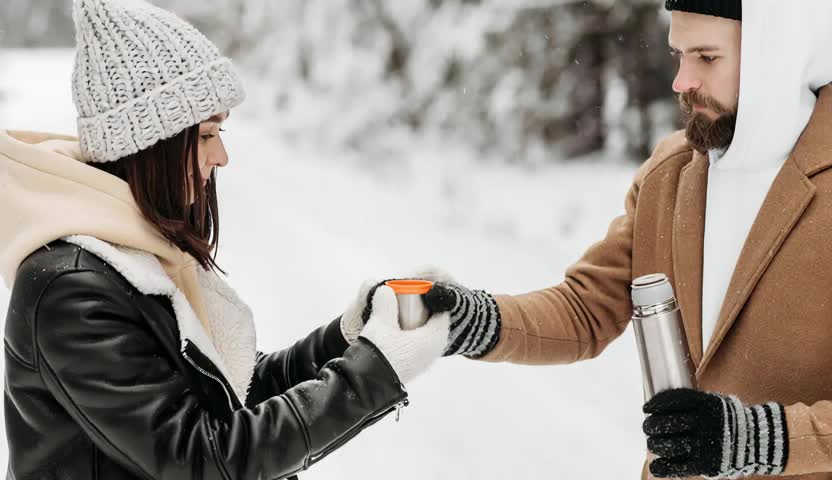
KI-Umarmungsvideos für besondere Momente erstellen
Wiedersehen bei Fernbeziehungen nachstellen
Verwandle getrennte Porträts in eine herzliche Umarmung, die näher, emotionaler und persönlicher wirkt als ein statisches Foto.
Romantische Umarmungsvideos für Paare
Verleihe deinem Lieblingsfoto als Paar etwas Bewegung und Zärtlichkeit. Eine sanfte Umarmung lässt den Moment sofort lebendiger wirken.
Herzliche Momente mit Familie und Freunden
Nicht jede Umarmungsszene muss romantisch sein. Auch bedeutungsvolle Fotos mit Familie oder Freunden lassen sich in warme, tröstende und unvergessliche Clips verwandeln.
Fiktive Figuren in emotionale Szenen versetzen
Auch Anime- und Cartoon-Figuren eignen sich hervorragend für KI-Umarmungsvideos. Erstelle Fan-Edits, stilisierte Momente oder gefühlvolle Szenen in einem verspielten Bildstil.
Alte Fotos in bewegende Erinnerungsvideos verwandeln
Ältere Porträts und sorgsam aufbewahrte Fotos können zu sanften, emotionalen Umarmungsclips werden, die besonders persönlich und erinnerungswürdig wirken.
Auffällige Kurzvideos erstellen
KI-Umarmungsvideos eignen sich ideal für TikTok, Reels, Shorts, Edits und emotionale Storytelling-Beiträge. Sobald sich ein Standbild bewegt, zieht es deutlich mehr Aufmerksamkeit auf sich.
Tipps für bessere KI-Umarmungsvideos
Klare Fotos mit gut sichtbaren Gesichtern verwenden
Das Modell erzielt meist bessere Ergebnisse, wenn beide Gesichter klar zu erkennen und nicht stark durch Haare, Schatten oder extreme Winkel verdeckt sind.
Bilder mit ähnlichem Bildausschnitt wählen
Wenn du zwei getrennte Porträts hochlädst, lassen ähnliche Beleuchtung, Blickrichtung und Bildqualität die fertige Umarmung meist natürlicher wirken.
Mit einfachen Bildkompositionen beginnen
Ruhige Hintergründe und wenige Ablenkungen helfen dem Modell, sich auf die Personen und die Bewegung der Umarmung zu konzentrieren.
Mehrere Modelle ausprobieren
Jedes Modell setzt Bewegung, Emotion und Stil etwas anders um. Zwei oder drei Varianten zu testen, ist oft der schnellste Weg zum gewünschten Ergebnis.
Häufige Fragen zum KI-Umarmungsvideo-Generator
KI-Umarmungsvideo in wenigen Minuten erstellen
Verwandle Standbilder mit Lanta AI in warme, bewegte Momente. Ob romantische Umarmung, Wiedersehensszene oder gefühlvoller Social-Media-Clip: Mit wenigen Klicks ist dein Video fertig. Lade dein Foto hoch, wähle ein Modell und erstelle jetzt dein KI-Umarmungsvideo.