
AI Hairstyle Simulator Online
Upload a portrait and describe the haircut, length, bangs, or styling direction you want to preview
How to Use AI Hair Style Changer in 3 Simple Steps
Describe the hairstyle in everyday language; no editing software is required.
Upload Your Photo
Select a clear, well-lit front-facing or side-profile portrait.
Describe the Hairstyle
Specify the cut, length, bangs, texture, or styling direction you want to explore.
Generate a Preview
Review the generated result and adjust the prompt if you want another variation.
See What Our AI Can Create
Before-and-after examples showing different cuts, lengths, bangs, and styling prompts.
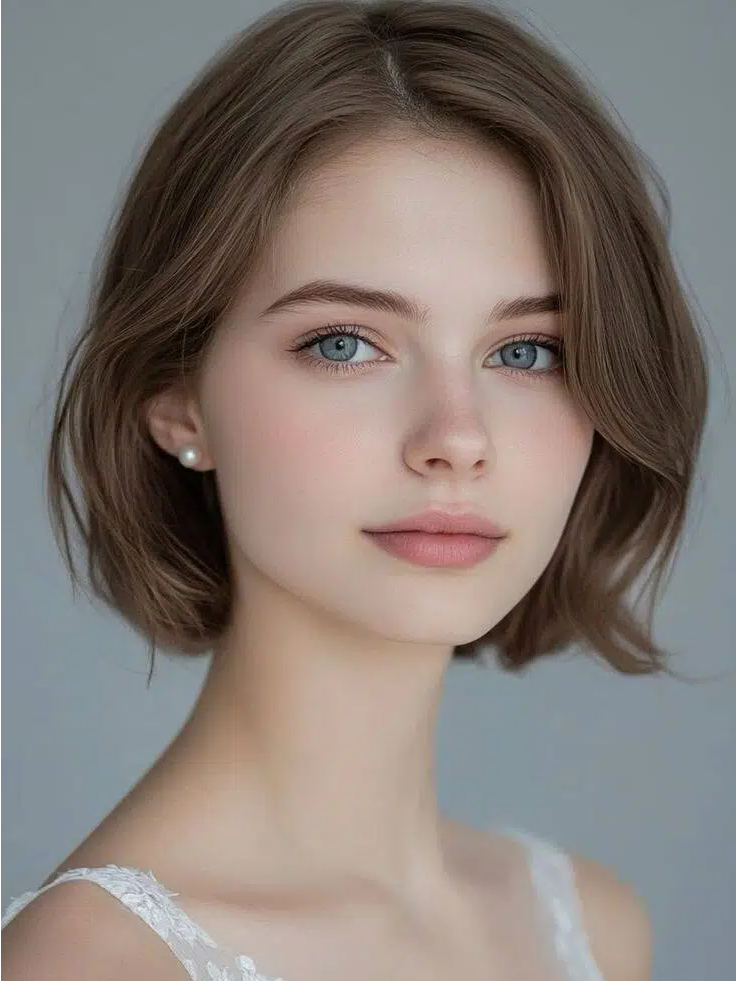
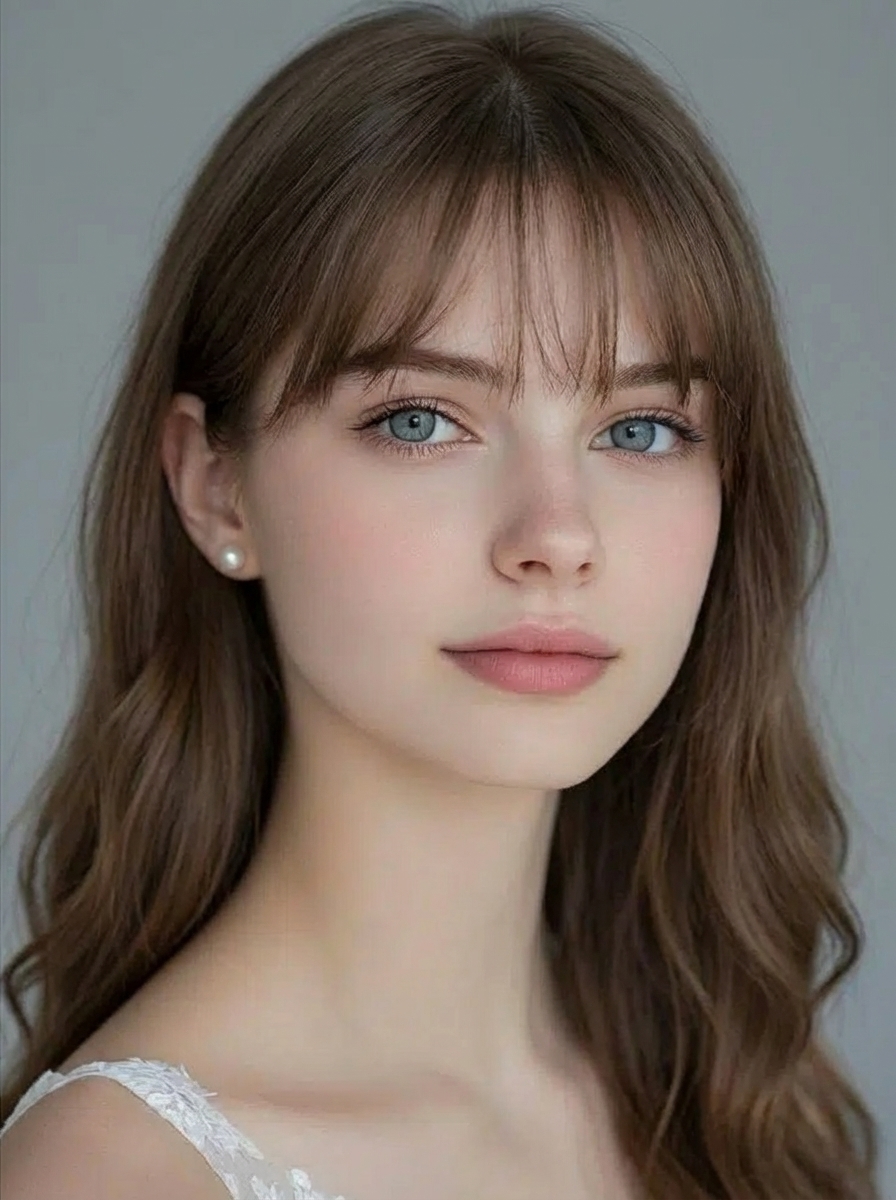
User Prompt
"Korean-style air bangs with natural brown long hair and soft waves at the ends"
Explore the AI Hairstyle Simulator
Use portrait editing controls to explore hairstyle ideas before making a real-world change.
Portrait-Aware Generation
The model uses your uploaded portrait as a visual reference while generating the requested hairstyle. Results can vary.
Natural Language Input
Describe the cut, fringe, length, texture, or finish in everyday words; no specialist editing terms are required.
Smart Style Understanding
Add references such as 'Korean-inspired layers', 'vintage waves', or 'modern undercut' to make the direction clearer.
Adjustable Output Settings
Choose from the available models, aspect ratios, and resolution options before generating a preview.
Single-Photo Workflow
Upload one portrait, add a hairstyle prompt, and manage the generated result from the history panel.
Focused on Hairstyle Changes
Use this page for cuts, length, bangs, layers, curls, and styling. Use the Hair Color Changer when color or dye preview is the main goal.
Multiple Style Variations
Refine your prompt and generate another version when you want to compare a different styling direction.
Works in a Modern Browser
Use the hairstyle simulator on desktop, tablet, or mobile without installing dedicated software.
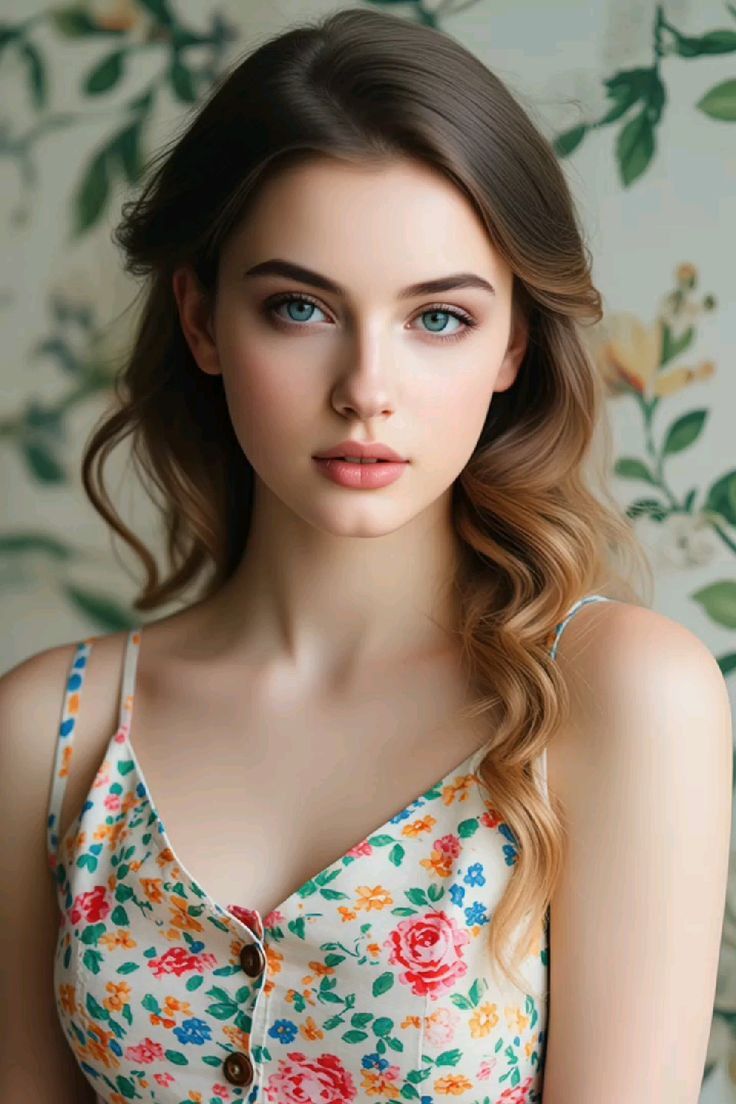
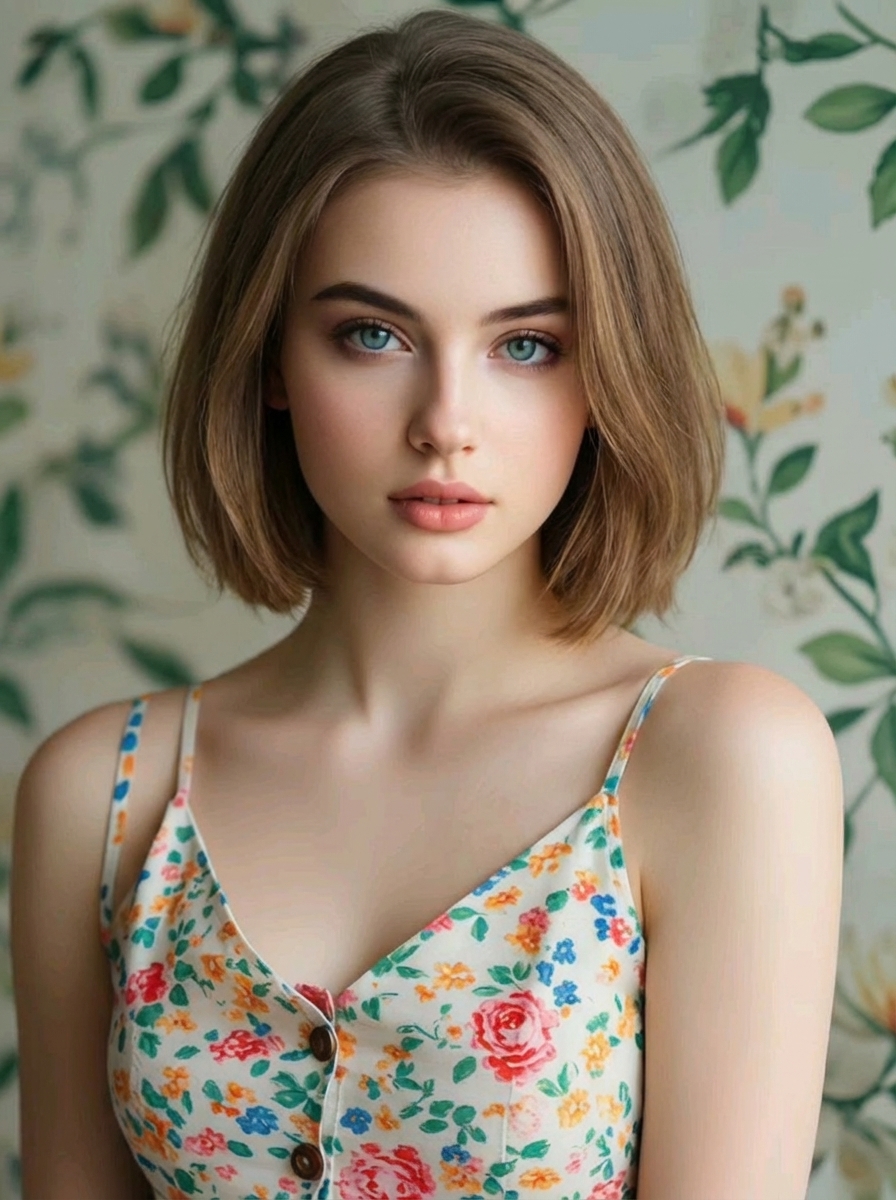
Explore a New Hairstyle from One Portrait
Upload a clear portrait and describe the style you want to see, such as a layered bob, curtain bangs, beach waves, or a tapered cut. The generator creates a visual preview that you can use to compare ideas before discussing a real haircut with a stylist.
Keep the Prompt Focused on Hair
Ask the model to change the cut, length, fringe, layers, curls, or finish while keeping the rest of the portrait close to the source. A generated image is a creative preview rather than a guarantee of how a real haircut will look.
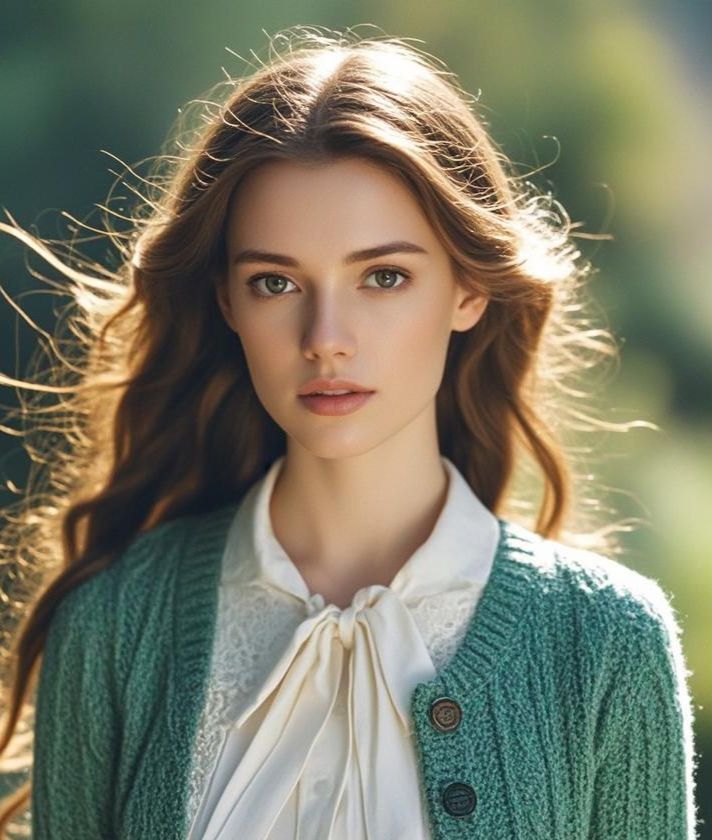
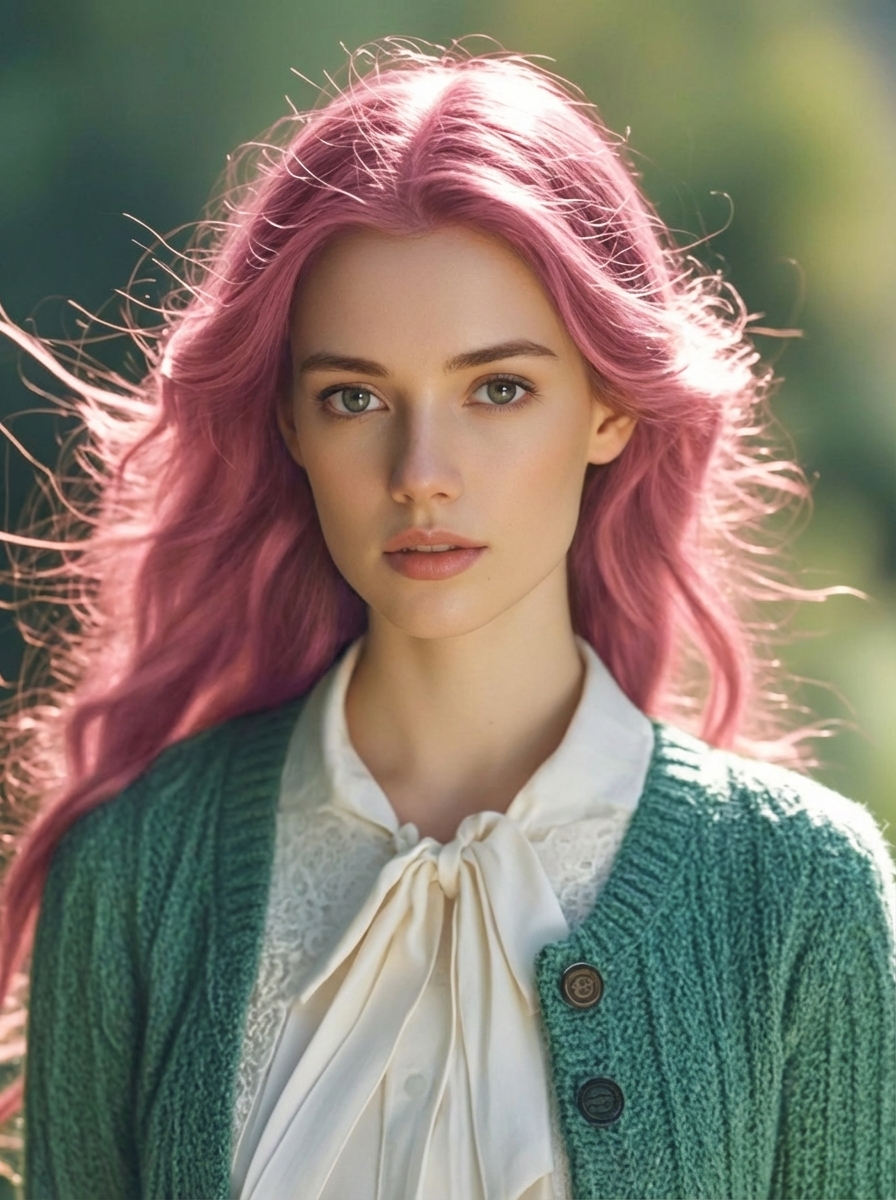
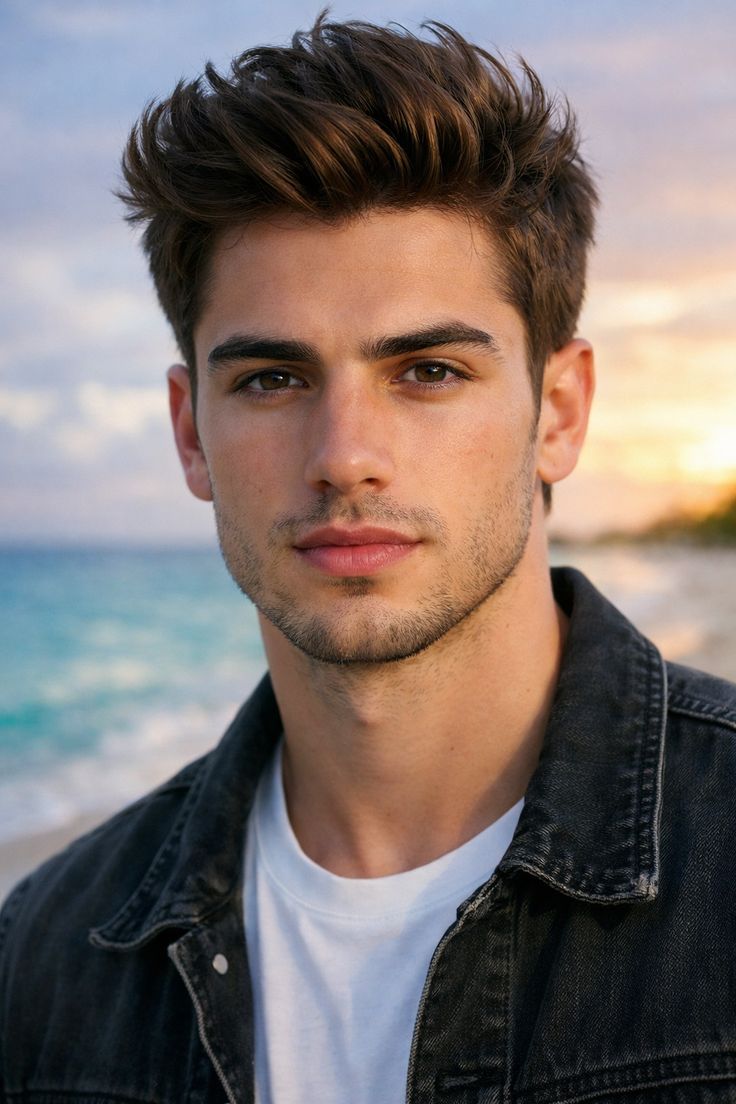
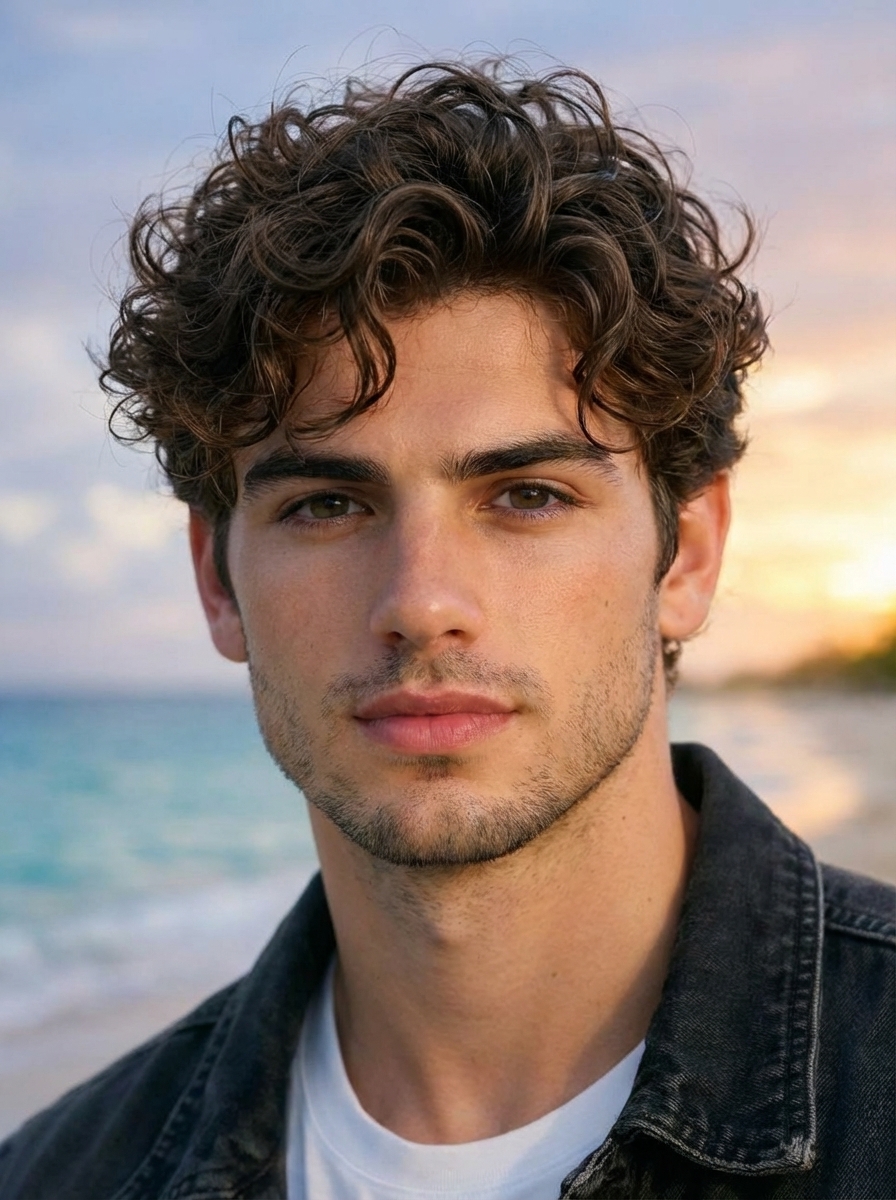
Compare Cuts, Lengths, Bangs, and Styling
Try prompts for a pixie cut, long layers, a Korean-inspired perm, vintage waves, an undercut, or another styling direction. For dye shades, balayage, highlights, or other color-first changes, use the separate Hair Color Changer page.
Frequently Asked Questions
Everything you need to know about our AI hair style generator
You Might Also Be Interested In
Explore more AI-powered tools for image transformation
Want to write your own hairstyle prompt?
Learn how to describe a cut, keep your face consistent, and build a nine-style comparison from one portrait.
Read the Gemini AI hairstyle prompt guideReady to Preview a
New Hairstyle?
Upload a portrait, describe the cut or styling direction, and generate a visual concept to compare.
Try the Hairstyle Simulator