
Lanta AI LogoLanta AI

AI Faceless Video Generator

Have a story and script but no matching footage? Our AI Faceless Video Generator turns your script into a faceless video with naturally flowing scenes, automatically adding voice-over narration and music based on your prompt.

Start Generating

Explore AI Video Models on Lanta AI

  • Grok Imagine
  • Kling
  • Veo
  • Wan
  • Seedance

Create Faceless Videos with Lanta AI

From a scene in your story to a product detail, create visuals for each part of your content.

Turn a Simple Idea into a Complete Faceless Video

Have a story to tell but nothing to film? Simply enter your idea, paste in a script, or describe the story you want to create. Our AI faceless video generator turns your words into a video with scenes that follow your storyline, from the opening shot to the final scene. No camera, actors, or filming equipment needed.

Start Generating
A lion and cubs across a sequence of savanna scenes

Control Scenes and Transitions with Keyframes

Want more control over how your video looks and moves? Set the first and last frames, or use keyframes to guide important moments in a scene. Direct camera movement, changes in perspective, and the way one moment leads into the next. Create smoother motion and more natural visual transitions without animating every frame yourself.

Start Generating
Hands unboxing a handmade green Christmas tree in a sequence of product shots

Create Faceless Videos with Synced Voiceovers

Already have a script for your video? Turn it into a narrated faceless video without recording your own voice. AI generates the voiceover alongside the visuals, matching the narration to the relevant scenes as your story unfolds. From documentary explanations to narrated stories, your audience can follow what's happening on screen while listening to the narration.

Start Generating
Chocolate brownie preparation, from mixing the batter to baking and serving

Make Faceless Videos in Different Visual Styles

Not every story needs to look the same. Create realistic documentary-style videos, colorful cartoon animations, or imaginative fantasy scenes with AI. Describe your preferred visual style and use reference images to guide the overall look. Whether you're explaining real-world topics, telling animated stories, or exploring fictional worlds, choose a style that fits your content.

Start Generating
Norwegian fjords, a winding road, a waterfall and waterside cabins in a travel montage

Faceless Video Ideas to Try

Use generated visuals to tell a story, explain a process, or show a detail. Add your own narration and editing to turn the footage into a complete video.

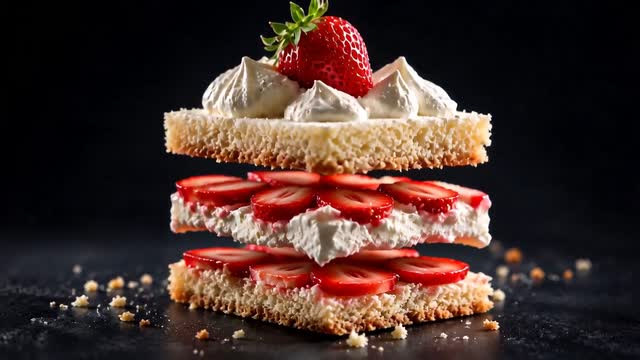
An exploded view of strawberry cake layers

Cooking, Vlogs & ASMR

From pouring coffee to layering a cake, small details make these videos satisfying to watch. Create cooking close-ups and quiet everyday moments, then add natural sounds or music for faceless vlogs, recipe videos, and ASMR.

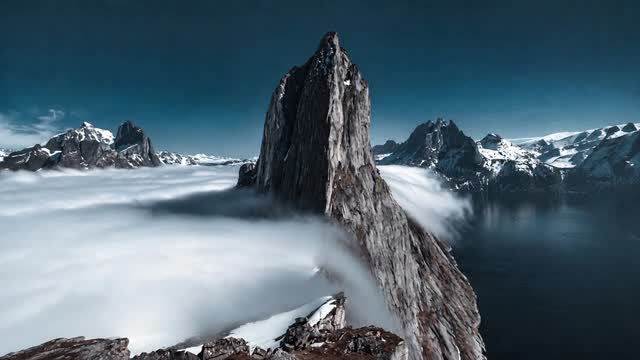
Mountain scenery beneath drifting clouds

Nature, Travel & Wildlife

Explore mountain landscapes, wildlife, and beautiful places around the world. Combine wide shots, close-ups, and changing scenery to tell your story, while keeping the lighting and visual style consistent across scenes.

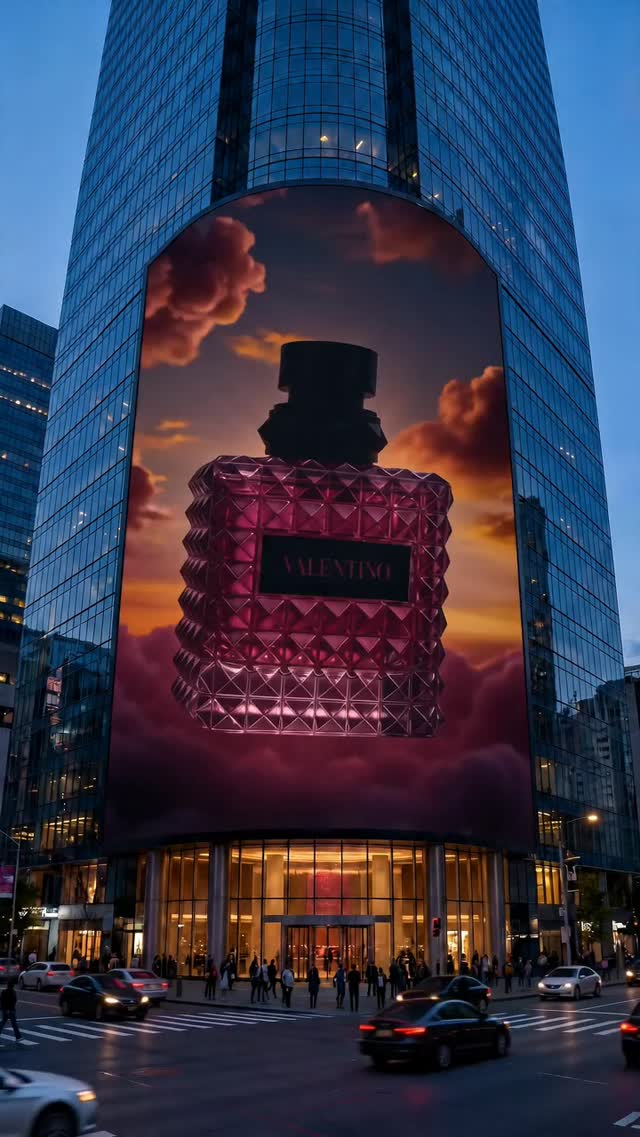
A perfume bottle surrounded by pink smoke

Products & Unboxing

Showcase products without filming a presenter. Turn product photos into slow reveals, detailed close-ups, or unboxing clips. Combine different angles for product videos, social ads, and short reviews that highlight what makes each product special.

How to Create a Faceless Video with AI?

Create your own faceless video with Lanta AI in three simple steps.

Start Creating
  1. 01

    Set Your Story

    Enter your idea or script, then plan the scenes, visual style, and camera direction for your faceless video.

  2. 02

    Generate Your Video Scenes

    Choose Text to Video or Image to Video, select an AI model, and generate your scenes using prompts or reference images.

  3. 03

    Review and Download

    Preview your clips, adjust any shots that need work, and download your footage. Add narration, captions, and music in your preferred editor.

More Control over Your Faceless Video

Five storyboard panels following a lion family on the African savanna

Create Visuals for Your Content

Generate scenes for your story or explanation, so you spend less time rewriting content to fit available footage.

Sliced crystal fruit shown in colorful close-up scenes

Explore Your Visual Style

Use prompts, images, and model choices to explore realistic or illustrated looks. Select results that work together to give your series a consistent feel.

Goldfish swimming underwater

Retry Individual Shots

If a clip does not fit, adjust the description or references and generate it again. Keep the results you like while working on the remaining scenes.

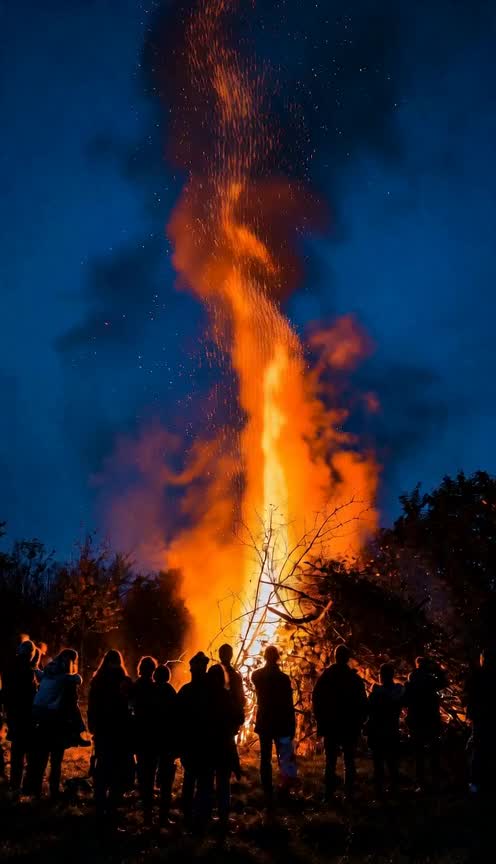
Bonfire flames in a cinematic documentary scene

Choose a Model for the Scene

Check available options when a shot needs motion, sound, or reference controls. Choose settings for the current scene instead of using the same setup for every clip.

A perfume product video with pink smoke

See the Credit Cost Before Generating

Check the cost of each generation and try a key shot before creating the rest. Include potential retries when planning your production budget.

AI Faceless Video Generator FAQs

How do I make faceless videos with AI?

First, decide what your video is about and plan the shots you need.

For example, if you're making a wildlife video, you could start with a wide savannah scene, follow a lion walking through the grass, and finish with a close-up or sunset shot.

Use Lanta AI to generate each scene from a text prompt or reference image. Once you have the footage, download the clips and arrange them in a video editor.

You can then add narration, background music, and subtitles. Lanta generates the video scenes; you decide how the story is written and put together.

Can I create faceless videos from text or images?

Yes. Lanta AI supports both methods.

With Text to Video, describe the scene you want to create. You can include the subject, setting, actions, camera movement, and visual style.

With Image to Video, upload a picture and describe how you want it to move. This works well for landscapes, product photos, illustrations, and other images you want to animate.

Some models also support reference materials or keyframes for additional control.

Is Lanta AI Faceless Video Generator free to use?

You can start with 40 free credits after signing up.

Each video generation costs a certain number of credits. The amount depends on the video model and settings you choose.

Some advanced models cost more than 40 credits, so the free allowance may not cover every generation option.

You can see the credit cost before generating and choose a paid plan if you need more credits.

How long can an AI faceless video be?

The available video length depends on the model you choose. Most AI video models are designed to generate short clips rather than complete, multi-minute videos.

If you want to make a longer video, divide your story into scenes and generate each one separately.

For example, a one-minute travel video might include an opening landscape, several location shots, close-up details, and a final scene. You can combine these clips in a video editor to control the overall length and pacing.

Can I make faceless YouTube Shorts and Instagram Reels?

Yes. You can generate footage for YouTube Shorts, Instagram Reels, TikTok, and other short-form platforms.

Choose a vertical 9:16 aspect ratio when your video model supports it. Keep the main action near the center of the frame so it remains visible on mobile screens.

For a short video, it's often better to use several different shots rather than one long scene. Create your clips, arrange them in an editor, and add any captions or sound before uploading.

Can I add voiceovers and subtitles to faceless videos?

Yes, but you'll need to add them during the editing stage.

Lanta AI generates video footage. It doesn't automatically write a complete narration script or add timed subtitles to an entire faceless video.

Some video models support generated sound or audio references, depending on their capabilities.

If you want narration, you can record your own voice or use a separate text-to-speech tool. Then add the audio and subtitles in a video editor and adjust the timing to match your scenes.

Can I create faceless videos without showing my face or recording my voice?

Absolutely. You don't need to appear on camera or record yourself speaking.

You can make videos about cooking, wildlife, travel, daily routines, products, or other topics using generated visuals.

Some faceless videos use music and natural sounds instead of narration. Others use written captions or an AI-generated voiceover added later.

Choose the approach that works best for your content.

Can I download faceless AI videos without a watermark?

Yes. Lanta AI offers watermark-free downloads through its paid plans.

Free credits don't necessarily include watermark-free exports, so check your plan before generating footage you intend to publish.

If you're producing videos for a YouTube channel, advertising campaign, or client project, make sure your plan supports the export options you need.

Can I use AI-generated faceless videos commercially?

Yes, provided your plan and the applicable video model allow commercial use.

If you're creating advertisements, product videos, or content for clients, choose a plan that includes commercial rights.

You should also have permission to use any photographs, reference videos, music, logos, or other materials you upload.

For product advertising, review the finished video carefully. AI can change small details, and your final footage should accurately represent the product you're promoting.

Can faceless AI videos be monetized on YouTube?

Yes. YouTube allows faceless channels to earn money if they meet its monetization requirements.

However, using AI to generate videos doesn't automatically make your content eligible.

YouTube looks for original, authentic content that provides value to viewers. Channels that repeatedly publish nearly identical or mass-produced videos with very little original input may not qualify.

Your own research, storytelling, explanations, and editing can help make the content more original. You should also follow YouTube's copyright rules and disclose realistic AI-generated content when required.

Lanta AI logo

Create Your First Faceless Video

Don't want to be on camera or shoot a lot of footage yourself? Just enter your story or script, and AI will create a faceless video for you.