
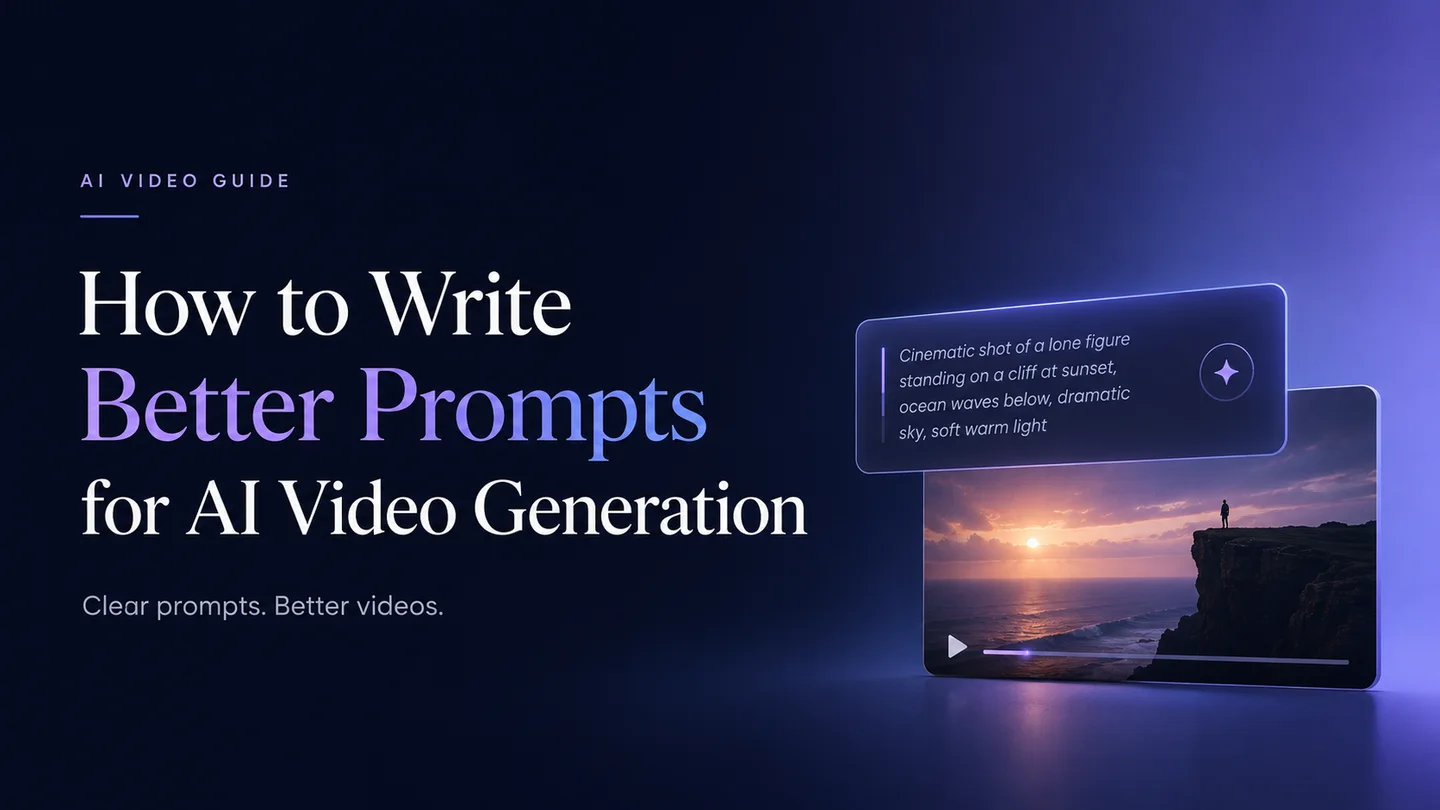
Learning how to write better prompts for AI video generation can make a big difference in your final results. A well-written AI video prompt helps the model understand the subject, motion, scene, camera angle, visual style, and atmosphere. Whether you are creating text-to-video clips, animating an image, or testing different AI video models, this guide will help you write clearer prompts and get more consistent video outputs.
What If You Have No Prompt Ideas?
At the beginning of AI video generation, many people do not know what to write. This is normal. Many times, you are not struggling because you do not know how to write an AI video prompt. You are struggling because you do not know where to start.
A good AI video idea often begins with a strong visual image. Once you have a picture, screenshot, or video frame as your reference, it becomes much easier to turn that visual idea into a clear prompt.
A better way is to start with an image you like and build your prompt from there.
Build Your Prompt from an Image You Like
You can take a screenshot from a YouTube video, a movie scene, a music video, a product ad, or any creative image you find. Then you can use ChatGPT or Gemini to help describe the image and extract a useful prompt from it. Use it as a base and make small changes. You can change the character, pose, outfit, pet, or background.
For example, you may see a creative video idea where a box shakes and jiggles, and then a little robot suddenly breaks out of the box. Instead of using the same robot, you can replace it with a chubby orange cat. The new prompt could become:
Original scene structure
A small robot breaks out of a shaking cardboard box.
Revised prompt idea
The same scene structure becomes a playful orange cat jumping out of the box.
This way, you are not copying the original idea directly. You are borrowing the structure of the scene and turning it into something new.
Once you have a revised prompt, generate a key image first. Choose the image that best matches your idea, then use it as the starting frame for your AI video.
Use AI Prompt Communities for Inspiration
AI prompt communities and showcase pages can also be a good place to find ideas. Many creators browse platforms such as Midjourney Explore, PromptHero, Lexica, OpenArt, Civitai, or the official galleries from tools like Runway, Kling, Luma, and Pika.
- cinematic + storm + wide shot
- sports car + snow + drone view
- skateboarder + mountain road + motion blur
- urban street + magical portal + handheld camera
The goal is not to copy someone else's prompt exactly. Instead, look at the visual combinations people often use. Once you find a style or scene structure you like, replace the subject, location, action, or camera movement with your own idea.
For example, if you see a prompt about a sports car drifting through snow in a drone shot, you can change it into a motorcycle racing through a desert road, a robot running through a frozen city, or a girl skating across an icy lake. The structure gives you inspiration, but the final video idea becomes your own.
General Prompt Structure for AI Video Generation
Before writing advanced prompts for different AI video models, it helps to understand the basic structure of a good video prompt. A simple formula is:
The first two parts, subject and action, are the foundation of the prompt. They tell the model who or what should appear in the video and what should happen. For example, "a woman dancing," "a robot walking through the desert," or "a dog running across a beach."
The next parts, setting and visual style, help define the look and mood of the video. You can describe the location, lighting, weather, color tone, or artistic style. For example, "on a rooftop at golden hour," "inside a neon-lit cyberpunk street," or "with soft cinematic lighting and realistic film texture."
Then you can add camera movement and audio to make the video feel more complete. Camera details such as "slow dolly-in," "handheld tracking shot," or "360-degree orbit shot" help guide the motion of the scene. Audio details such as "soft wind," "distant traffic," or "dramatic background music" can also make the result feel more immersive, especially for models that support audio generation.
This version gives the AI video model a clearer creative direction. The more clearly these elements work together, the more likely the model is to generate a video that matches your idea.
Use Camera Movement
A good AI video prompt should not only describe what appears in the scene. It should also describe how the camera moves.
Camera movement helps the AI understand the rhythm, focus, and emotion of the shot. Instead of writing:
Write:
Here are some useful camera movements for AI video prompts:
| Camera Direction | Best For | Example Prompt Detail |
|---|---|---|
| Slow push-in | Emotion, drama, product focus | The camera slowly pushes in toward the subject |
| Tracking shot | Running, racing, action scenes | The camera follows beside the car as it speeds forward |
| Orbit shot | Product, character, hero shots | The camera smoothly circles around the subject |
| Low-angle shot | Power, hero feeling, impact | Shot from below to make the character look strong |
| Wide shot | Scene setup, environment | A wide shot reveals the full snowy mountain road |
| Close-up | Face, detail, texture | A close-up of the singer's face as she performs |
| Handheld camera | Realistic, tense, documentary style | Slight handheld camera movement adds realism |
For better results, use one main camera movement per shot. If you add too many camera directions in one prompt, the video may look unstable or confusing.
Describe the Action Clearly
AI video is built around movement, so the action needs to be specific. A prompt should explain what the subject is doing, how fast the action happens, and what details move in the scene.
Avoid vague prompts like:
This describes the image, but it does not give the AI enough motion information.
A stronger prompt would be:
When writing action prompts, use specific verbs such as:
| Simple Verb | More Specific Version |
|---|---|
| move | slowly turns, slides, rushes forward |
| walk | walks carefully, walks confidently, walks through mist |
| run | sprints, races, rushes across the scene |
| look | turns toward the camera, glances upward, looks over her shoulder |
| drive | speeds forward, drifts around a curve, accelerates through snow |
| dance | spins gracefully, steps in rhythm, moves with the beat |
The more clearly you describe the movement, the easier it is for the AI model to generate a video that feels intentional, natural, and cinematic.
Different Video Models Need Different Prompt Styles
One important thing to understand about AI video prompting is that the same idea may need to be written differently for different video models. A prompt that works well in one model may feel too loose, too detailed, or too unstructured in another.
For example, imagine you want to create a simple scene: a woman in a red dress dancing on a rooftop.
For Seedance 2.0, the prompt works better when it includes clear cinematic and visual details:
This style gives the model specific information about the subject, motion, camera angle, lighting, lens feeling, and visual texture.
For Kling 3.0, a more structured, scene-based format often works better:
This prompt feels more like a short video script. It separates the scene, character, action, and camera movement, which helps the model understand the shot step by step.
For HappyHorse 1.0, a shorter and more compact prompt can work better:
This version keeps the key information but avoids making the prompt too long. It focuses on the subject, setting, movement, camera style, lighting, and audio atmosphere in one clean sentence.
The point is not that one prompt style is right and the others are wrong. The key is to match your prompt style to the model you are using.
Text-to-Video and Image-to-Video Prompts Are Different
Text-to-video and image-to-video prompts should not be written in exactly the same way. The reason is simple: text-to-video starts from nothing, while image-to-video already has a visual reference.
Text-to-Video Prompts
For text-to-video, your prompt needs to describe what the video looks like and what happens. The model does not know what the scene looks like yet, so you need to explain the subject, setting, action, camera movement, lighting, mood, and style.
This type of prompt works well when you want to generate a complete video scene from scratch.
Image-to-Video Prompts
Image-to-video prompts should describe how the existing image moves. The first frame already gives the model a lot of visual information. You do not need to repeat every static detail in the image.
This style is best when you already have a strong first frame and want to bring it to life. The key is to guide the motion without changing the original image too much.
How to Write Prompts for Long AI Videos
When creating a longer AI video, do not try to generate the whole video with one single prompt. Most AI video models are still better at generating short clips, usually around 4-5 seconds or 5-10 seconds. If you ask the model to create a full long video at once, the result may lose consistency, skip important actions, or look visually messy.
A better workflow is:
For example, if you want to create a 15-second video, you can break it down like this:
| Time | Shot Content | Purpose |
|---|---|---|
| 0-3s | Establish the scene and show the environment | Let viewers understand where the story happens |
| 3-6s | The main subject begins the action | Build the rhythm |
| 6-10s | The most exciting action happens | Create the visual highlight |
| 10-13s | Add a close-up detail shot | Make the video feel richer |
| 13-15s | End with a final frame, brand moment, or emotional close | Leave a clear memory point |
For example, instead of writing one long prompt for a snowy racing video, you can divide it into five short shots:
| Time | Shot |
|---|---|
| 0-3s | A drone shot shows a snowy mountain road as a red sports car enters the frame. |
| 3-6s | A low-angle tracking shot follows the car as it speeds past the camera, throwing snow into the air. |
| 6-10s | The car drifts around a sharp curve while the camera orbits around the body of the car. |
| 10-13s | A close-up shot of the wheels spinning through the snow, with ice and powder flying outward. |
| 13-15s | The car races toward the distance under glowing northern lights, ending with a cinematic wide shot. |
This method gives you more control over the final video. Each shot has a clear purpose, camera angle, action, and mood. It also makes the video easier to edit because every clip is designed to connect with the next one.
Final Thoughts
A strong prompt should describe the subject, action, camera movement, visual style, lighting, and mood. The more clearly you explain what should move and how the camera should capture it, the easier it is for AI to generate a video that feels natural, cinematic, and intentional.
Ready to turn your ideas into videos? Try Lanta AI Video Generator to create AI videos from text prompts or images. Whether you want to make social media clips, product videos, music videos, story scenes, or creative short films, Lanta AI helps you generate smooth, cinematic videos in just a few steps.
FAQ
Do I need a long prompt for every AI video?
No. A prompt should be long enough to clarify the shot, but not so long that the model receives conflicting directions. For one short clip, focus on one subject, one action, one setting, one camera movement, and one visual style.
What should I do if I have no AI video prompt ideas?
Start from a strong reference image, screenshot, or frame. Describe what you like about it, then change the subject, action, background, or camera movement to make the idea your own.
Should I include audio in an AI video prompt?
Include audio details when the model supports audio generation or when the sound atmosphere matters. Short cues such as soft wind, distant traffic, footsteps, or dramatic music can help define the mood.
How do I prompt a longer AI video?
Break the video into short shots. Write a separate prompt for each clip, generate keyframes or first frames when needed, then edit the finished clips together.