
AI Hair Color Changer
Want to see how blonde, ash brown, copper red, or rose gold would look on your photo-without changing your hairstyle? Preview hair dye shades in minutes with 4K output.
How to Use the AI Hair Color Changer
Upload your photo, describe the exact dye shade you want, and generate a realistic color preview while keeping the same hairstyle.
Upload a Clear Portrait
Pick a photo where hair is visible around face and sides. Even lighting works best-avoid harsh backlight.
Describe the Hair Color You Want
Type the shade you want directly, such as 'cool ash brown' or 'rose gold balayage', and keep the hairstyle unchanged.
Generate and Export
Choose your preferred quality and generate a realistic hair color preview in minutes, with exports up to 4K.
Real Hair Color Preview Examples
Explore realistic before-and-after examples to see how different dye shades, gradients, and salon color techniques look on real photos.
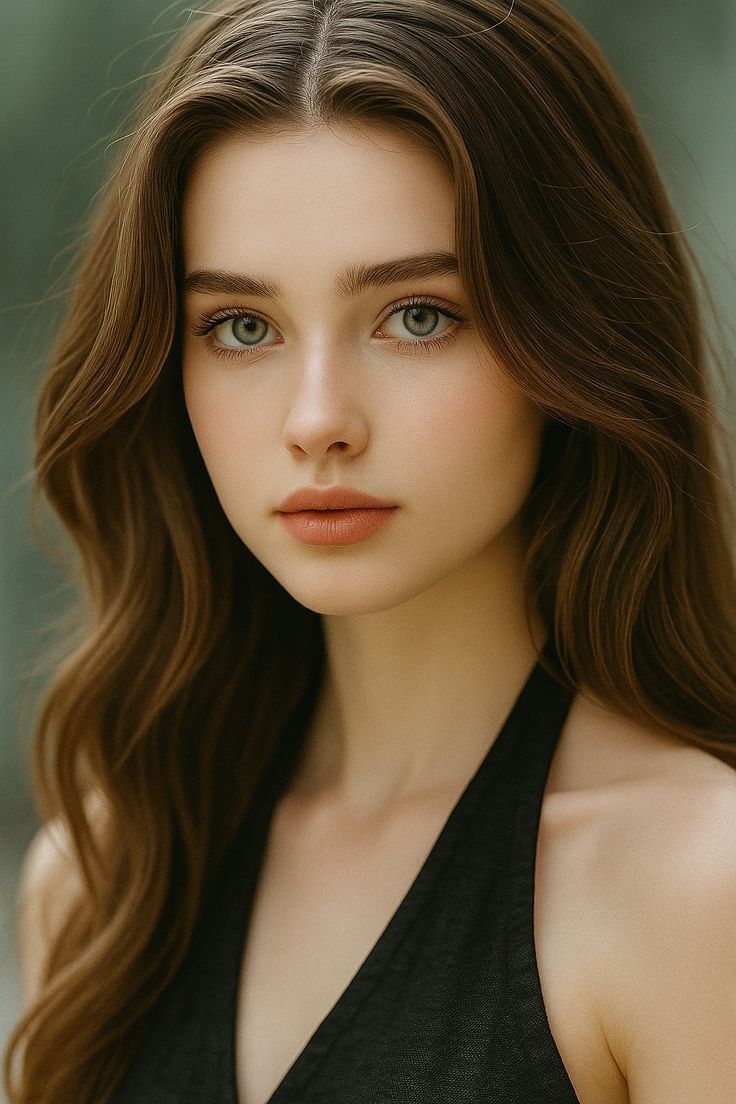
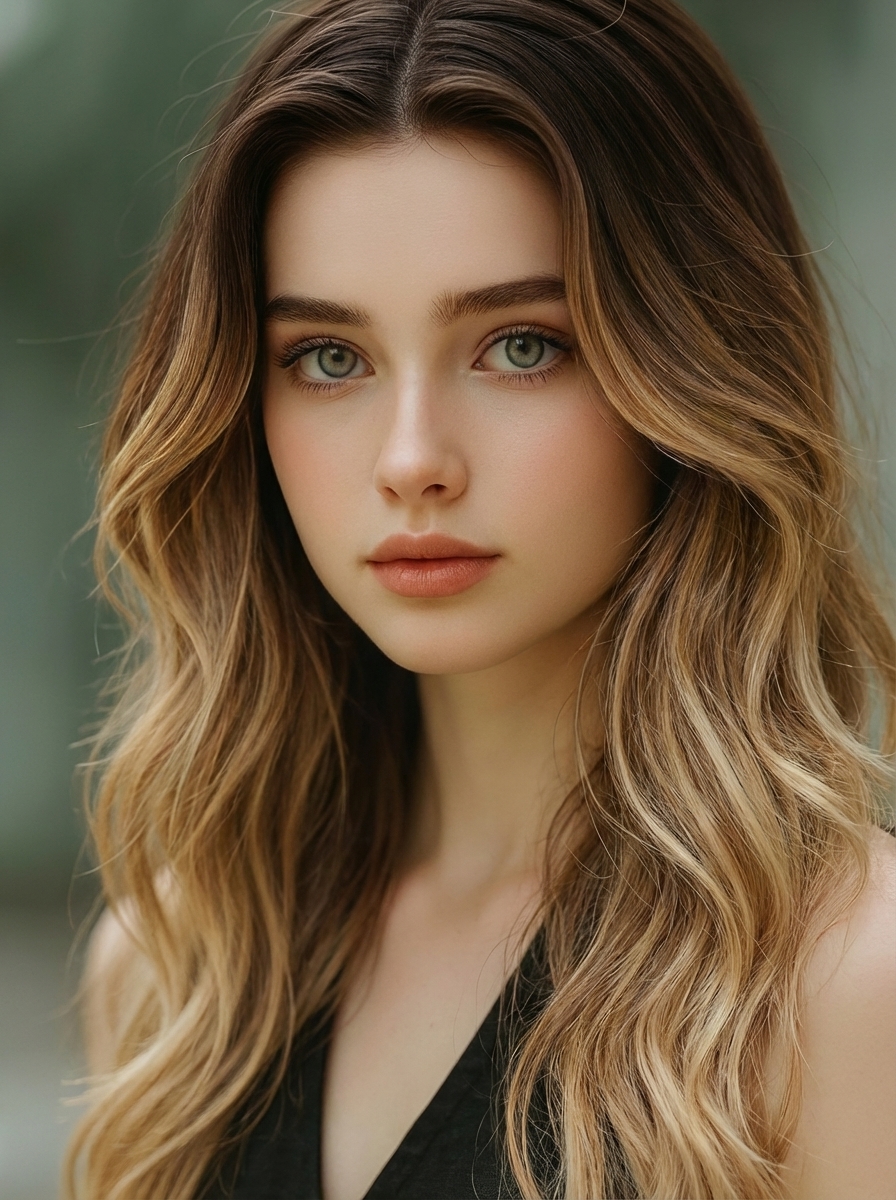
Preview Salon Techniques with Realistic Gradients
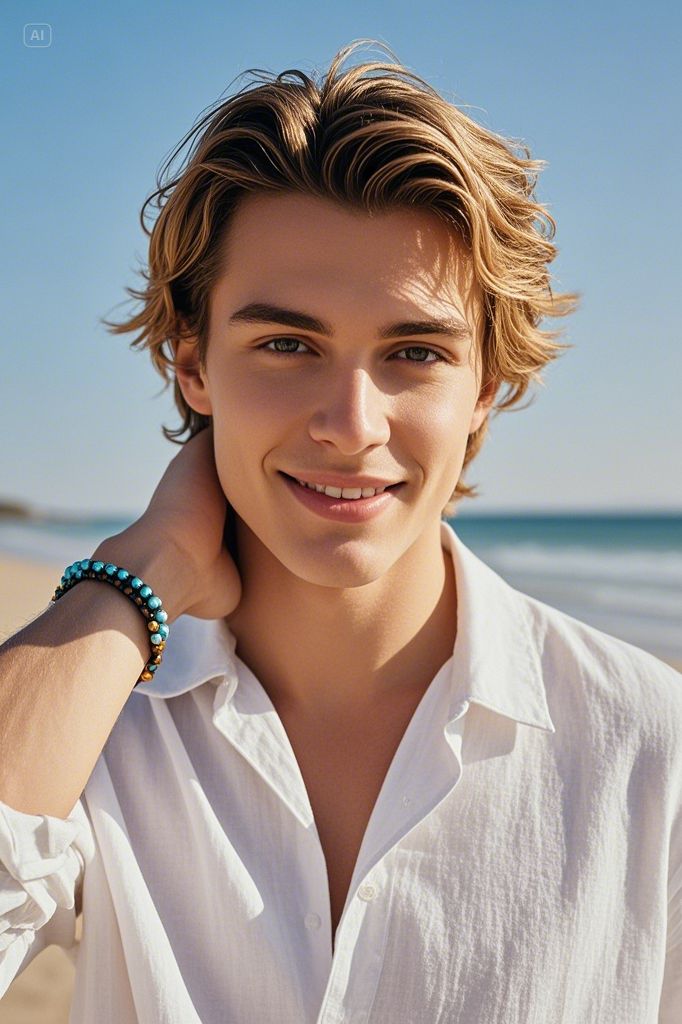
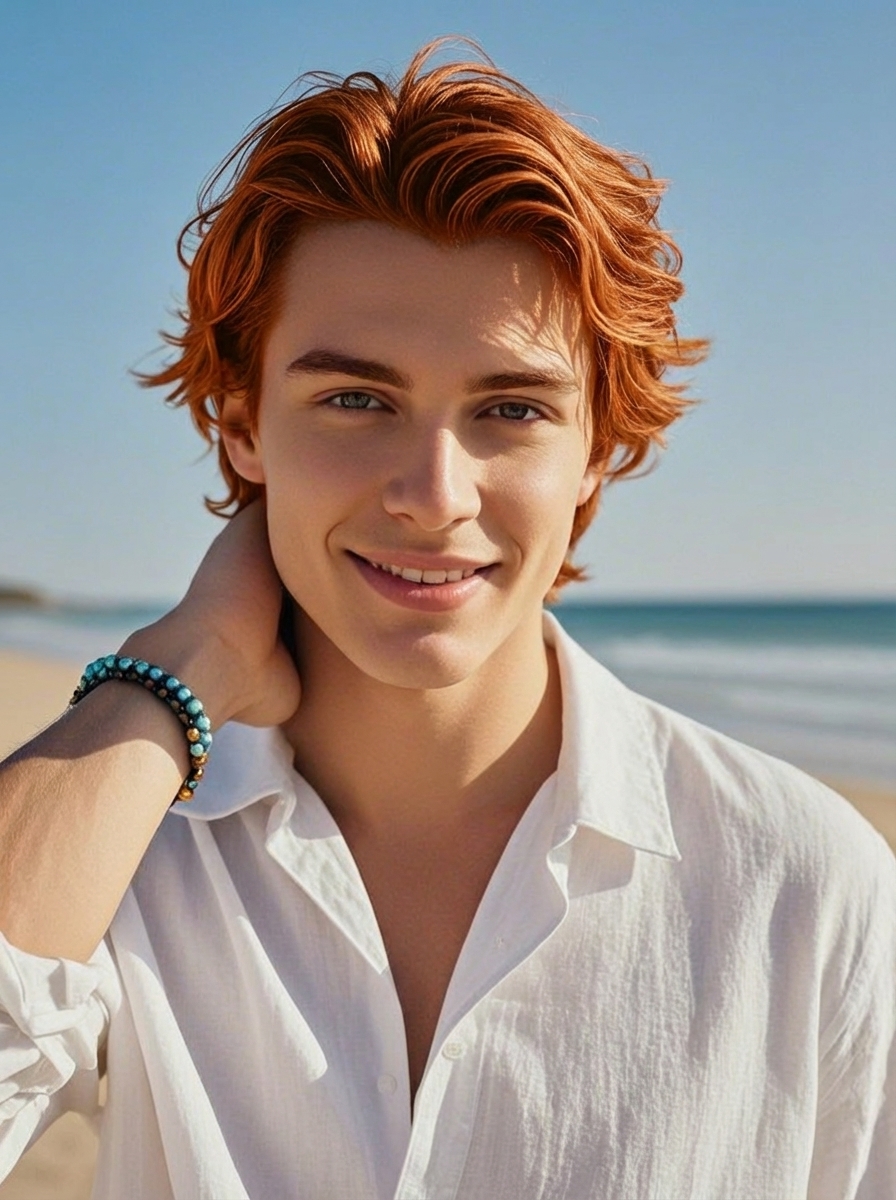
See how balayage, ombre, highlights, money piece, and root shadow effects would look on your actual photo. The AI preserves natural hair texture and lighting for results you can trust before booking your appointment.
Compare Close Shades with 4K Clarity
Choosing between ash vs beige blonde or copper vs auburn is easier when you can inspect subtle hue differences, highlight placement, and natural shine in detail. Compare variations side by side before committing.
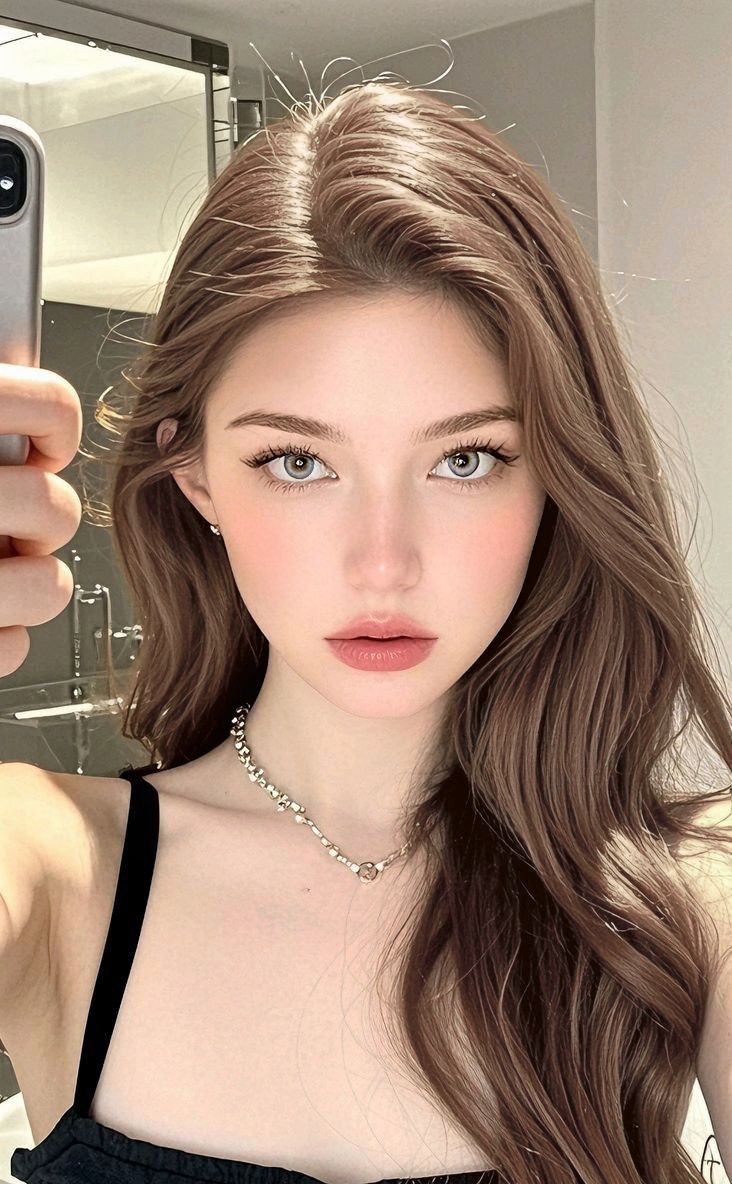
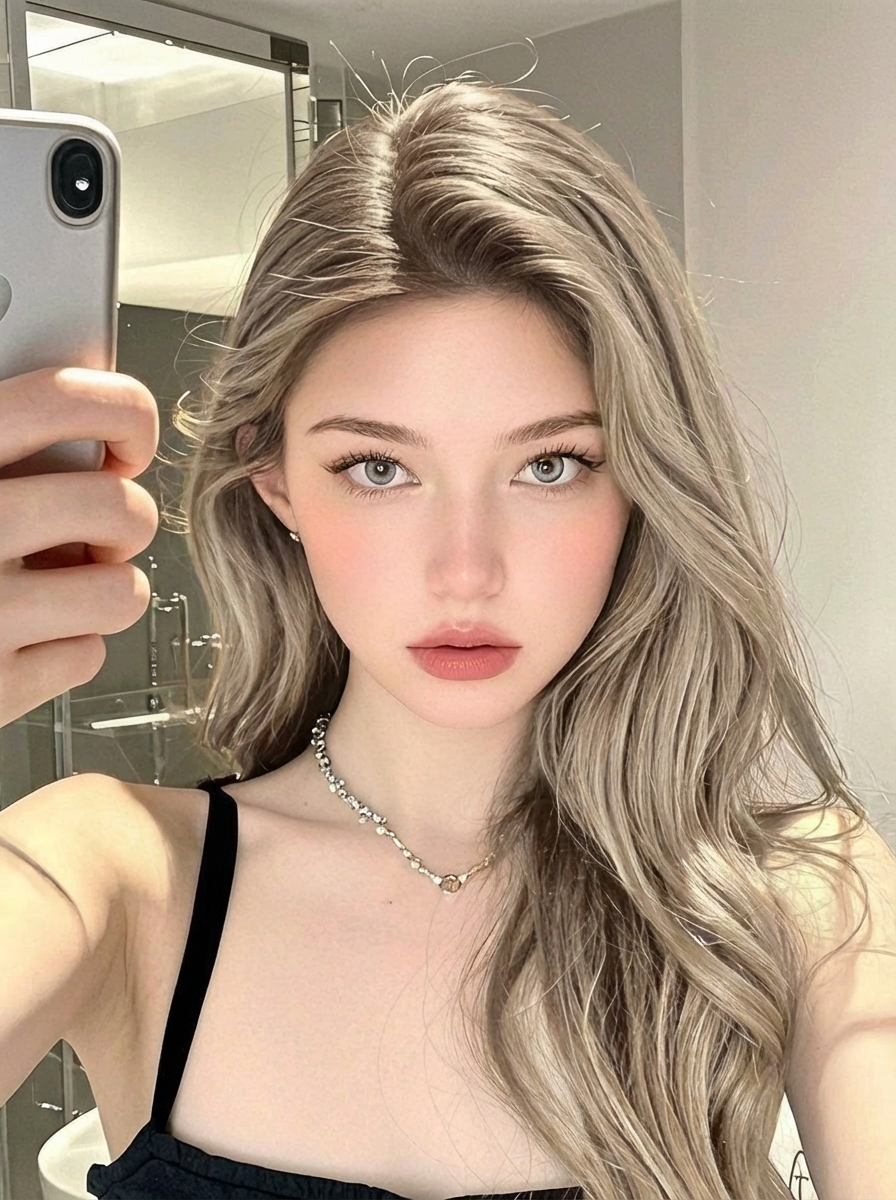
Iteration-Friendly Hair Color Workflow
Try multiple color variations quickly, then narrow down your favorites for a final decision. Experiment with cool vs warm tones, softer or richer saturation, and different gradient placements without any real-world commitment.
What Makes a Great Hair Color AI Preview
Most hair color filters look flat because they paint a single color on top of hair. A better AI preview preserves what makes hair look real.
Change Hair Color Only
Keep your hairstyle, length, and texture exactly the same while only the color transforms. Perfect for dye planning.
Realistic Gradient Support
Preview balayage, ombre, highlights, money piece, and root shadow effects with natural-looking transitions.
4K Ultra-HD Output
Export in up to 4K resolution for finer strand detail and smoother gradients. See subtle hue differences clearly.
Preserve Hair Texture
Hair strands, waves, shine, and natural lighting are maintained for results that look genuinely realistic.
Looking to change the haircut itself? Use the AI Hair Style Changer page for bangs, length, layers, and style transformations.
Hair Color Prompt Templates
Use these prompts for consistent, realistic results.
Natural Shades
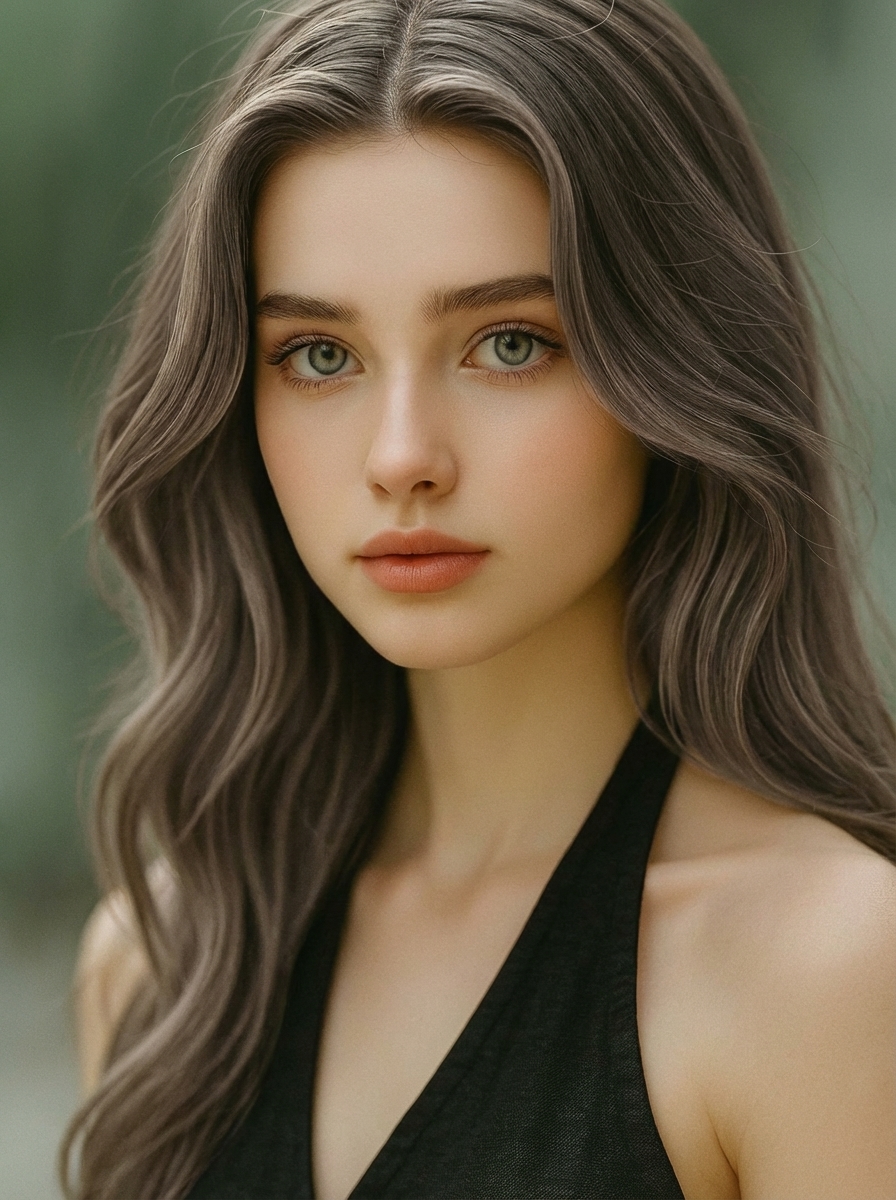
Cool Ash Brown
Change hair color to cool ash brown, realistic hair texture, natural shine.
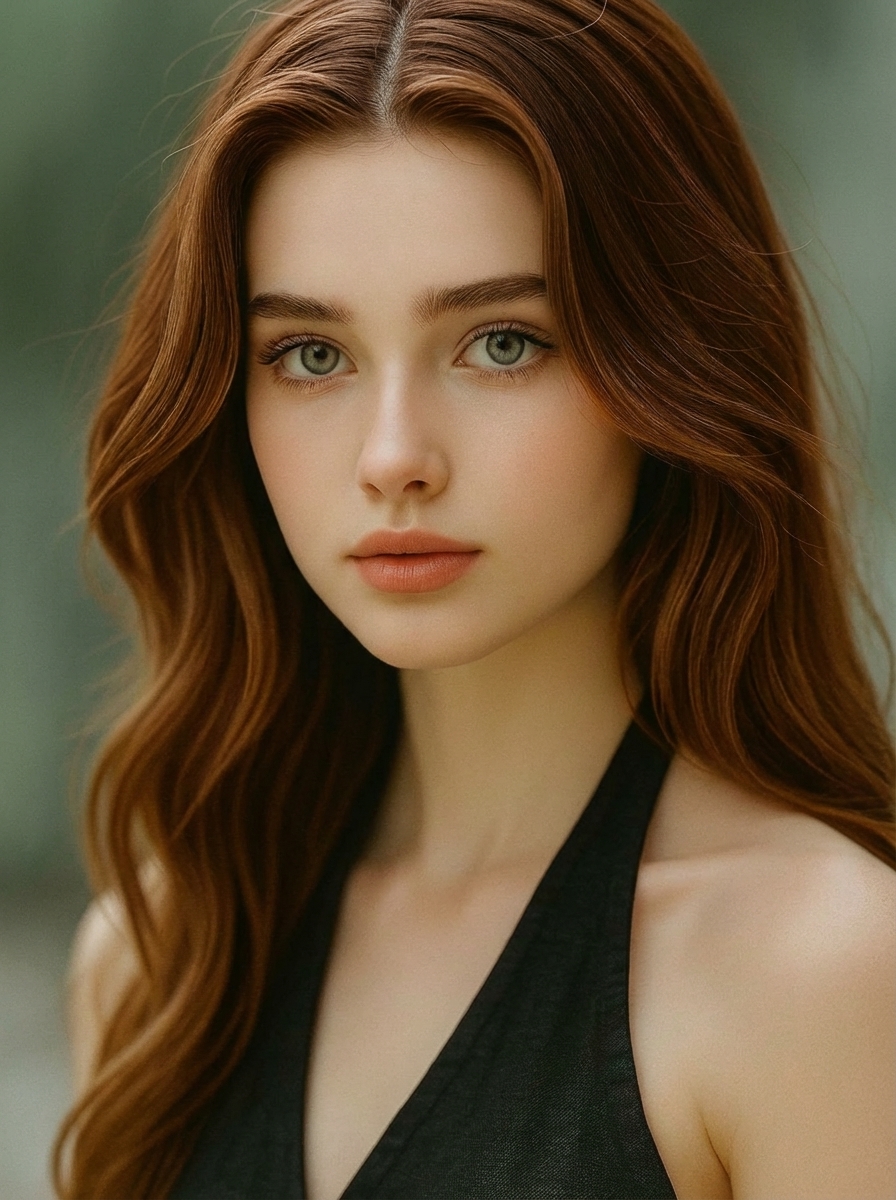
Chestnut Brown
Chestnut brown with warm undertones, subtle highlights, preserve strands.
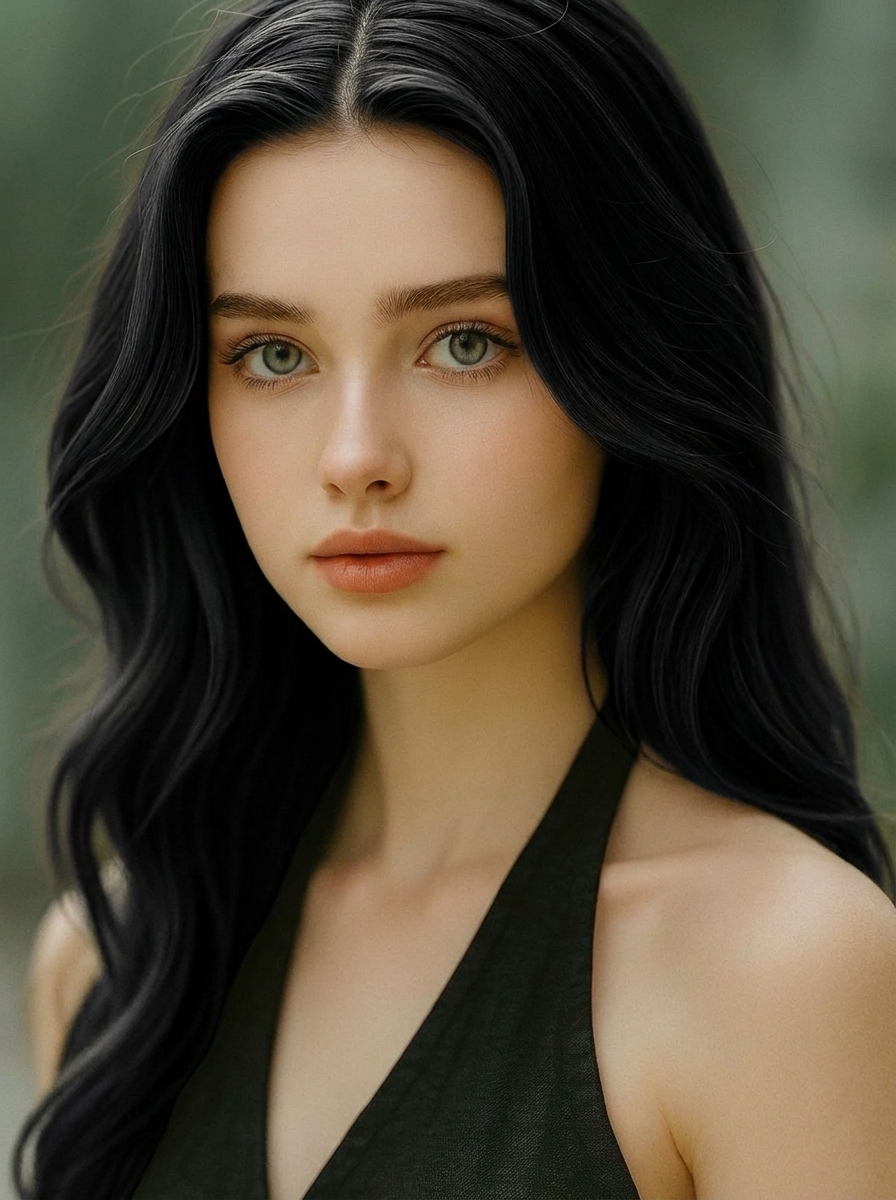
Natural Soft Black
Natural soft black hair color (not jet black), preserve light reflection.
Blonde Range
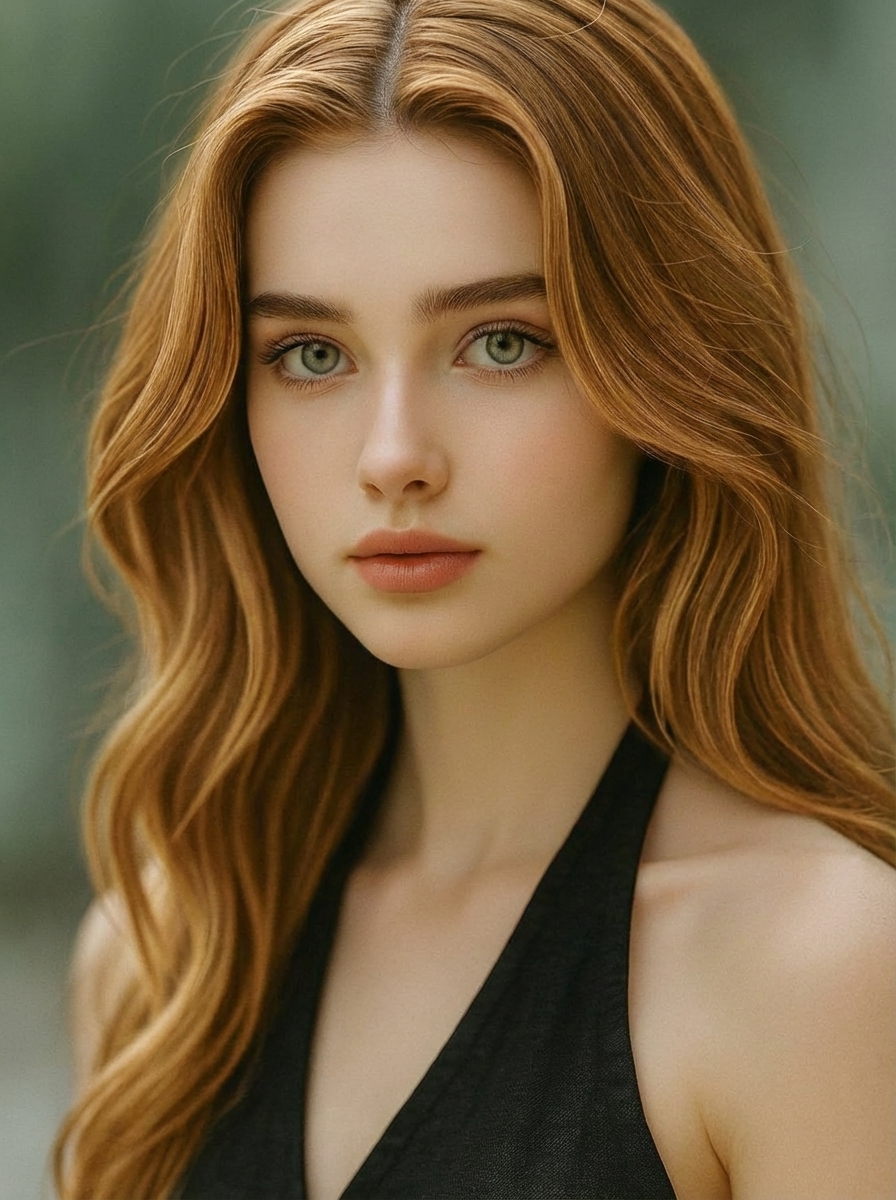
Honey Blonde
Honey blonde, warm tone, natural shine, soft highlights.
Ash Blonde
Ash blonde with natural root shadow, smooth gradient, realistic strands.
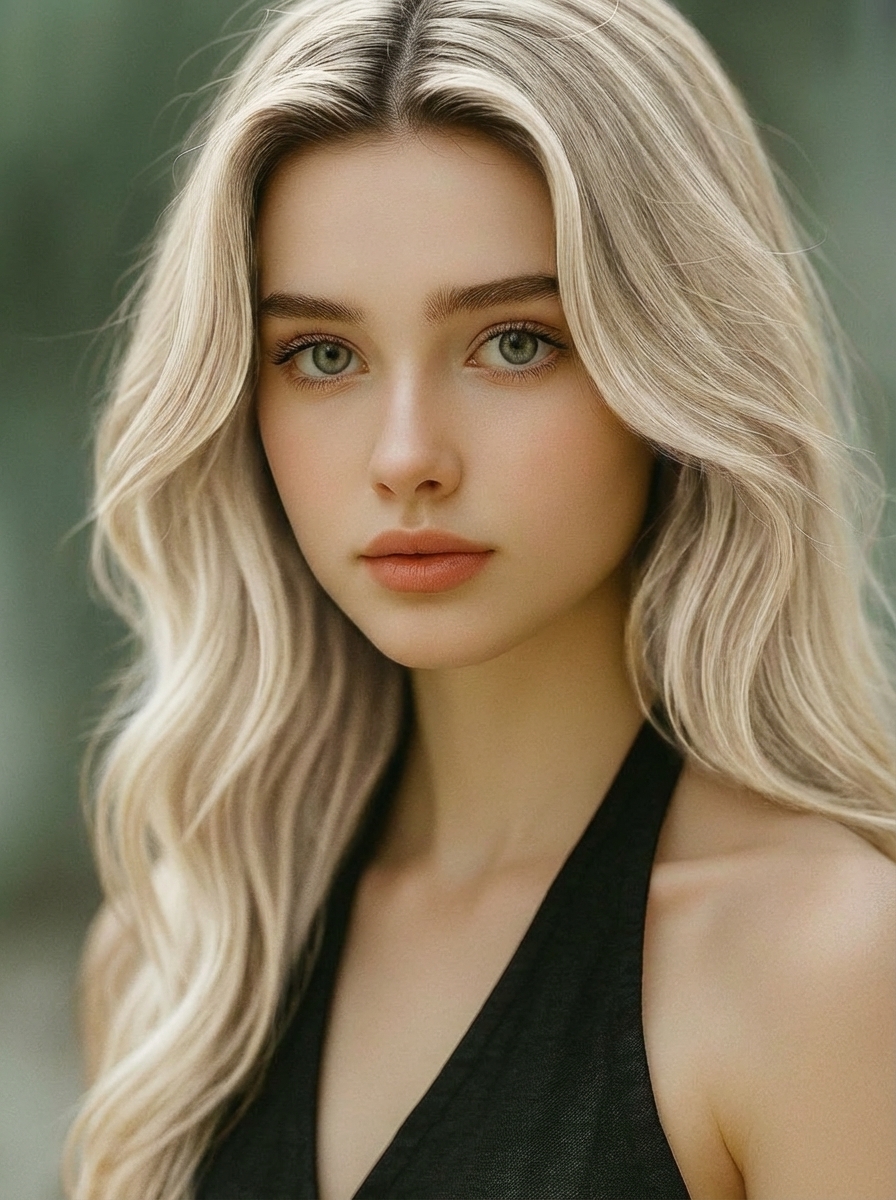
Platinum Blonde
Platinum blonde with slight root shadow, preserve hair texture, avoid overexposure.
Reds & Fashion Colors
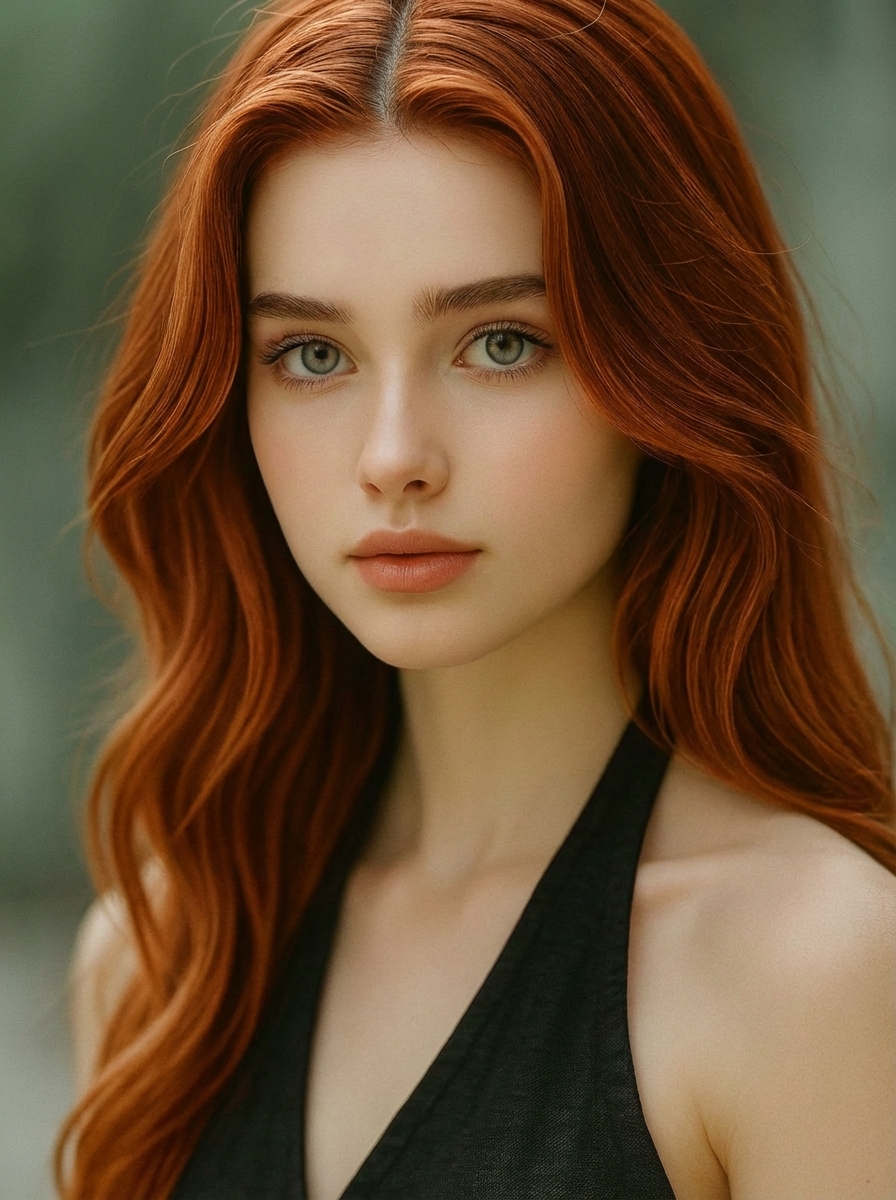
Copper Red
Copper red hair, glossy but natural, realistic lighting.
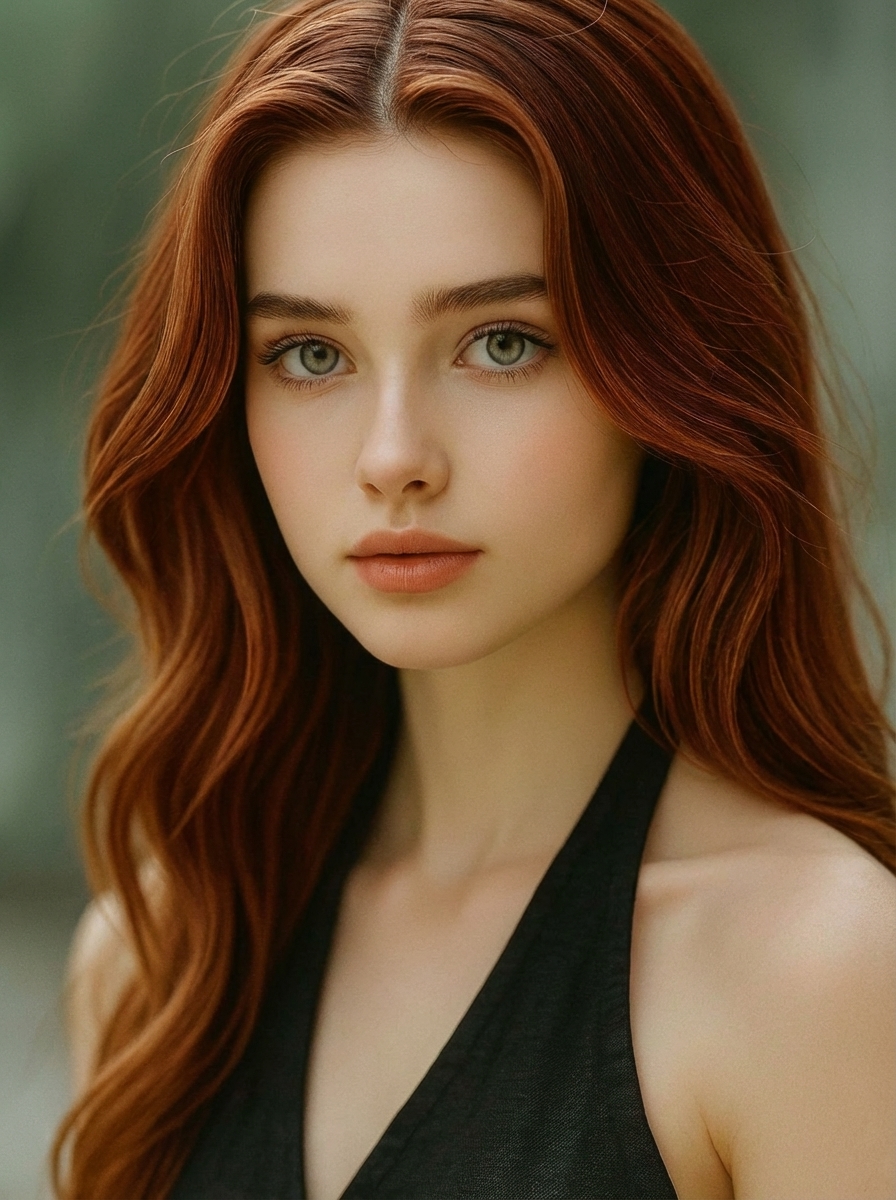
Auburn
Auburn tone (brown-red blend), subtle highlights, preserve strands.
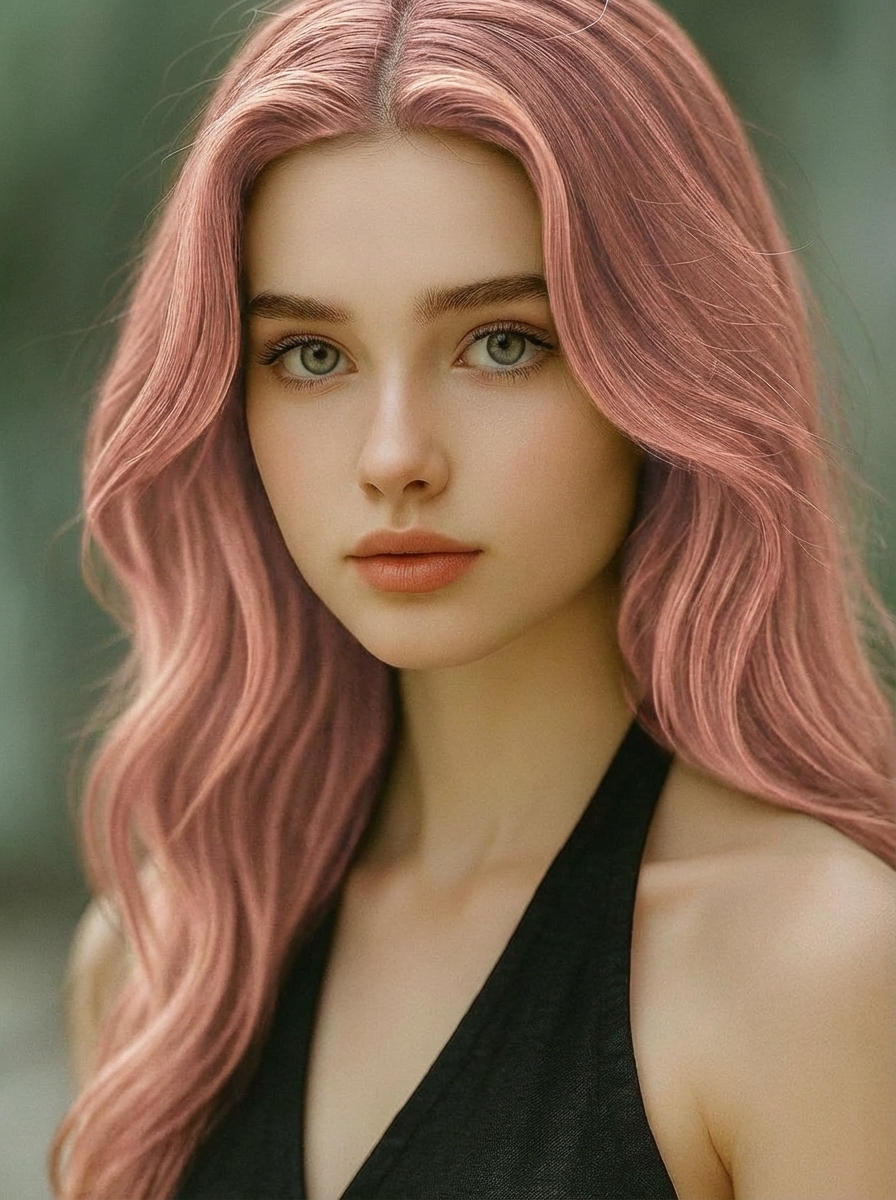
Rose Gold
Rose gold hair color, soft pastel, natural shine.
Techniques
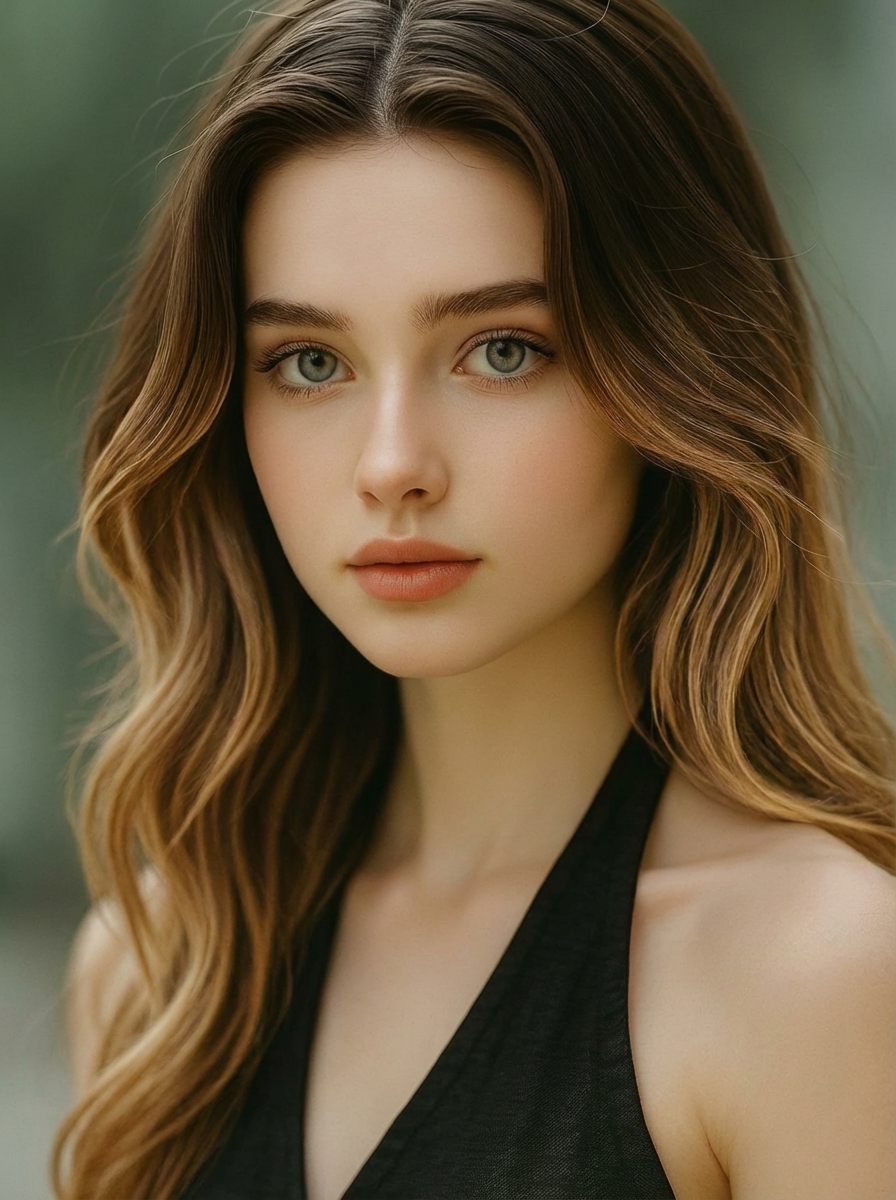
Balayage
Balayage effect, darker roots to lighter ends, smooth transition, realistic gradient.
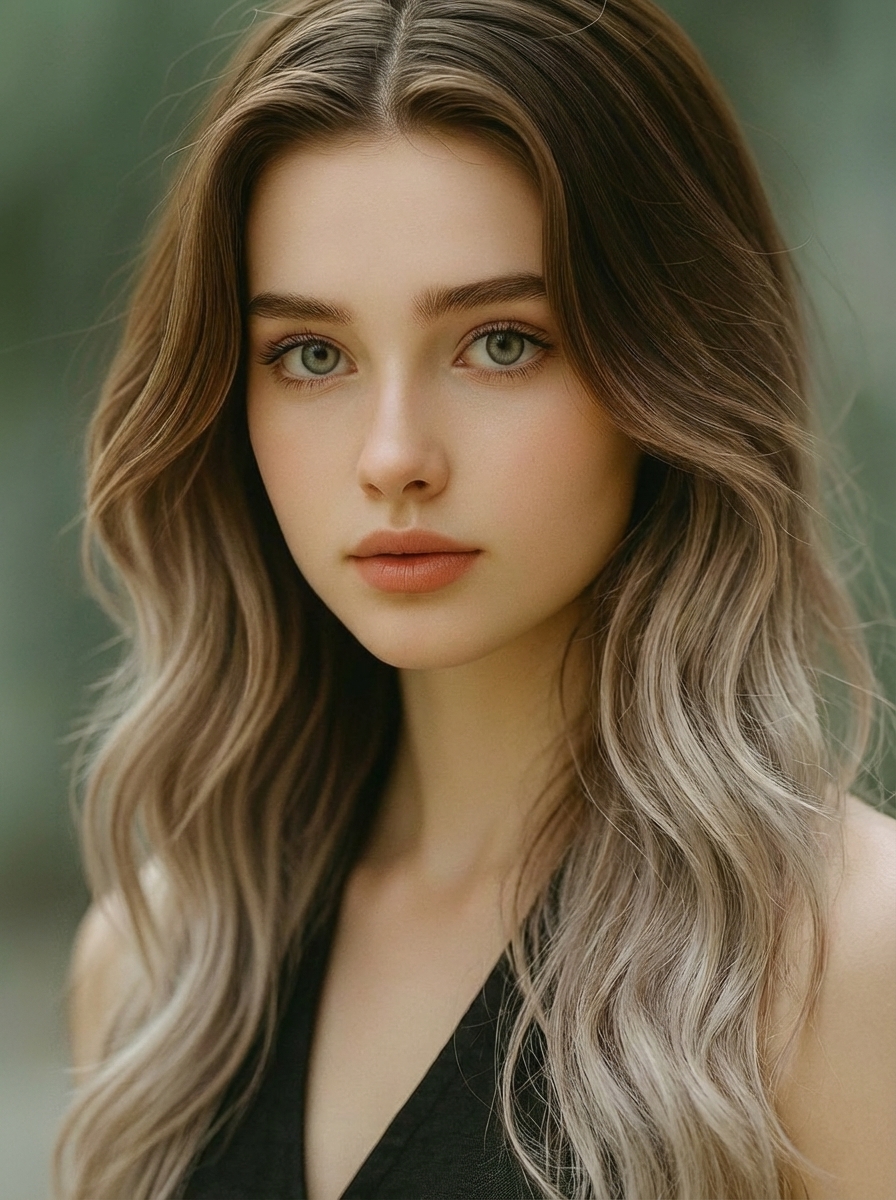
Ombre
Ombre from medium brown to ash blonde ends, soft blend.
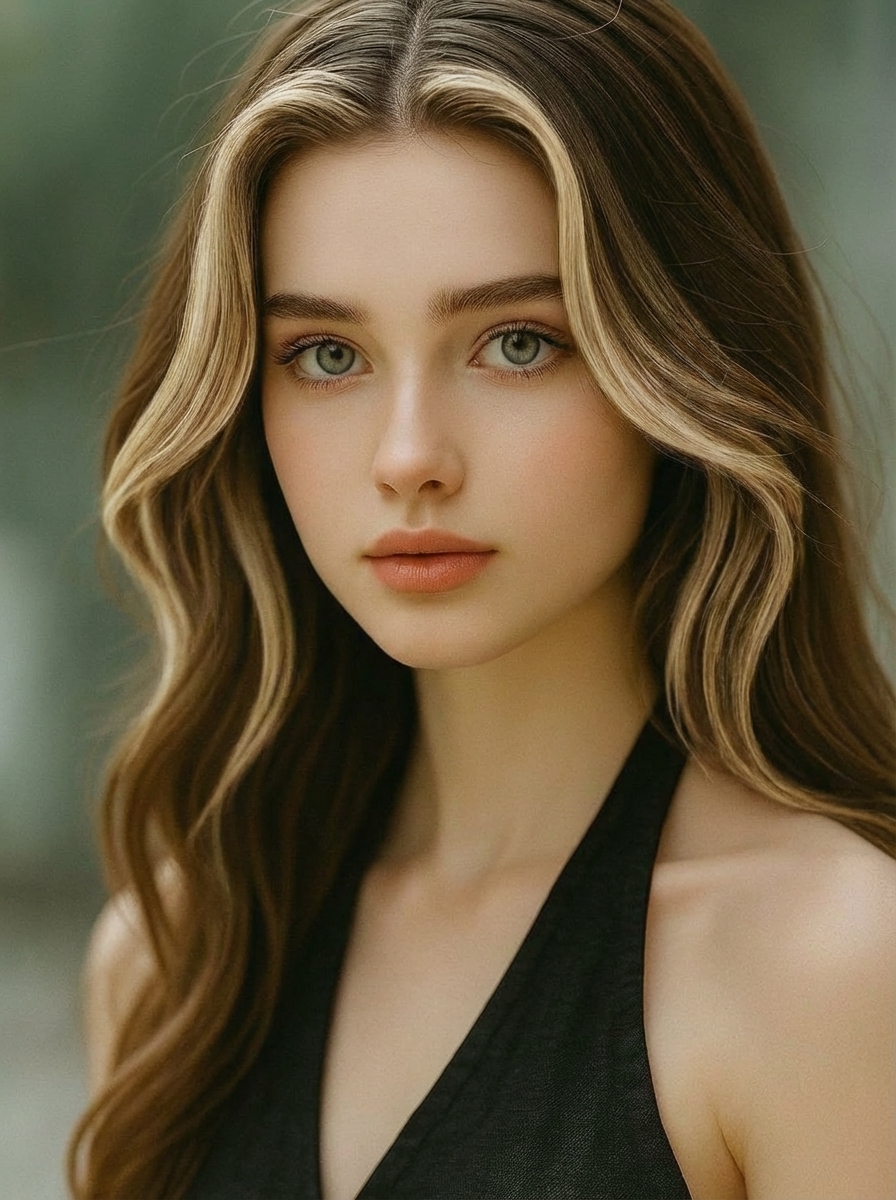
Money Piece
Face-framing money piece highlights, natural blend.
Quick Color Ideas
Frequently Asked Questions
Answers to the most common questions about trying hair dye shades, preserving your hairstyle, and exporting realistic results.
Related Tools
Explore more AI-powered tools to perfect your look
AI Hair Style Changer
Want to change haircut, bangs, length, or layers? Use this tool for full hairstyle transformations.
AI Makeup
Try lipstick, blush, eyeliner, and full makeup looks on your portrait with realistic facial detail.
Change Eye Color
Experiment with realistic eye color edits to match your new hair shade and complete the full look.
Stop Guessing Your Next Hair Dye Shade
Upload a photo, choose color-only, and try a few tones in minutes. Keep your hairstyle unchanged-and export your favorite look in up to 4K.
Free trial available - No credit card required