Lanta AI LogoLanta AI

AI Wallpaper Generator

Use Lanta's AI wallpaper generator to create custom backgrounds for your phone or desktop. Enter a text prompt or upload a photo, choose your screen format, and download your image. Start with 40 free credits, no sign-up required.

Create your AI wallpaper

Illustrated desktop wallpaper concept with blue mountain layers and a peach sky
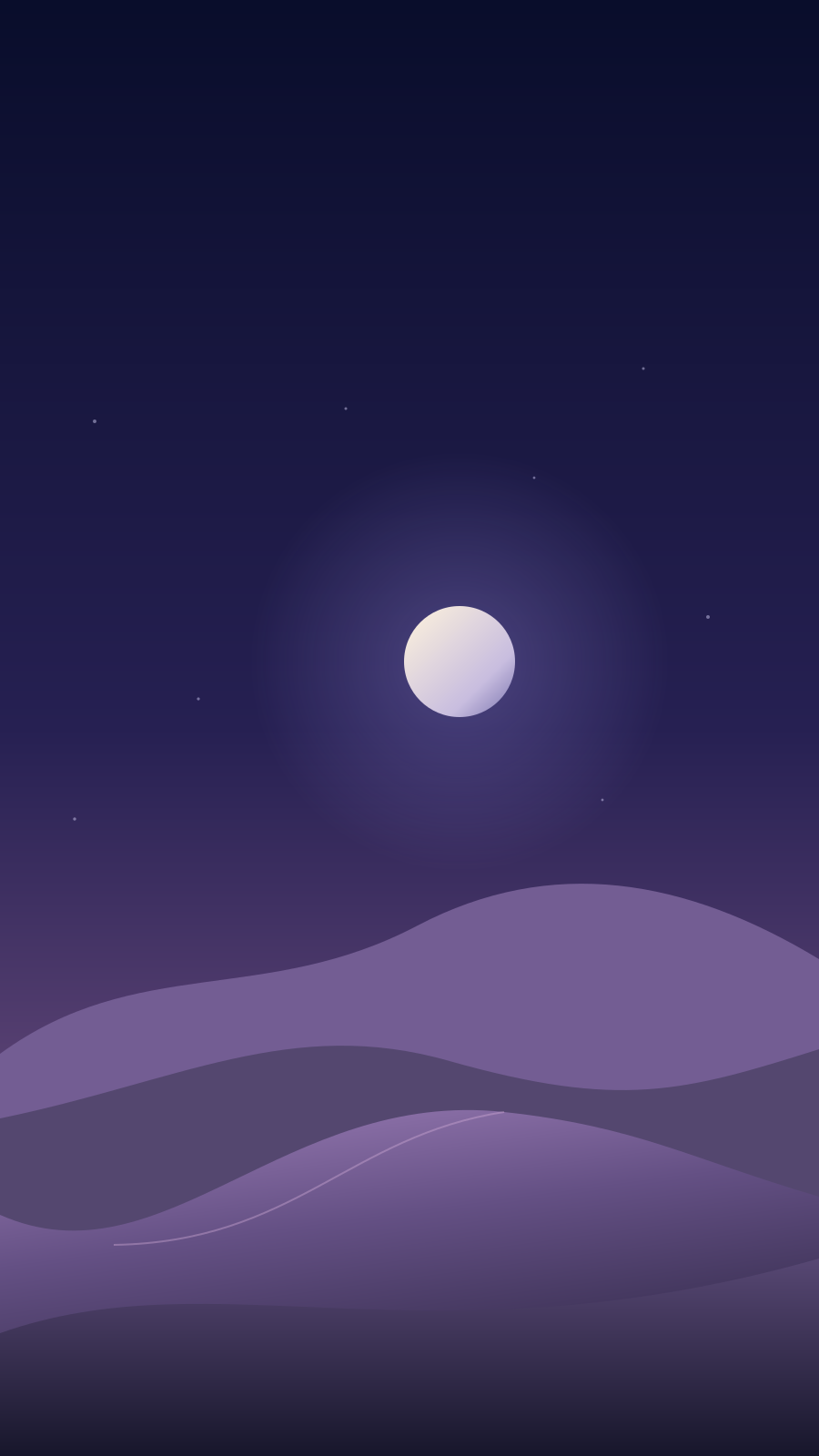
Illustrated phone wallpaper concept with a small moon above violet dunes

Phone and desktop wallpaper ideas

Illustrated concepts: a wide mountain landscape and a vertical night-sky background.

Create your AI wallpaper in 3 steps

  1. Enter a prompt or add a photo

    Describe the subject, colors, and style you want. To start from a photo, switch to Image To Image and upload it.

  2. Choose your format and generate

    Select a ratio such as 9:16 for a phone or 16:9 for a desktop. Choose a model and resolution, check the credit cost, then generate.

  3. Download your wallpaper

    Preview the result and download the image. Set it as your lock screen, home screen, or desktop background in your device's settings.

Find inspiration for your next AI wallpaper

Explore cinematic portraits, peaceful landscapes, and imagined worlds. Pick a scene or color palette you like, then create your own version with the AI wallpaper generator.

Fashion portrait of a silver-haired woman in flowing cobalt fabric on a dark volcanic beach at dusk
Midnight couture
Smoky blue glass sculpture on pale travertine with prismatic light and a soft yellow backdrop
Prism glass
Futuristic glass conservatory with giant ferns, a curved walkway, and a distant planet in the night sky
Orbital garden
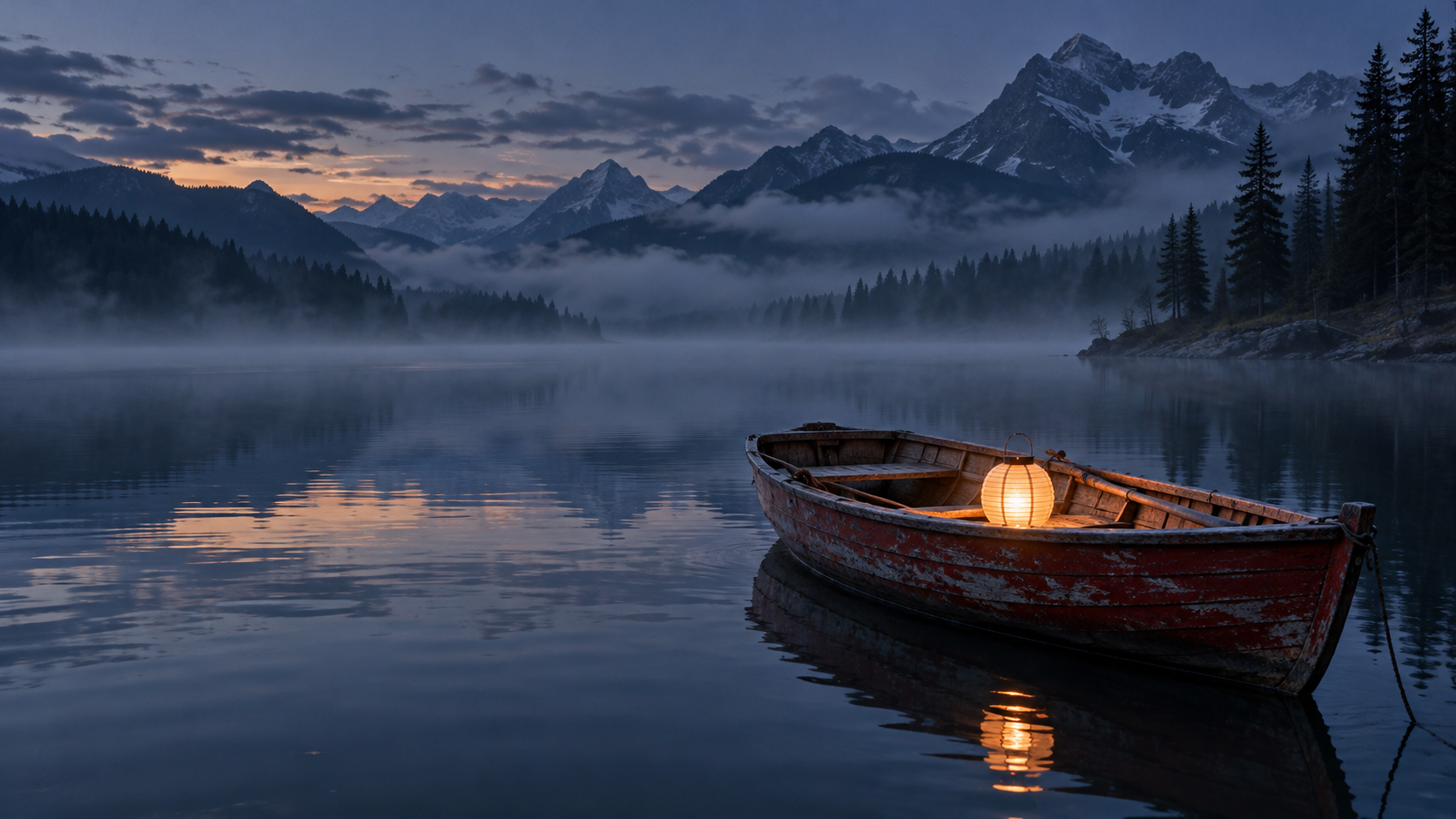
A red wooden rowboat with a glowing lantern on a misty blue lake beneath distant pine silhouettes
Lantern lake
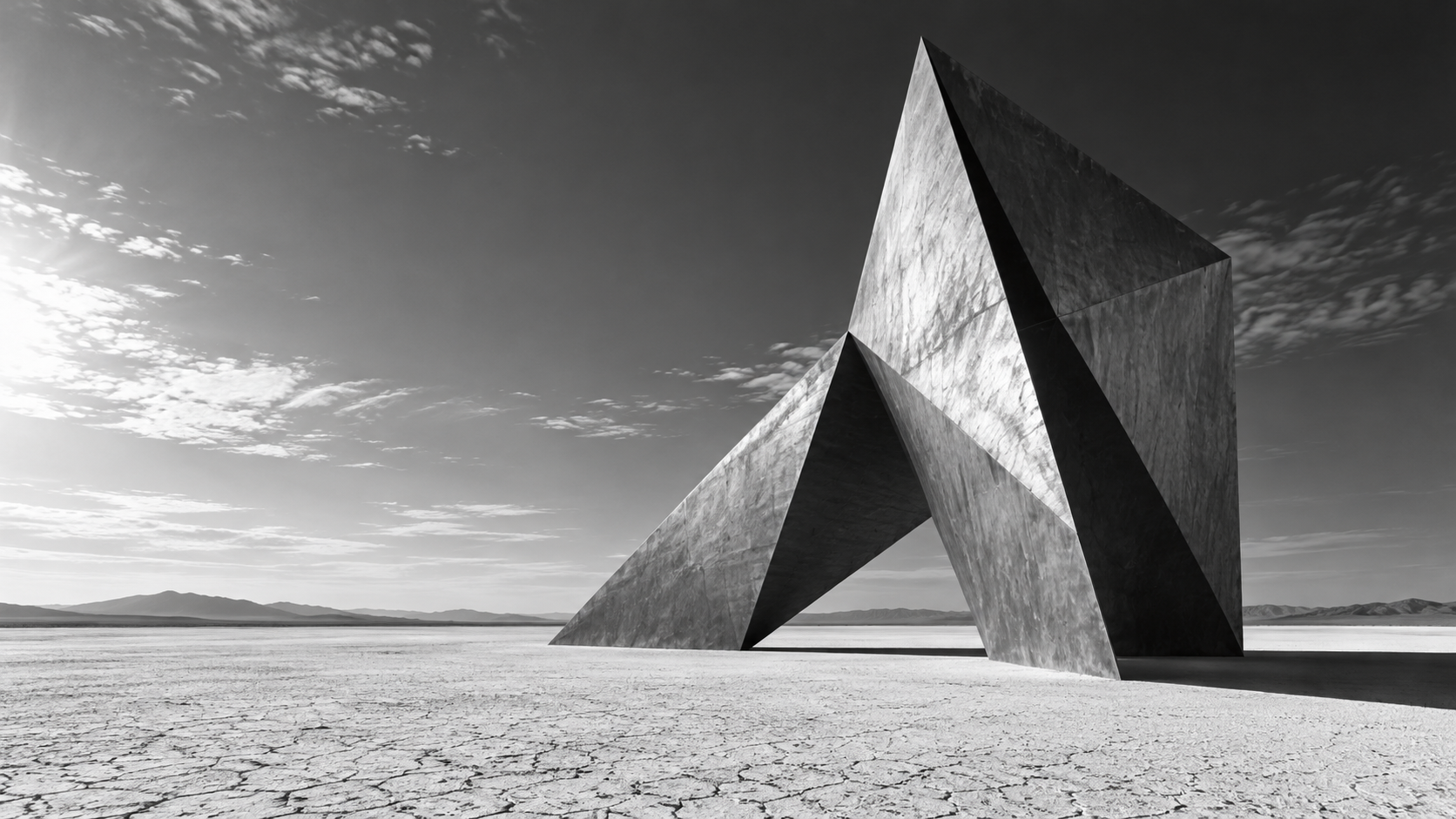
Monochrome architectural scene with an angular folded-metal sculpture and long shadows on a pale desert
Folded monolith
Extreme macro of an iridescent hummingbird feather with emerald and cobalt strands against a dark background
Iridescent feather
Quiet pastel courtyard with a peach plaster arch, an aquamarine pool, and crisp palm-leaf shadows
Pastel courtyard
A translucent amber jellyfish with long delicate filaments suspended in deep cobalt water
Deep-sea ballet

Explore AI wallpaper styles

Create landscapes, minimalist backgrounds, dark abstract art, or anime scenes. Use a prompt below, change the details, and choose the matching ratio in the generator. These illustrations show style ideas, not generated results.

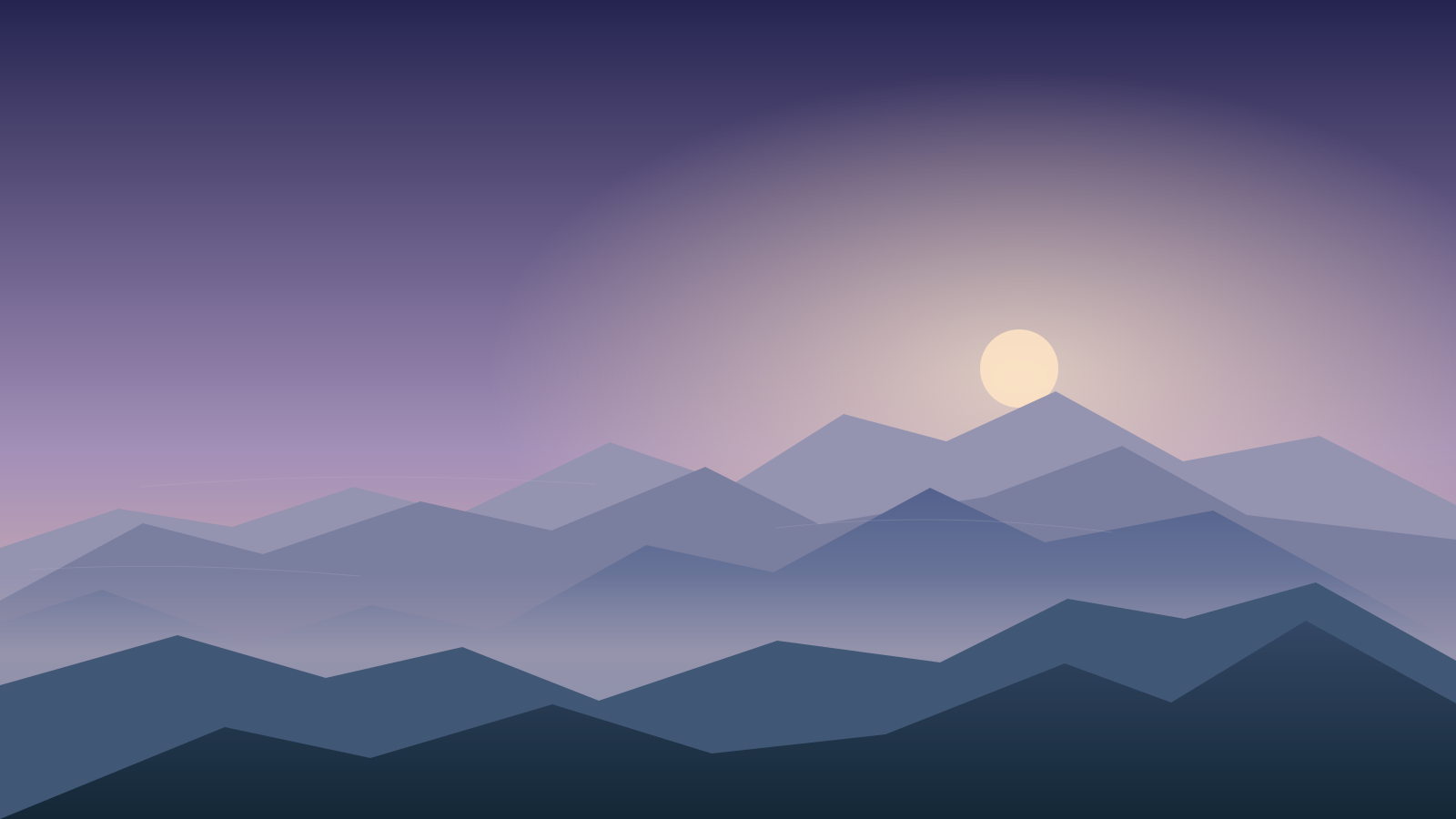
Landscape wallpaper illustration with blue mountain ridges under a peach dawn sky

Desktop · 16:9

Landscape wallpapers

Build a desktop background around mountains, lakes, or forests. Add mist and soft sunrise colors for a calm, open scene.

Prompt idea

Wide mountain landscape at sunrise, layered blue ridges, soft mist, pale peach sky, low horizon. Keep the left side simple for desktop icons. Natural textures, gentle light, no text or frame.

Minimalist phone wallpaper illustration with a moon, violet dunes, and open dark sky

Phone · 9:16

Minimalist phone wallpapers

Keep your lock screen simple with a dark sky, a small moon, and a limited color palette. Leave open space above the subject for your clock.

Prompt idea

Vertical minimalist wallpaper, a small glowing moon over violet dunes, deep indigo sky, a few faint stars. Keep the top third empty for a lock-screen clock, with the moon below it. No text.

Dark abstract wallpaper illustration with teal and violet ribbons on charcoal

Desktop · 16:9

Dark abstract wallpapers

Create flowing shapes in black, teal, and violet for your work or gaming desktop. Place the brightest details on one side to keep app labels readable.

Prompt idea

Dark abstract desktop wallpaper, smooth teal and violet ribbons on charcoal, soft edge lighting. Place the curves and highlights on the right, with a plain dark area on the left. No lettering or logos.

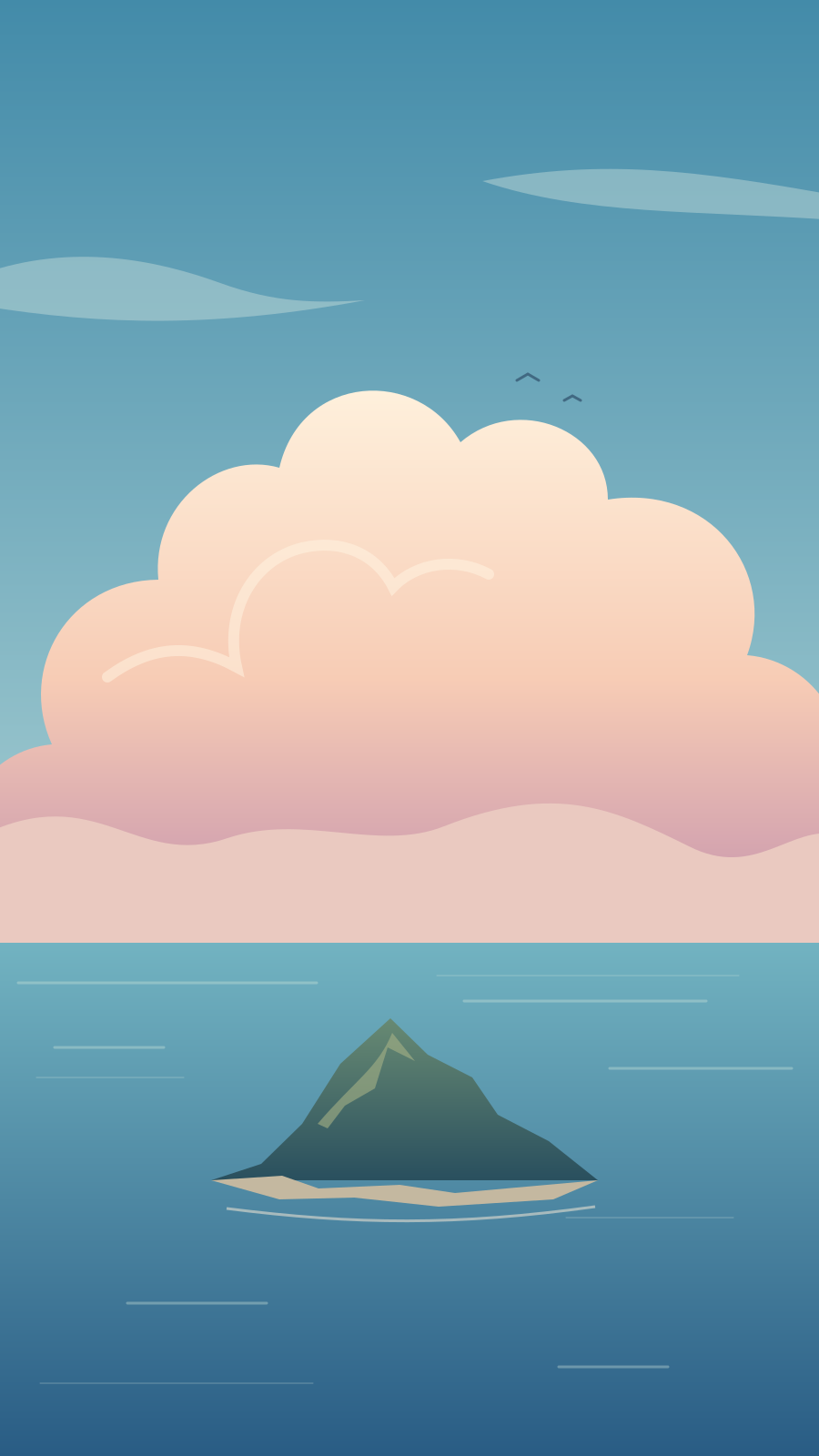
Anime-inspired wallpaper illustration with a small island, peach clouds, and blue sky

Phone · 9:16

Anime-inspired wallpapers

Try painted skies, distant islands, or coastal scenes. Ask for peach clouds, warm light, and soft brushwork to create a pastel anime look.

Prompt idea

Anime-inspired coastal wallpaper, a small green island near the bottom, tall peach clouds, soft blue sky, delicate painted textures, warm afternoon light. Vertical composition with open space at the top. No text.

Create wallpapers for work, gaming, and every season

Choose a background for how you use your screen. Start with a prompt below, change the colors or subject, then select the suggested ratio in the generator.

Desktop · 16:9

A calmer work desktop

Use soft neutrals, simple shapes, and open space beside your shortcuts. Try a warm beige background with a small botanical detail.

Prompt idea

Minimal botanical desktop wallpaper, warm ivory background, sage-green leaves in the lower right corner, soft daylight, subtle paper texture. Keep the left side uncluttered. No text.

Desktop · 16:9

A wallpaper for your gaming setup

Match your keyboard and desk lighting with neon accents, a futuristic city, or an original fantasy landscape.

Prompt idea

Futuristic city skyline at night, cyan and magenta lights, dark navy sky, cinematic wide view. Keep the center of the frame uncluttered. No logos or text.

Phone · 9:16

Seasonal phone wallpapers

Switch from spring blooms to autumn leaves or a winter scene. Keep your favorite colors while changing the subject.

Prompt idea

Vertical watercolor autumn wallpaper, copper leaves and small red berries around the lower edges, warm cream background, soft paper texture, open space above. No text.

An AI wallpaper generator for phone and desktop

Choose portrait for your phone or landscape for your computer. Lanta's AI wallpaper maker supports multiple aspect ratios, so you can generate a separate version for each screen.

Create a Wallpaper for My Screen
DeviceStarting ratioBest use
iPhone or Android phone9:16Vertical lock screens and home screens. Leave space above the subject for your clock.
PC, Mac, or laptop16:9Wide desktop backgrounds. Place the main subject away from your app icons.
Tablet4:3 or 3:4Landscape or portrait backgrounds. Choose the orientation you use most.
Ultrawide monitor21:9, where availablePanoramic landscapes and wide abstract designs. Check that your model offers this ratio.

Check your device's screen ratio before generating. Wallpaper settings may crop the image, so leave a little space around the main subject.

Create a matching wallpaper set for your phone and desktop

Give your devices the same theme with a shared subject, color palette, and art style. Make each version in its own ratio so the composition suits the screen.

  1. Start with one visual theme

    Pick a combination you want on both screens, such as blue mountains, a peach sky, and a soft painted finish. Keep those details in both prompts.

  2. Generate each screen separately

    Use 16:9 for your desktop and 9:16 for your phone. You can also upload the first version in Image To Image as a reference for the second, then describe the new layout.

Create My Wallpaper Set
Landscape layout illustration of blue mountains against a peach sky

Desktop · 16:9

Portrait crop of the same mountain illustration showing a shared wallpaper theme

Phone · 9:16

Layout illustration using one artwork in two frames. Generate each format separately for your devices.

Turn your own photo into an AI wallpaper

Start with a vacation photo, pet picture, or favorite landscape. In the AI wallpaper generator, switch to Image To Image, upload your photo, and describe the changes you want.

Try your dog as a watercolor painting, a mountain view in winter, or a flower against a simpler background. Tell the AI which subject to keep and which details to change.

Explore Image To Image

Generate 4K AI wallpapers

For a 4K background, choose a supported model in the AI wallpaper generator, such as Nano Banana Pro or Seedream 5.0 Lite. Select 4K in the resolution settings before generating.

Resolution options vary by model. Download the original image and check its pixel dimensions against your display; a 4K option does not always mean exactly 3840 × 2160 pixels.

Choose a 4K Model

Change the colors, lighting, or background

Keep working from a wallpaper you like. Download it, upload it in Image To Image, and describe one change to make in the next version.

Edit a Wallpaper in Image To Image

Example edits to try

Change the color palette

Keep the mountain shapes. Change the sky to lavender and the ridges to cooler blue tones.

Try different lighting

Keep the scene and viewpoint. Change the daylight to a warm sunset with gentle shadows.

Simplify a busy background

Keep the main subject on the right. Replace the small details on the left with a smooth dark gradient.

Try your wallpaper idea with different AI models

Lanta's AI wallpaper generator lets you try the same prompt with different models. Keep the screen ratio consistent when comparing results, and switch models if the composition or style needs work.

Available resolutions and credit costs vary by model. Check the settings in the generator before creating another version.

Explore Models in the Generator
Seedream 5.0 Pro
1K and 2K output, with a 21:9 option for ultrawide scenes.
Nano Banana Pro
1K, 2K, and 4K options for text prompts or reference photos.
Flux 2 Pro
1K and 2K options for text prompts or reference photos.

Create more images, edit a photo, or turn a finished wallpaper into a video.

AI wallpaper generator FAQ

Answers about free credits, styles, image uploads, and wallpaper sizes.

Yes. You can try it with 40 free credits without signing up. Each generation uses credits based on your model and settings; the form shows the cost before you generate. You can also claim free credits through daily check-in. Free generation is not unlimited.

Describe the style in your prompt: anime, photorealistic landscapes, minimalist shapes, dark abstract art, watercolor, or 3D illustration. Include your subject and colors too. For example, ask for a watercolor forest in pale green with a soft, misty background.

Yes. Switch to Image To Image, upload a photo, and describe the look you want. You can change its colors, setting, or art style. Tell the AI what to preserve, then check the result, as individual details can change during generation.

In the AI wallpaper generator, select a model that supports 4K, such as Nano Banana Pro or Seedream 5.0 Lite, and choose 4K in the resolution settings. Output dimensions depend on the model and aspect ratio. Check the downloaded image against your screen size; typing “4K” in a prompt does not set the resolution.

Start with 9:16 for an iPhone or Android phone, or 16:9 for a desktop. For an ultrawide monitor, choose 21:9 when your model supports it. Check your actual screen ratio and preview the crop in your wallpaper settings before applying it.

This generator creates still wallpapers. To add motion, use your image in Lanta's Image To Video tool. You will get a video clip; using it as a live wallpaper requires a compatible device and wallpaper app or feature.

Create your next wallpaper

Use the AI wallpaper generator to turn your scene, colors, and style into a background for your phone or desktop.

Generate My Wallpaper