AI YouTube Banner Maker
Turn a channel idea into a YouTube banner concept with a prompt and a 16:9 canvas.
Generate a visual direction, keep essential text within YouTube's safe area, then check the downloaded image against the official upload requirements before publishing.
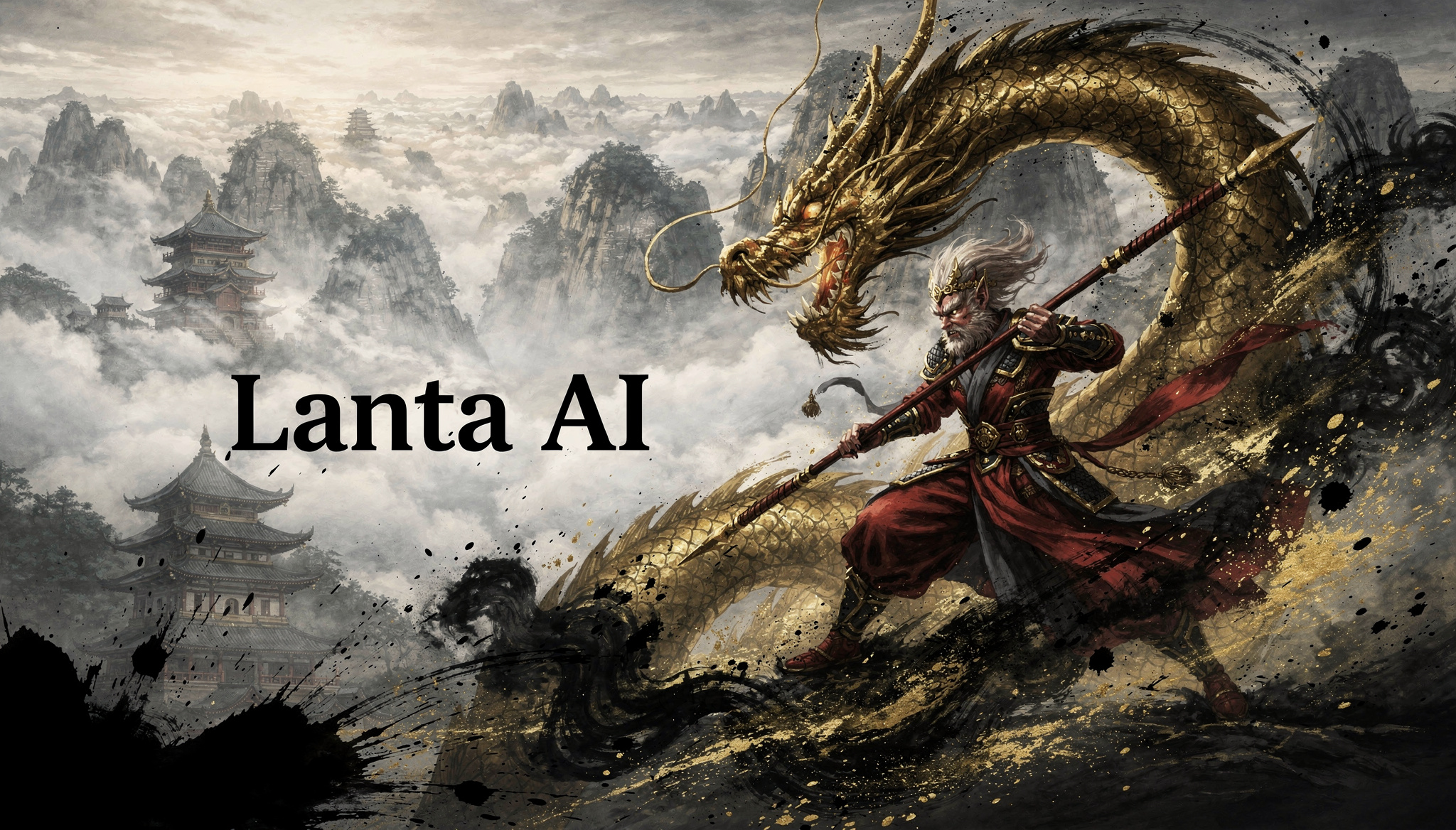
AI YouTube Banner Maker
Create AI Banners in 3 Steps
Use this workflow to create a banner concept, protect the central text area, and prepare the final file for YouTube.
Set Size and Format
Start with the generator's 16:9 setting. Plan important text and logos inside YouTube's 1235 × 338 px safe area.
Write a Clear Prompt
Add your channel name, niche style, and key visual direction. Short and specific prompts produce cleaner results.
Generate and Finalize
Compare the generated versions, download the strongest concept, then resize or refine it as needed to meet YouTube's upload specifications.
YouTube Banner Prompt Inspiration
Explore practical prompt ideas for different creator niches and start your creation.
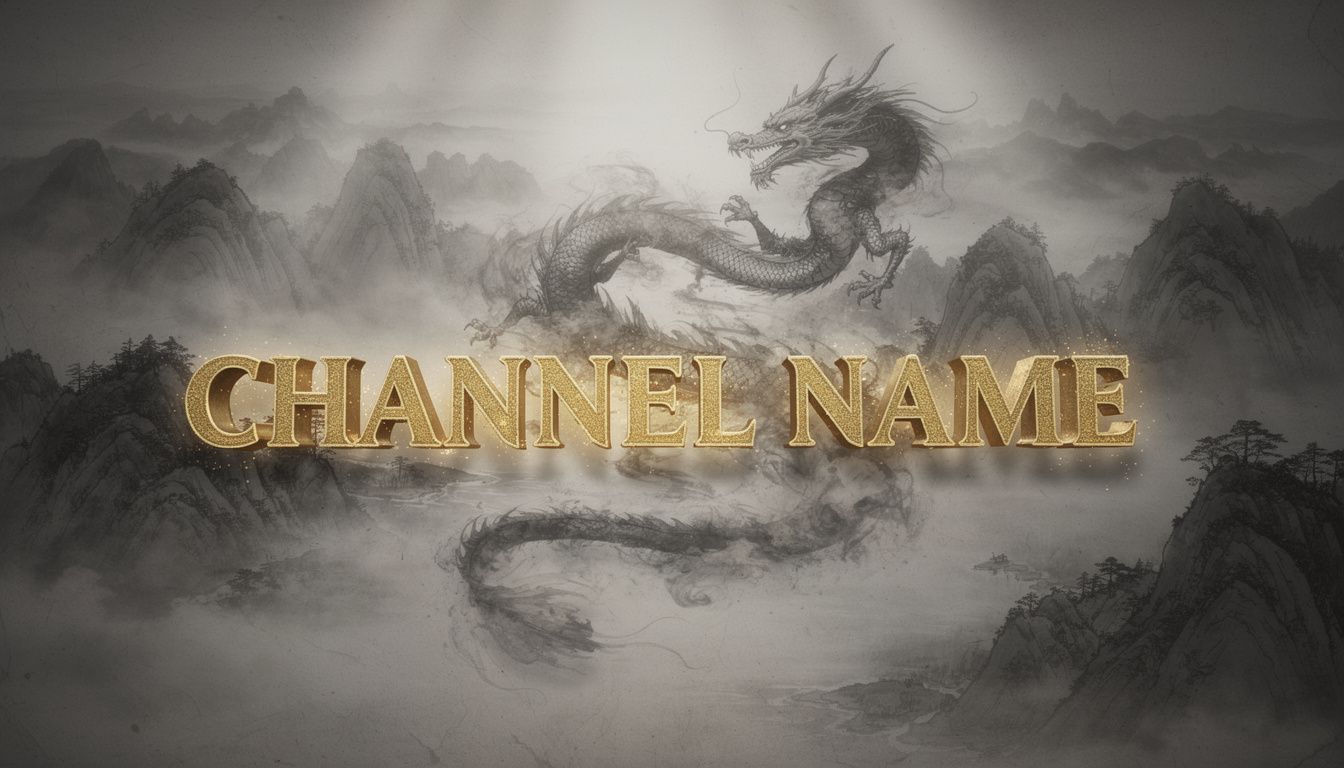
Folklore & Wuxia
Prominent [LARGE BOLD GOLDEN CALLIGRAPHY CHANNEL NAME] in the safe central area. Background: an ink-wash scroll with a smoke dragon winding through mountains. Cinematic directional lighting, wide 16:9 composition.
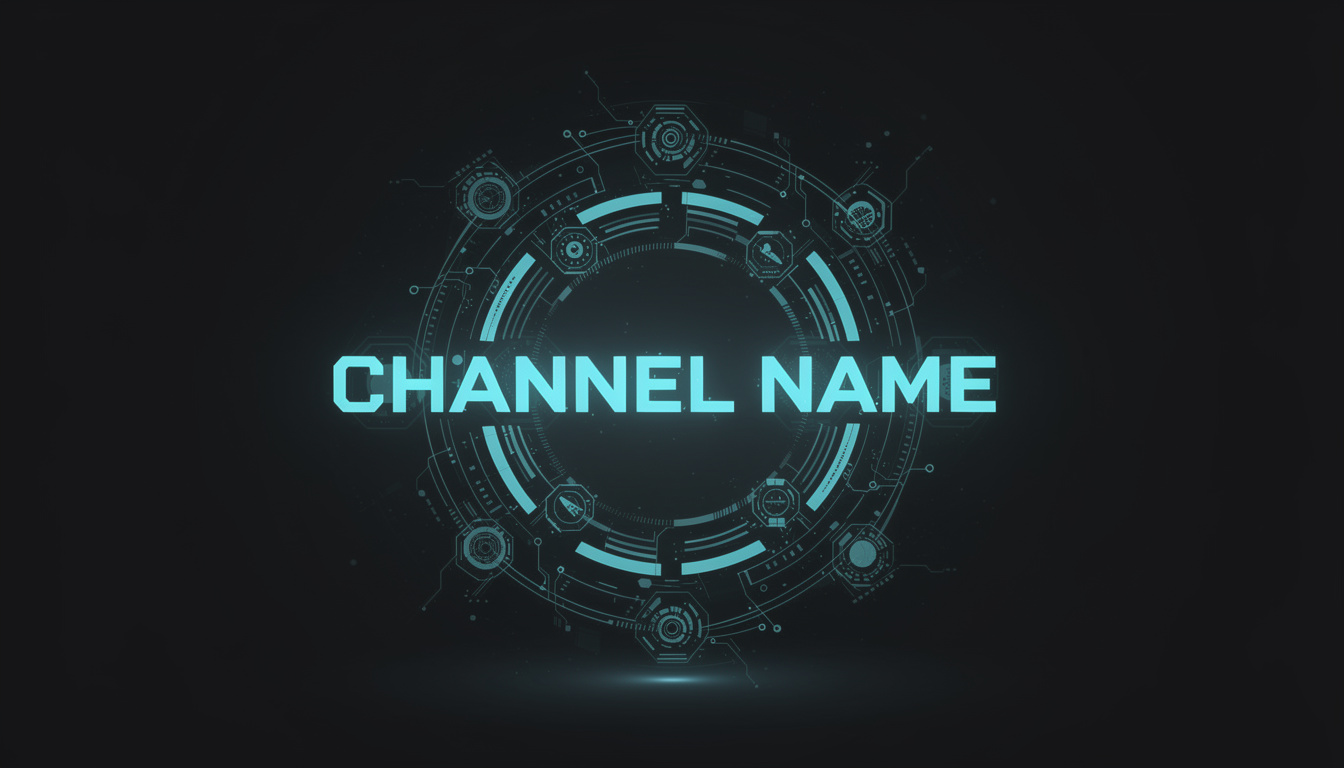
AI & Tech Pros
Boldly feature [GLOWING CYAN SCI-FI FONT CHANNEL NAME] at the center, surrounded by high-precision holographic tech nodes. Soft volumetric lighting. Minimalist geek aesthetic.
Gaming & Esports
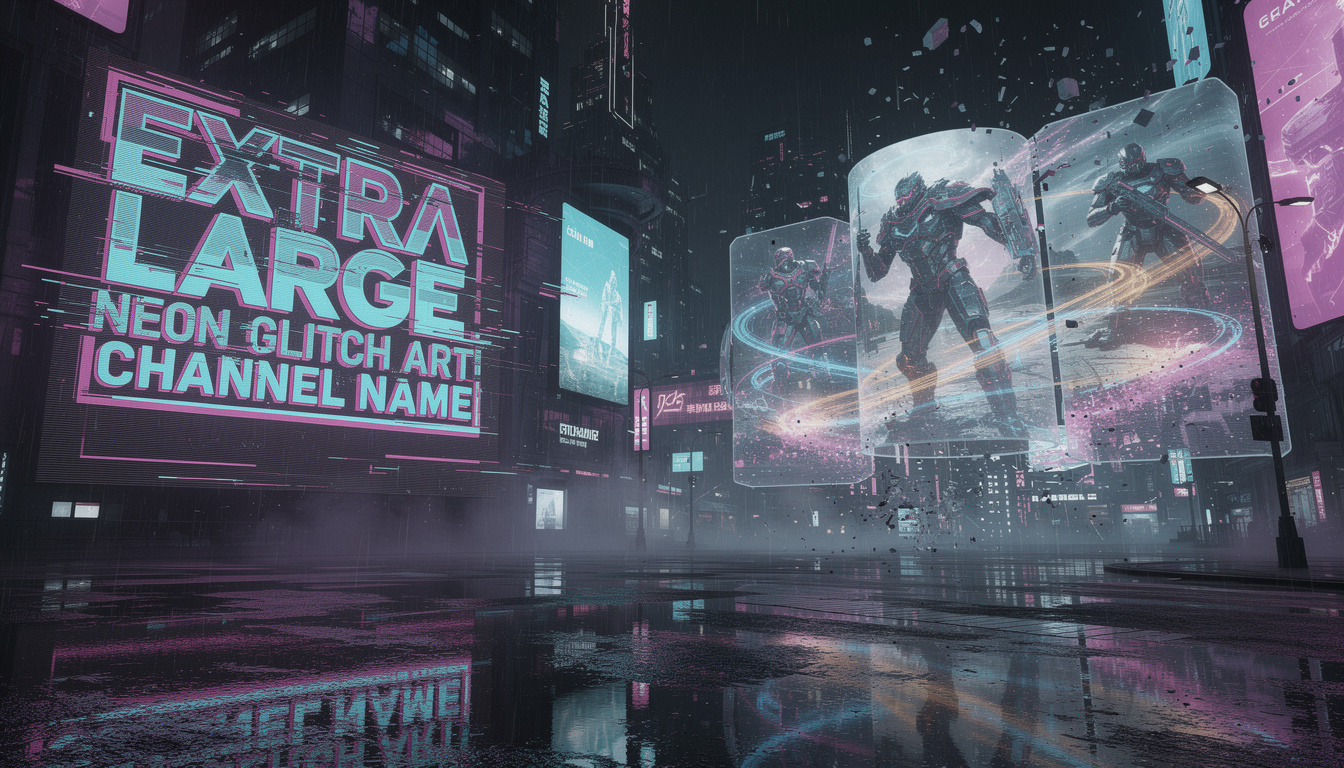
Prominent [EXTRA LARGE NEON GLITCH ART CHANNEL NAME] on the left. Background is rain-slicked cyberpunk streets with neon reflections. Epic immersive gaming visuals.
Hardcore Fitness
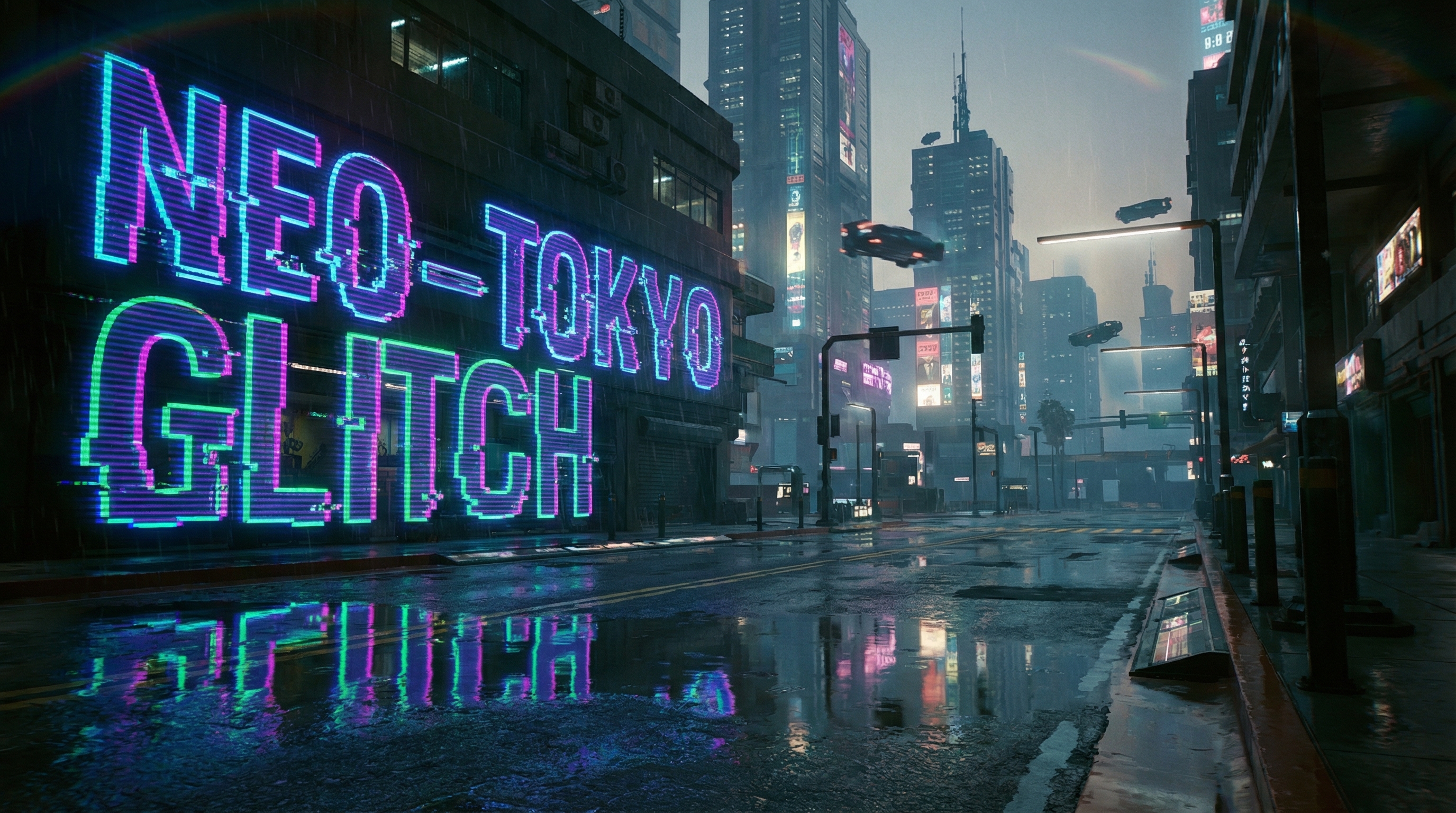
Striking [ENORMOUS STEEL-TEXTURED CHANNEL NAME] centered in a rugged frame. Background is charcoal industrial gym with molten orange neon and heavy chains. Epic power aesthetic.
Future Education
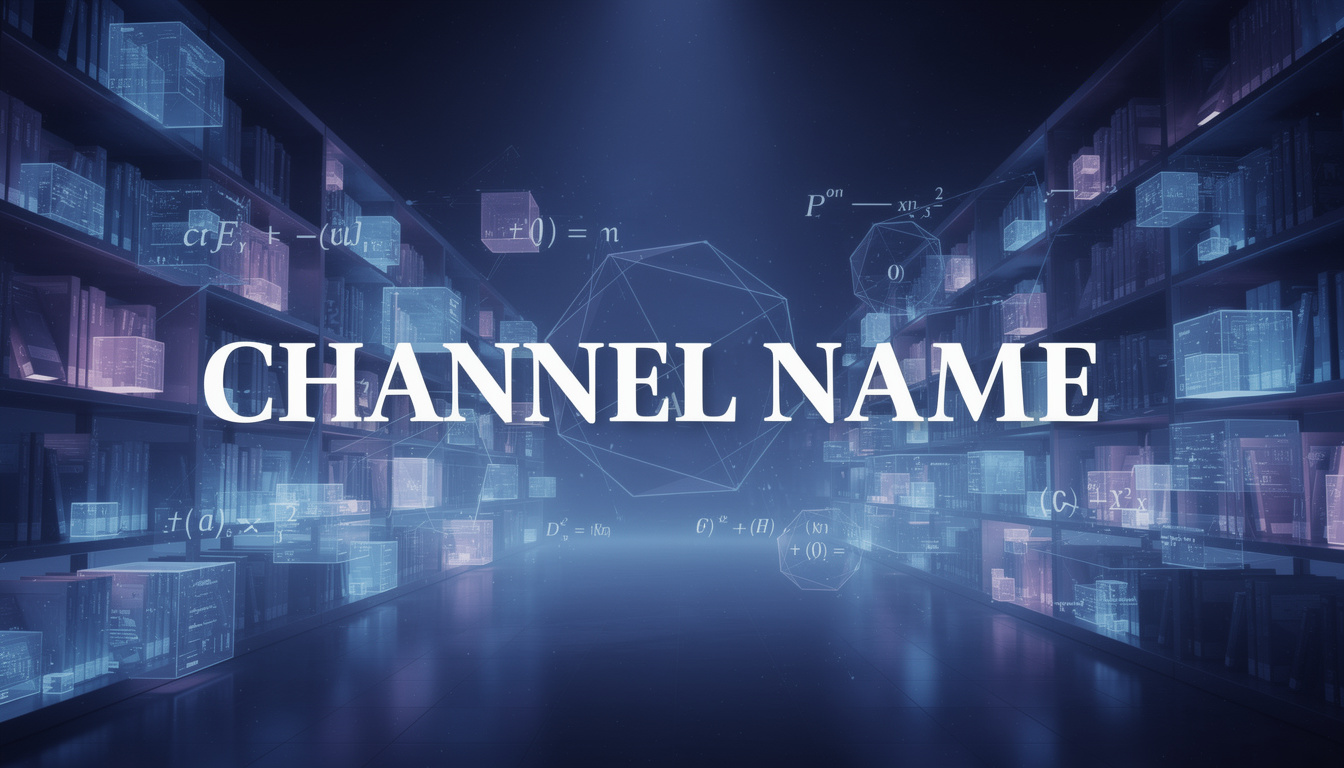
Primary [EXTRA LARGE ELEGANT WHITE FONT CHANNEL NAME] in the center. Background is deep indigo space-blue digital library with shimmering geometric formulas. Impactful wisdom space.
Luxury Travel
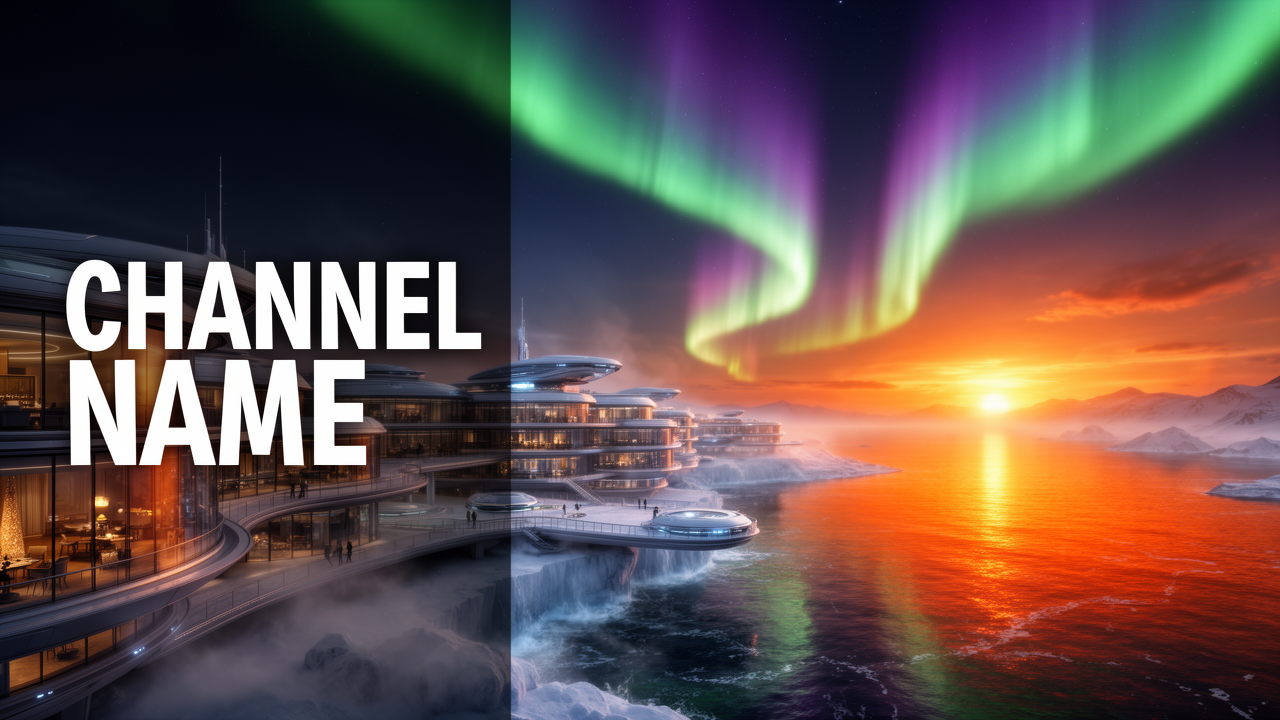
Prominent [EXTRA LARGE MINIMALIST WHITE CHANNEL NAME] on the far left. Background is futuristic polar resort at sunset, fiery orange sea reflections and aurora. Top cinematic quality.
Core Features
Generate and compare channel-art concepts while keeping YouTube's display crops and upload requirements in view.
Flexible Composition Control
Use prompts to place the main subject near the center or to one side. Select 16:9 in the generator, then check the downloaded result against YouTube's crop previews.
- Describe the focal point
- 16:9 generation setting
- Room for later crop adjustments
Styles for Mainstream Niches
Describe a niche such as gaming, technology, education, or travel to guide the palette, composition, and visual tone.
- Prompts for gaming, business, or education
- Visual tones from minimal to vibrant
- Brand colors and motifs in the prompt
Rapid Visual Concept Testing
Generate a concept draft in the browser. Try different prompts to compare compositions and color schemes before preparing the final upload file.
- Generate multiple concept drafts
- Easy prompt tweaking and re-generation
- Compare multiple directions before uploading
Downloadable Image Results
The generator provides 2K and 16:9 controls, but it does not guarantee an exact 2560 × 1440 file. Download your result, then verify its pixel dimensions, crop, format, and file size before uploading to YouTube.
- 2K generation option
- Download from generation history
- Final specification check before upload
YouTube Banner Creative Scenarios
Lanta AI fits into any creator's workflow, whether you're building a tech brand or a travel vlog.
Gaming & Esports
Explore high-energy glitch art for a streaming identity, esports team banner, or individual gaming channel.
Culture & Storytelling
Build an atmospheric visual direction for folklore, history, and other storytelling channels.
AI & Future Tech
Build professional credibility for your cutting-edge tech channel. Create futuristic, data-driven visuals that look advanced and well-thought-out.
Fitness & Coaching
Project strength and motivation. Ideal for personal trainers and gym channels looking for gritty imagery that emphasizes energy and power.
Academic & Education
Establish authority and trust immediately. Designed for educators to create structured, clean, and inspiring visuals that highlight their mission.
Travel & Lifestyle
Capture your unique vibe with scenic aesthetics. Helps creators maintain a consistent, premium 'cinematic' feel across their channel header.
YouTube Banner Size & Safe Area Guide
Use YouTube's current official dimensions as a final export checklist. The same banner is cropped differently across devices.
Multi-Device Display Guide
At the 2048 × 1152 px minimum size, YouTube defines a 1235 × 338 px safe area for text and logos.
Use prompt phrases like 'centered composition' and 'clean text zone' to improve readability in the safe area.
Official references from YouTube Help:
FAQ Answers
Practical answers about creating channel art and preparing it for YouTube.
Related AI Tools
Explore related tools for channel visuals, style exploration, and image editing workflows.