
Even buzz cut
A consistent short crop with visible hair texture. A simple starting point for seeing your face with less hair volume.
Prompt idea
Replace the hairstyle with an even, closely cropped buzz cut with short, visible hair all over the head.
Wondering how you would look with a buzz cut? Upload your photo and use Lanta AI's buzz cut filter to preview a close-cropped hairstyle. Compare it with your current look before deciding how short to go.
Start with one portrait. Keep the same photo when you want to compare another cut.
Choose a photo of one person, facing the camera, with even lighting. Leave room around the top and sides of the head so the hairstyle has space to change.
Start with an even buzz cut, or describe a longer crop or shorter sides. Include anything you want to keep, such as your hair color, beard, and expression.
Review the model, settings, and credit cost, then generate your image. To compare another length, use the same original photo and change only the haircut description.
Check the hairline, temples, ears, and facial features against your original. Download the version you want to keep or discuss with your barber.
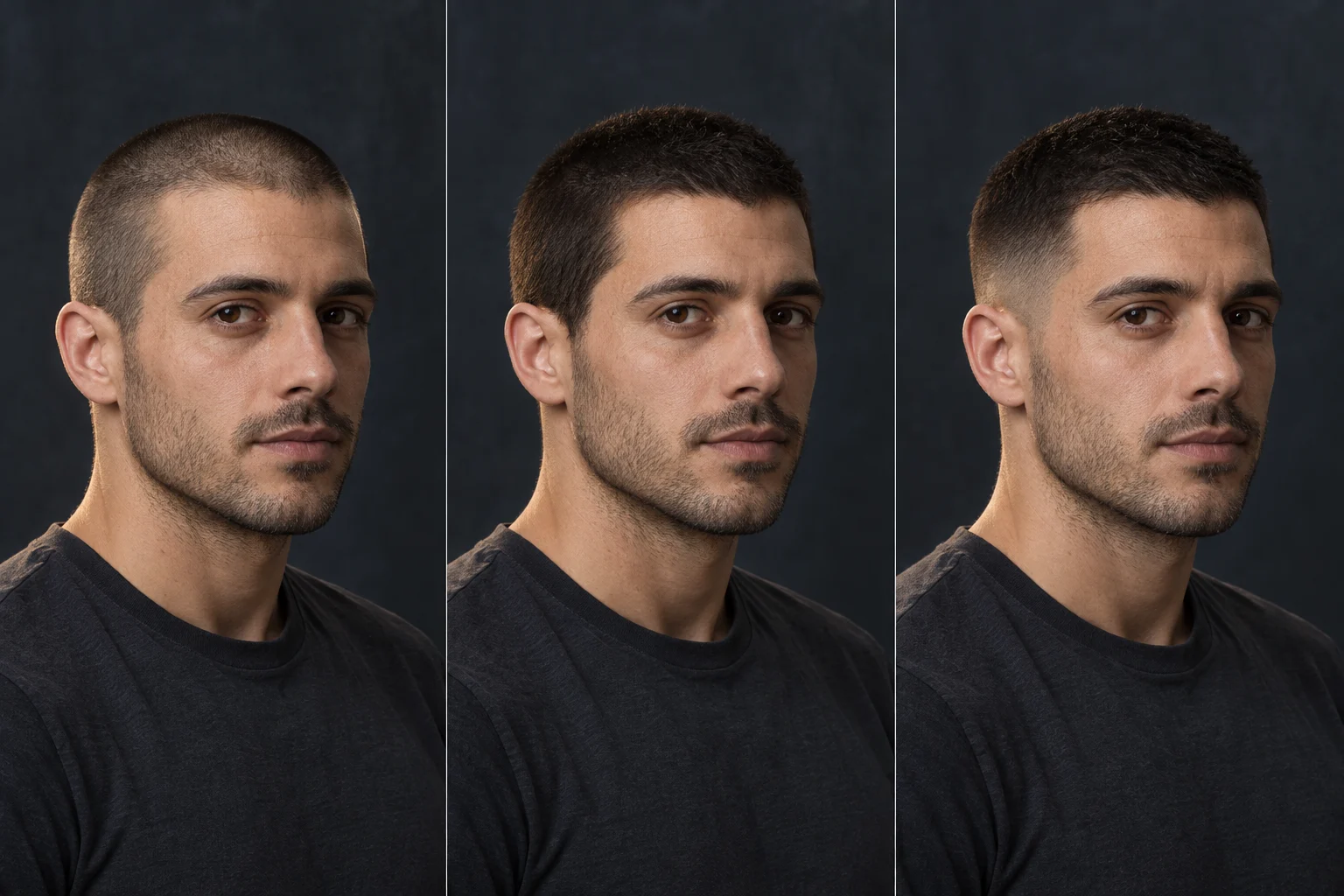
Explore three haircut directions, from a close crop to a fuller buzz cut and a low fade. These AI illustrations show what to compare in your own preview.
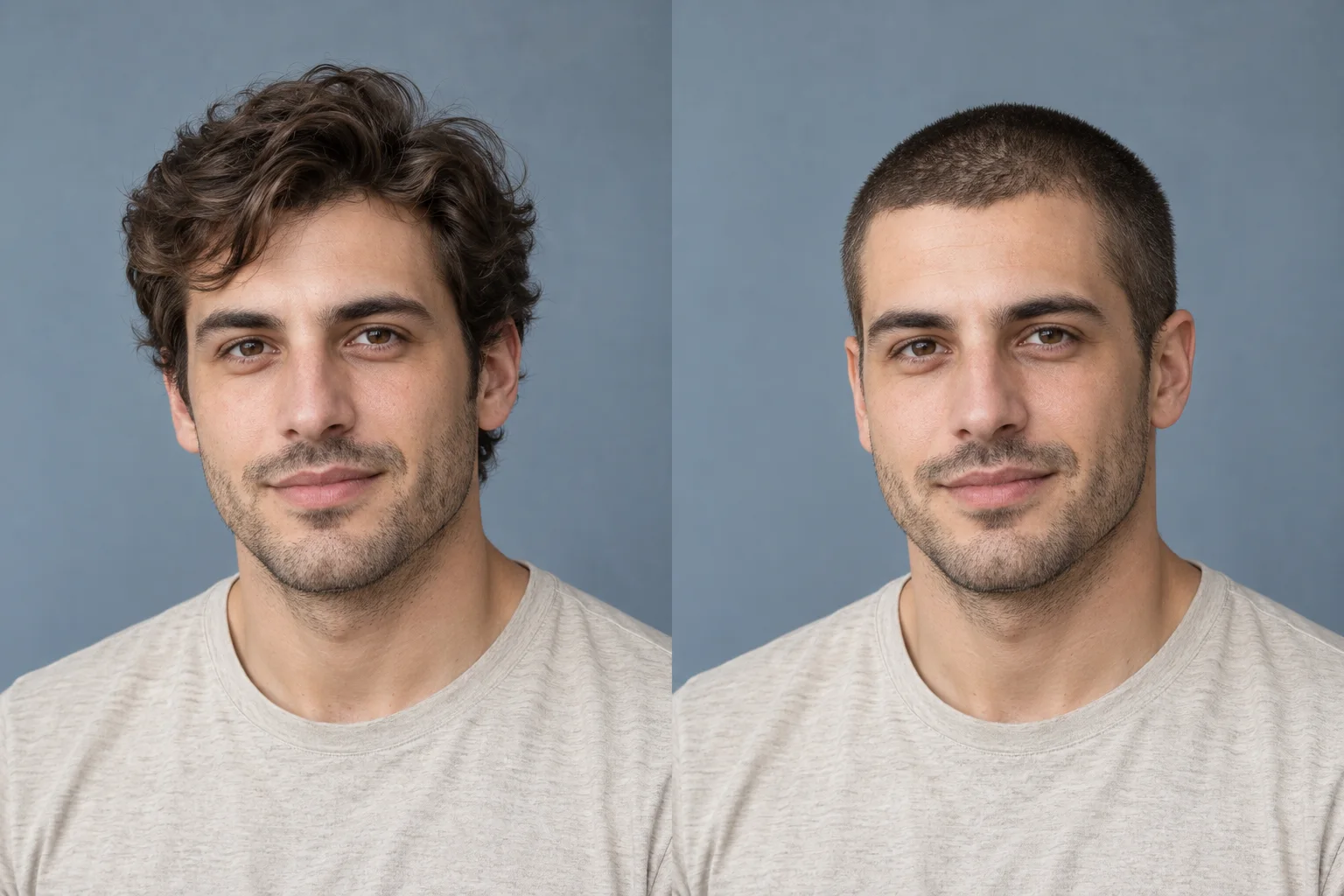
A close, uniform cut removes volume around the forehead and sides. Compare the hairline and face outline.
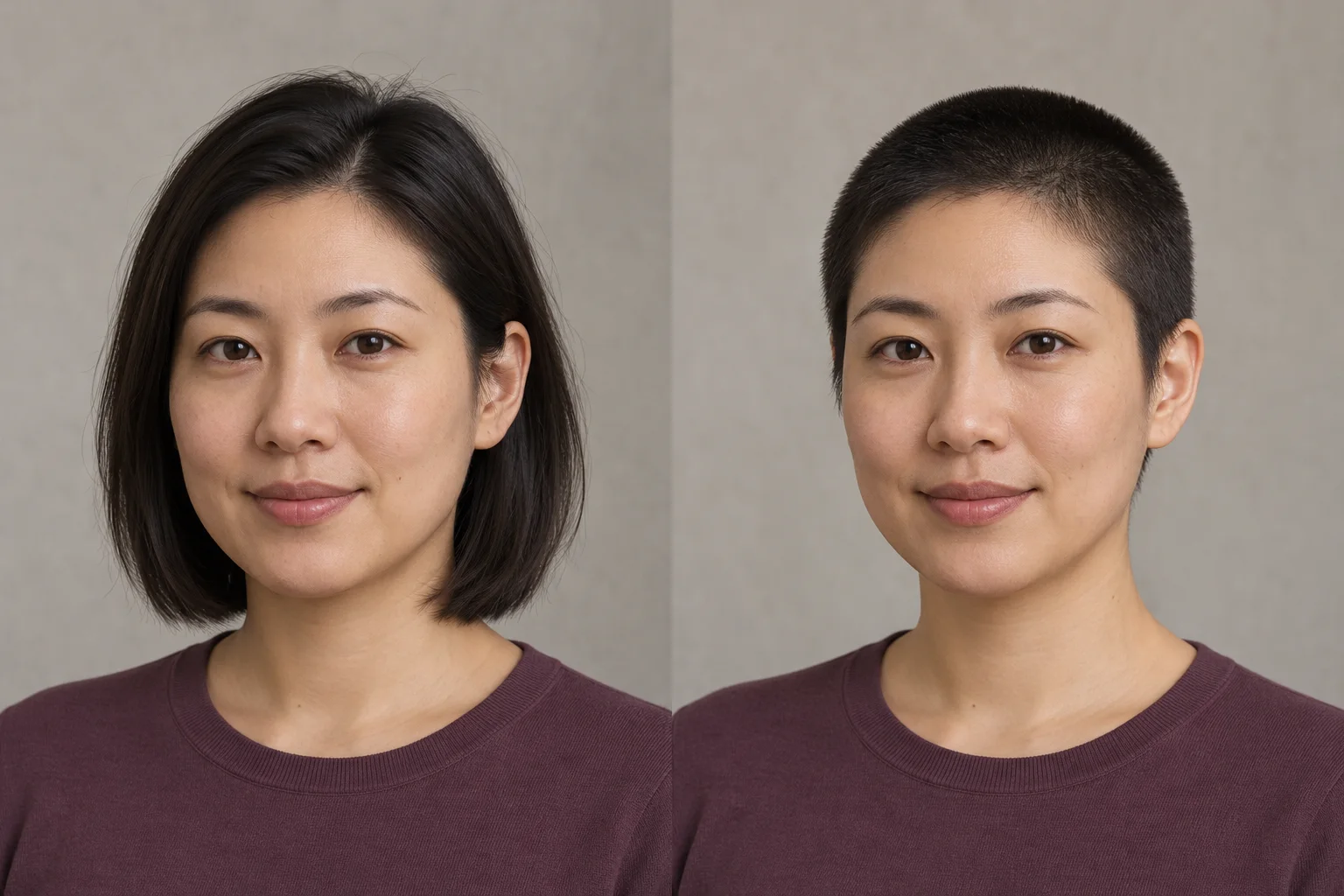
A longer layer of short hair keeps more coverage on top. Compare how the crop opens up the face and ears.
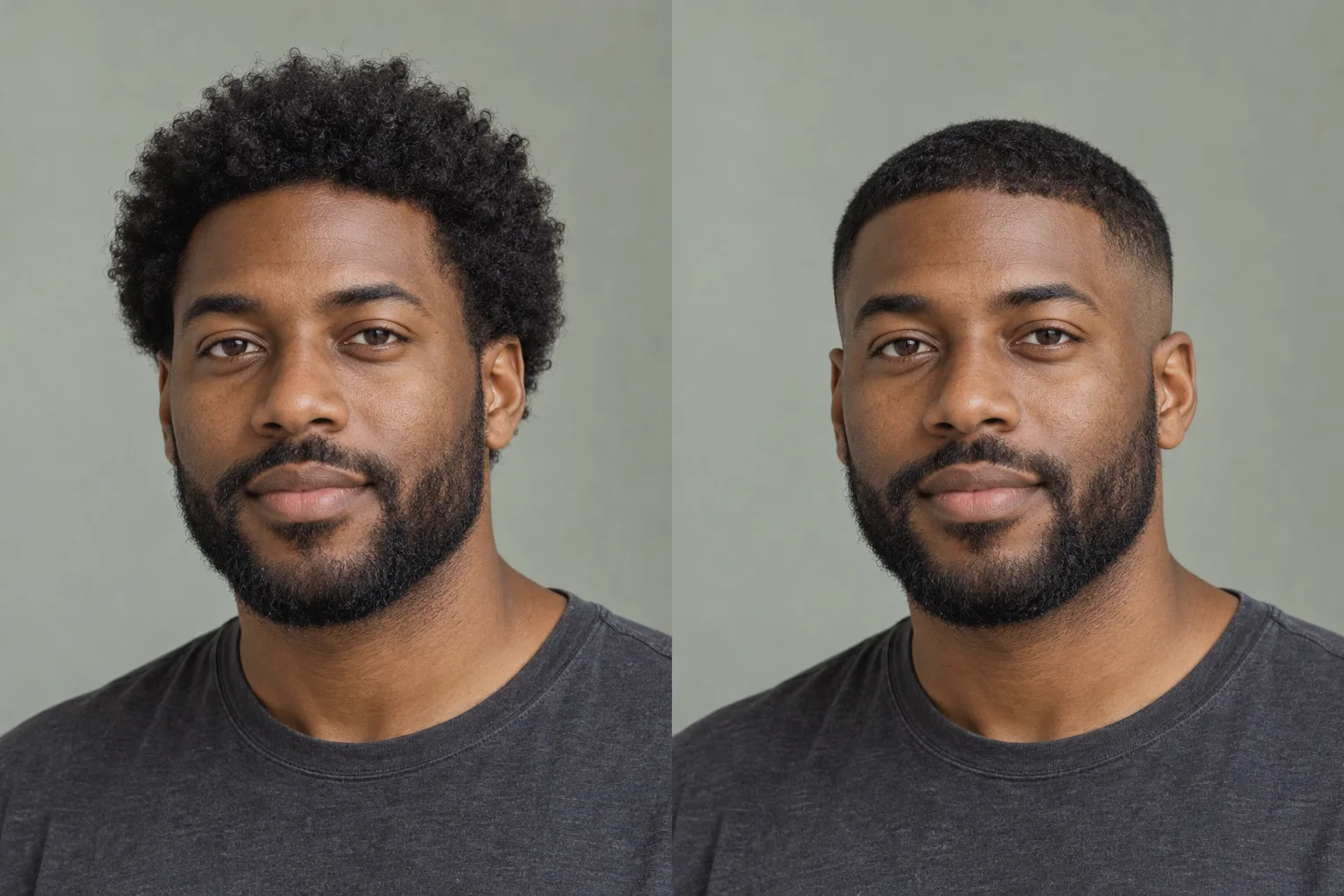
A short, textured top meets closer sides above the ears. Look at the transition from the temples into the beard.
A buzz cut filter gives you a visual starting point using your own portrait. With less hair around your face, you can compare how a close crop changes the balance between your forehead, cheeks, jawline, and beard.
Compare a close crop with a fuller layer of short hair. Look at how much scalp you prefer to see.
Notice how less volume around the ears changes the outline of the whole portrait.
Check the transition from the temples through the sideburns into your facial hair.
Small changes in length and the sides can create different impressions. Choose a prompt idea to bring that direction into the generator.
A consistent short crop with visible hair texture. A simple starting point for seeing your face with less hair volume.
Prompt idea
Replace the hairstyle with an even, closely cropped buzz cut with short, visible hair all over the head.
A fuller layer of short hair across the top. Explore more coverage before deciding how close to go.
Prompt idea
Try a longer buzz cut with a fuller, even layer of short hair and more visible hair coverage across the top.
A short top with the sides becoming closer toward the ears. Pay attention to the temples and the transition into your beard.
Prompt idea
Create a short buzz cut with a subtle low fade at the temples and above the ears.
A useful preview starts with a clear portrait and a careful look at the result.
Upload a Clear PortraitHair covering the forehead or ears leaves less information for the AI to work with. Choose a photo without a hat, with the face and head clearly framed.
Use the same original portrait when comparing different cuts. Changes in camera angle, lighting, or expression can make one hairstyle look different for reasons unrelated to the haircut.
Look closely at the eyes, eyebrows, ears, beard, and head outline. If the preview changes those features noticeably, use a clearer photo or simplify the haircut request.
An AI preview may invent areas concealed by long hair. Treat the suggested hairline, scalp coverage, and head shape as an interpretation of the photo.
Save the preview that comes closest to the look you want and bring your original photo too. Point out the details you like: more coverage on top, closer sides, or a softer transition into your beard.
Your barber can translate that direction into an actual length and finish based on your hair texture, density, growth pattern, and head shape. Use the image to start that conversation.
Compare another haircut, explore a color, or continue editing your portrait.
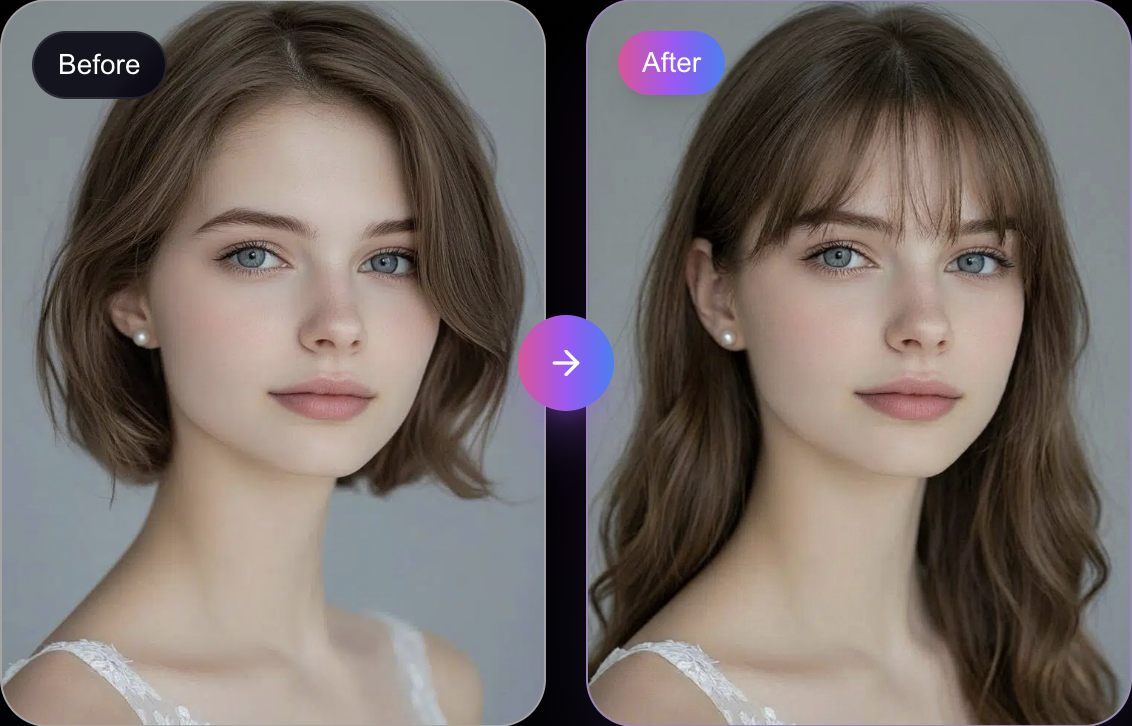
Compare a buzz cut with other haircut ideas before settling on a shorter style.
Try Other Hairstyles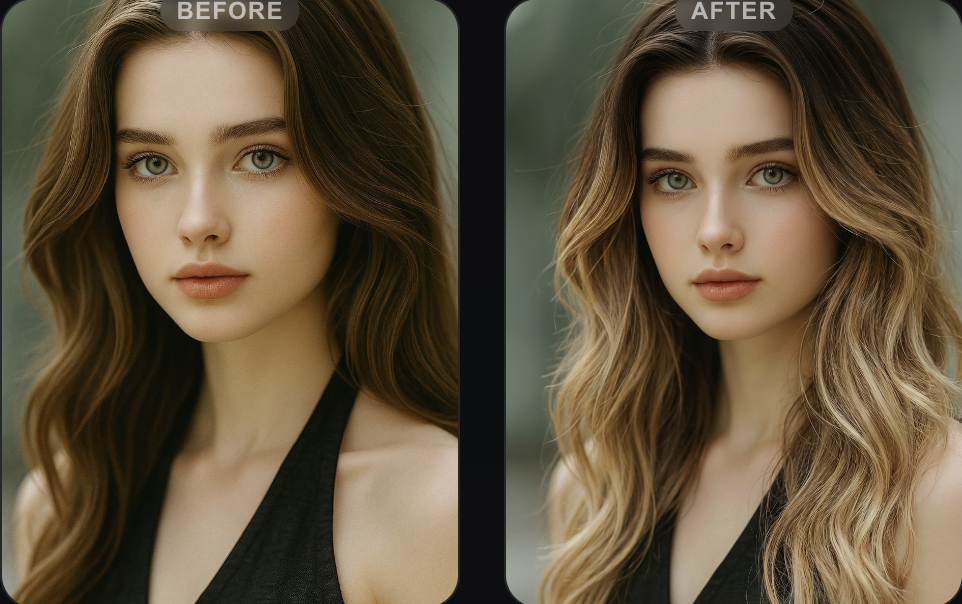
Explore a different color after choosing the haircut direction you prefer.
Try a New Hair Color
Use your portrait as a reference for further edits, with your own instructions.
Continue Editing Your PhotoFree credits, photo tips, and what an AI haircut preview can show.
Upload your photo, preview a close-cropped look, and save the version you want to compare. Start with your own face and a clearer idea of how short you want to go.