
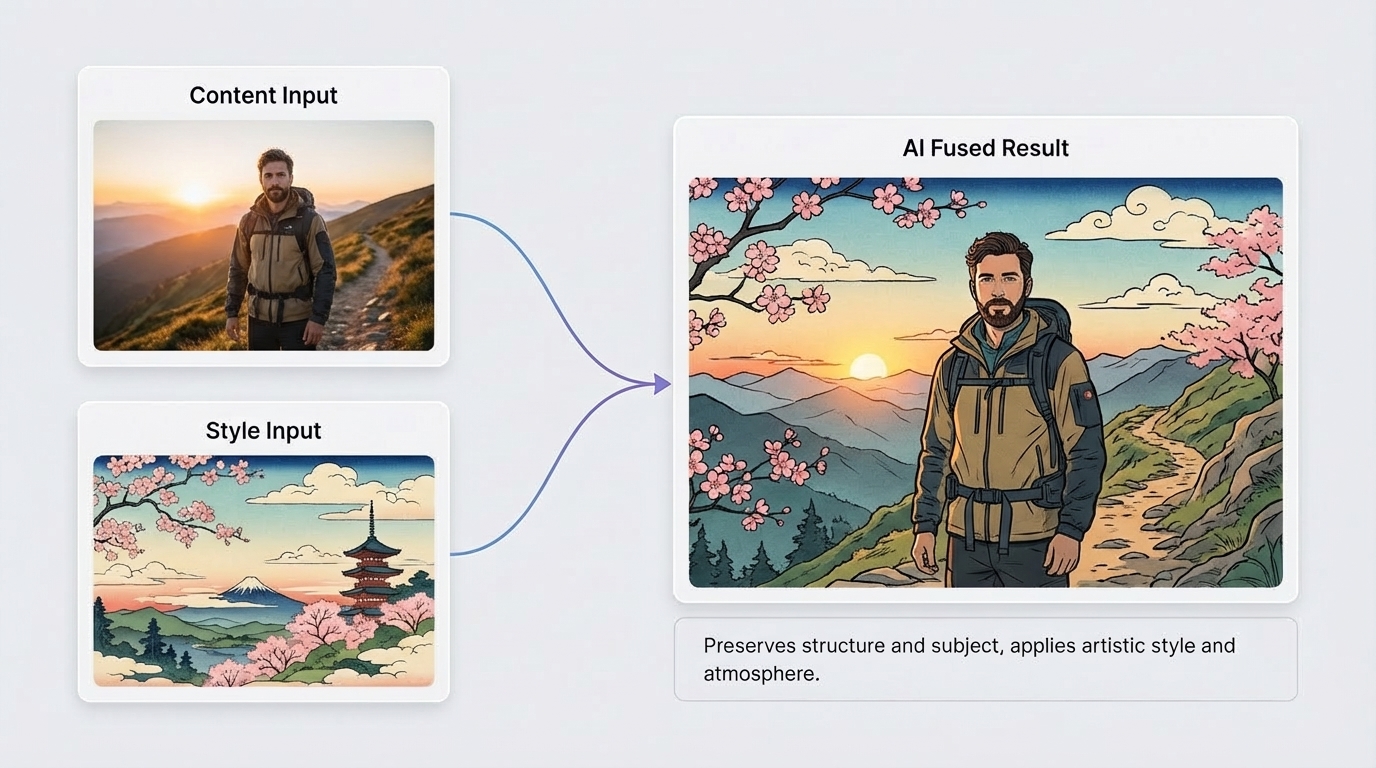
AI Image Combiner
Build with AI Image Combiner
Use this quick three-step flow when you want faster concept output with less manual editing.
Pick a Subject Image
Choose the image that should carry the main object, person, or product focus.
Pick a Style/Scene Image
Add a second image for atmosphere, texture, or context so the result has a stronger visual direction.
Generate and Select
Generate multiple versions, compare composition quality, and keep the one that best fits your use case.
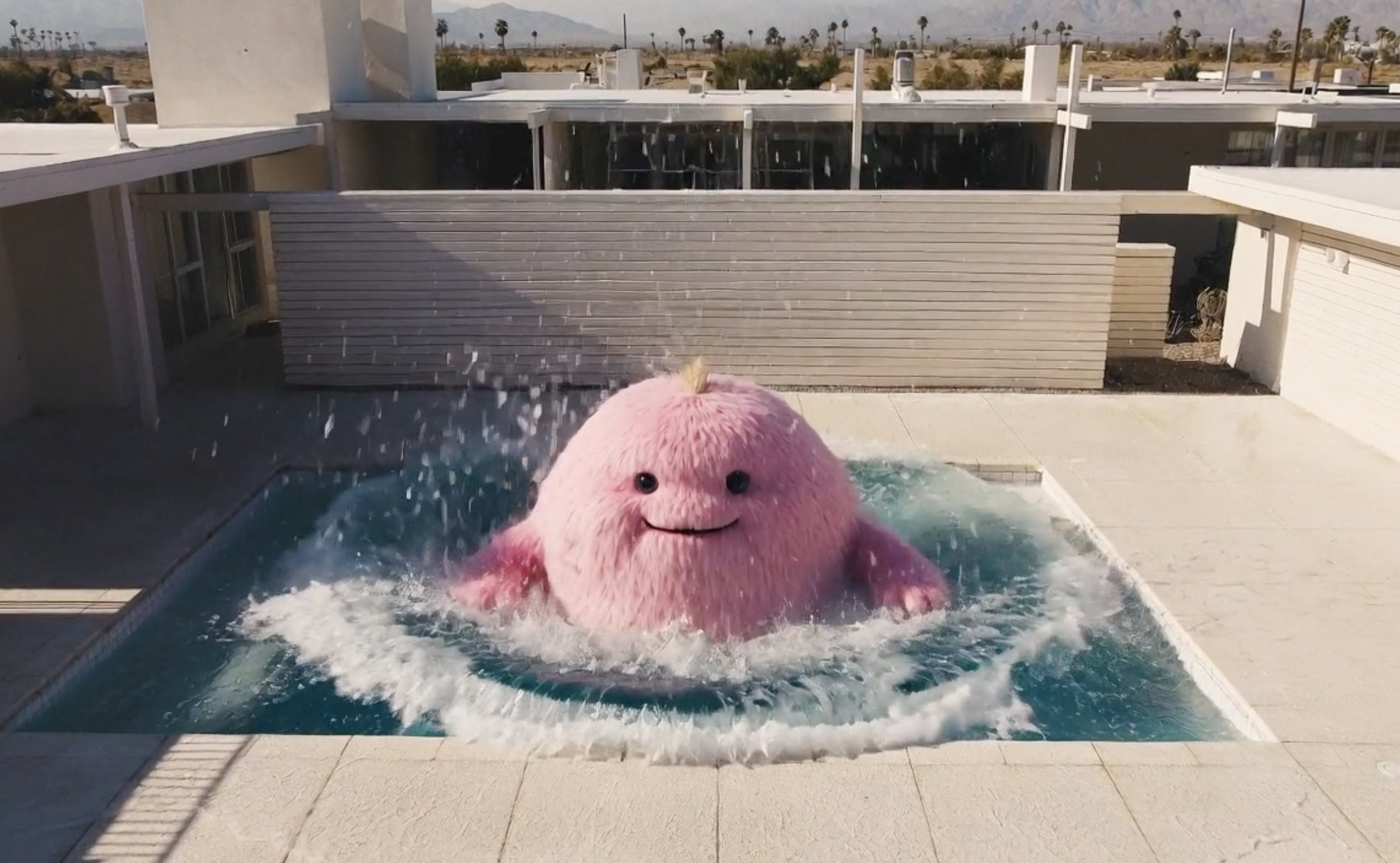
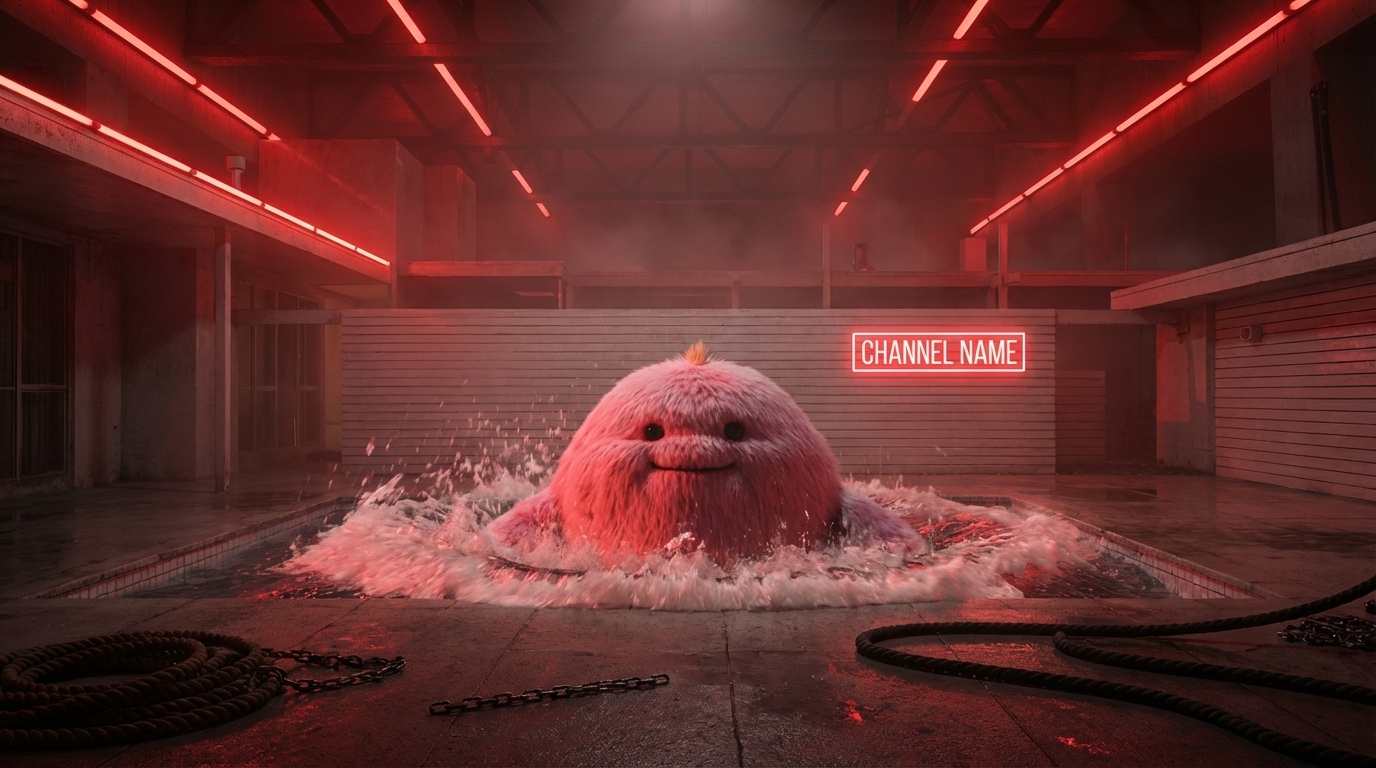
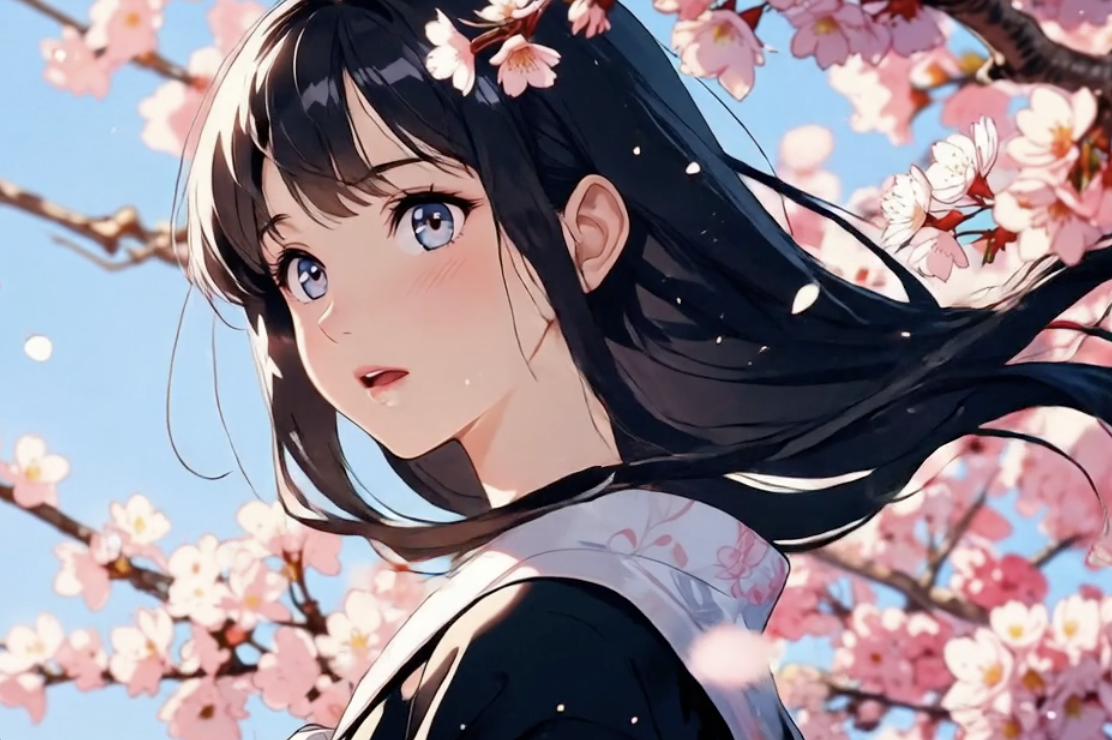
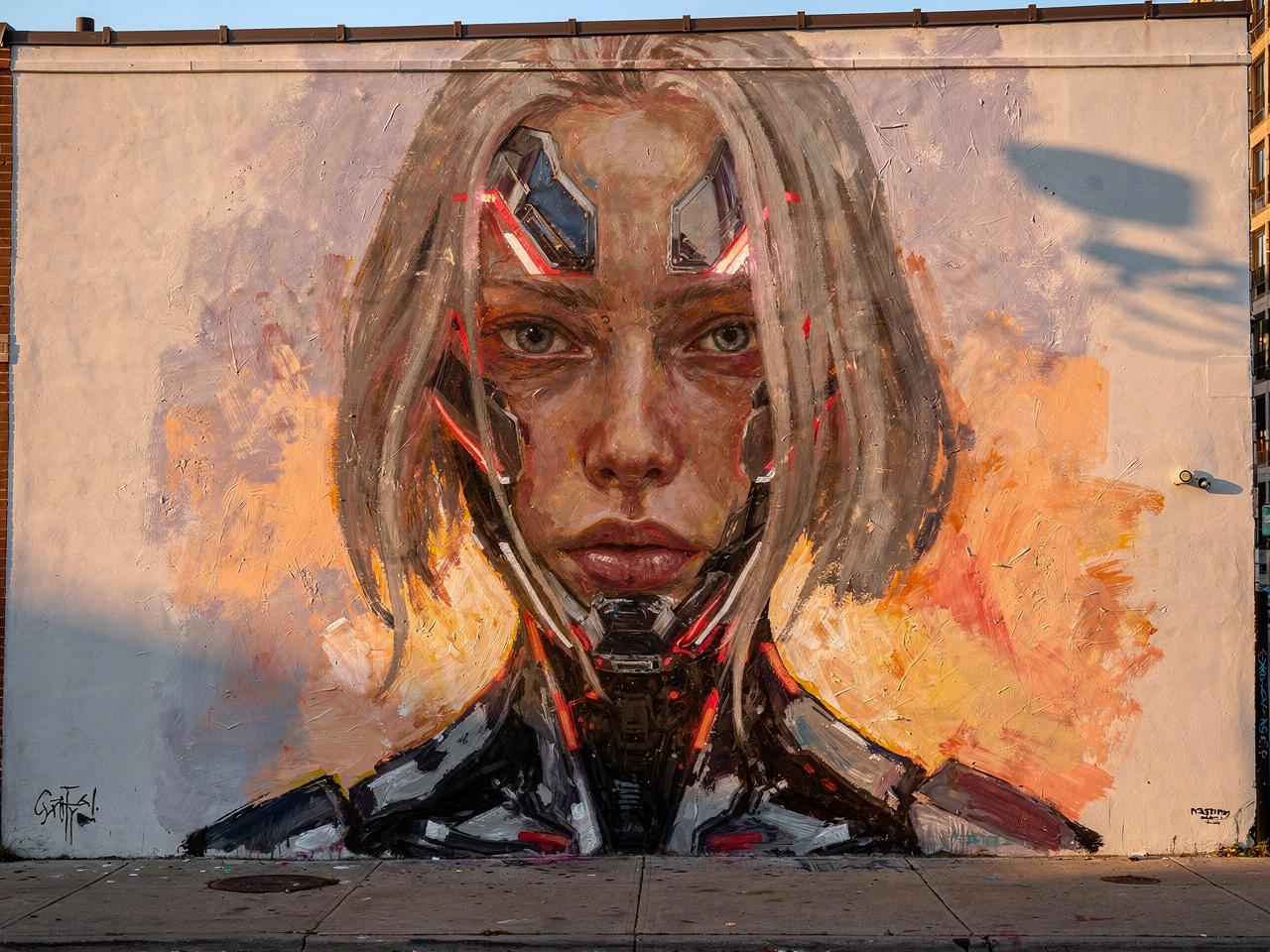
AI Image Combiner Output Samples
Each sample starts from two references and ends with one clear concept direction.
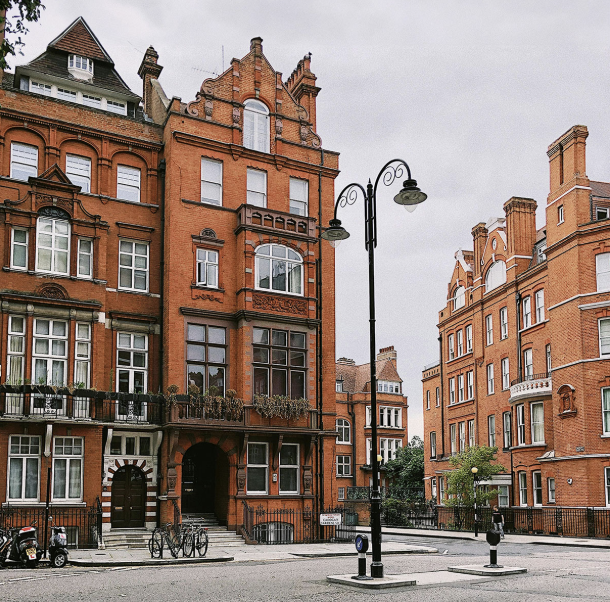
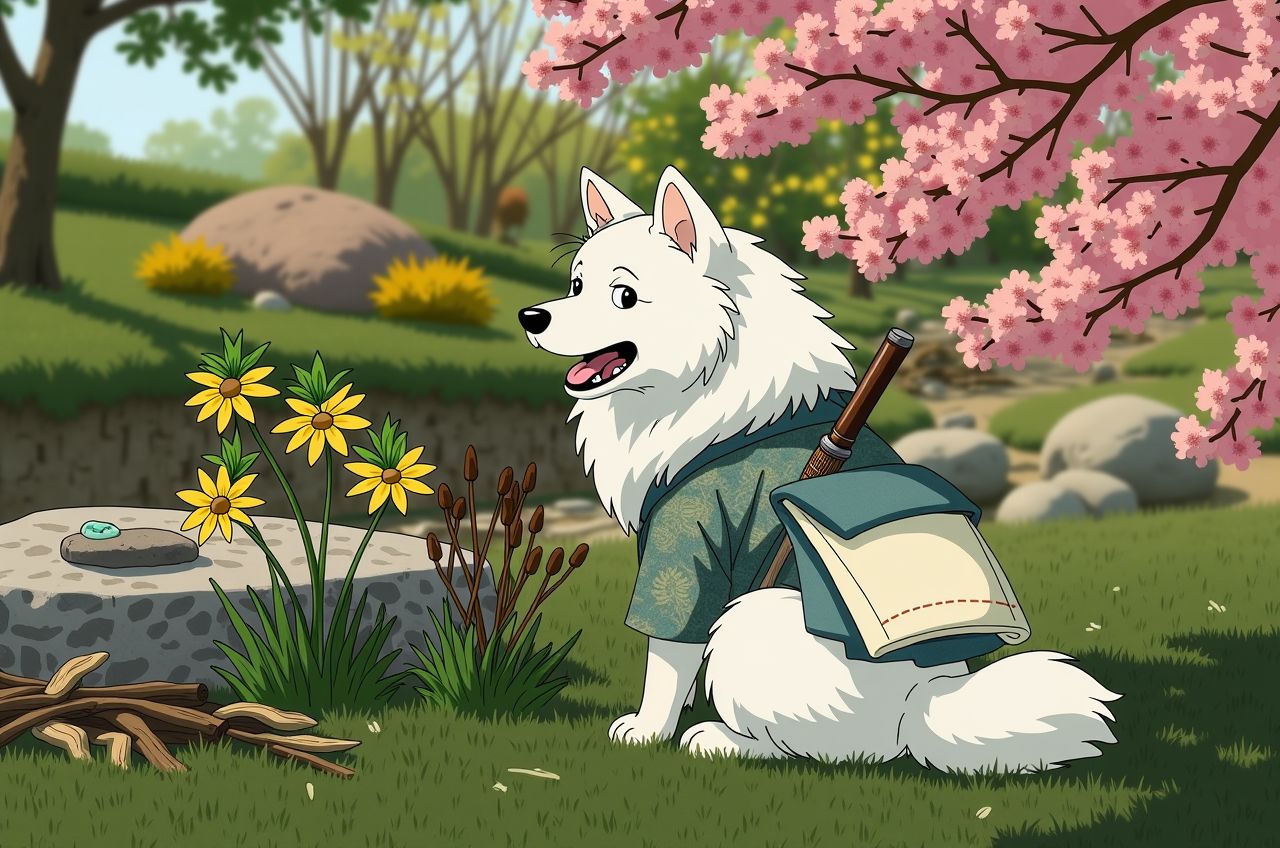
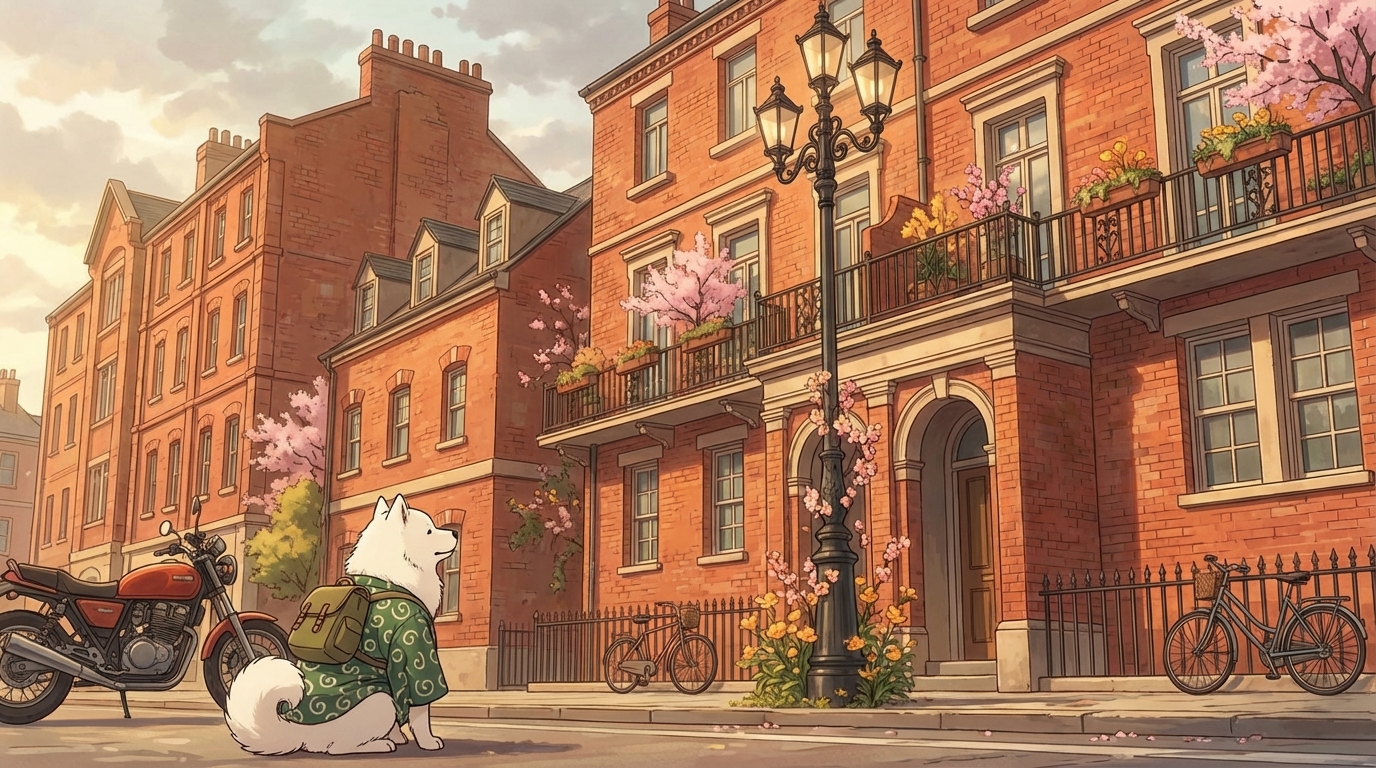
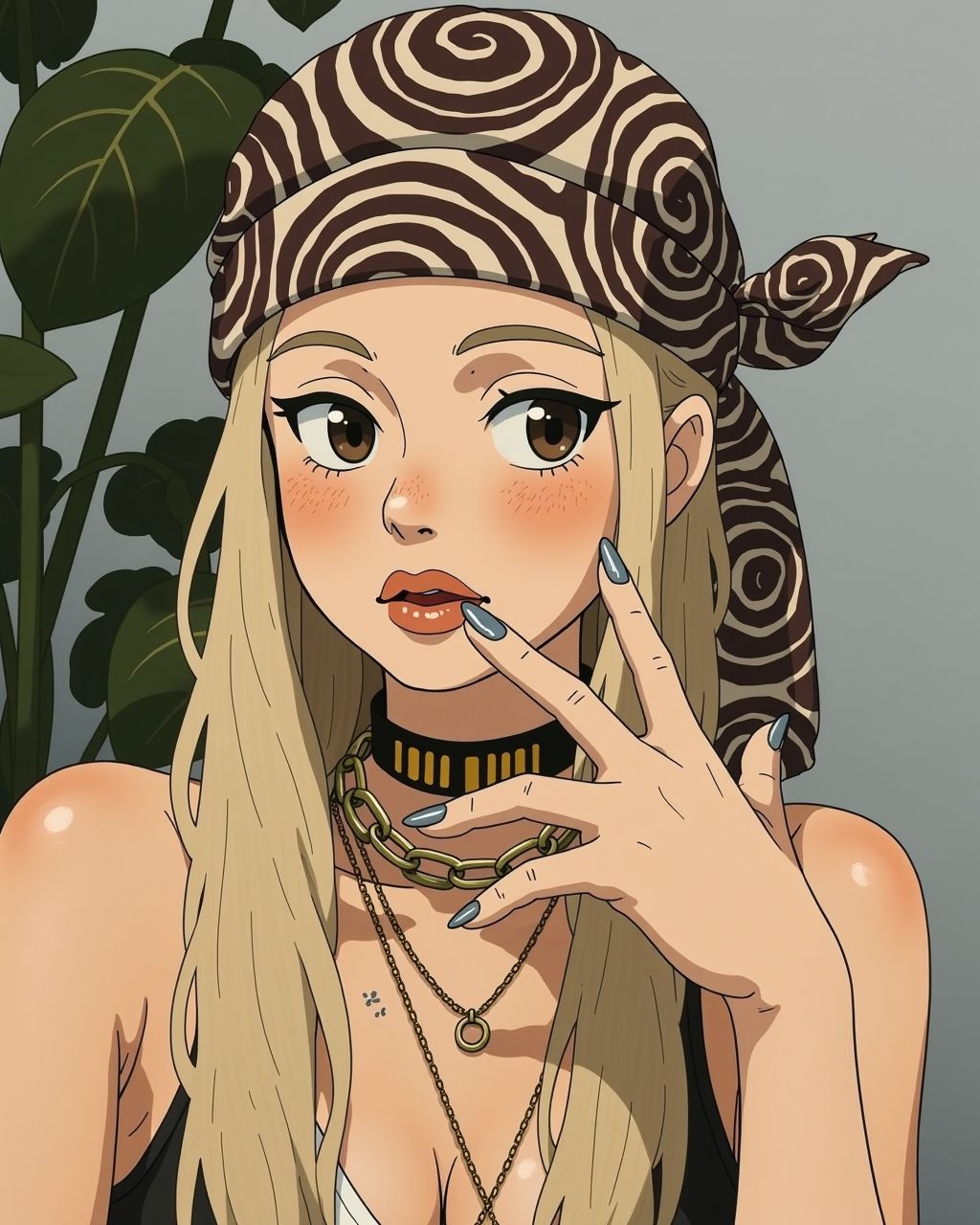
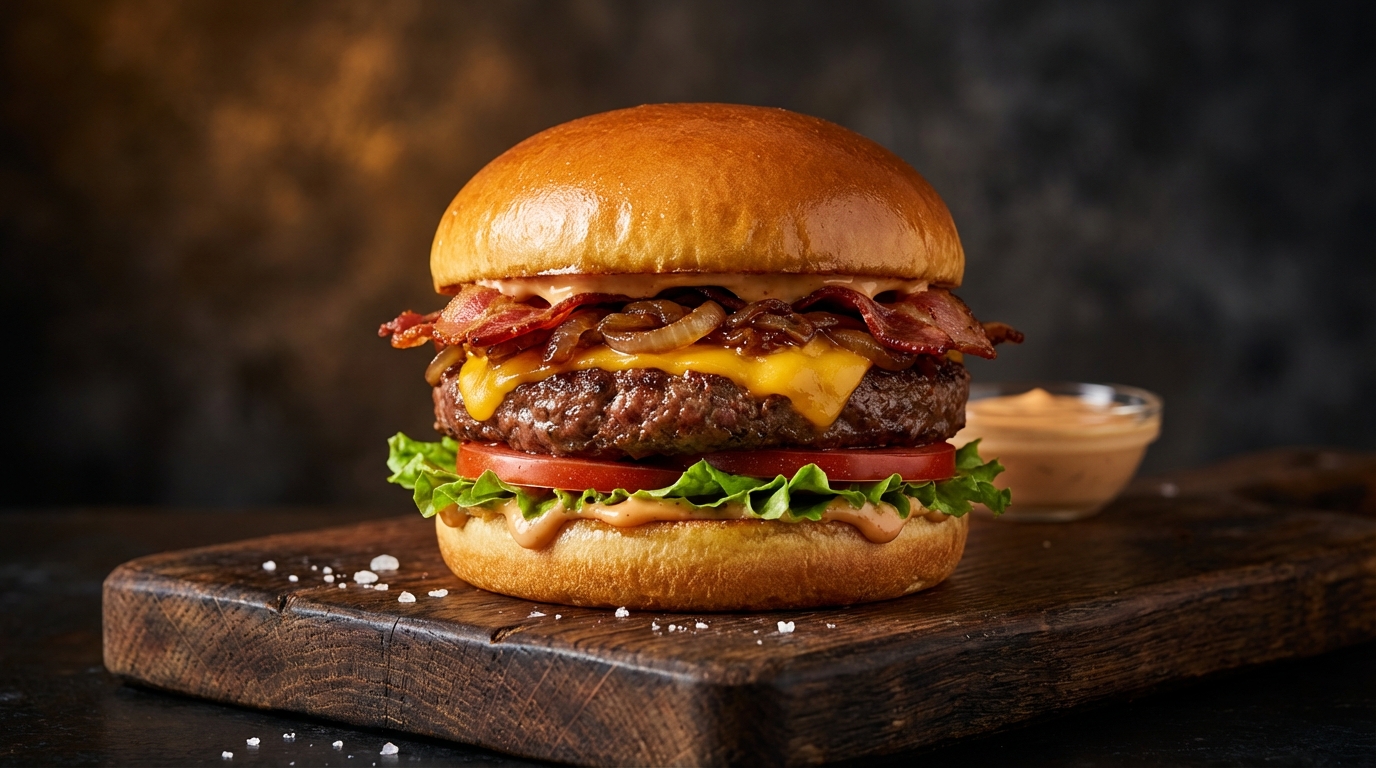
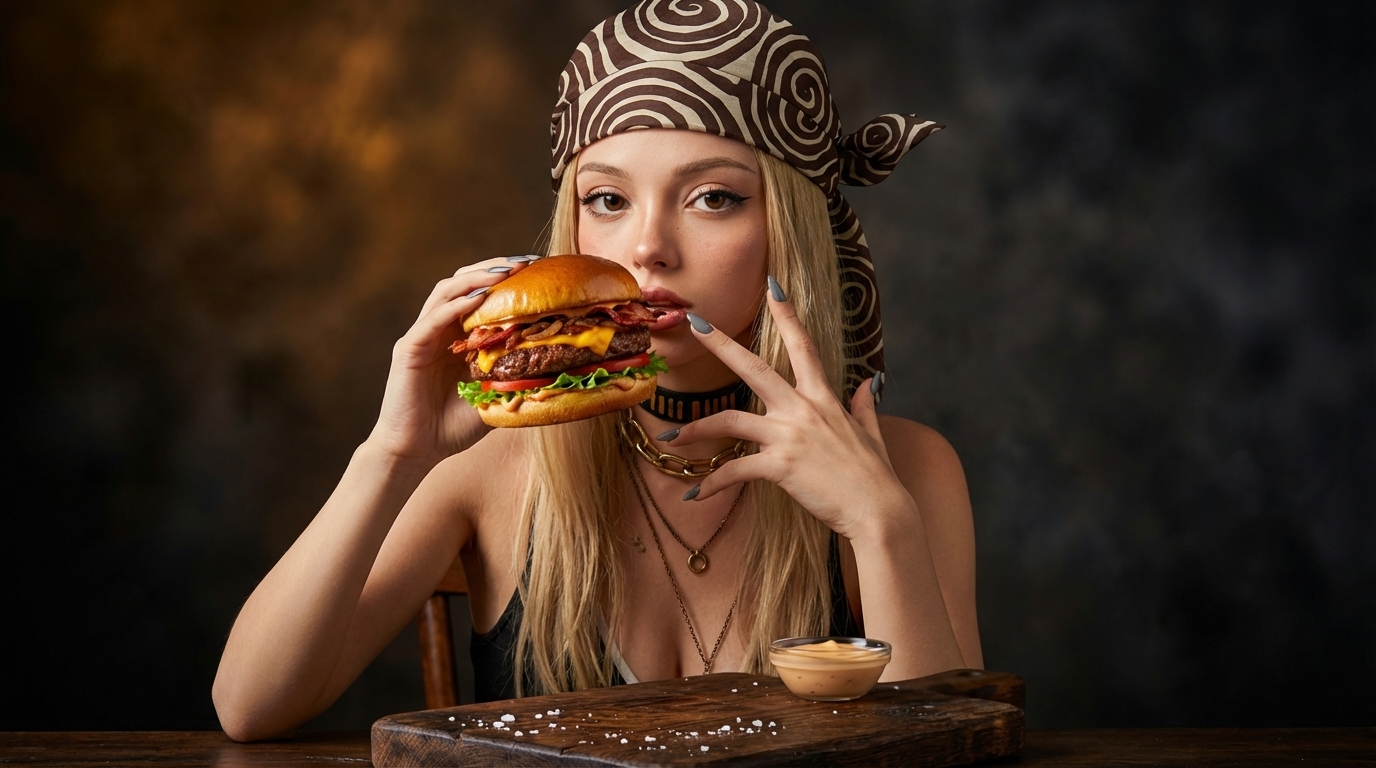
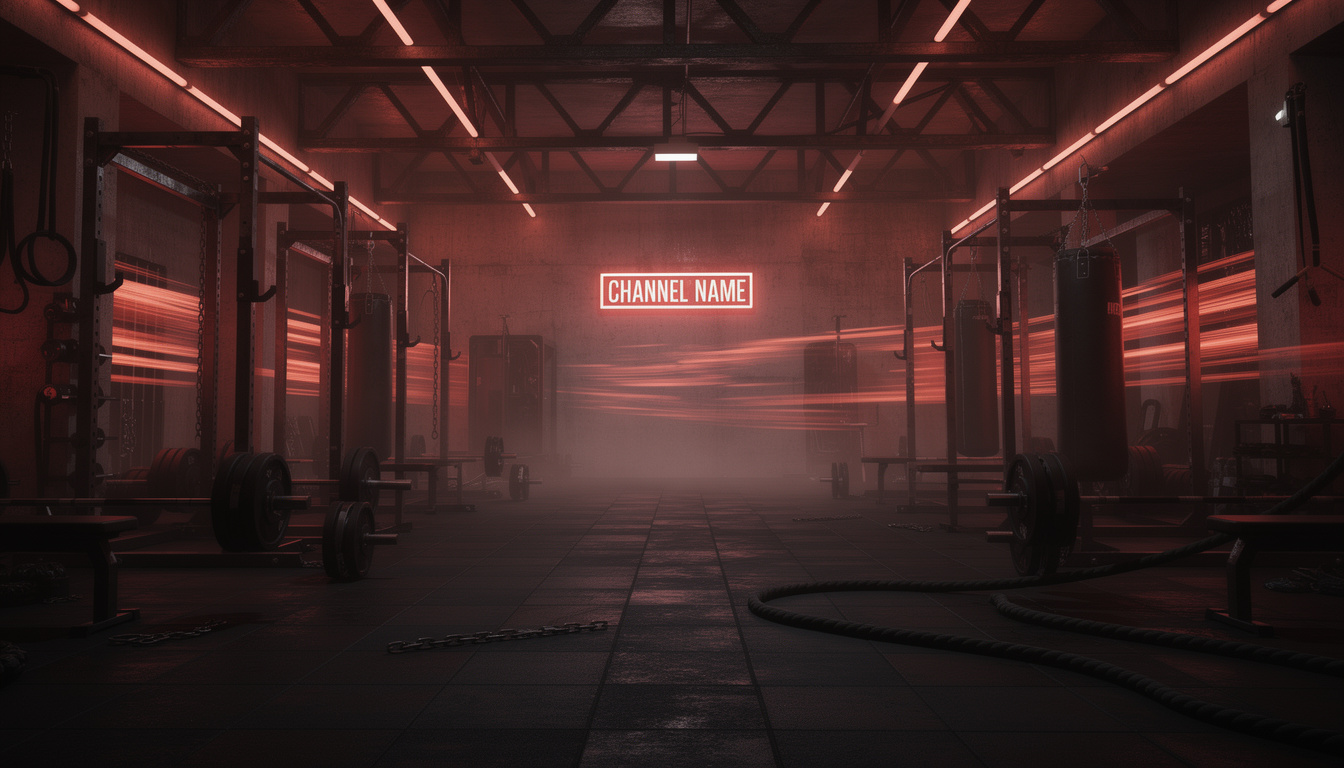
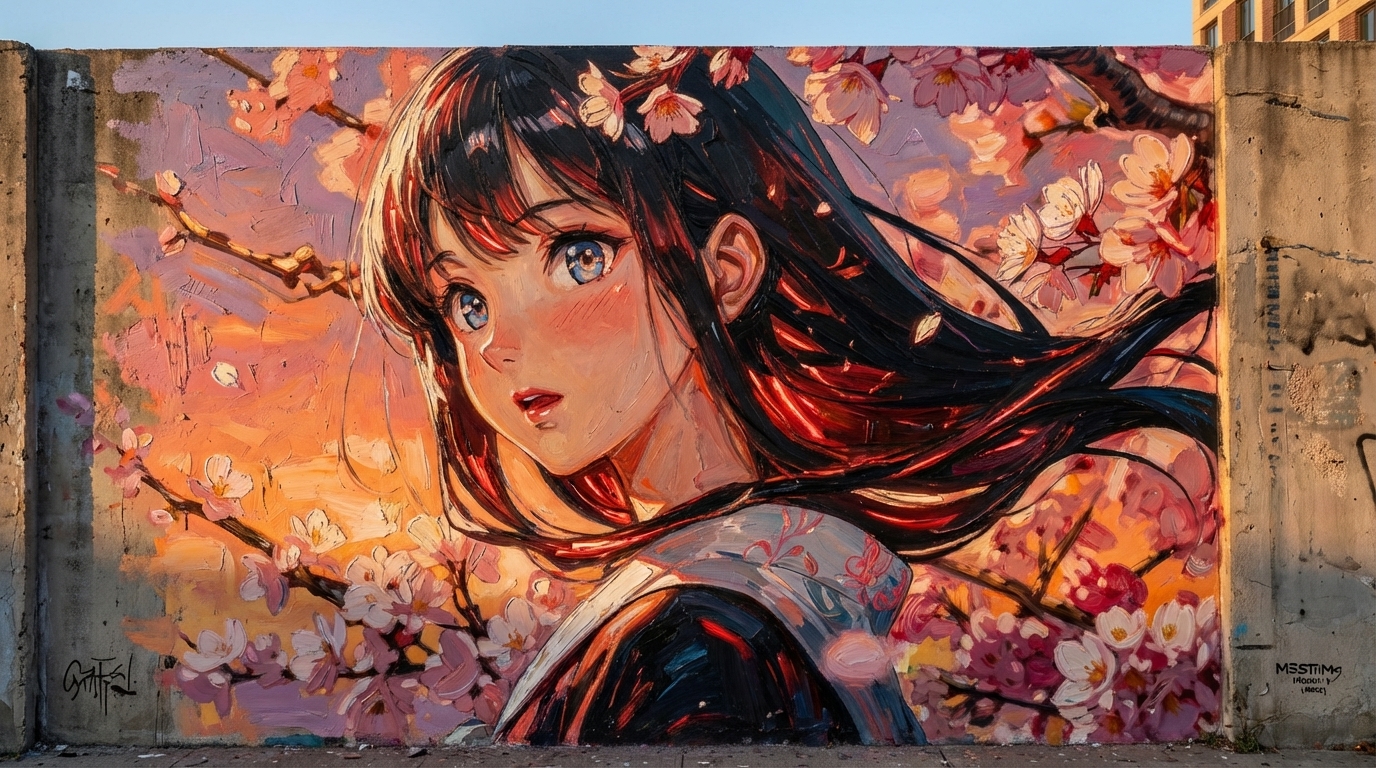
What Is AI Image Combiner
AI Image Combiner is an online AI tool that takes two source images and combines them into one unified visual output. You upload both images, add a short prompt, and the model creates a new composition by aligning subject, style, lighting, and scene context.
- Input: two reference images plus one prompt.
- Process: AI maps subject + style + scene into one coherent frame.
- Output: a ready-to-use combined image for content, ads, or creative drafts.
Where AI Image Combiner Fits
Different teams use AI Image Combiner for different goals, but the core value is always faster visual decision-making.
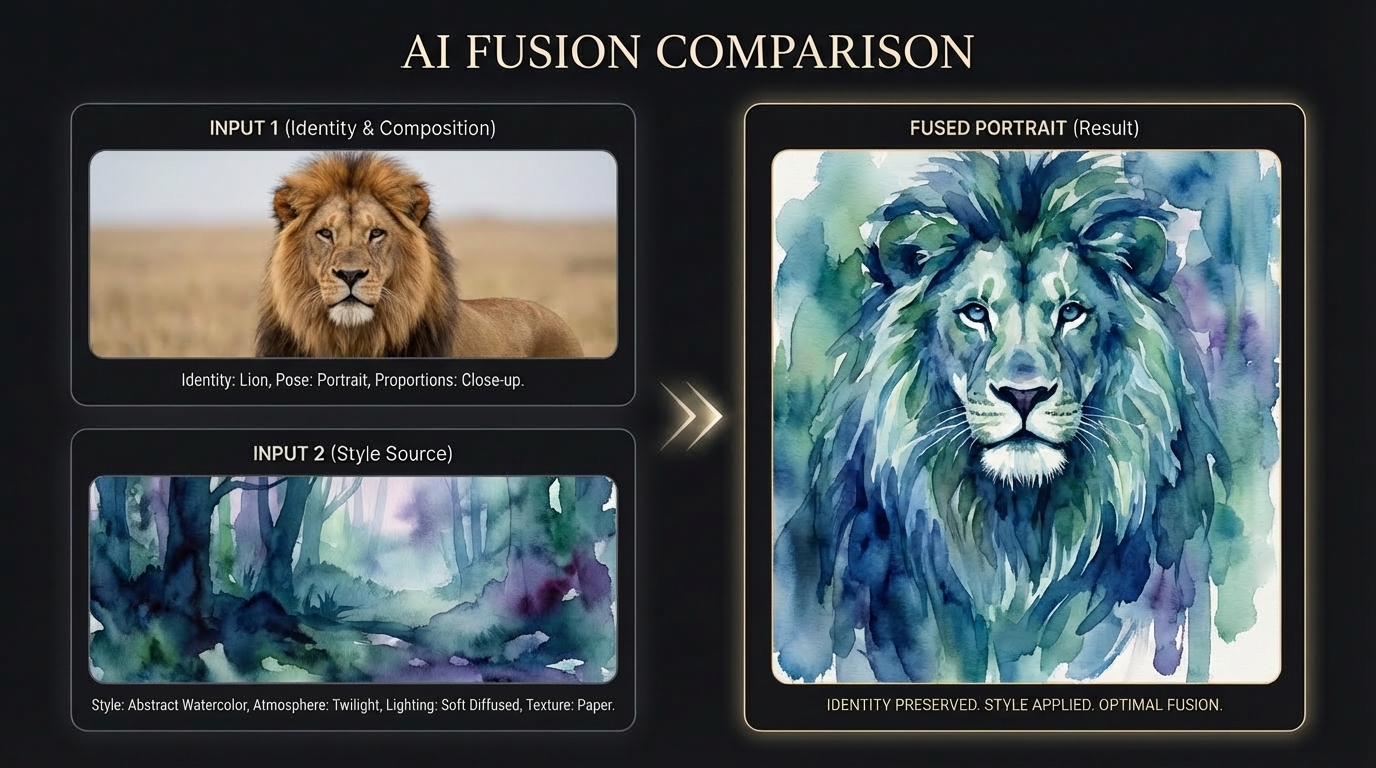
Ad Creative Drafting
Turn a realistic subject into a stylized campaign visual while preserving identity, pose, and composition.
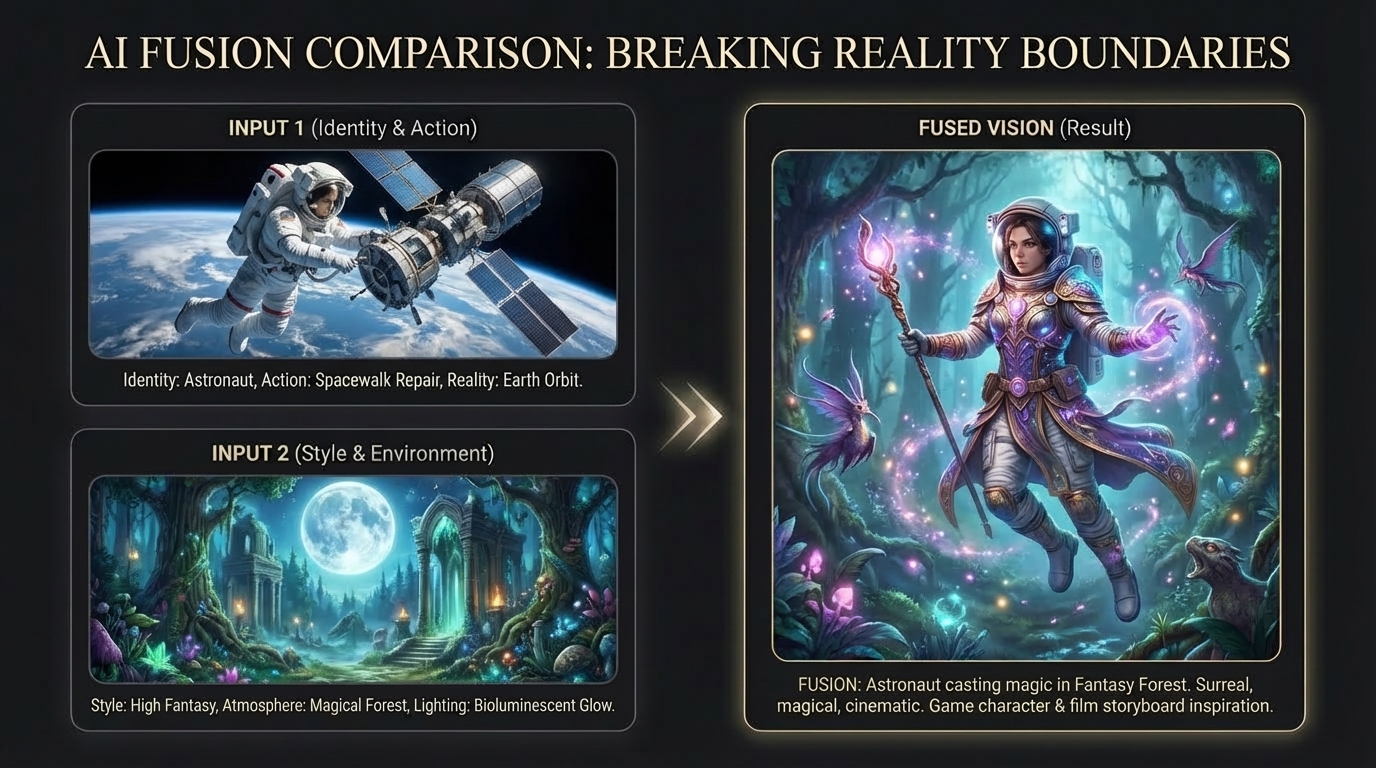
Thumbnail and Cover Concepts
Fuse real-world action with fantasy environments to prototype cinematic thumbnails and cover concepts.
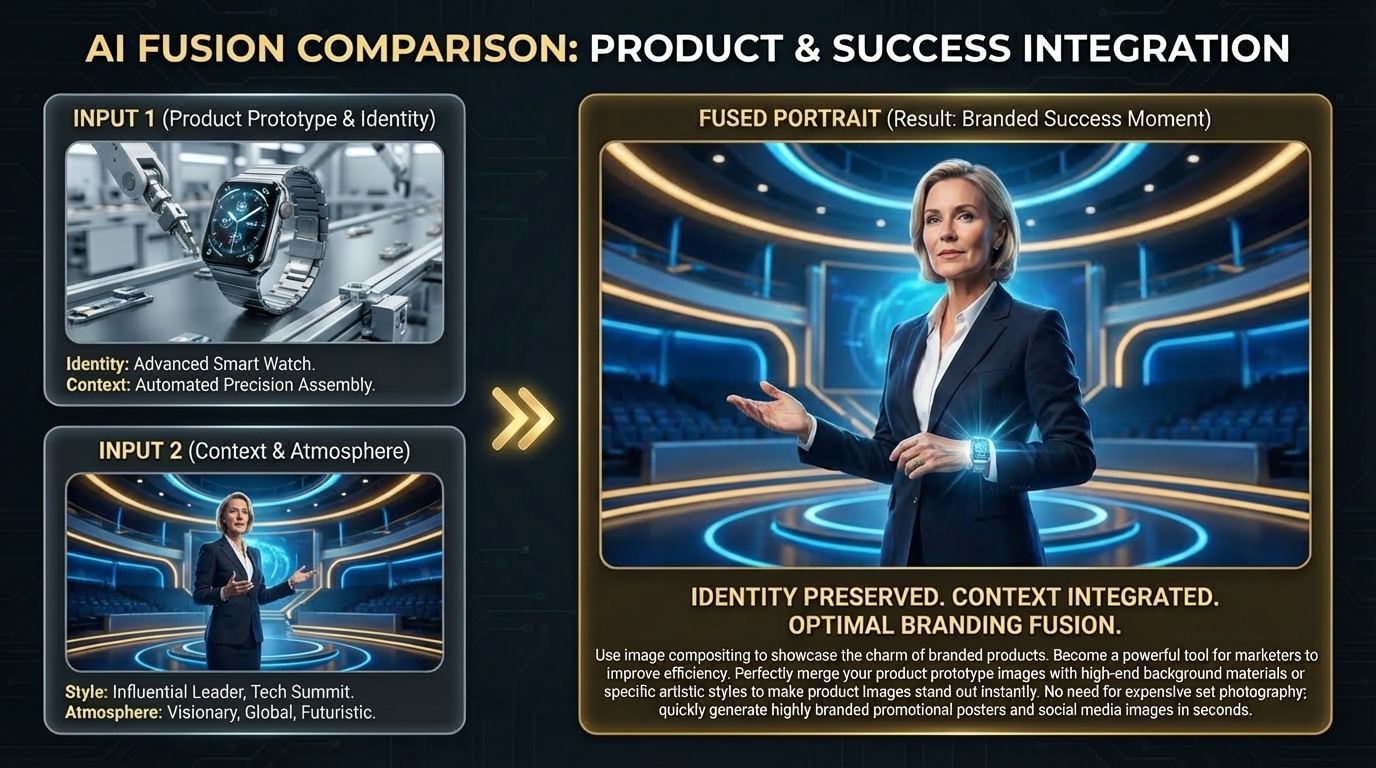
Brand Mood Exploration
Combine product prototypes with leadership-stage context to create branded success visuals for launch storytelling.
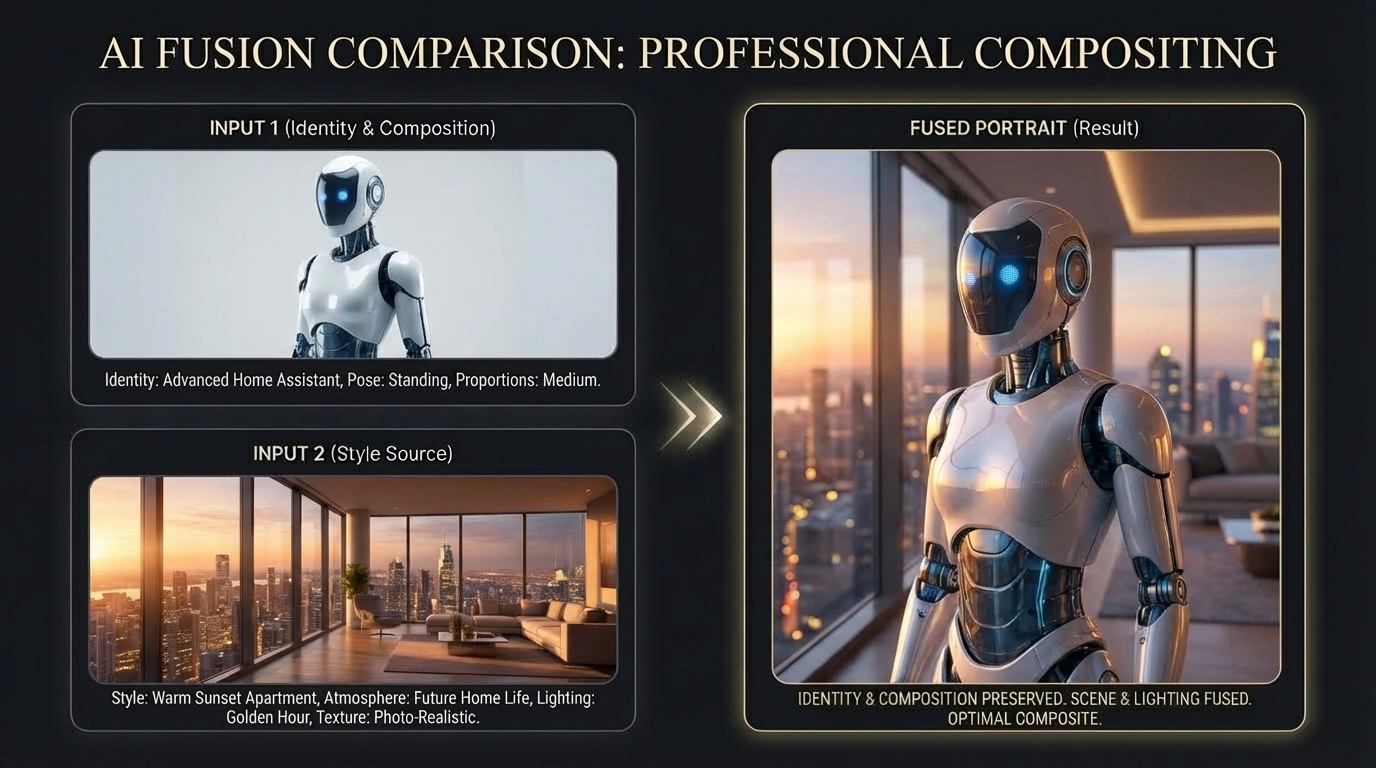
Pitch and Proposal Visuals
Place AI or robot subjects into premium real-world interiors for proposal-ready visuals and professional compositing demos.
Key Advantages
This workflow focuses on composition quality and decision speed, so teams can move from idea to usable visual faster.
Composition-Driven Combination
Unlike basic overlay tools, AI Image Combiner is positioned for composition decisions. It helps you keep a clear focal point while importing style from another source.
- Subject-first control
- Cleaner visual hierarchy
- More usable first drafts
Prompt Language That Feels Practical
You can use short, plain prompts and still get strong results. This makes the ai image combine tool easier for non-design users.
- Short prompts work well
- Lower learning curve
- Faster team handoff
Built for Content Production
From creators to marketing teams, this ai photo combiner supports rapid visual iteration for content calendars, ad experiments, and landing drafts.
- Useful in weekly content cycles
- Good for A/B creative exploration
- Less dependency on heavy editing tools
Online and Lightweight
This free ai image combiner runs in-browser, so you can combine images with ai from any device and share outputs quickly.
- No software installation
- Works on desktop and mobile
- Quick export and reuse
AI Image Combiner Common Questions
Simple answers for people who want practical results, not technical complexity.
Related AI Tools
Explore more tools for generation, editing, and style transfer after this workflow.